




August 27, 2026 One Vendor Runs Your Network, Cameras, and Phones: Three Max-Severity Ubiquiti Flaws and What Your Practice Must Patch
Walk into a typical dental office and look up. The small white network gateway humming in the server closet, the discreet cameras over the reception desk and hallway, and the phones at the front desk are, in a great many practices, all made by the same company: Ubiquiti, under its UniFi brand. That is not an accident. One vendor that handles your network, your cameras, and your phones from a single app is genuinely convenient, and it is why UniFi has become the quiet default in small and mid-size offices. This week that convenience showed its other face. On August 26, 2026, Ubiquiti patched three maximum-severity vulnerabilities – one in each of those product families – and every one of them can be exploited remotely, by an attacker who has no password at all.
What was patched, in plain terms
Ubiquiti’s advisory covers three critical flaws, all rated at or near the top of the severity scale, all exploitable in low-complexity attacks that require no user interaction:
CVE-2026-77537 – UniFi Protect. An improper input-validation weakness in the UniFi Protect application, the platform that manages a practice’s security cameras, lets an unauthenticated attacker compromise an unpatched device. In a dental office, Protect is often watching the reception area, the hallways, and sometimes the operatories – which makes it both a security control and, if breached, a privacy exposure.
CVE-2026-77550 – UniFi OS. A CRLF-injection flaw in UniFi OS – the operating system on the gateways and consoles that route your entire office network – lets a remote attacker without privileges bypass authentication on the device. That is the network your practice-management software, your imaging, and everything else runs across.
CVE-2026-77554 – UniFi Talk. A command-injection flaw in the UniFi Talk application, the VoIP phone system, stemming from improper input validation. This is the line patients call to book, and the system that carries appointment conversations.

Ubiquiti has fixed these in UniFi Protect Application 7.2.105 or later, UniFi Talk Application 5.3.2 or later, and the corresponding fixed UniFi OS release. On the same day it also addressed 18 additional critical-severity issues in Security Advisory Bulletin 067, spanning the UniFi OS Server, the UniFi Network application, the Protect AI Key appliance, and a wide range of routers, gateways, NAS units, and surveillance systems. In other words, this is a broad update, not a single hotfix.
Why one vendor stack is also one attack surface
The reason to treat this as more than routine patch news is structural. When a single brand runs the network, the cameras, and the phones, a bad week at that vendor is a bad week across three different parts of your practice at once. The same logic we raised when we asked whether your practice router could be a backdoor after the MikroTik RouterOS advisories applies with more force here, because the blast radius is wider. It is the same lesson behind the other computers in your operatory: every networked appliance is a computer that can be attacked, and a camera or a phone that no one thinks of as “IT” is exactly the device that never gets patched.
The danger is the management interface, not the wall mount
None of these flaws matters much to an attacker who cannot reach the device. The problem is how often these management interfaces end up reachable from the open internet – typically so a practice or its installer can log in remotely to check the cameras or adjust the network from home. Threat-intelligence firm Censys currently tracks more than 100,000 UniFi OS instances exposed online. Every one of those is a management console an unauthenticated attacker can attempt to reach directly, and an authentication-bypass flaw like CVE-2026-77550 is precisely the kind of bug that turns “exposed” into “owned.”

This is the same attack-surface mistake we described when attackers were forging logins into practice websites through a plugin auth-bypass. The pattern repeats: an internet-facing login page plus an authentication-bypass vulnerability equals access without a password. A camera console or network gateway should almost never be directly reachable from the public internet – remote access belongs behind a VPN, not stapled to the open web.
Ubiquiti gear has a target on it – and a history
Ubiquiti did not say whether these three flaws had been exploited before the patch. That is cold comfort, for two reasons. First, these are low-complexity, no-interaction, unauthenticated bugs – the kind that get reverse-engineered from the patch and weaponized within days. Second, the track record is not reassuring. Back in June 2026, CISA gave U.S. federal agencies just three days to patch a different set of max-severity UniFi OS flaws that were already being exploited in the wild; security researchers later showed those could be chained to achieve remote code execution with root privileges and no authentication. Going further back, the FBI in 2024 dismantled a botnet built on compromised Ubiquiti routers and used by a state intelligence service. Popular, internet-facing gear is popular with attackers for the same reason it is popular with practices.
What a dental practice should do this week
You do not need to be a network engineer to close this gap – you need to make sure someone does these five things:
- Update now. Bring UniFi Protect, UniFi Talk, and UniFi OS up to the fixed versions listed above (and apply Bulletin 067 across your gateways, switches, and NAS). If you use Ubiquiti’s cloud updates, confirm they actually applied – do not assume.
- Get management interfaces off the public internet. Ask whether your network, camera, or phone consoles can be logged into from outside the office. If yes, that remote access should move behind a VPN.
- Segment the network. Cameras and phones do not belong on the same flat network as your practice-management server and imaging. A compromised camera should not have a clear path to patient data.
- Turn on automatic updates. The devices most likely to be exploited are the ones no one remembers to patch. Auto-update is the single highest-value setting on this class of hardware.
- Inventory what you actually have. You cannot patch a device you forgot was on the wall. A current list of every networked appliance – by model and firmware – is the control that makes every future advisory a ten-minute check instead of a scramble.
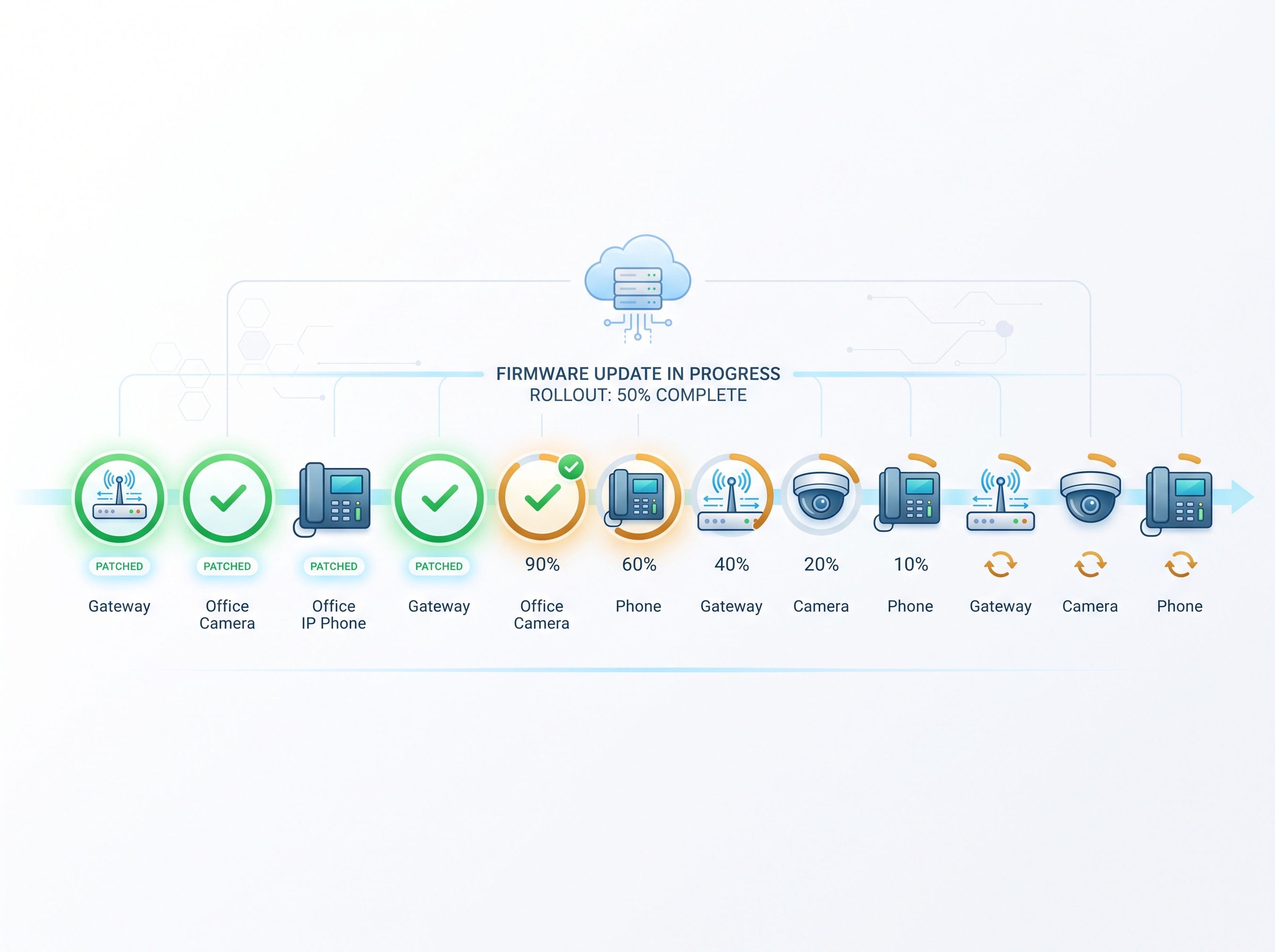
The uncomfortable truth in this advisory is that the cameras watching your reception and the phone patients call are computers on your network, subject to the same patching discipline as any server. When they come from the same vendor as your gateway, they rise and fall together – which is efficient on a good week and concentrated risk on a bad one.

If you are not certain which Ubiquiti or UniFi devices are on your practice network, whether any of their management interfaces are exposed to the internet, or whether this week’s patches actually landed, contact Compudent Systems. We help dental practices across Ontario inventory their network hardware, close off exposed interfaces, segment cameras and phones away from clinical data, and keep the whole fleet patched – so the next max-severity advisory is a routine update, not an emergency.
Sources & further reading:
- Ubiquiti patches three max severity security vulnerabilities – BleepingComputer
- Ubiquiti patches 3 critical remote code execution vulnerabilities – SC Media
- Ubiquiti Security Advisory Bulletin 067
Related Reading
- The Phone System Is a Computer Too: An Actively Exploited Switchvox Flaw and What Your Practice Must Patch
- Where Was Your Imaging Sensor Made, and What Is It Talking To? Device Provenance Is Now a Dental Practice Security Question
- A Perfect 10, No Password Required: The N-central Zero-Day (CVE-2026-86218) Your IT Provider Must Have Patched