




January 22, 2026 The Other Computers in Your Operatory: Why Connected Dental Devices Are the Attack Surface Nobody Audits
In March 2026 the Governor of Texas directed state agencies and publicly funded medical facilities to review the cybersecurity risk of certain networked medical devices, ordering findings reported back within weeks. A US senator followed a few months later, pressing for a broader federal review, and industry trackers such as RunSafe’s 2026 Medical Device Cybersecurity Index have documented a steady rise in attacks that reach organizations through their connected hardware. The politics behind those headlines are not what should interest a dental practice. The premise underneath them is. Regulators have started to say out loud what security teams have known for years: the networked devices inside a clinical setting are computers, they are rarely secured, and they are a way in.
For a dental office that lesson lands close to home. The intraoral sensors, the cone-beam and panoramic units, the intraoral scanners, the chairside monitors, the label printers, even the networked thermostat and the smart TV in the waiting room – each of these is a small computer with an operating system, firmware, and a network connection. They are the part of your practice that nobody patches, nobody inventories, and nobody thinks of as a security risk at all. That is exactly what makes them the attack surface worth auditing before someone else forces you to.
The devices are computers, and that changes everything
When a practice thinks about cybersecurity, it pictures the server and the front-desk PCs. Those get antivirus, updates, and attention. The imaging sensor plugged into the operatory and the CBCT unit down the hall usually get none of it. Yet under the hood they often run a full embedded operating system – frequently an old, stripped-down version of Windows or Linux – with services listening on the network and credentials protecting them. The industry has a name for this category: the Internet of Medical Things, or IoMT. The name matters less than the implication. If it has an IP address, it can be attacked, and if it can be attacked, it needs to be secured like the computer it is.
The reason this surface stays invisible is that these devices are sold and treated as appliances. You buy an x-ray sensor to take x-rays, not to administer an operating system, so nobody ever logs into it, checks it for updates, or asks what version it is running. It simply works, year after year, quietly connected – and quietly unmanaged.
Why connected devices are uniquely exposed
Four traits make medical and dental devices riskier than the PCs beside them, and they compound one another.
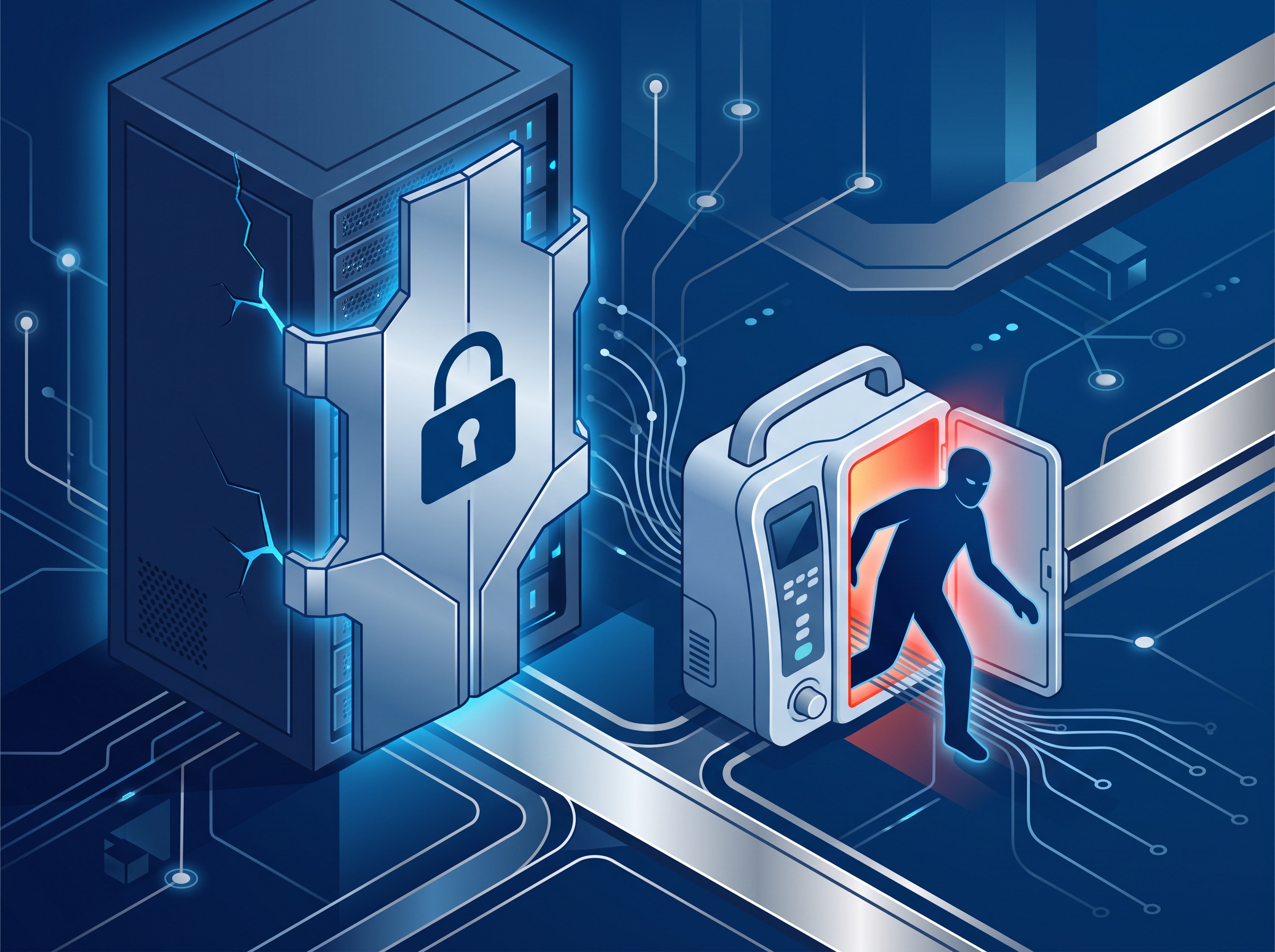
Default credentials. Many devices ship with a well-known factory username and password, documented in a manual that is a web search away. If those were never changed during installation – and they very often are not – anyone who reaches the device on the network can log straight in. Unpatchable, aging firmware. A device may run an embedded OS that reached end-of-life years ago, and the manufacturer may issue firmware updates rarely, slowly, or never. You cannot simply install this month’s patches the way you would on a workstation; you are dependent on the vendor, and dependent on someone actually applying what the vendor ships. A flat network. In most practices every device sits on the same network as the practice-management server and the front-desk PCs, with nothing between them. A compromise of the least-important gadget in the building has an open path to the most sensitive data in it. Silent outbound connections. Devices reach the internet on their own for updates, cloud features, and vendor remote support. Each of those channels is convenient, and each is a pathway that can be abused if it is not controlled.
Put together, the picture is stark: an internet-connected computer, running software the vendor may never patch, protected by a password that may never have changed, sitting on the same flat network as your patient records. That is not a hypothetical. That is the default configuration of a great many operatories.
Start where control starts: an inventory
You cannot protect what you have never listed, and almost no practice has a complete list. So the first move is not a purchase or a product – it is an inventory. Walk the practice and catalogue every device with a network connection: imaging sensors and units, scanners, monitors, printers, networked backup appliances, VoIP phones, cameras, and the assorted smart devices that crept in over the years.
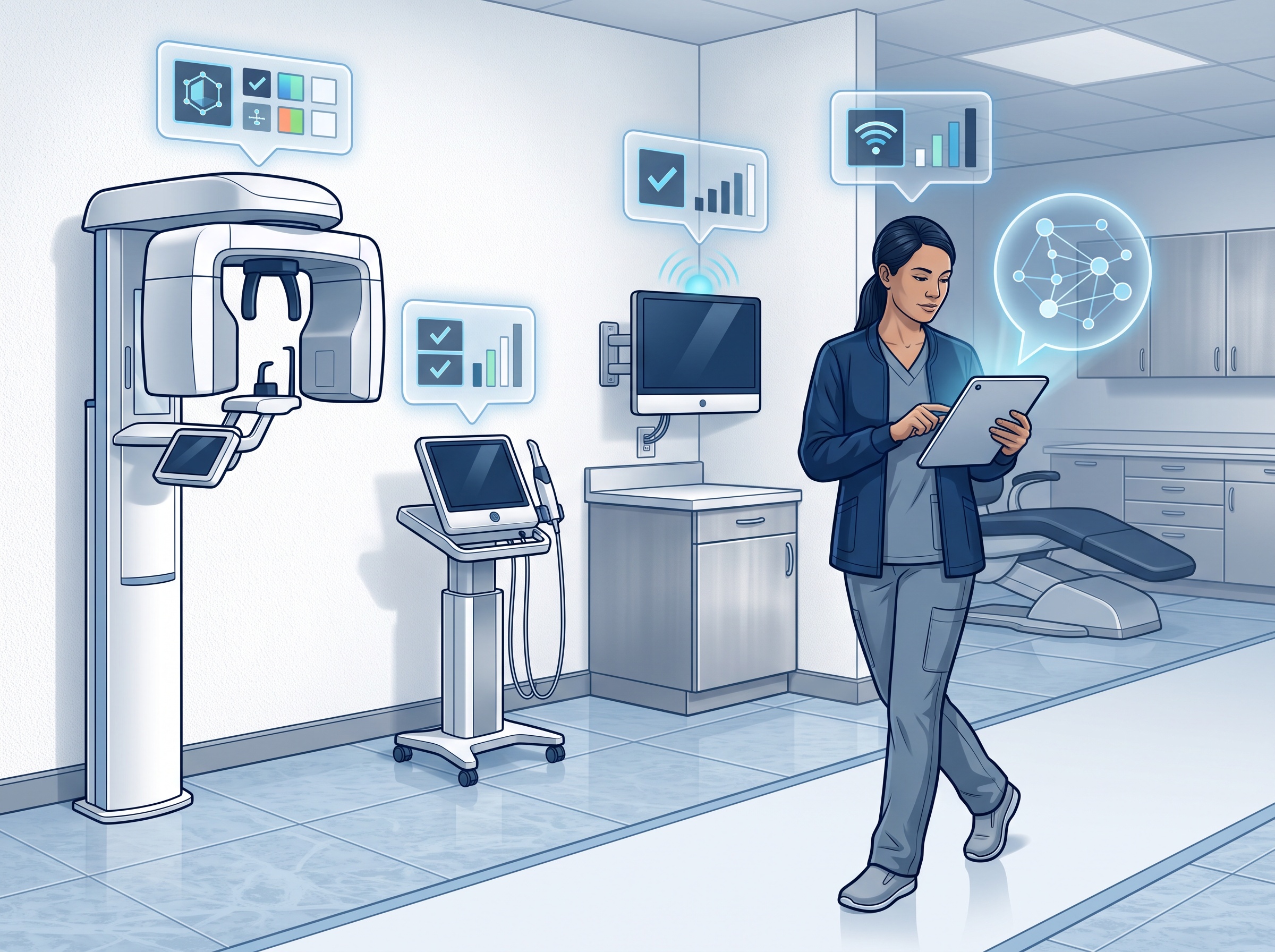
For each one, record what it is, where it lives, what operating system or firmware version it runs, whether that version is still supported, what it connects to, and who the vendor is. The exercise is tedious and almost always surprising – practices routinely discover devices no one remembered were connected, and units still running software the manufacturer abandoned long ago. That surprise is the point. Every item on the finished list is something you can now decide about; everything left off it is a risk you cannot see. This is precisely the kind of audit those government orders demanded, and there is no reason to wait for a regulator to require yours.
Segment the network so one device cannot reach everything
The single most effective control for connected devices is to stop keeping them on the same network as your clinical data. Network segmentation – placing devices on their own VLAN, separated from the practice-management server and workstations by a firewall – means that compromising a sensor or a smart TV no longer hands an attacker a straight road to your patient records.
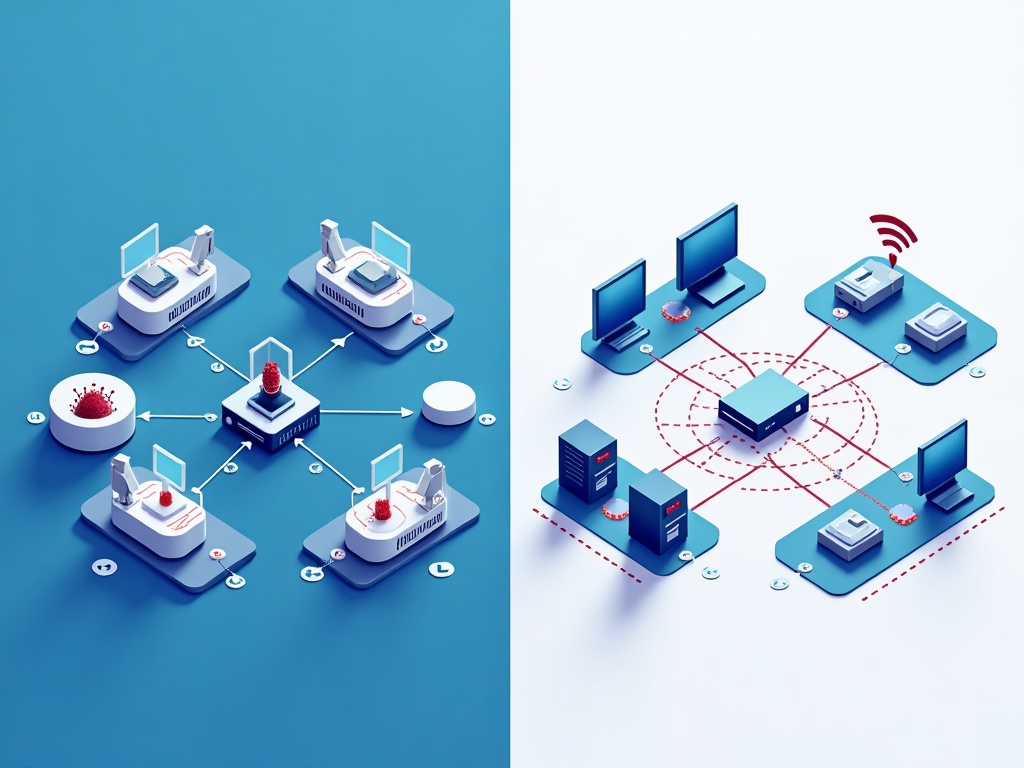
The idea is containment. On a flat network, one infection spreads to everything it can reach, which is everything. On a segmented network, the devices live in their own lane, the clinical systems live in another, and the traffic allowed to cross between them is limited to exactly what each device legitimately needs – and nothing else. If a device is later found to be vulnerable, or is caught behaving strangely, the blast radius is one lane instead of the whole practice. For a small office this does not require an enterprise budget; it requires a properly configured firewall and switch and someone who knows how to set the rules. It is one of the highest-value security investments a practice can make.
Harden and maintain what you have
With an inventory in hand and the network segmented, the day-to-day discipline is straightforward. Change every default password to a strong, unique credential, and store those credentials somewhere safe rather than on a sticky note on the unit. Disable services and features you do not use – remote-access options, unused network protocols, cloud connections that a device does not actually need – because every feature turned on is another thing that can be attacked. Keep firmware current: check with each vendor for updates, apply them on a schedule, and make firmware a line item in your maintenance routine rather than an afterthought. Identify end-of-life hardware – devices the manufacturer no longer supports at all – and make a deliberate plan to isolate them tightly or replace them, because an unpatchable device on your network is a standing liability, not a bargain you are getting extra years out of.
Buy security at the counter, not after the breach
The cheapest time to solve this is before a device is ever installed, which makes procurement a security decision. When you evaluate new imaging hardware or any connected equipment, ask the vendor the questions that separate a responsible manufacturer from a careless one.
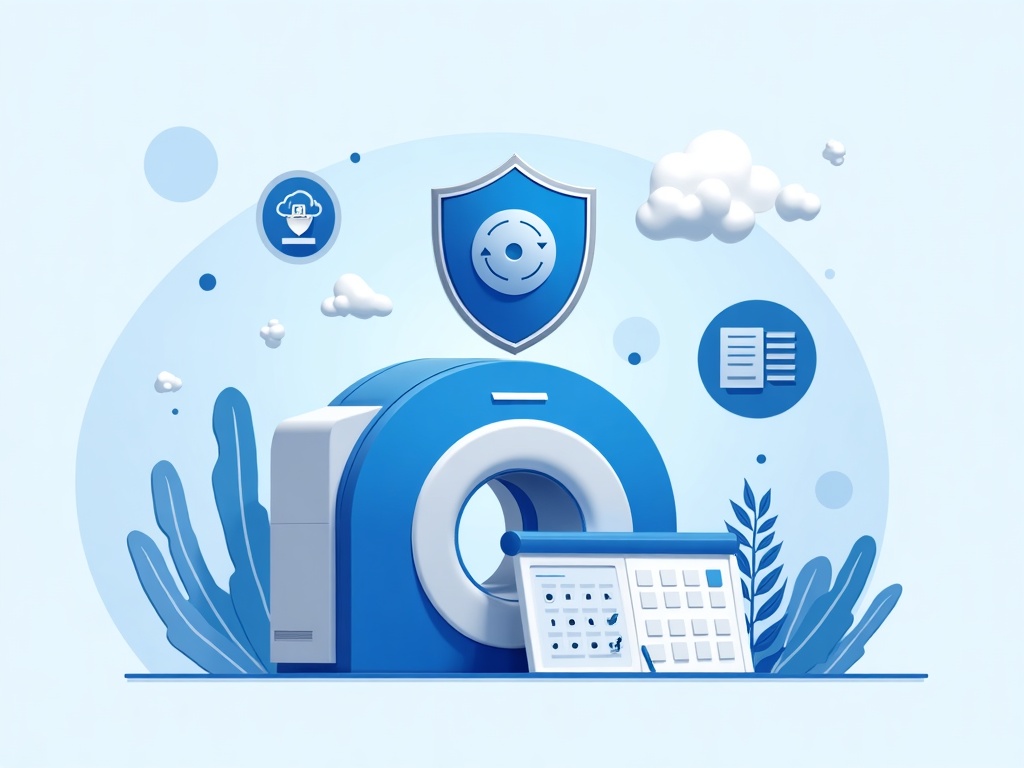
Ask for a software bill of materials (SBOM) – a list of the software components inside the device – so that when a vulnerability is announced in some underlying library, you can tell whether your device contains it. Ask about the patch commitment: how long will this product receive security updates, and how are they delivered? Ask how remote support works and insist that any vendor access is controlled, logged, and turned off when it is not in use. Ask whether the device supports being placed on a segmented network and what it genuinely needs to talk to. A vendor who answers these clearly is one you can secure. A vendor who cannot – or will not – is telling you something important before you have spent a dollar.
Audit it before someone makes you
The trend behind those state and federal orders is not going to reverse. Regulators, insurers, and eventually PHIPA enforcement are all moving toward treating connected devices as the serious risk they are, and “we never thought of the x-ray sensor as a computer” will not be an acceptable answer. The reassuring part is that the work is finite and mostly one-time: list the devices, wall them off, harden them, and buy the next ones with security in mind.
Compudent Systems helps dental practices across the GTA and Ontario do exactly that – a full inventory of every connected device in the office, network segmentation that keeps imaging hardware and smart devices away from your patient data, credential and firmware hardening, and procurement guidance so the next unit you buy is defensible from day one. If you cannot say what is connected to your practice network right now, or which of those devices last received a security update, contact Compudent Systems for a connected-device assessment. It is a far better thing to find on your own schedule than on an attacker’s – or a regulator’s.
Sources & further reading:
- Governor Abbott Directs State Health Agencies to Address Potential CCP-Connected Cybersecurity Risks
Related Reading
- Half Your Connected Devices Carry a Critical Flaw. Can Agentic AI Finally Clear the Patching Backlog?
- Where Was Your Imaging Sensor Made, and What Is It Talking To? Device Provenance Is Now a Dental Practice Security Question
- When Your Device Vendor Gets Breached: An IoMT and Third-Party Security Checklist for Dental Practices