



October 11, 2026 One Logged-In Account Could Read the Whole Office’s Email: The Exchange Server Emergency Patch (CVE-2026-96940) Dental Practices Must Apply
On October 2, 2026, Microsoft did something it only does when a problem will not wait for the usual monthly schedule: it pushed an out-of-band emergency security update for Exchange Server. The flaw it fixes, CVE-2026-96940, carries a severity score of 8.8 out of 10 and is flagged by Microsoft as “exploitation more likely.” In plain terms, it lets an attacker who is already signed in to your email system read the emails and attachments belonging to other people in the same organization — without needing their passwords and without setting off anything that looks like an attack.
If your dental practice still runs its own email server, this one is yours to act on, and quickly. Here is what happened, why the attachments matter more than the messages, and what to do this week.
What the flaw actually does
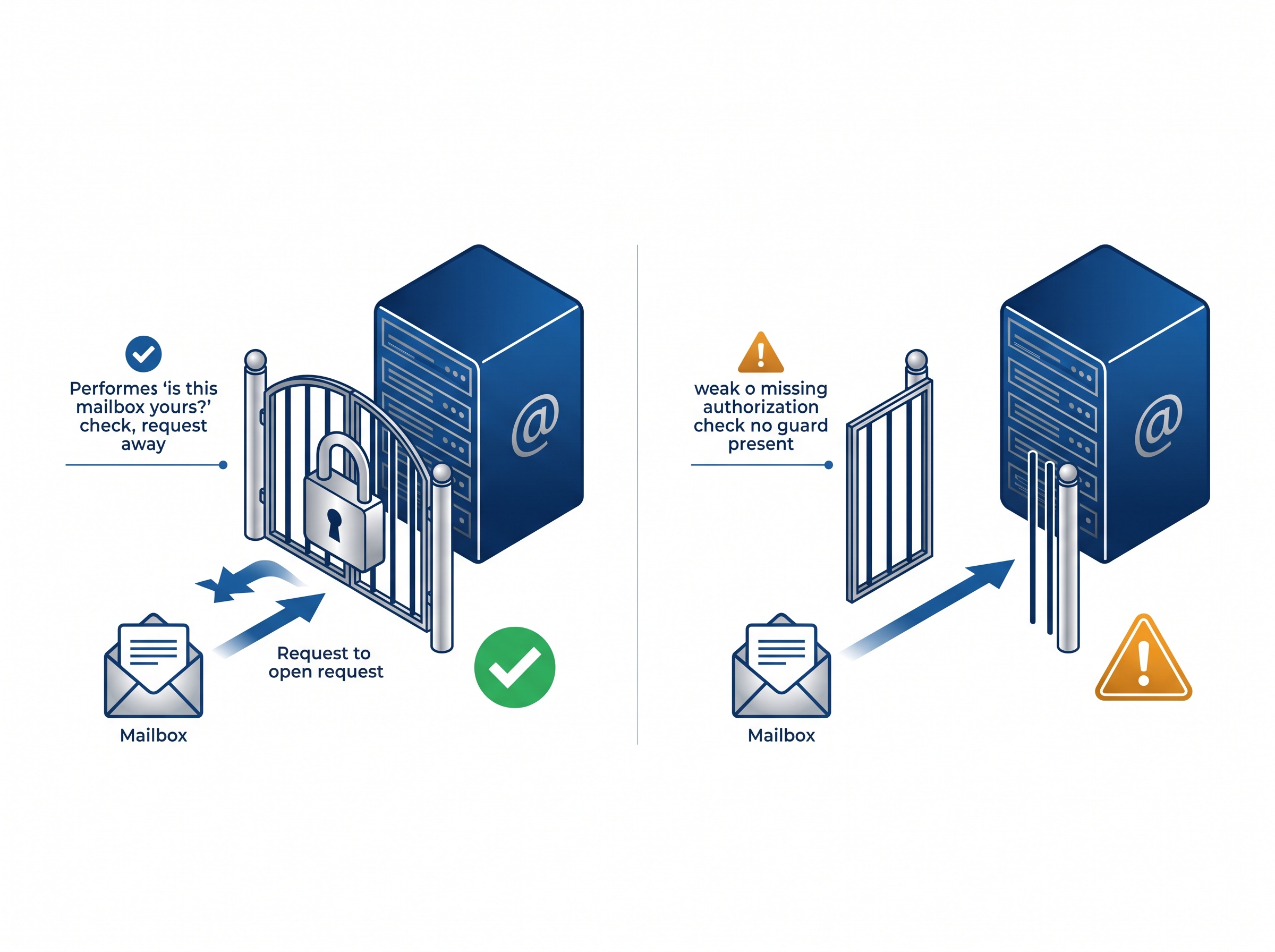
According to Help Net Security, CVE-2026-96940 is a weak authorization bug: an authenticated attacker can read emails and attachments of other users within the same organization, though the flaw “does not allow access across tenant boundaries.” Microsoft says it found the issue internally and is not aware of it being exploited in the wild — but it also notes that this type of flaw has been abused before, which is why it is urging administrators to patch sooner rather than later.
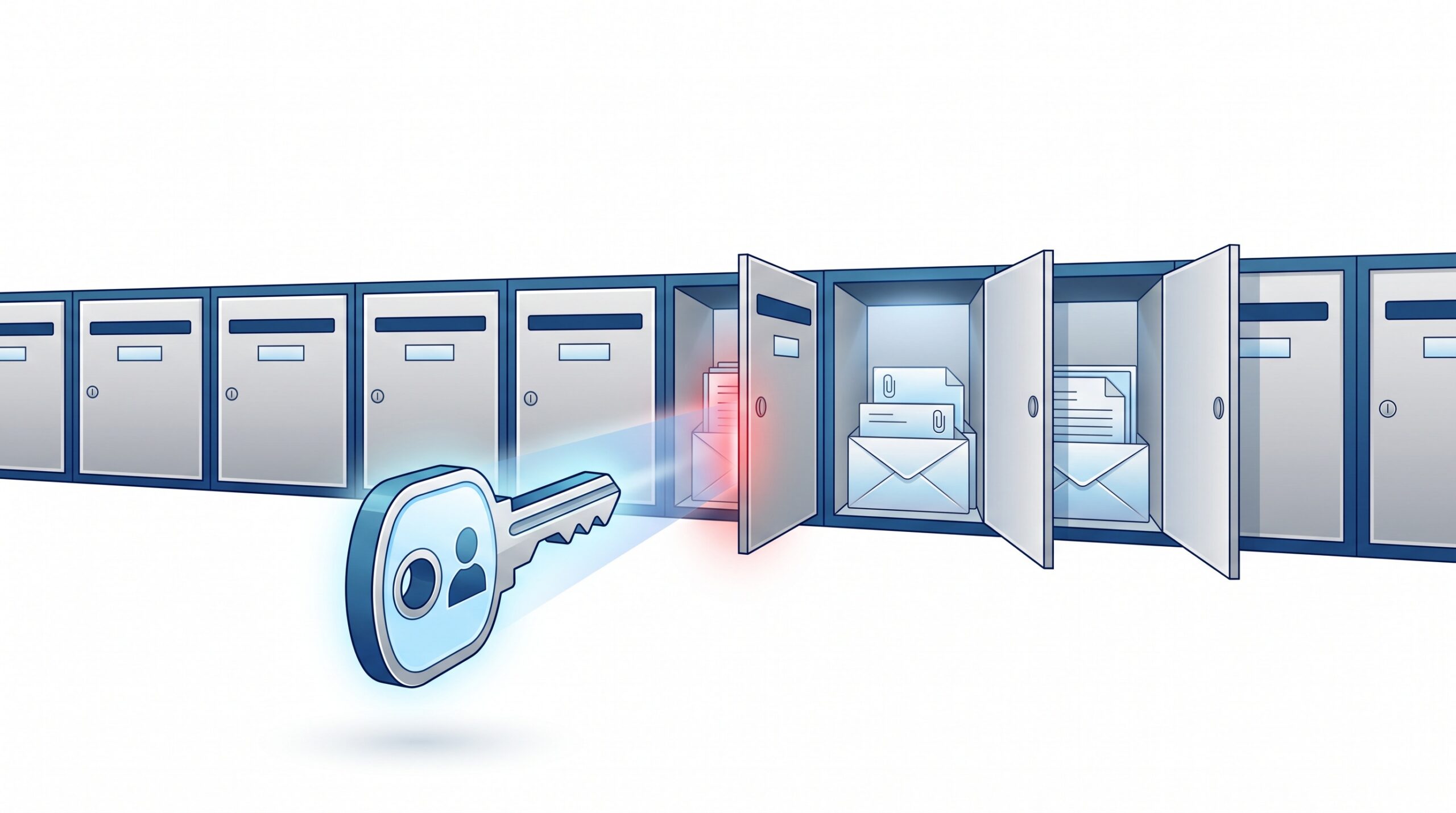
The important word is authenticated. This is not an anonymous intruder on the internet; it is someone who already has a valid login in your environment. That could be a disgruntled staff member, a contractor, or — far more commonly — an outsider who has phished or purchased the password to a single ordinary mailbox. Normally one compromised account exposes one inbox. With this flaw, that same foothold becomes a skeleton key to every mailbox on the server.
Why this is a dental-practice problem
It is tempting to file “email server bug” under general IT and move on. But stop and think about what actually moves through a dental office’s email. Patient referrals to specialists. Lab prescriptions and case notes. Insurance pre-authorizations and claims correspondence. Scanned consent forms and treatment plans. And increasingly, imaging — radiographs and intraoral photos sent as attachments between the practice, specialists, and labs. Under both PHIPA and HIPAA, every one of those is protected health information, and your duty to safeguard it does not evaporate because the data happens to be sitting in a mailbox.
That is why the attachments, not just the message text, are the real exposure here. The flaw specifically reaches emails and their attachments across the organization. For a practice, that is the difference between an attacker seeing that a referral was sent and the attacker walking away with the referral, the x-ray, and the patient’s insurance details. A single exposed server can quickly become a reportable breach affecting everyone whose information ever passed through it — the same costly aftermath we described when two dental practices were hit in one week, one of them facing a six-figure HIPAA penalty.
On-premises servers only — and why that distinction matters
Here is the good news, and it is worth saying clearly: this flaw affects on-premises Exchange Server, not Microsoft 365 / Exchange Online. If your practice’s email lives in Microsoft’s cloud, Microsoft deployed a service-side fix on its own and there is nothing for you to install. The vulnerable products are the ones you run and maintain yourself — Exchange Server Subscription Edition, Exchange Server 2019 (cumulative updates 14 and 15), and Exchange Server 2016 (cumulative update 23).
This is a recurring theme worth internalizing. When you host your own server, you are the one who has to notice the emergency bulletin, schedule the downtime, and apply the fix — at 2 a.m. if that is when the patch drops. When the service is Microsoft’s responsibility, that burden is simply gone. It is the same lesson that sits behind a vendor freezing its own development to deal with security bugs: the maturity and speed of whoever maintains your infrastructure becomes your security posture, whether that is your own team or a provider.

What to do this week
If you are not certain whether your practice runs its own Exchange server or uses Microsoft 365, that uncertainty is itself the first thing to resolve — your IT provider can answer it in minutes. From there:
- If you are on Microsoft 365 / Exchange Online: you are covered for this specific flaw. No action needed beyond confirming with whoever manages your tenant.
- If you run on-premises Exchange: apply the out-of-band update now. Microsoft’s guidance is explicit that the update belongs not only on the Exchange servers themselves but also on every server and workstation that has the Exchange Management Tools installed, so that management clients and servers stay compatible. Skipping the workstations is a common way to leave a job half-done.
- If you run a hybrid setup (some mailboxes on-prem, some in the cloud): you have on-premises Exchange servers, so you are in scope. Patch them.
- After patching, verify. Confirm the update installed and the services restarted cleanly — a patch that silently failed to apply is the same as no patch at all.
One scheduling note worth flagging to your IT team: Microsoft’s rollout of this update was, by its own admission, a little disorderly — it arrived ahead of its intended schedule and was initially labelled as a “September 2026 v2” update, briefly without clear documentation. If your administrator was confused by the naming, that is why; the fix is legitimate and should be applied.

The habit that makes the next one easier
CVE-2026-96940 will not be the last urgent Exchange patch, just as it was not the first internet-facing emergency we have covered recently — from the FortiMail flaw guarding the inbox to the Citrix NetScaler zero-days on the remote-access gateway. The practices that handle these calmly are not the ones with the most expensive tools; they are the ones that know what they run, that have someone watching for emergency bulletins, and that can apply a critical patch within days rather than discovering the problem months later in a breach notice.
Two principles make every future alert less painful. First, reduce how much you have to patch yourself — moving email to a maintained cloud service removes an entire category of 2 a.m. emergencies. Second, wherever you do keep infrastructure in-house, practise least privilege: the fewer accounts with broad access, and the faster departed staff logins are removed, the smaller the blast radius when an “authenticated attacker” flaw like this one appears.

How Compudent Systems can help
At Compudent Systems, we help dental practices across the GTA and Ontario stay ahead of exactly this kind of emergency. We can confirm whether your email runs on-premises or in the cloud, apply the CVE-2026-96940 update across your Exchange servers and management workstations and verify it took, and — where it makes sense — help you move email to a maintained Microsoft 365 environment so the next out-of-band patch is Microsoft’s problem, not yours. We will also review who has access to what, so a single compromised login stays a single-mailbox problem. Contact Compudent Systems for a mail-security and patch-readiness assessment, and turn “there’s an emergency Exchange patch” from a scramble into a routine you have already rehearsed.
Sources & further reading:
- Out-of-band Exchange Server update fixes high-severity mailbox access bug (CVE-2026-96940) — Help Net Security
- Microsoft Exchange Flaw Lets Authenticated Attackers Read Other Users’ Mailboxes — The Hacker News
Related Reading
- A ‘Half-Click’ Email Zero-Day Is Hitting Outlook Web Access. Here’s Why Dental Practices Should Care.
- Critical Weaver E-cology CVE-2026-22679 Vulnerability: Urgent Security Alert for Dental Practices Using Enterprise Collaboration Platforms
- Microsoft 365 Security Updates: Critical Changes Every Dental Office Must Know