




July 30, 2026 A ‘Half-Click’ Email Zero-Day Is Hitting Outlook Web Access. Here’s Why Dental Practices Should Care.
Security teams have spent years training staff on the same rule: don’t click suspicious links, don’t open unexpected attachments. A newly detailed zero-day attack against Microsoft’s Outlook Web Access (OWA) breaks that rule in an uncomfortable way. Researchers at Proofpoint report that a Russian state-sponsored group is exploiting a flaw that fires the moment a victim opens a booby-trapped email — no link to click, no attachment to open. They call it a “half-click” exploit, and it is a genuine step up in attacker capability. If your dental practice runs on Microsoft 365 or Exchange and staff read mail in the browser, this is worth ten minutes of your attention.
What actually happened
The activity is being attributed to a Russian state-sponsored group tracked under several names — Laundry Bear, Void Blizzard, and TA488. According to Proofpoint, the group has been exploiting CVE-2026-42897, a vulnerability in Outlook Web Access, to deliver a sophisticated backdoor the researchers named OWAReaper. Microsoft published an advisory for the flaw on May 14, but evidence shows the attackers had built their infrastructure back in March and were already using it as a zero-day — meaning they were exploiting it before a patch existed.
So far the confirmed targets are governments and large firms in telecommunications, finance, hospitality, and aerospace. A dental office is not the headline victim here. But the technique is what matters, because it targets a product tens of thousands of small healthcare businesses use every day, and successful techniques do not stay confined to high-profile targets for long.
Why opening an email is enough

CVE-2026-42897 is a cross-site scripting (XSS) flaw. In plain terms, Outlook Web Access fails to properly sanitize the HTML inside a message body. Email is built from HTML, and a webmail client is supposed to strip out anything dangerous before it displays a message. This flaw lets an attacker smuggle malicious JavaScript past that filter. When OWA renders the email in the reading pane, it runs that code in the user’s browser session.
That is why researchers call it a “half-click” exploit. The victim doesn’t have to click a link or download a file. They only have to open — or even just preview — the message. Proofpoint notes the lures were deliberately “banal”: dull subject lines about supply-chain reports or market updates, with no suspicious URLs or attachments, specifically so the recipient skims the email, shrugs, and moves on without reporting it. Everything a trained employee is taught to look for is simply absent.
The part that makes this dangerous: it hides itself
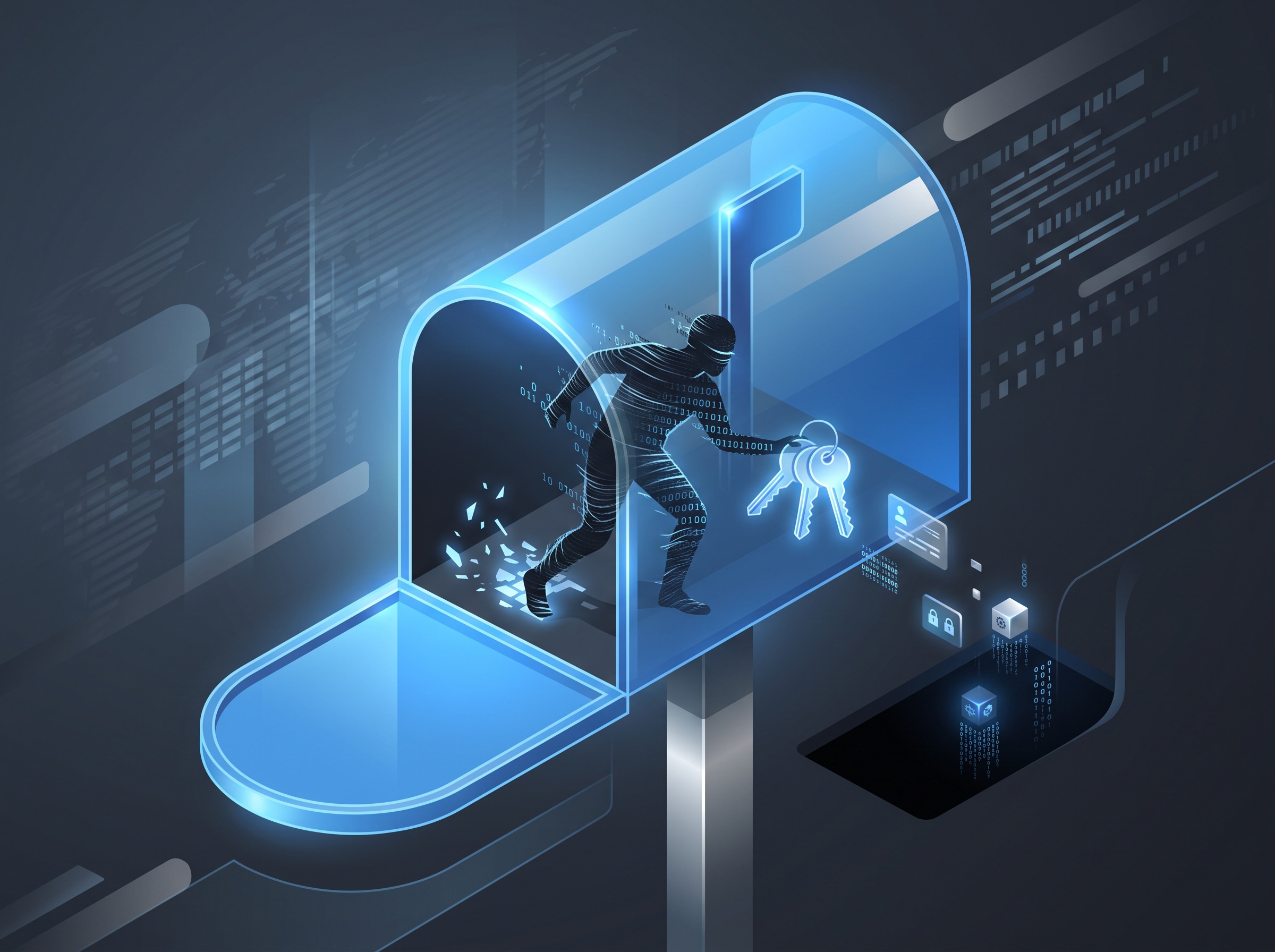
The backdoor OWAReaper is what Proofpoint describes as the most sophisticated payload they have seen delivered this way. Once the code runs, it executes entirely inside the OWA reading pane and does something clever: it uses Outlook’s own APIs to rewrite the malicious email on the server and strip out the exploit content. The evidence of how the compromise happened effectively deletes itself. At the same time it disables OWA pop-ups and the right-click menu while it works, so nothing looks out of place.
From there it gets to work harvesting. Earlier versions of this malware family, used against Zimbra email servers, stole email contents, application passwords, and — critically — two-factor authentication codes. OWAReaper is an evolution of that same tooling. The goal is persistent access to the mailbox: the attacker wants to keep reading your email long after the initial email is gone and even after a password reset.
Why this matters for a dental practice
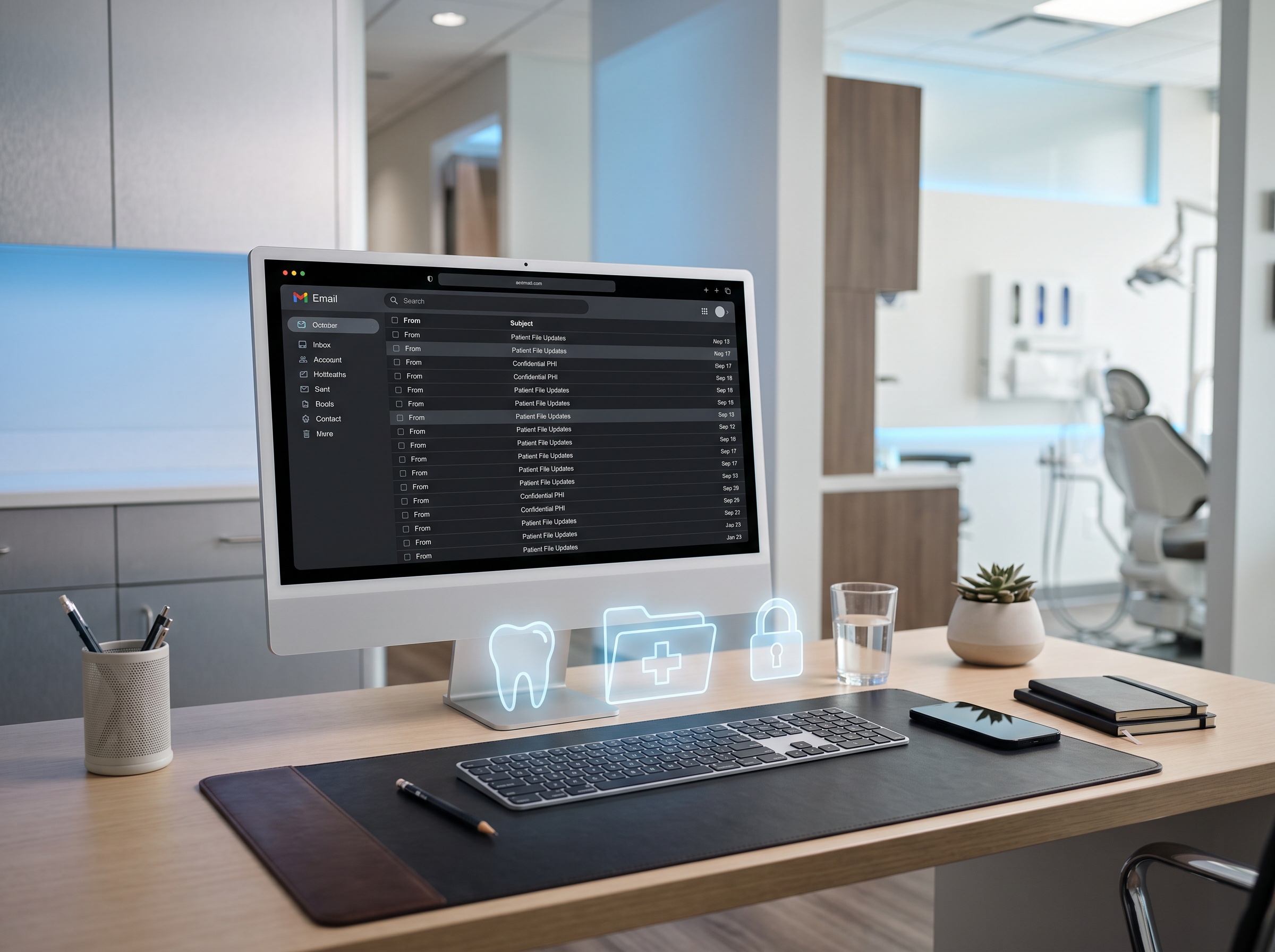
Two things make this relevant to a dental office specifically. First, the target is Microsoft’s mainstream email platform. A large share of dental practices run on Microsoft 365, and Outlook Web Access is simply Outlook in a browser — the version staff use on a shared front-desk machine, a home laptop, or a phone. If your team reads email in the browser, they are using the exact surface under attack.
Second, a dental practice mailbox is not just correspondence. It holds protected health information: specialist referrals with patient names and conditions, insurance and claim details, imaging and treatment discussions, appointment and billing threads. Under Ontario’s PHIPA and its federal equivalents, a compromised mailbox full of that data is a reportable privacy breach, with all the notification, investigation, and reputational cost that follows. An attacker sitting silently in the practice email — reading everything, able to send convincingly from a real staff account — is close to a worst case for a healthcare business.
Why patching alone is not the whole answer
Applying Microsoft’s update for CVE-2026-42897 is the essential first move and should happen immediately. But this attack is a reminder of two hard truths. It was a zero-day — exploited for weeks before a fix existed — so patching only ever protects you from what is already known. And because the malware steals two-factor authentication codes, ordinary text-message or app-code MFA can be replayed by the attacker. Defense has to assume that a determined intruder can get past a single control, and layer accordingly.
That is where the phishing-resistant sign-in shift the industry has been pushing — passkeys and hardware-backed authentication that cannot be phished or replayed the way one-time codes can — stops being a nice-to-have. It is the control that actually holds up against a threat like this one.
It also fits a broader pattern worth keeping in view: the platforms, vendors and connected devices a dental practice trusts are increasingly the attack surface itself. The recent Medtronic data breach at the hands of ShinyHunters is a pointed reminder that a supplier or medical-device compromise can expose practice and patient data just as readily as an email exploit — and without anyone in the office clicking a thing.
What your practice should do now

You can close most of this exposure quickly and without disrupting the office:
- Apply the update. Make sure your Exchange and Microsoft 365 environment has the fix for CVE-2026-42897, and confirm your patch cadence is not weeks behind.
- Move to phishing-resistant MFA. Prioritize passkeys or hardware security keys over SMS and app-code MFA, which this class of attack is designed to defeat.
- Watch your mailboxes. Enable and review sign-in and mailbox audit logging. Persistent-access attacks are caught by spotting unusual logins, new forwarding rules, and access from unexpected locations — not by the disappearing email.
- Limit the blast radius. Apply least privilege so no single mailbox or admin account is a master key, and separate administrative accounts from day-to-day ones.
- Reinforce the human layer honestly. Tell staff the truth: an email that harms you no longer always looks suspicious. Reporting anything odd — the office is slow, a menu won’t open, mail behaves strangely — matters more than spotting a bad link.
Get an expert second look
Half-click exploits like the OWAReaper campaign are exactly the kind of threat a busy practice cannot be expected to track on its own — and exactly the kind Compudent watches so you don’t have to. We manage Microsoft 365 and Exchange security for dental practices across the GTA and Ontario: keeping systems patched, moving offices onto phishing-resistant sign-in, turning on the mailbox monitoring that catches a quiet intruder, and hardening the email that carries your patients’ information. If you are not certain your practice is protected against this, contact Compudent for an email and Microsoft 365 security assessment.
Sources & further reading:
- Russian hackers exploit Exchange OWA zero-day for long-term mailbox access — BleepingComputer
- Microsoft Security Response Center — CVE-2026-42897 Outlook Web Access advisory
Related Reading
- One Logged-In Account Could Read the Whole Office’s Email: The Exchange Server Emergency Patch (CVE-2026-96940) Dental Practices Must Apply
- Your Spam Filter Can’t See This: Invisible-Text Phishing Is Slipping Past Email Security
- 974 Patches, Two Being Exploited Right Now: How a Dental Practice Should Read September’s Patch Tuesday