



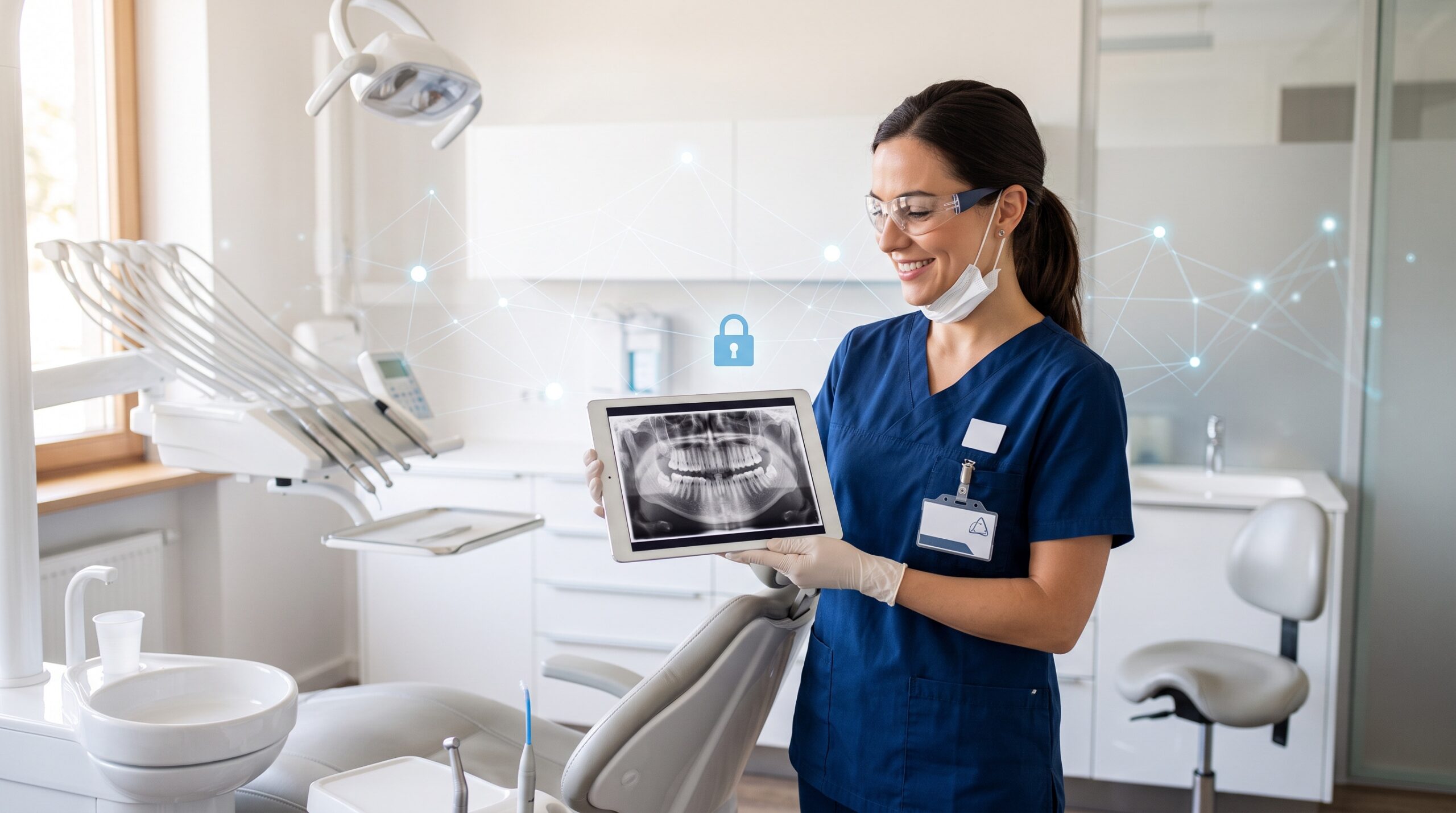
November 1, 2026 The Phone in a Staff Member’s Pocket Is Now a PHI Device: A Mobile Device Policy for Dental Practices
Security researchers recently disclosed an Android flaw nicknamed the “SMS of Death” — a specially crafted message that can remotely crash an unpatched phone. For most people it is an annoyance. For a dental practice, it is a prompt to ask a question almost no office has a good answer to: what, exactly, are the phones and tablets your team carries doing with patient data, and who is keeping them secure?
The honest answer in most practices is "nobody." The practice server gets patched, backed up and locked down. The personal iPhone a hygienist uses to photograph a case, text a patient a reminder or approve a two-factor login sits entirely outside that discipline. That gap is now one of the most overlooked risks in a modern office.
Why the phone in a staff member’s pocket is now a PHI device
A decade ago, patient data lived on practice-owned computers bolted to a desk. Today it leaks onto mobile devices in a dozen quiet ways: a team member snaps an intraoral photo on their own phone, a front-desk staffer texts appointment details from a personal number, a dentist checks the schedule or a portal message from home, or a staff phone holds the authenticator app that unlocks your cloud imaging and practice-management logins.
Each of those is protected health information under HIPAA and personal health information under Ontario’s PHIPA. The device holding it does not stop being your responsibility just because the practice did not buy it. If that phone is lost, stolen, sold without wiping, or compromised, it is a reportable privacy breach — the same as if the data had walked out of your server room.
The "SMS of Death" and what unpatched devices really cost you
The newly disclosed Android exploit only works against devices that have not installed current security updates. That is the real lesson, and it is not limited to one flaw: an unpatched phone is a standing liability. Mobile operating systems ship security fixes almost every month, yet personal devices routinely run months or years behind, especially budget Android handsets that stop receiving updates entirely.
In a practice, an out-of-date device is the same category of problem as an out-of-date server or an exposed remote-access service. We have written before about how attackers keep walking in through neglected remote access, and about the way threats now reach down to the firmware of the machines you rely on. A phone with a known, unpatched flaw is simply one more unlocked door — one that travels home every night.

BYOD versus practice-owned: two models, one policy
There are two legitimate ways to handle mobile devices, and most offices drift into a messy third option by accident.
Practice-owned devices give you the most control. The office buys the tablets and phones, owns them outright, and can enforce whatever security settings it likes. This is the cleanest model for devices that routinely capture images or handle PHI.
Bring your own device (BYOD) lets staff use their personal phones, which is cheaper and more convenient — but only works safely with clear rules and a technical boundary between work and personal data.
The dangerous third option is "BYOD by default": no policy, no boundary, staff simply using whatever they have. That is where almost every mobile privacy breach begins. Choosing a model and writing it down is the entire point.
What a workable mobile device policy actually contains
A mobile device policy does not need to be a legal treatise. For a dental practice it needs to answer a short list of practical questions in plain language:
- Which devices are allowed to access practice data, email, or imaging — and which are explicitly not.
- Baseline security requirements: a passcode or biometric lock, automatic screen lock, device encryption on, and current security updates installed.
- No patient photos on the camera roll. Clinical images belong in your imaging system, not mingled with a staffer’s personal photos and cloud backup. Approved capture apps that upload directly and leave nothing behind are the goal.
- How patients are contacted: texting from personal numbers is a common and avoidable leak. Route patient messaging through the practice’s system.
- Lost or stolen device reporting: who to tell, how fast, and the expectation that the device can be remotely wiped.
- Offboarding: what happens to practice data and access when an employee leaves.
Have every team member read and sign it. A signed policy is both a genuine control and part of the documentation a regulator will ask for after an incident.
Mobile device management: the control layer most practices skip
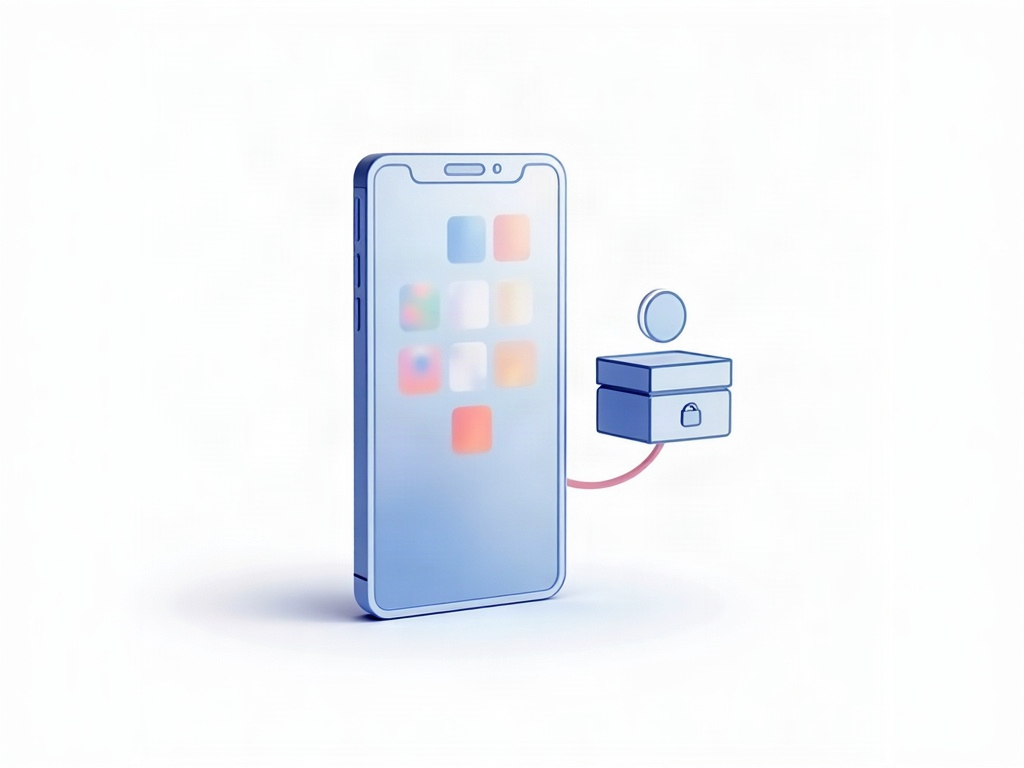
A policy on paper tells people what to do. Mobile device management (MDM) actually enforces it. MDM is software — Microsoft Intune, Jamf for Apple devices, and similar tools — that lets you set rules centrally and apply them to every enrolled phone and tablet.
The capability that matters most for BYOD is the managed work profile, or work container. It carves a device into two separated worlds: the employee’s personal apps and photos on one side, and a contained work area — practice email, imaging apps, logins — on the other. You can enforce a passcode, require encryption, and remotely wipe only the work side if the device is lost or the employee leaves, without ever touching their personal data. That single feature removes the biggest objection staff have to BYOD and the biggest risk the practice carries.
MDM also gives you something you almost certainly lack today: visibility. A simple dashboard shows which devices are enrolled, which are behind on updates, and which have fallen out of compliance — the mobile equivalent of the server-side discipline in our backup, patch and access checklist.

A starting checklist for Monday morning
You do not need to solve this all at once. Start here:
- Inventory. List every phone and tablet that touches practice email, imaging, portals, or authenticator apps — personal devices included.
- Enforce the basics today. Confirm every one of those devices has a passcode, automatic lock, encryption enabled, and current updates installed.
- Stop the obvious leaks. No clinical photos on personal camera rolls; no patient texting from personal numbers.
- Write and sign a one-page policy covering the questions above.
- Plan for MDM. Decide whether your PHI-handling devices should be practice-owned or managed work profiles on personal phones, and roll out an MDM tool to enforce it.
The practices that get breached through mobile devices are rarely unlucky — they simply never decided who owned the problem.
How Compudent can help
Compudent Systems helps dental practices across the GTA and Ontario bring mobile devices into the same security posture as the rest of the office: a practical BYOD policy, Intune or Jamf-based mobile device management, work-profile separation, and update and encryption enforcement that satisfies HIPAA and PHIPA expectations. If the phones and tablets in your office have never appeared in your security plan, contact us for an assessment — we will help you close the gap before it becomes a breach report.
Sources & further reading:
- New Android ‘SMS of Death’ exploit can remotely crash unpatched phones
- August 2026 Healthcare Data Breach Report
Related Reading
- Can Your Dental Practice Use ChatGPT Without Breaking HIPAA and PHIPA? A 2026 Compliance Guide
- Is Texting or Emailing Your Patients a PHIPA and HIPAA Violation? Secure Patient Communication for Dental Practices
- Wireless Medical Device Vulnerabilities Expose Dental Practices to Man-in-the-Middle Attacks