




October 29, 2026 When the Firewall Itself Is the Backdoor: Why Attackers Now Target the Device Guarding Your Practice Network
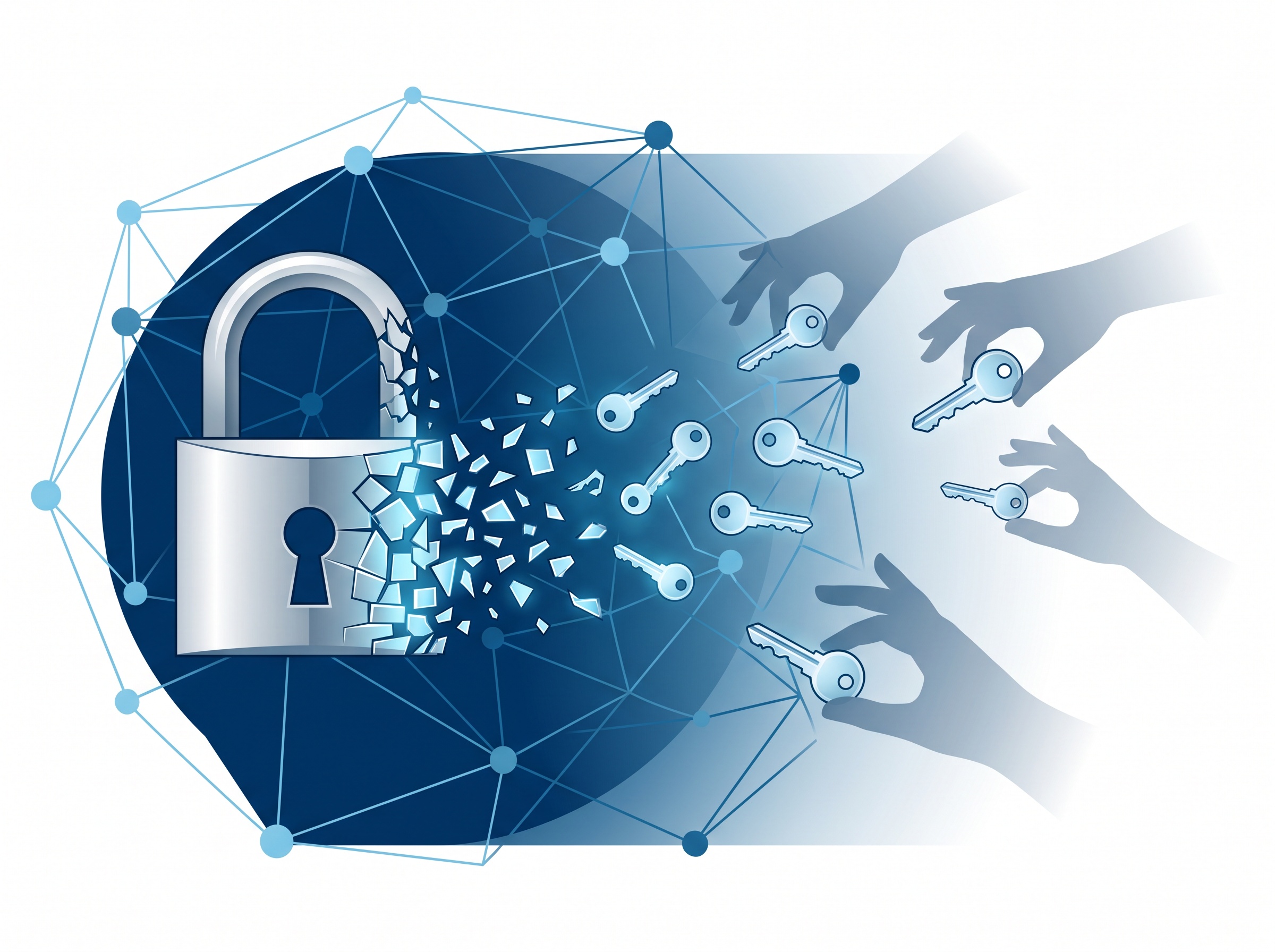
On October 28, 2026, Cisco’s Talos researchers detailed how attackers had quietly exploited a flaw in Cisco SD-WAN systems (tracked as CVE-2026-20127) to plant malware called KeyDrift — software whose sole job is to copy the encryption keys that protect traffic between sites and stash them for later use. A day earlier, investigators described how a China-linked group exploited a VMware ESX zero-day (CVE-2026-41709) not to smash and grab, but to reduce audit-trail visibility — to make the break-in harder to see after the fact. Different vendors, different techniques, one unmistakable pattern: attackers are no longer only trying to get past the devices that guard your network. They are compromising those devices directly. For a dental practice, that shift changes where your attention needs to be.
The new target is the gatekeeper, not the guests
For years, security advice focused on the computers people use: keep workstations patched, train staff against phishing, protect the practice-management server. That advice still holds. But the firewall, VPN appliance, router and virtualization host that sit between your office and the internet were often treated as set-and-forget hardware — installed once, rarely touched. Attackers noticed. These edge devices are internet-facing by design, they run complex software with their own vulnerabilities, and they are frequently overlooked when it comes to updates. The Palo Alto PAN-OS management interfaces exploited through internet-exposed flaws, the Cisco SD-WAN compromise, and the VMware logging zero-day are all the same story told three ways: the gatekeeper has become the easiest and most valuable thing to attack.
Why a compromised edge device is the worst kind of breach
When an attacker takes over a laptop, they have one laptop. When they take over the device that all your traffic flows through, they have a position above everything. From there they can read or redirect network traffic, harvest credentials as staff log in, and — as the KeyDrift malware shows — steal the very encryption keys that were supposed to keep that traffic private. Worse, these compromises are designed to be silent. The VMware ESX attack specifically targeted logging so defenders would have less to investigate. An edge-device breach can therefore sit undetected for months, which is exactly the kind of long, quiet dwell time that turns a small incident into a reportable breach of patient data. Encryption and firewalls give a comfortable sense of safety; an attacker living inside the device that provides them quietly erases that safety without tripping an alarm.
“But we’re just a dental office” — why you’re squarely in scope
It is tempting to assume nation-state tooling and enterprise-gear exploits have nothing to do with a six-operatory practice. They do. Most of these flaws are weaponized, published, and then reused by ordinary criminal groups within days — and automated scanners sweep the entire internet looking for any unpatched device, not just big ones. A practice’s firewall or VPN gateway responds to those scans exactly like a hospital’s does. In fact, smaller offices are often more exposed, because the edge device was set up once by whoever installed the internet connection and has not been reviewed since. Attackers are not choosing you personally; they are choosing every unpatched gatekeeper they can find, and a dental network holds something they can monetize: protected health information and the leverage to shut your schedule down.

What actually lives at your network’s edge
Before you can protect the edge, you have to know what is on it. In a typical practice, the internet-facing and privileged devices usually include the firewall or security gateway, any VPN appliance used for remote access, the router or modem from your provider, any remote-access or remote-management tool (a recurring entry point — see our look at how remote desktop keeps turning up as the way attackers get in), a network-attached backup or NAS, and — if you run virtualized servers — the hypervisor management interface. Each of these is a small computer running software that needs updates. A consumer-grade box is especially risky here, which is why we have argued that a consumer router is not a firewall for a practice handling patient data. The goal of an inventory is simple: no device at your edge should be a surprise, and none should be running software the vendor stopped supporting.
A practical hardening checklist for your practice
You do not need an enterprise security team to close most of this exposure. You need a short, disciplined routine:
- Patch the edge first. Firewall, VPN, router and hypervisor firmware should be updated on a schedule, prioritizing anything on CISA’s Known Exploited Vulnerabilities list — the free federal shortlist of flaws attackers are using right now.
- Get management interfaces off the open internet. The admin page of a firewall, VPN or hypervisor should never be reachable from the public internet. Restrict it to the local network or a controlled VPN, which neutralizes a whole category of the attacks described above.
- Turn on multi-factor authentication for remote access and device administration, so a stolen password alone cannot unlock the gatekeeper.
- Segment the network so imaging devices, the practice-management server and guest Wi-Fi sit in separate zones. If the edge is breached, segmentation limits how far an intruder can move.
- Keep and watch the logs. Because attackers now target logging specifically, store edge-device logs somewhere they cannot easily erase, and have someone actually review alerts.
- Protect the recovery path. Make sure backups are isolated and tested, so a silent compromise cannot also destroy your ability to recover — the discipline we lay out in our server backup, patch and access checklist.
Turning your most exposed point into your best-defended one
The uncomfortable lesson from this month’s disclosures is that the device meant to protect your network can become the one that betrays it — quietly, by stealing keys and erasing its own tracks. The reassuring part is that edge security is largely a management problem, not a budget problem. A gatekeeper that is inventoried, patched on a schedule, locked down to trusted access, segmented, and monitored stops being the internet’s easiest target and becomes your network’s strongest point.
If you are not certain when your firewall, VPN or server host was last updated — or whether its management interface is exposed — that uncertainty is the risk. Contact Compudent Systems for a review of your practice’s network edge: we will inventory what is exposed, confirm it is patched and properly locked down, and set up the segmentation, logging and backup posture that keeps a single flaw from becoming a breach of your patients’ trust.
Sources & further reading:
- The Hacker News — Hackers Exploited Cisco SD-WAN Flaw to Plant Malware Built to Steal Encryption Keys (CVE-2026-20127; KeyDrift; Cisco Talos, October 28, 2026)
- The Hacker News — China-Linked Hackers Exploited VMware ESX Zero-Day to Reduce Audit Trail Visibility (CVE-2026-41709; Warp Panda)
- CISA — Known Exploited Vulnerabilities Catalog
Related Reading
- A Consumer Router Is Not a Firewall: Why Your Dental Practice Needs Business-Grade Network Security
- Ransomware Gangs Are Now Through the Front Door: What the SonicWall SMA1000 VPN Attacks Mean for Dental Practices
- Ransomware Is Now Using It: The WatchGuard Firewall Flaw Your Practice Can’t Leave Unpatched