



August 11, 2026 Ransomware Gangs Are Now Through the Front Door: What the SonicWall SMA1000 VPN Attacks Mean for Dental Practices
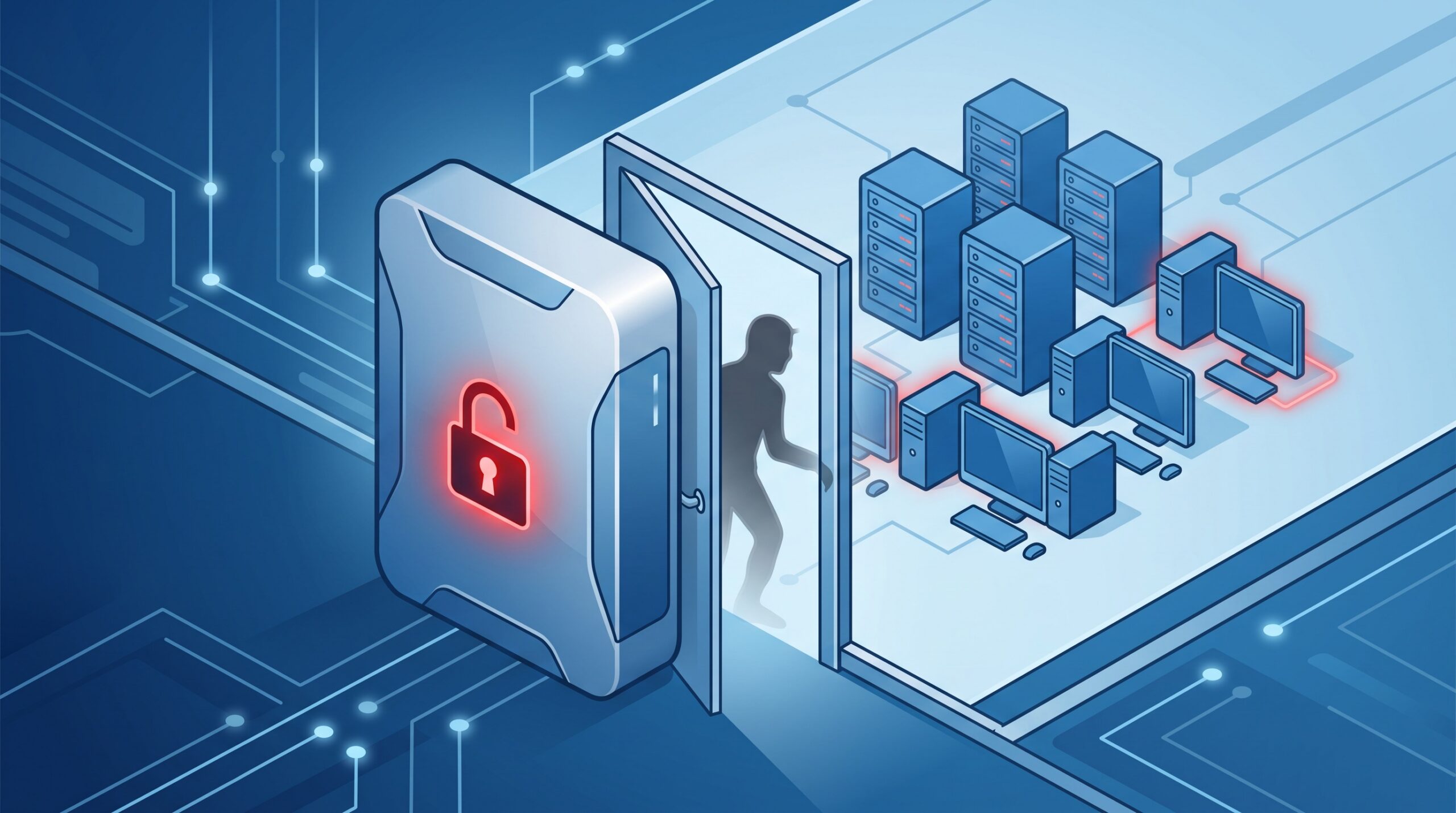
Most dental practices picture a cyberattack starting with a mistake inside the building – a staff member clicking a bad link, opening the wrong attachment, reusing a password. Those are real. But a growing share of ransomware never touches an inbox at all. It walks in through the one device the practice deliberately exposed to the internet so that people could get in: the remote-access appliance.
On August 11, 2026, the U.S. Cybersecurity and Infrastructure Security Agency (CISA) confirmed that ransomware gangs are now actively exploiting two vulnerabilities in SonicWall’s SMA1000 series – secure remote-access (SSL VPN) appliances that let staff reach an internal network from outside it – and added both flaws to its Known Exploited Vulnerabilities catalog. The appliances were first attacked as zero-days to plant custom malware; now criminal crews have industrialized it. Here is what happened, why an edge appliance is such a dangerous thing to lose, and what a dental practice should do about it – even one that has never heard of an SMA1000.
What the attackers are exploiting
Two flaws, and it is the combination that hurts. The first, CVE-2026-15409, carries the maximum severity score possible – CVSS 10.0 – and it is pre-authentication, meaning an attacker needs no valid login to use it. It is a server-side request forgery (SSRF) flaw in the appliance’s public-facing interface that lets a remote attacker force the device to open a hidden tunnel to internal services it should never expose. The second, CVE-2026-15410 (CVSS 7.2), is a command-injection weakness reachable through the appliance’s management console that lets the attacker run commands and escalate to root – total control of the box.

Chained together, they turn an internet-facing security appliance into an attacker-owned foothold with root privileges, positioned at the exact boundary between the open internet and the trusted network. That is the whole game. The device whose job is to be the guarded door becomes the open door. Researchers tracking the campaign name INC Ransomware as the dominant group weaponizing the flaws – the pattern that reliably follows: initial access through the appliance, then lateral movement, data theft, and encryption.
Why losing the edge appliance is worse than losing a PC
An internet-facing remote-access appliance is a uniquely valuable target for three reasons at once. It is reachable by the entire internet, so attackers can hammer it continuously from anywhere. It is trusted to reach inside – its whole purpose is to bridge outside users to internal systems, so whoever controls it inherits that bridge. And it is easy to forget: it sits in a closet, it “just works,” and its firmware quietly falls behind because updating it means scheduling downtime that nobody wants to schedule.
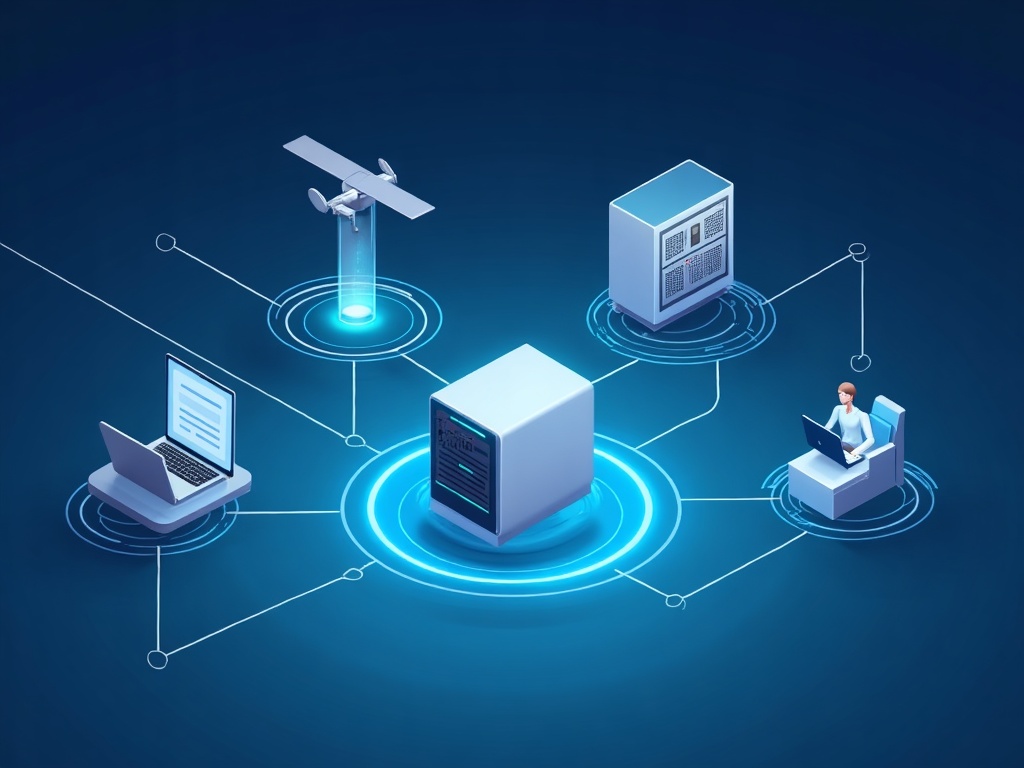
Compare that to a single infected workstation, which an attacker still has to escalate and pivot from. Owning the VPN appliance skips several steps – it is already at the perimeter, already privileged, already connected to what matters. It is the same lesson behind the recent advisories on practice routers, where we explained why an internet-facing network device can quietly become a backdoor into the whole office, and behind the compromise of remote management tools, where the very software trusted to manage a network became the way into it. Edge and remote-access infrastructure is where modern intrusions begin.
“But we don’t run an SMA1000”
Fair – and worth being honest about. The SMA1000 is an enterprise-grade appliance that skews toward larger, multi-location dental groups, DSOs, and specialist practices with remote and satellite access, rather than a single-operatory office. If you are a small practice, you may well not have this specific box.
That does not let anyone off the hook, because the category is nearly universal. Almost every practice that supports remote work, multiple sites, or outside IT support runs some internet-facing remote-access gear: a VPN concentrator, a firewall with a VPN client, a remote-desktop gateway, or an appliance from SonicWall or another vendor. The specific CVE numbers change month to month; the exposure does not. This advisory is a prompt to look hard at your own edge, whatever brand is on it. If a maximum-severity, no-password-required flaw can turn one vendor’s appliance into a ransomware on-ramp, the question for every practice is simply: what is my equivalent device, and is it patched?
What to do now
The response is disciplined, not dramatic – and most of it applies to any remote-access appliance, not just SonicWall’s.
Patch immediately – or pull it offline. SonicWall has released fixed firmware for the affected SMA1000 appliances. If you run one, update it to the patched version now; these flaws are under active ransomware exploitation, which is as urgent as advisories get. If for some reason it cannot be patched right away, take it offline until it can be – an appliance you cannot patch today should not be facing the internet today.

Inventory your internet-facing devices. Most practices cannot immediately name every device exposed to the internet and the firmware each one runs. Build that list: firewalls, VPN and remote-access appliances, remote-desktop gateways, anything reachable from outside. Then confirm each is on current, supported firmware. Pay special attention to end-of-life gear – an unsupported appliance still facing the internet is a standing invitation, because it will never get the next fix.
Require multi-factor authentication on all remote access. MFA will not stop a pre-auth appliance flaw by itself, but it blunts the credential-theft attacks that ride in alongside these campaigns and closes off the reused-password path that so many intrusions still use.
Get the management interface off the public internet. The administrative console of a firewall or VPN appliance should never be reachable from the open internet – restrict it to the internal network or a controlled management path. A great many appliance compromises begin with a management interface that simply should not have been exposed.
Segment and least-privilege what remote access can reach. If the worst happens, the difference between “one appliance was compromised” and “the whole practice was encrypted” is segmentation. Limit what a remote-access appliance and its users can touch, so a foothold at the edge cannot casually reach your practice-management server and patient records. This is the same containment logic that keeps a single stolen login from becoming a full domain takeover, a scenario we walked through when one ordinary login was enough to own an entire Windows network.
Watch for signs of compromise, and keep offline backups. Review appliance logs and network activity for anomalies, and make sure you have offline, tested backups of your systems and records. Ransomware is not an abstract IT inconvenience – as we have written, it is now measured as a patient-safety issue, and recoverability is what determines whether an incident is a bad week or an existential one.

The takeaway
The SonicWall SMA1000 attacks are a specific event, but the lesson is general and durable: the perimeter device you installed to keep people out is, when it falls behind on patches, the most direct way in. Ransomware crews know this, which is why internet-facing appliances – not phishing emails – are increasingly where their intrusions start. You do not need to run this particular appliance to inherit the risk; you only need to have something facing the internet that you have not looked at in a while.
Compudent Systems helps dental practices across the GTA and Ontario find and close exactly this gap – inventorying every internet-facing appliance and its firmware, confirming remote-access gear is patched against active threats like the SonicWall SMA1000 flaws, enforcing MFA, pulling management interfaces off the public internet, and segmenting the network so a compromised edge device has nowhere to go. If you cannot say today which of your devices faces the internet, or whether its firmware is current, contact Compudent Systems for a remote-access and network-edge security assessment. The door you forgot to check is the one attackers are counting on.
Sources & further reading:
- CISA: SonicWall SMA1000 flaws now exploited by ransomware gangs – BleepingComputer
- INC Ransomware Emerges as Dominant Actor Exploiting SonicWall SMA1000 Flaws – The Hacker News
- Recent SonicWall Vulnerabilities Exploited in Ransomware Attacks – SecurityWeek
- CISA Known Exploited Vulnerabilities Catalog
Related Reading
- Ransomware Is Now Using It: The WatchGuard Firewall Flaw Your Practice Can’t Leave Unpatched
- A Fake Job Offer, a Windows Kernel Rootkit: The Lazarus Zero-Day (CVE-2026-68820) and What It Means for Your Dental Practice
- The FBI Just Refreshed Its Medusa Ransomware Warning for Healthcare: The Real Lesson for Your Dental Practice