



October 27, 2026 Your Practice Server May Have Just Gone Dark: Windows Server 2012/2012 R2 Reaches End of Life, and the Server 2016 Countdown Begins
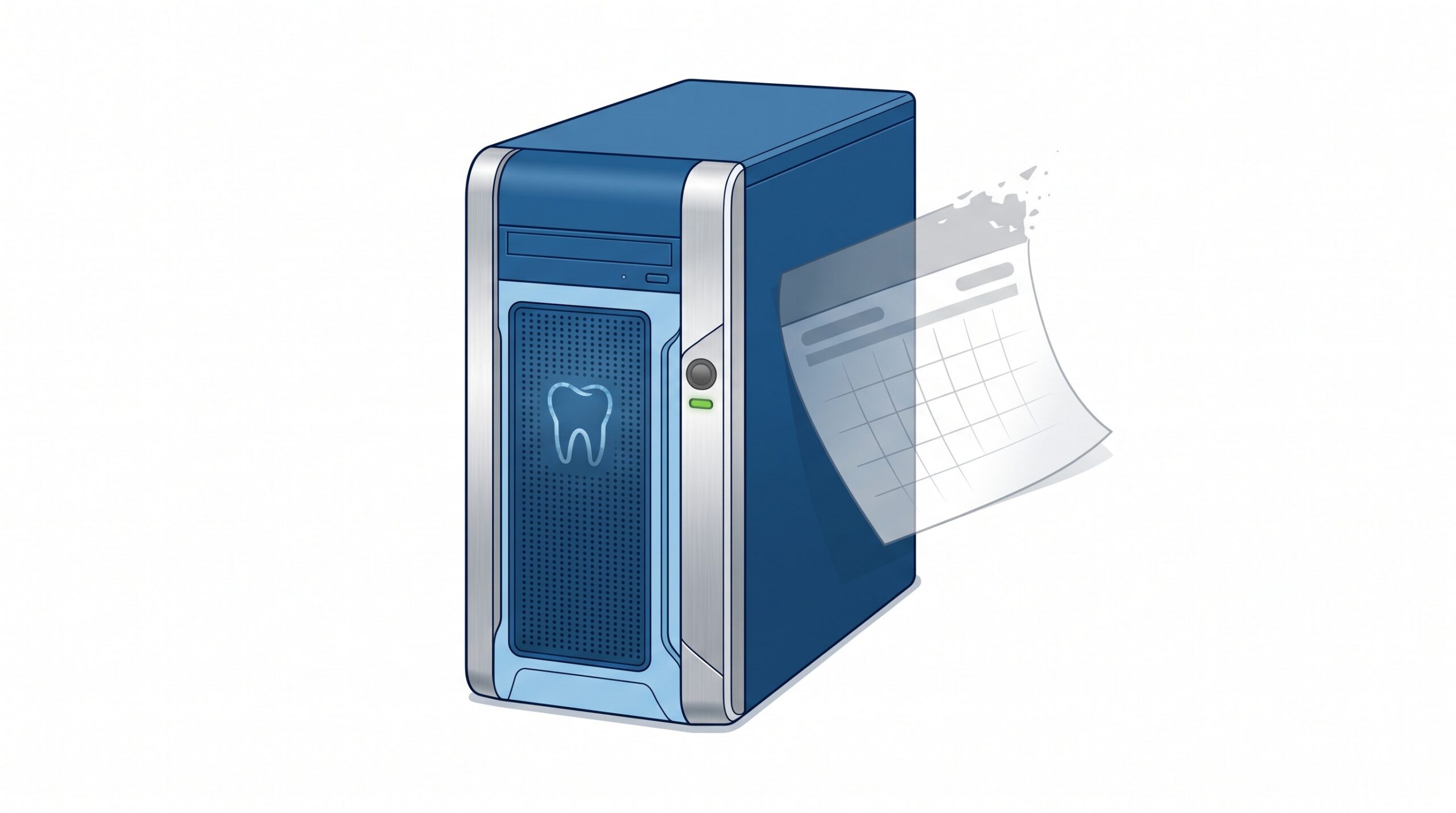
Something changed for a lot of dental practices on October 13, 2026, and almost none of them noticed. That was the day Microsoft shipped the final security update for Windows Server 2012 and Windows Server 2012 R2 — the last one that will ever exist, even for practices paying for extended coverage. If your practice-management system, your imaging server or your file server runs on either version, it is now operating without a safety net, and it will stay that way permanently.
This is not a monthly patch notice. It is an end-of-life milestone, and it is the kind of change that costs nothing on the day it happens and a great deal later. Here is what actually ended, what is ending next, and the practical steps a practice should take now.
What just ended, in plain terms
Windows Server 2012 and 2012 R2 reached the end of Microsoft’s normal support back in October 2023. After that, the only way to keep getting security patches was a paid, year-by-year program called Extended Security Updates (ESU) — a deliberate three-year runway for organizations that could not move off the old platform right away. That runway had a hard end. Year three concluded with the October 13, 2026 update, and there is no year four.
In practical terms: as of now, a server running Windows Server 2012 or 2012 R2 will never receive another security fix, at any price. It still boots. Dentrix, Eaglesoft or your imaging software still opens. Nothing on screen tells you anything is wrong. That is exactly what makes it dangerous.
Windows Server 2016 is the next domino
If you are already on something newer, do not assume you are clear. Windows Server 2016 reaches the end of its extended support on January 12, 2027 — less than three months away as this is written. After that date, it enters the same position 2012 R2 is in today: no more free security updates.

Windows Server 2019 and 2022 remain supported for years yet, and Windows Server 2025 is the current release. But 2016 is extremely common in practices that did a hardware refresh in the late 2010s and have not touched the server since. If that describes you, the countdown has already started, and it is short enough that planning needs to begin this quarter — not next spring.
Why an unsupported server is a genuine risk, not a technicality
It is tempting to treat “end of support” as paperwork. It is not. The danger is specific and it compounds every month.
Security researchers and attackers keep finding new flaws in Windows Server long after a version retires. On a supported system, those flaws get patched. On an end-of-life system, every newly discovered vulnerability stays open forever — and attackers know precisely which practices are still running the old versions, because unpatched systems are easy to find and easy to break into. An unsupported server is not holding steady; its defences are quietly developing permanent holes.

For a dental practice specifically, three consequences stack on top of that technical risk:
- It is a ransomware magnet. Unpatched servers are among the most common footholds in healthcare ransomware, and dental practices are being hit hard — healthcare ransomware surged through the third quarter of 2026, and an out-of-support server is exactly the weakness those campaigns look for.
- It undermines your compliance and privacy posture. Keeping patient records on an operating system that can no longer be secured is very difficult to defend under PHIPA and PIPEDA if a breach ever happens. “We knew it was unsupported and kept using it” is not a position any practice wants to be in.
- It can void your cyber-insurance and lose vendor support. Insurers increasingly ask whether your systems are supported and patched; an honest “no” can reduce or deny a claim. Software vendors, too, routinely stop supporting their products on retired operating systems — so the day you most need help, you may not be eligible for it.
Step one: find out what you actually have
You cannot make a decision about a server you have not identified. Before anything else, inventory every server and workstation in the practice and note which Windows version each one runs. On any given machine, pressing the Windows key, typing winver and hitting Enter shows the version in a second. The server that runs your practice-management database and the one that stores your imaging are the two that matter most — but kiosk machines, the X-ray acquisition PC and the back-office computer all count too.

This inventory is the same groundwork that makes everything else easier, from backups to patching. In fact, knowing exactly what is on your network, how it is protected and when each piece was last updated is the foundation of the kind of server backup, patch and access checklist every practice should be running regardless of this deadline.
Step two: plan the migration — before it becomes an emergency
Moving off an end-of-life server is a project, and done calmly it is a routine one. Done in a panic after a breach, it is expensive and disruptive. The difference is entirely about timing. A sensible path looks like this:
- Confirm application compatibility first. Check with Dentrix, Eaglesoft, your imaging vendor and any bridges or integrations which operating systems they currently support. The target is almost always Windows Server 2022 or 2025 — platforms with years of support ahead of them.
- Decide between a hardware refresh and a rebuild. A server old enough to run 2012 R2 is likely aging hardware as well; a clean build on new or virtualized hardware is often cheaper and more reliable than trying to upgrade in place. For some practices, a properly secured hosted or cloud option is worth weighing too.
- Protect the data and test the restore. Before any migration, verify you have complete, working backups of your practice-management database and imaging — and actually test restoring them. A migration is the worst possible time to discover a backup was incomplete.
- Harden the new platform from day one. A migration is the natural moment to get current patching, proper remote-access controls and network segmentation right, rather than carrying old shortcuts onto the new box.
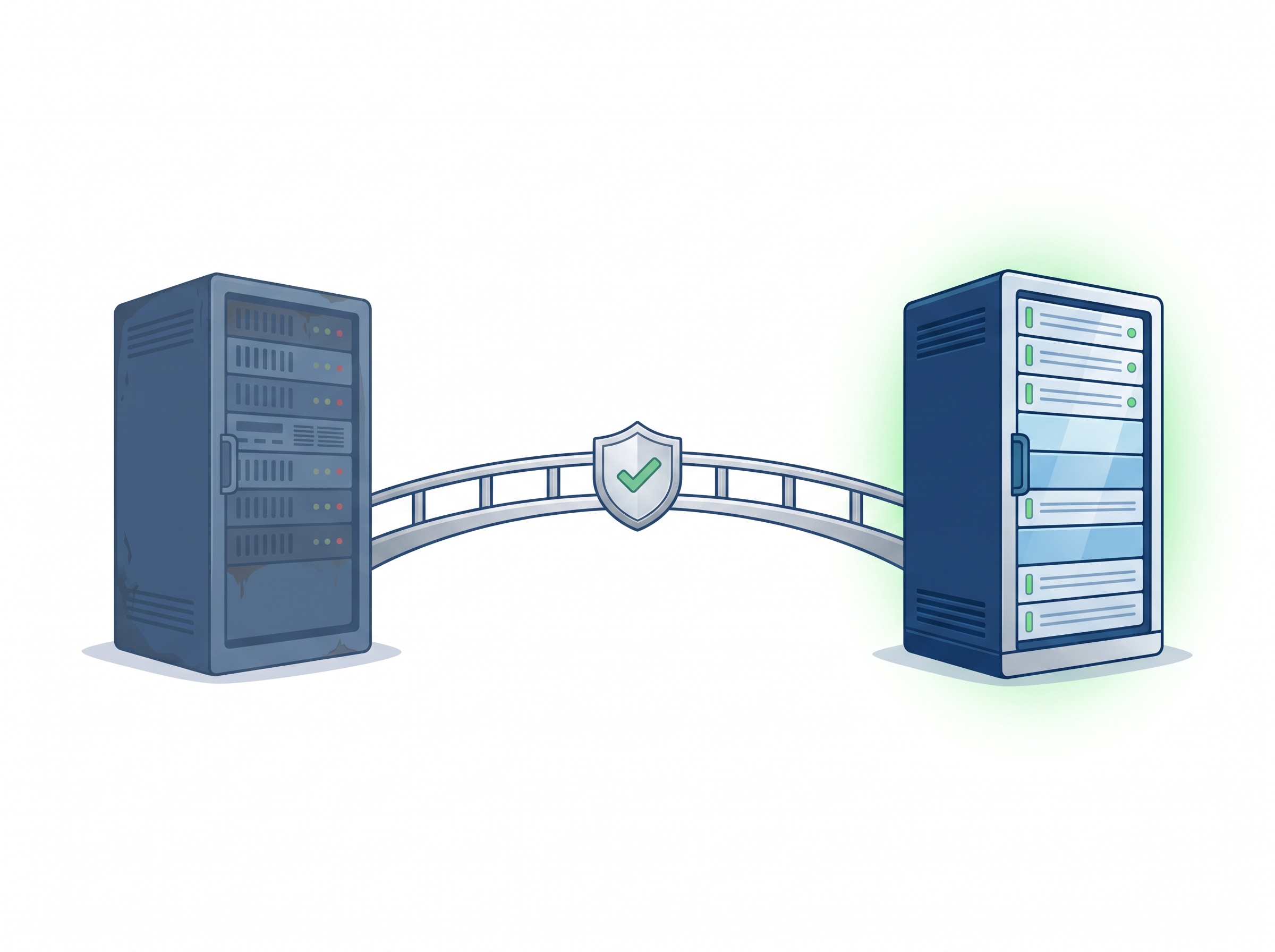
If replacement genuinely cannot happen before the data can be moved, an end-of-life server should at minimum be isolated — kept off the open internet, tightly segmented away from the rest of the network, and watched closely — as a short-term stopgap, never a destination. The same discipline applies to older machines whose risk is baked into the hardware itself, which is why threats like malware that survives a reinstall on aging computers make a clean refresh the safer long-term answer.
What this means for your practice
The honest summary is simple. If you are on Windows Server 2012 or 2012 R2, you are already running unprotected and the clock ran out two weeks ago — this should move to the top of your list now. If you are on Windows Server 2016, you have until January 12, 2027, and that is close enough that planning belongs in this quarter’s budget. If you are on 2019, 2022 or 2025, you are fine for now, but the inventory is still worth doing so the next deadline never catches you by surprise. None of this is an emergency today; all of it becomes one if it is ignored until a breach forces the issue.
How Compudent Systems can help
Compudent Systems helps dental practices across the GTA and Ontario get ahead of exactly these deadlines. We will inventory every server and workstation in your office, identify anything running an end-of-life or soon-to-retire version of Windows, confirm what your practice-management and imaging software actually supports, and plan and carry out a migration onto a current, supported platform — with your data backed up, tested and your new environment hardened from the start. If you are not sure what your practice server is running, or you know it is overdue, contact Compudent Systems for a server lifecycle assessment before the next deadline decides the timing for you.
Sources & further reading:
- Microsoft — final Windows Server 2012/2012 R2 Extended Security Update (October 13, 2026)
- IT-Connect — Windows Server October 2026 updates and end-of-support milestones
- Lansweeper — Windows Server end-of-life reference
Related Reading
- October 2026 Patch Tuesday: Microsoft Fixes a Record 1,400+ Flaws and an Exploited Windows Zero-Day — What Dental Practices Must Patch Now
- Dentrix Just Stopped Supporting Windows 10: What Every Practice Still Running It Needs to Do Now
- Still Running Windows 10 at the Front Desk? Why an Unsupported OS Is Now a HIPAA Problem