



October 25, 2026 Is Your Dentrix Server Actually Protected? The Backup, Patch, and Access Checklist Most Practices Skip
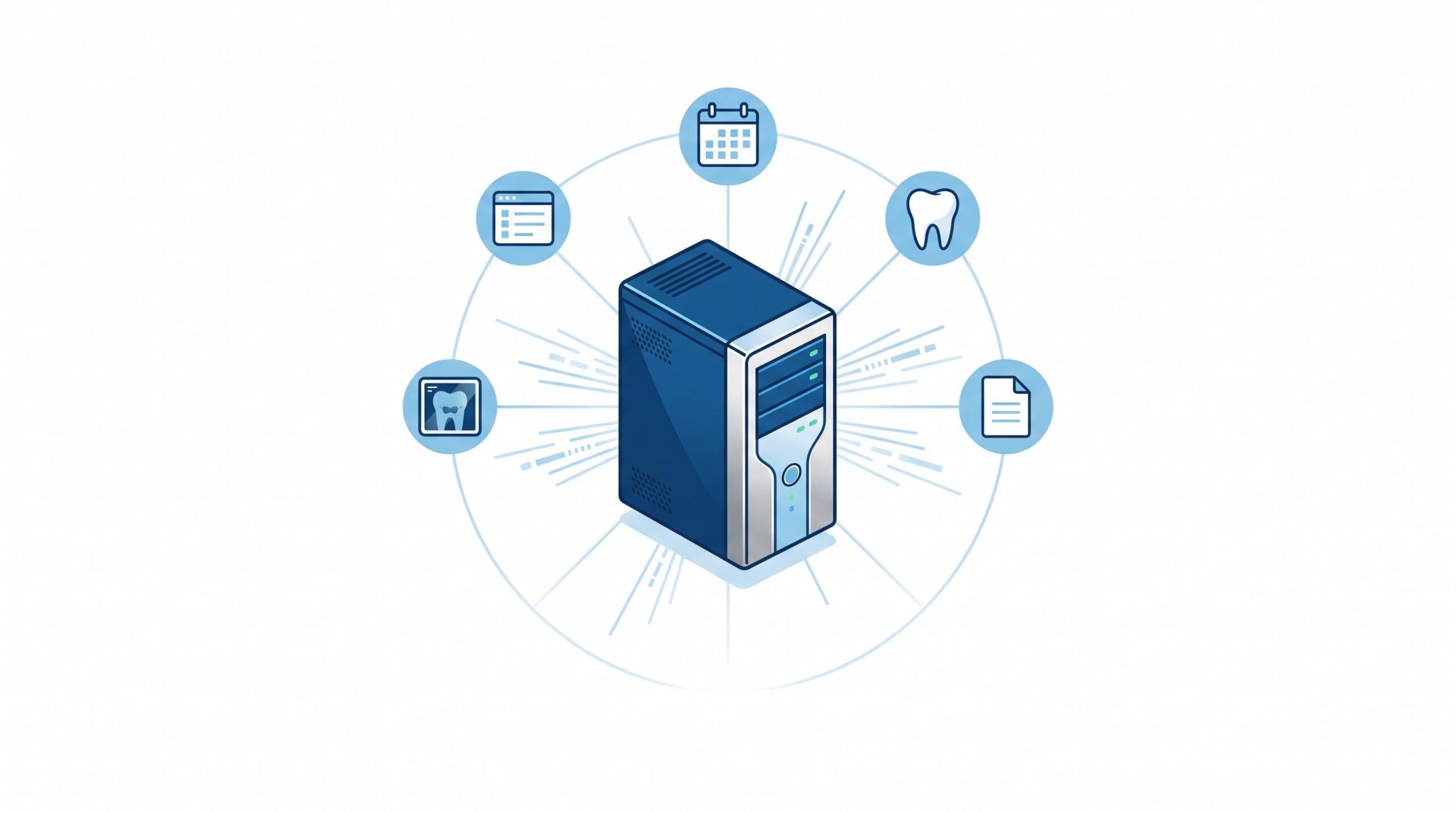
Walk into almost any dental office and the single most valuable asset is not the chair or the CBCT unit — it is a server, often tucked in a closet or a corner of the sterilization room, quietly running Dentrix. That one machine holds the schedule, the ledger, the clinical notes, the treatment plans, and frequently the images too. If it fails or is encrypted by ransomware and cannot be brought back, the practice does not simply lose a computer. It loses the ability to see patients.
Most practices assume that server is protected. There is a backup of some kind, Windows updates install now and then, and the system has run for years without incident. But “it has always worked” is not a protection plan, and the gaps that matter are rarely visible until the worst day. Here is the checklist we use to decide whether a Dentrix server is genuinely protected — or just lucky so far.
1. Backups you have actually restored, not just scheduled
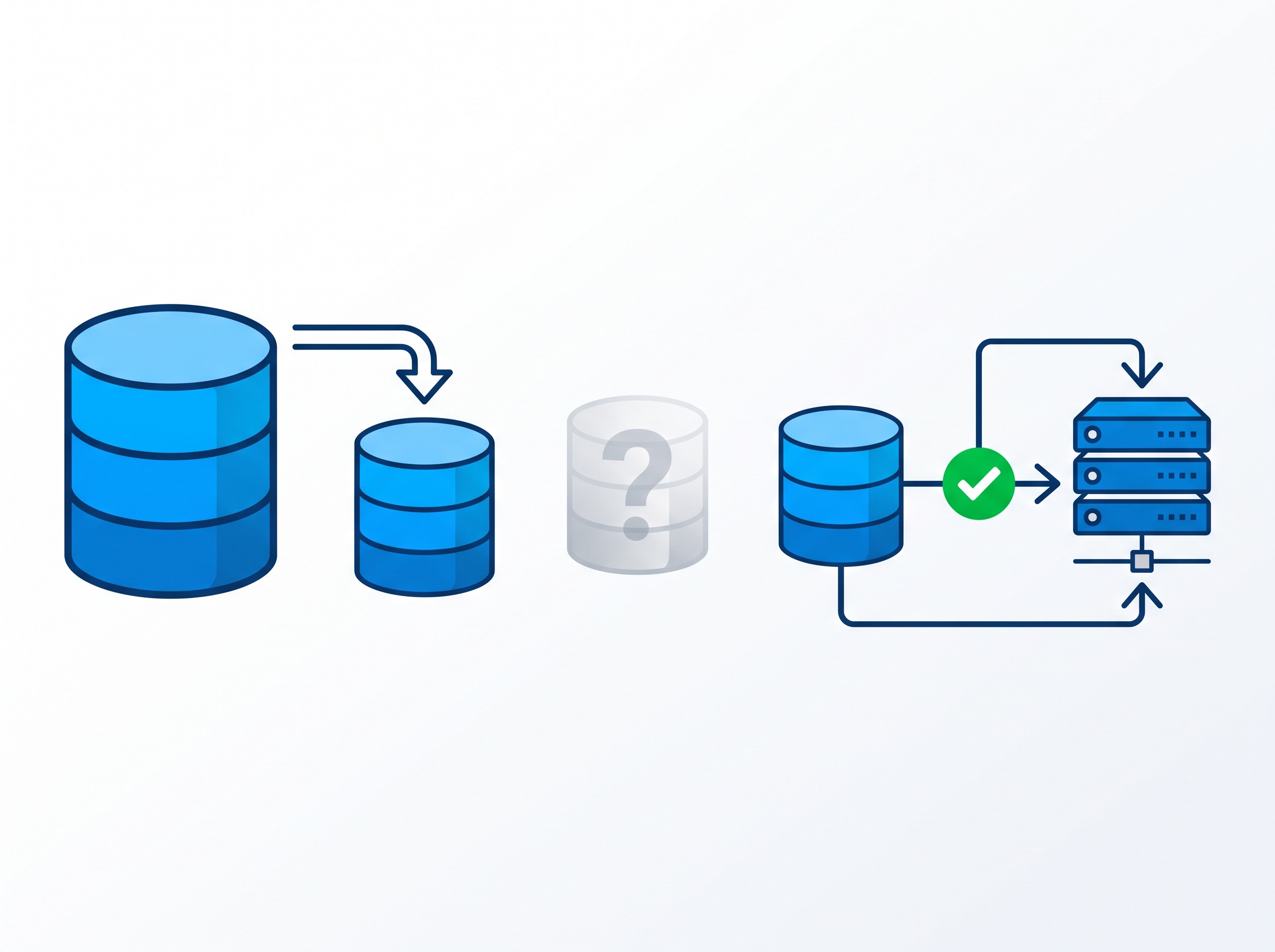
Every practice believes it has backups. The question that matters is different: when was the last time someone restored one and confirmed Dentrix actually opened from it? A backup job that runs green every night but has never been tested is a hope, not a safety net. Drives fill up silently, database files get skipped, credentials expire, and the failure is invisible until you reach for the backup in an emergency and it is incomplete or corrupt.
Dentrix’s own installation guidance is blunt on this point: you must have a backup and restore plan for the database — a plan, not just a copy. A real plan means scheduled backups of the full database and its transaction logs, periodic test restores to prove they work, and verification that the backup captured the Dentrix data and not just the empty folder around it.
2. At least one backup ransomware cannot reach
The reason backups have become the single most important control is ransomware. Modern attacks do not just encrypt the live server — they hunt for the backups first and destroy or encrypt those too, because an attacker knows a practice with good backups will never pay. With healthcare ransomware rising sharply through 2026, a backup that sits on the same network, reachable with the same login, is a backup the attacker also owns.
That is why at least one copy has to be offline, offsite, or immutable — stored where it cannot be altered or deleted even by someone with full administrative control of the server. The common “3-2-1” rule is a good baseline: three copies of the data, on two different kinds of media, with one kept off the premises. If every copy of your Dentrix database can be reached from the server itself, you do not yet have a ransomware-proof backup.
3. The encryption certificate — the backup’s hidden single point of failure
Protecting patient data at rest increasingly means encrypting the database, and Dentrix’s guidance calls for exactly that, using transparent data encryption (TDE) to protect the SQL data at rest. It is the right thing to do. But it introduces a trap that has caught more than one practice: a restore of an encrypted database requires the encryption certificate, and if that certificate is lost, the backup is permanently unreadable. The guide spells it out — you must maintain backups of the server certificates to prevent data loss.
In plain terms: you can do everything else right — nightly backups, offsite copies, the works — and still lose everything if the key to decrypt them was only ever stored on the server that died. The certificate has to be backed up separately and kept somewhere safe, or the encryption you added for safety becomes the thing that locks you out.

4. Least privilege — stop handing out the master key
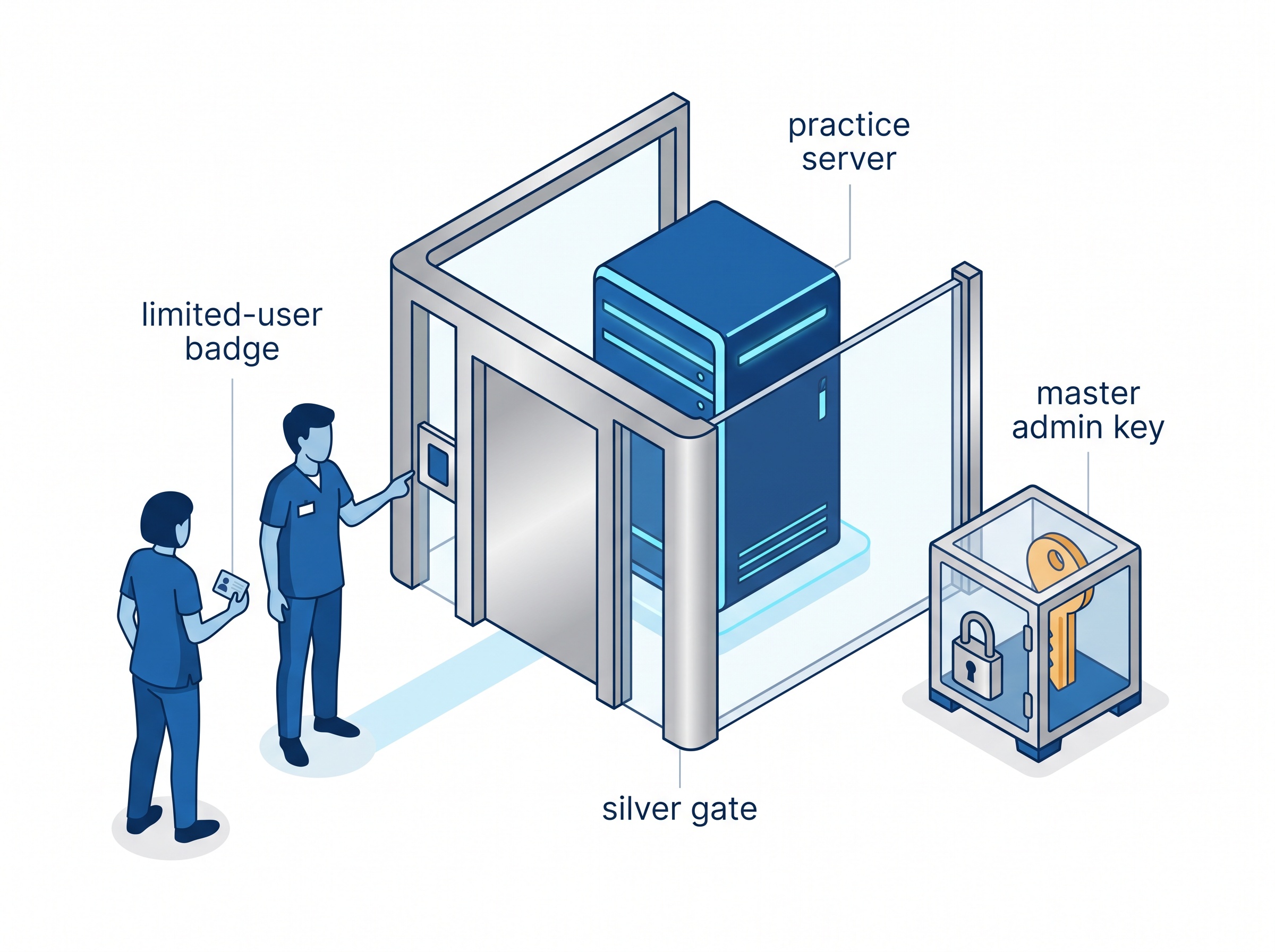
Many practices still run day-to-day Windows accounts with local administrator rights, and in too many the Dentrix server is reachable with the same shared password everyone knows. That is the single biggest accelerant for a breach. Malware runs with the rights of whoever is logged in; if that account is an administrator, a single bad click can reach straight into the server and the backups.
The fix is least privilege: ordinary staff accounts do routine work and nothing more, administrator access is a separate, rarely-used credential, and no one logs into the server for daily tasks. This is the same weakness attackers exploited through flaws in practice management software itself — the less standing access an account has, the less an attacker gains when they compromise it.
5. Patch the server — and watch for version drift
A Dentrix server is really a stack: Windows Server underneath, a SQL database engine on top, and Dentrix itself. All three need to stay current. Skipped Windows and SQL Server updates leave known holes open, and a single bad update can also take a server down — as practices learned when a Windows update sent Server 2019 domain controllers into a boot loop. Patching has to be deliberate and monitored, not automatic-and-forgotten.
The quieter danger is version drift. Operating systems and database engines reach end of support and stop receiving security fixes, yet the server keeps running because it still “works.” An unsupported Windows Server or SQL version under Dentrix is a liability that grows every month. Knowing the end-of-support dates for your stack — and planning the upgrade before, not after — is part of protecting the server.
6. Physical and network boundaries
Finally, the boundaries around the server. Physically, it should live behind a locked door, not under the front desk where anyone passing through can reach it, restart it, or walk off with a drive. On the network, clinical systems belong behind a proper business-grade firewall with the server segmented away from guest Wi-Fi and general internet traffic. Remote access for support should be controlled and logged, never an always-open door. These boundaries decide how far an intruder can get before they ever reach the machine your practice depends on.
What this means for your practice
None of these six items is exotic, and you do not need to be a database administrator to insist on them. Ask the plain questions: When did we last restore a backup and confirm Dentrix opened? Is one copy somewhere ransomware cannot touch it? Do we have the encryption certificate backed up separately? Who has administrator rights, and do they need them? Is the server’s software still supported? Is it physically and network-secured? If any answer is “I’m not sure,” that is the gap to close before it closes the practice.

How Compudent Systems can help
At Compudent Systems, we protect the servers dental practices across the GTA and Ontario run their day on — monitored backups with regular test restores, offsite and immutable copies that survive a ransomware hit, properly managed encryption and certificate safekeeping, least-privilege accounts, disciplined Windows and SQL patching, and the physical and network boundaries that keep the server out of reach. If you cannot say with confidence that your Dentrix server would come back from its last backup, contact Compudent Systems for a server and backup assessment — and let us make sure the one machine your practice cannot run without is genuinely protected.
Sources & further reading:
- Dentrix Enterprise 11.0.20 Installation Guide — backup and encryption guidance (IHS)
- Dentrix Enterprise 11.0.20 System Requirements (IHS)