



October 17, 2026 A Consumer Router Is Not a Firewall: Why Your Dental Practice Needs Business-Grade Network Security
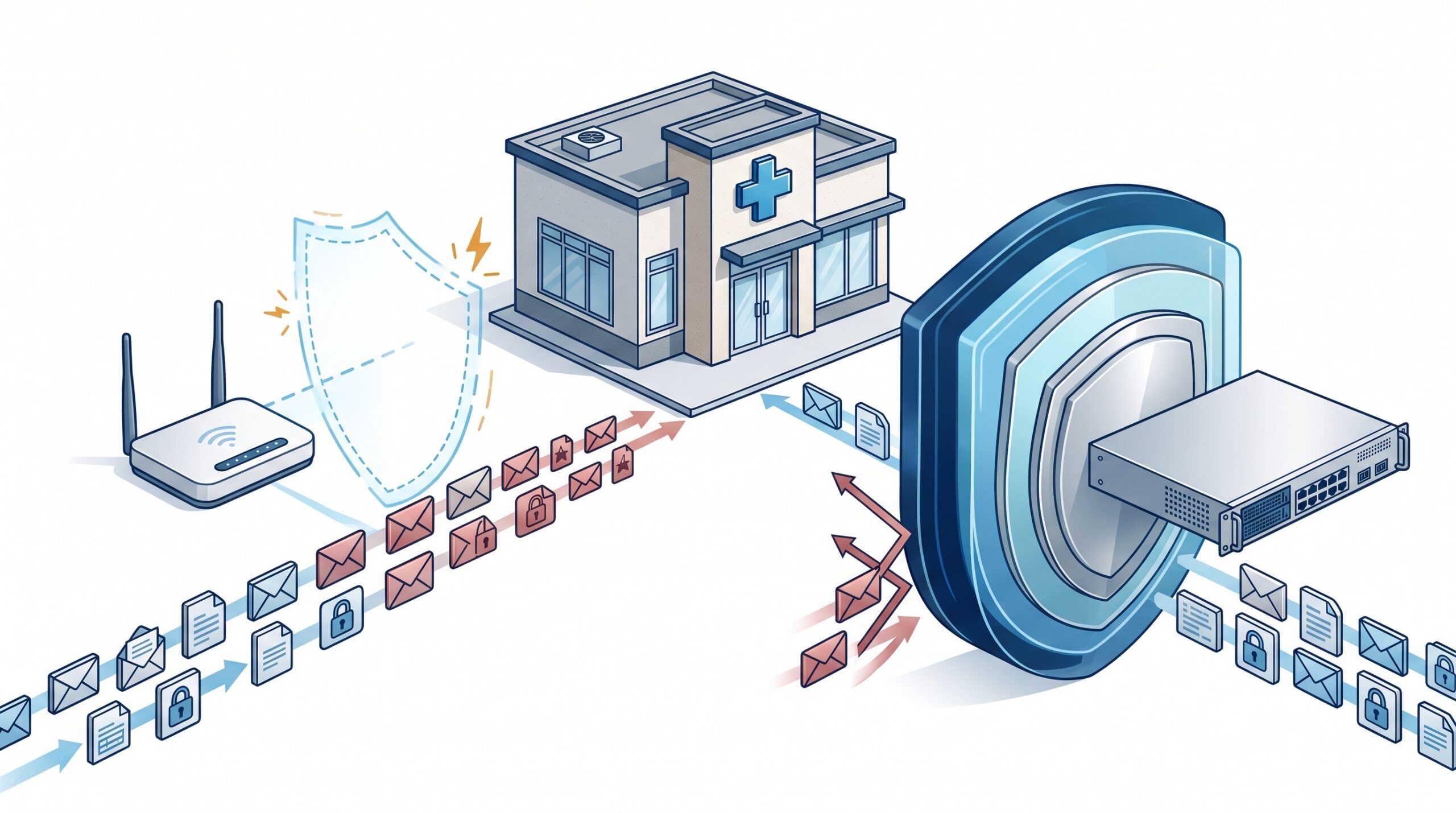
Walk into most small dental practices and the device standing between the open internet and every patient record in the building is the same box you would find in a family home: a consumer wireless router from an electronics-store shelf, installed years ago, never updated, doing double duty as the practice’s gateway, Wi-Fi, and — in name only — its firewall. It works. The phones connect, the X-rays open, the insurance claims go out. And that is precisely the problem: it works just well enough that no one questions whether it is actually protecting anything.
Through 2026, the agencies whose job is to watch this closely made the answer blunt. CISA and the FBI issued repeated warnings that small-office and home-office (SOHO) routers are now a primary target for both criminal botnets and nation-state actors, who quietly conscript thousands of unpatched edge devices into covert networks used to launch further attacks. The compromised-device campaigns documented this year share one trait: the routers were vulnerable because they were end-of-life — out of date and no longer receiving security patches. For a practice holding thousands of patient histories, that shelf router is not a convenience. It is an exposure.
A router forwards traffic. A firewall defends it.
The words get used interchangeably, and that is where the trouble starts. A consumer router’s core job is to move data — to connect your devices to the internet and to each other. It includes a basic packet filter and calls it a firewall, but that filter does little more than block unsolicited inbound connections. It does not meaningfully inspect what is inside the traffic it passes, cannot recognise an attack in progress, offers no useful logging, and stops receiving firmware fixes a year or two after it ships.
A business-grade firewall is a different class of device built for a different job: scrutinising traffic rather than merely routing it. The category is often sold as a next-generation firewall (NGFW) or unified threat management (UTM) appliance, and the distinction matters for a clinic because the threats that reach a dental office are no longer crude port scans — they are malicious payloads hidden inside ordinary-looking web and email traffic.
What business-grade actually buys you
The premium over a consumer router pays for capabilities a home device simply does not have:
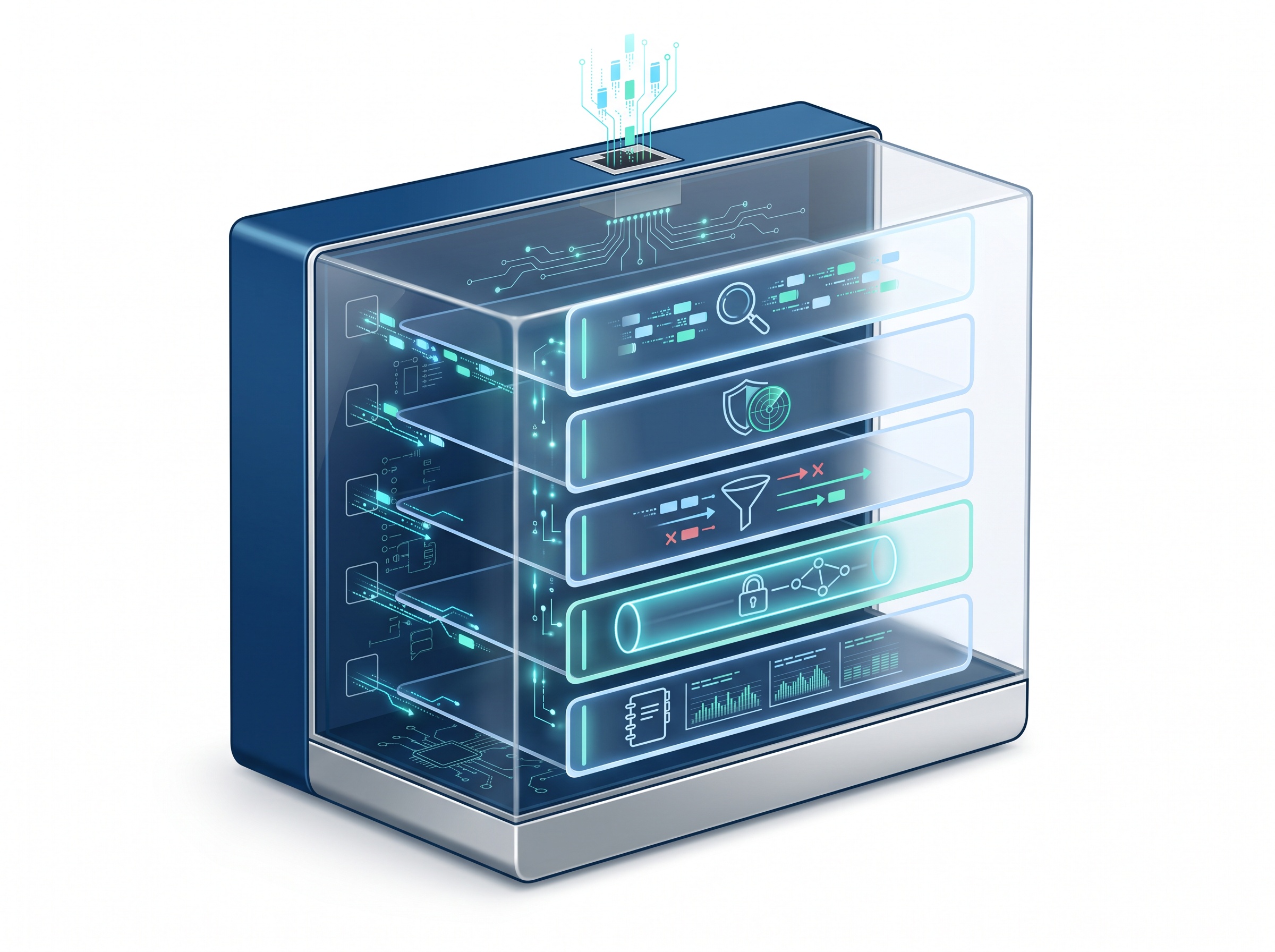
- Deep (stateful) inspection. It examines the content and context of traffic, not just where it is headed, so it can catch threats riding inside permitted connections.
- Intrusion prevention (IPS). It recognises the signatures and behaviours of known attacks — including attempts to exploit the very network-device flaws attackers favour — and blocks them in real time.
- Content and DNS filtering. It can stop staff from reaching known-malicious or phishing domains before a bad click ever becomes a bad connection.
- A real VPN for remote access. Encrypted, authenticated tunnels for a doctor reviewing images from home or a remote IT provider — not a port forwarded to the open internet.
- Logging you can actually use. Durable records of what crossed the perimeter, which is both an early-warning system and, after an incident, the evidence of what did and did not happen.
- Sustained firmware support. A vendor commitment to patch newly discovered vulnerabilities for years — the single feature whose absence turned so many consumer routers into botnet nodes.
Segmentation: your X-ray sensor does not belong on the front-desk network
One of the most valuable things a proper firewall enables is something a flat home network cannot: segmentation. In most practices, everything sits on one undivided network — reception PCs, clinical workstations, the CBCT and intraoral scanners, the practice management server, the smart thermostat, the staff phones, and the guest Wi-Fi in the waiting room. If any one of those is compromised, the attacker can reach all of them.
A business-grade firewall lets you carve that single network into isolated zones (commonly using VLANs): imaging devices on their own segment, clinical workstations on another, building IoT on a third, and guest Wi-Fi fully walled off from everything clinical. This is not academic. Many imaging and point-of-care devices run embedded operating systems that cannot be patched or run antivirus — exactly the risk we examined in the context of network-device vulnerabilities that expose a practice’s whole LAN. Segmentation contains a breach to the room it started in instead of letting it walk the length of the office.

End-of-life is the silent killer
Even the right hardware becomes a liability if it is left to rot. The defining lesson of 2026’s router attacks is that an unsupported edge device is worse than an old one — it is an open door. Once a manufacturer stops issuing firmware updates, every vulnerability discovered afterward stays unfixed forever, and attackers specifically hunt for those models because they know the holes will never close.
Washington took this seriously enough to codify it: CISA’s binding operational directive BOD 26-02 ordered federal agencies to inventory their unsupported edge devices within months, begin replacing them within a year, and complete remediation within eighteen months. Your practice is not a federal agency, but the threat is identical — and so is the fix. Know what your gateway is, confirm it is still receiving security updates, apply those updates promptly (the same discipline we urge for operating systems and applications on patch day), and replace anything the vendor has abandoned. A firewall that has reached end-of-life should be retired the way you would retire an expired autoclave: not when it fails, but when it can no longer be trusted to do its job. This is also why the FCC moved to restrict certain foreign-made consumer routers outright.
What this means for a dental practice
Beyond the direct risk of a breach, your network perimeter is a compliance artifact. A reasonable, documented safeguard at the edge is exactly what HIPAA’s Security Rule and Ontario’s PHIPA expect, and a regulator reviewing an incident will ask what stood between the internet and the protected health information. “A seven-year-old consumer router” is not a defensible answer. Cyber-insurance underwriters have converged on the same expectation: a managed, supported firewall with logging is increasingly a precondition for coverage, not a nice-to-have, and its absence is a reason claims get questioned.
None of this replaces your other controls — multi-factor authentication, staff awareness, and above all tested backups still carry the load if the perimeter is breached, which is why an immutable, air-gapped backup remains the exit you ultimately control. The firewall is the front gate. The point is to have a gate that is actually built to be one.

How Compudent Systems can help
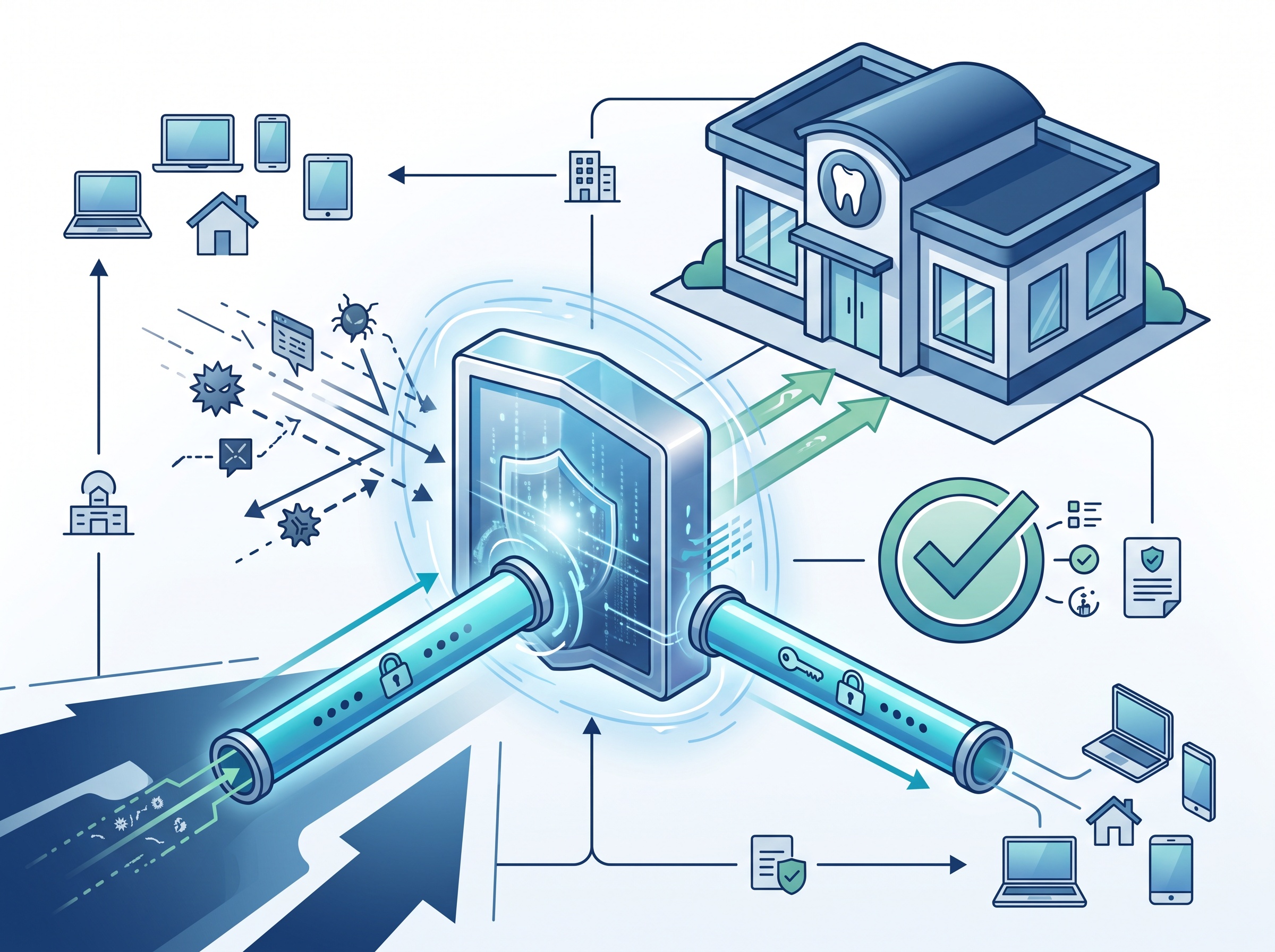
At Compudent Systems, we design and manage network security for dental practices across the GTA and Ontario: assessing what your current gateway actually is and whether it is still supported, deploying and configuring business-grade firewalls, segmenting imaging devices and IoT away from your clinical and patient data, keeping firmware current, and maintaining the logs your PHIPA and HIPAA obligations — and your insurer — expect to see. Contact Compudent Systems for a network security assessment, and let us make sure the box guarding your patients’ records was actually built for the job.
Sources & further reading:
- CISA/FBI Secure by Design Alert: Malicious Cyber Actors Exploiting Insecure SOHO Routers
- CISA BOD 26-02: Mitigating Risk From End of Support Edge Devices
- Defending Against China-Nexus Covert Networks of Compromised Devices (CISA Advisory)
Related Reading
- When the Firewall Itself Is the Backdoor: Why Attackers Now Target the Device Guarding Your Practice Network
- Is Your Practice Router a Backdoor? What the New MikroTik RouterOS Advisories Mean for Dental Networks
- The Waiting-Room Wi-Fi Problem: Why Guest Internet Must Never Touch Your Dental Practice Network