




August 5, 2026 Your Backups Are Only as Good as Your Last Test Restore: A Dental Practice Reality Check
Almost every dental practice we assess runs backups. Far fewer can tell us the last time anyone actually restored one. That gap is not a paperwork detail – it is the single most common reason a recoverable incident turns into a catastrophic one. A backup that has never been restored is not protection. It is an assumption. And in a practice that depends on its practice-management database, its digital imaging, and its patient records to open the doors each morning, an untested assumption is exactly the thing that fails on the worst possible day.
The green light lies
Backup software is built to reassure you. The job runs overnight, an email says “completed successfully,” a status light stays green, and everyone moves on. None of that tells you whether the data can come back. It tells you the copy operation finished – nothing more.
Untested backups fail silently in three ways, and each one hides comfortably behind that green light. The first is incomplete scope. A backup set that was configured years ago may faithfully copy one folder while quietly missing the imaging database, the scanned-document store, or a drive that was added later. It succeeds every night – at protecting the wrong things. The second is corruption. Files can rot, a database can be captured mid-write in an inconsistent state, and media degrades. The backup exists; it simply will not open. Nobody notices until the day it has to. The third, and the one doing the most damage right now, is that the backup was online when the ransomware arrived.
Why ransomware makes this urgent
Modern ransomware does not politely encrypt one computer and stop. It spreads across the network hunting for exactly the things you would use to recover – and connected backup drives and network shares are at the top of that list. If your backup is a USB drive that stays plugged into the server, or a network folder the server can write to at any time, then the attacker can write to it too. Your live data and your safety net get encrypted in the same stroke.

This is why “we have backups” and “we can recover from ransomware” are not the same sentence. Practices that thought they were covered have watched their nightly backup encrypt right alongside production, because the two were never truly separated. The lesson is blunt: a backup you can reach from an infected machine is a backup an attacker can destroy.
The 3-2-1 rule, and the copy that saves you
The durable answer is a discipline, not a product. The classic framing is the 3-2-1 rule: keep three copies of your data, on two different types of media, with one copy offsite. Three copies means a single failure never leaves you at zero. Two media types means one flaw – a bad drive model, a single storage technology – cannot take them all at once. One offsite copy means a fire, flood, or theft at the office does not erase your patient records along with the building.
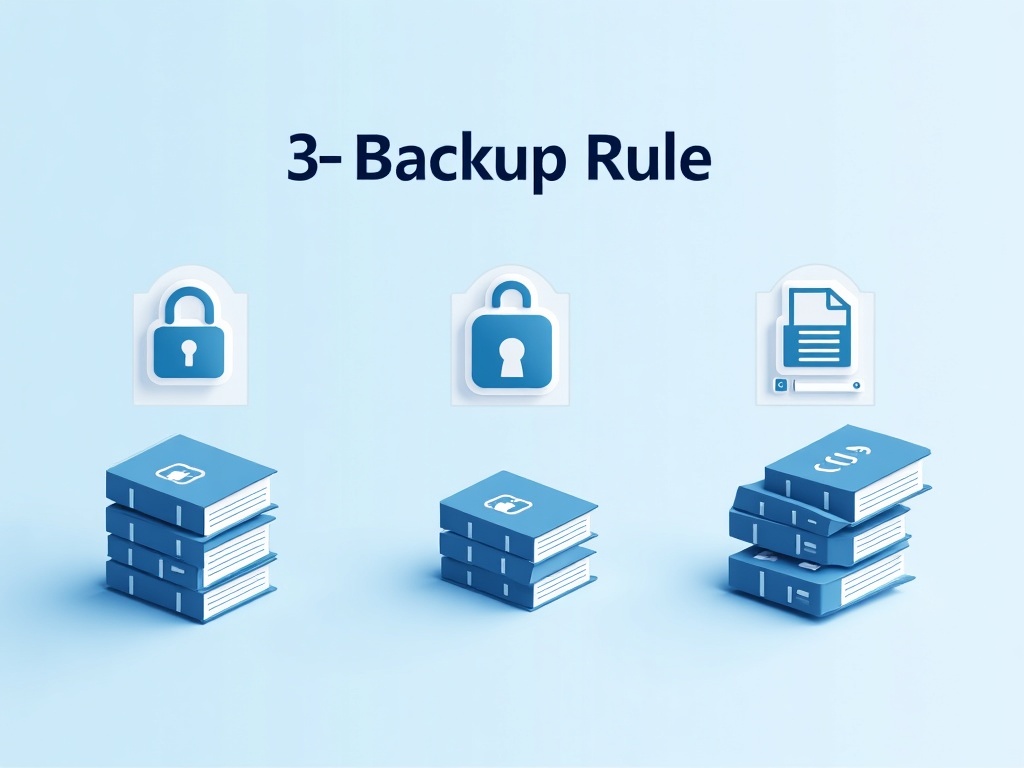
For the ransomware era, add one word to that offsite copy: immutable, or air-gapped. An immutable backup cannot be altered or deleted for a set retention window, even by an administrator account – so encryption malware and stolen credentials both hit a wall. An air-gapped copy is simply one that is physically or logically disconnected when it is not actively being written, so there is nothing for an attacker on the network to reach. Reputable cloud backup with immutability, or a rotation of offline drives kept disconnected, both get you there. The principle is the same: at least one copy of your practice’s data must live somewhere that a compromised server cannot touch.
RPO and RTO, in plain terms
Two numbers decide what “good enough” means for your practice, and you do not need a data-center vocabulary to set them. RPO – Recovery Point Objective – is how much data you can afford to lose, measured in time. If you back up once a night and the server dies at 4 p.m., every appointment, chart note, X-ray, and payment entered that day is gone. That is a 24-hour RPO. If losing a full day of clinical work is unacceptable – and for most practices it is – you need backups running far more often than once a day.
RTO – Recovery Time Objective – is how long you can afford to be down while you restore. A practice that can rebuild and reload in two hours has a very different day than one that needs three days to reinstall software, re-import a database, and reconnect imaging. Every hour of RTO is cancelled appointments, idle staff, and patients who may not come back. Deciding these two numbers ahead of time is what turns a vague “we have backups” into a plan you can actually stand behind – and it is the yardstick every test restore measures against.
A quarterly test restore, step by step
Here is the practice that separates a real backup from a hopeful one. At least once a quarter – and after any major software change – perform a deliberate test restore. Do it on purpose, on the calendar, not in a panic.

1. Restore to isolated hardware. Never test by overwriting production. Use a spare machine or an isolated virtual environment so a failed test cannot harm live data. 2. Restore from the copy you would actually use in a disaster – including the offsite or immutable copy, not just the convenient local one. The offsite path is the one most likely to hide a surprise. 3. Open the data, do not just copy it. A restore is not finished when files land on disk; it is finished when the practice-management software launches against the restored database and real records appear. 4. Spot-check real records. Pull up specific patients, confirm their charts, images, and documents are present and correct, and that recent entries are actually there. 5. Time it. Measure how long the full restore took and compare it against your RTO. If it took a day and your target was two hours, you have found a problem in a drill instead of a disaster. 6. Write down what broke – a missing folder, a wrong credential, an out-of-date recovery note – and fix the backup configuration so the next test is cleaner. A test that surfaces a flaw is a success, not a failure.
What a dental office must verify, specifically
Generic backup advice misses what makes a dental restore complicated: your patient record is not one file in one place. A convincing test restore has to prove that all of it comes back, and comes back together.

The practice-management database. This is the heart – Dentrix, Eaglesoft, Open Dental, or whatever you run. Databases must be backed up in a consistent state, and the only proof is launching the application against the restored copy and confirming schedules, charts, ledgers, and treatment plans open cleanly. Digital imaging and sensor data. Radiographs, intraoral photos, CBCT volumes, and pano images are frequently stored separately from the database and linked by reference. A restore that recovers the database but not the image store – or breaks the link between them – leaves you with charts pointing at pictures that no longer exist. Verify that images open and are correctly associated with their patients. Scanned documents. Signed consent forms, insurance correspondence, referral letters, and IDs are often a separate document repository. Confirm it is in scope and that files open. System configuration. Bridge and integration settings, imaging-device drivers and calibration, user accounts and permissions, and the licensing that lets the software run at all. Recovering the data but not the configuration that makes it usable can still cost you days. Verify the practice is not just restored, but actually operational.
Prove it before you need it
The difference between a minor incident and a practice-threatening one is almost never whether backups existed. It is whether anyone had proven they work. A tested restore turns your backup from a hopeful checkbox into a genuine guarantee – and it is far cheaper to discover a gap in a scheduled drill than in the middle of a ransomware negotiation with a waiting room full of patients.
Compudent Systems helps dental practices across the GTA and Ontario design a backup strategy built for this reality – proper 3-2-1 coverage, an offsite and immutable copy ransomware cannot reach, RPO and RTO targets matched to how your practice actually runs, and scheduled test restores that verify your database, imaging, documents, and configuration all come back. If you cannot say with confidence when your backups were last successfully restored, contact Compudent Systems for a backup and recovery assessment. Let us prove it works before the day you need it to.
Related Reading
- Two Dental Groups on Leak Sites in One Week: What It Means When Your Practice’s Name Appears on a Ransomware Blog
- When the System Goes Down: Building a Downtime and Business-Continuity Plan for Your Dental Practice
- The "Recovery" Firm Was Secretly Paying the Ransom: Why an Immutable, Air-Gapped Backup Is the Only Exit Your Dental Practice Controls