




September 26, 2026 Hacked in Five Hours: The Critical WordPress Flaw (CVE-2026-87902) Your Practice Website Needs Patched Today
On September 22, 2026, the WordPress security team disclosed and patched a critical flaw in WordPress Core, tracked as CVE-2026-87902 and scored 9.2 out of 10. It is an unauthenticated path-traversal bug that, under the right conditions, lets an attacker run their own code on the server hosting your website — no password, no login, no user interaction required.
The alarming part isn’t just the severity. It’s the speed. Security firm Patchstack recorded the first malicious requests at 17:44 UTC the same day — less than five hours after the fix was published. Within a day, attack traffic had jumped roughly tenfold and moved from simply hunting for vulnerable sites to actively dropping code onto them. If your dental practice runs a WordPress website — and most do — this is a this-week problem, not a someday problem.
What the flaw actually does
The bug lives in how WordPress resolves page templates. In plain terms, a function that is supposed to load a template file from inside your theme can be tricked into loading a different, attacker-chosen .php file that already exists on the server. If the attacker can point that mechanism at the right file, they can turn “display a web page” into “execute a command.”
Discovered by security researcher Robert Ressl, the vulnerability doesn’t hit every single site automatically — remote code execution requires a specific combination: an active theme with a top-level folder whose name starts with page- (for example, page-templates), and a readable local PHP file the attacker can abuse. The official advisory points to pearcmd.php as the classic example when PHP’s register_argc_argv setting is switched on. That sounds obscure until you learn where those conditions are common.
Why ordinary practice websites are squarely in the blast radius
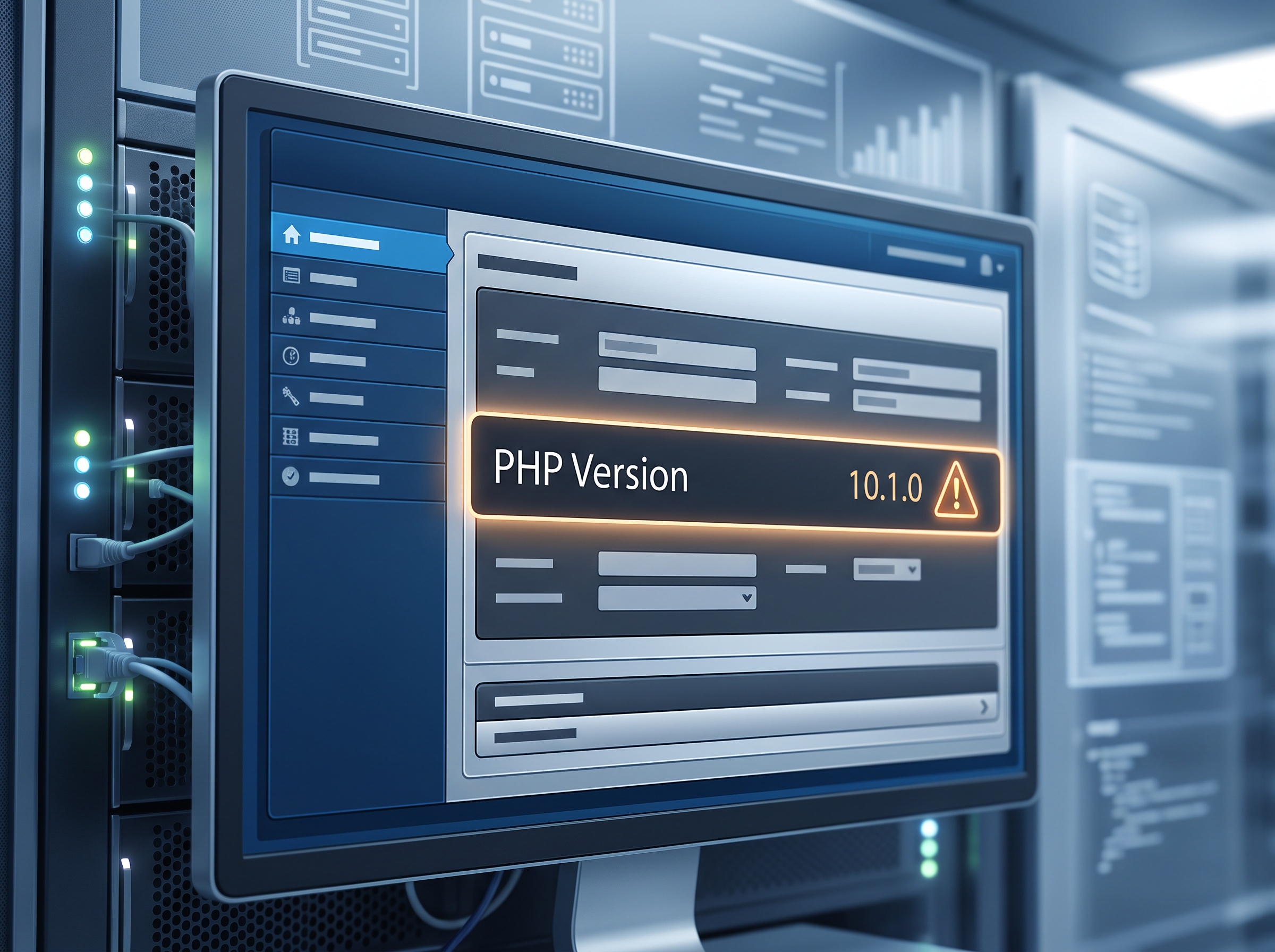
Here is the line that should get a practice owner’s attention: WordPress notes that the official PHP image for Docker is affected, and so is the default cPanel configuration when a PHP version older than 8.5 is used. cPanel is the control panel behind a huge share of small-business shared hosting — exactly the kind of budget hosting a dental office’s marketing site often sits on, frequently running a PHP version that is a release or two behind. In other words, the risky configuration isn’t exotic. For many practices, it’s the default they were handed and never touched.
This is the recurring lesson we keep coming back to: your website is not separate from your security posture. It is part of your attack surface. We made that case earlier this year when attackers were forging logins straight into WordPress, and again when a separate critical Core flaw, “wp2shell,” gave attackers code execution. CVE-2026-87902 is a new, distinct vulnerability — but the pattern is identical, and so is the fix discipline.

What a compromise would cost a dental practice
It is tempting to shrug off the marketing site as “just the brochure.” But once an attacker can run code on the server behind it, the damage is real and often reportable:
- Harm to your patients directly. A compromised site can be quietly rigged to serve malware or scam pages to the very people who trust your name — existing patients looking up your hours or booking an appointment.
- Theft of the data your forms collect. Contact forms, appointment-request forms, and new-patient intake widgets routinely capture names, phone numbers, email addresses, and the reason someone is seeking care. Depending on what you collect, that can be protected health information — and its exposure can trigger notification obligations under HIPAA and PHIPA.
- Reputation and search damage. Sites hijacked this way are commonly stuffed with spam or malicious redirects, which search engines flag — turning your top marketing asset into a warning label.
- A foothold. Code execution on your hosting is a launch point for attackers to probe further into anything else that shares that environment.
The observed attacks are already writing files with tell-tale names like wp-pear-rce-flag.php, poc87902.php, and randomized luci_ or zeta_ PHP files into locations such as /tmp and /var/tmp. Some payloads merely flag a host as exploitable; others plant a short snippet that runs a shell command whenever it is accessed.
Exactly what to do this week
The good news is that the remedy is straightforward and mostly a matter of confirming it happened.
- Update WordPress to 7.1.2. That release fixes the flaw. Because the severity is critical, WordPress backported the fix down every branch to 4.7, so older-but-maintained sites have a patch too. (Anything before 4.6 will not get a fix — if that’s you, an upgrade is overdue for many reasons.) If your site has automatic core updates enabled, this may already be done; verify it rather than assume it.
- Check your PHP version. If your host runs PHP older than 8.5 on a default cPanel setup, you are in the configuration WordPress specifically called out. Ask your host to move you to a current, supported PHP release — a good idea independent of this bug.
- Confirm who actually owns patching your site. Is it your web designer, a marketing agency, your IT provider, or nobody? A site with an unclear owner is a site that doesn’t get patched. This is the same discipline behind knowing every piece of software you run — the theme we raised with the FastJson zero-day and building a real software inventory.
- Look for signs of compromise. Ask whoever manages the site to check for unexpected PHP files in
/tmpand/var/tmpand in the web root, and to review access logs for the exploitation pattern. If anything looks off, treat it as a potential breach of any data the site collected.
The bigger habit this should reinforce
CVE-2026-87902 is a textbook case of why speed matters now. The window between “a fix exists” and “criminals are weaponizing it” was under five hours — and the exploitation was fully automated, spraying the internet rather than hand-picking targets. A small dental practice doesn’t get overlooked in that model; it gets swept up in it.
That reality rewards two boring habits: keeping software current without waiting for a nudge, and knowing what you run and who is responsible for each piece of it. Auto-updates, a maintained hosting plan on a supported PHP version, and a named owner for the website are not luxuries — they are what turns a five-alarm headline into a non-event you patched before lunch.
Where Compudent fits
Most dental offices don’t have someone whose job is to watch for a WordPress advisory on a Tuesday afternoon and confirm the practice site got patched before attackers arrived. That’s the gap we close. Compudent Systems helps dental and medical practices across the GTA and Ontario inventory the systems that touch patient data — websites included — keep them patched, watch for exploitation of flaws like this one, and make sure someone actually owns each piece. If you’re not certain whether your practice website is running the fixed version of WordPress, or which PHP version your host serves, reach out to Compudent for a quick assessment. It’s a short conversation now, or a breach-notification letter later.

Sources & further reading:
- Hackers start exploiting critical WordPress flaw for code execution
- WordPress security advisory GHSA-7hp8-65ch-5whp (CVE-2026-87902)
- Patchstack: attackers started probing WordPress sites hours after the patch
Related Reading
- Security Alert: “wp2shell” (CVE-2026-63030) Is a Critical WordPress Core Flaw — Patch Your Practice Website Now
- One Click and You Have a New Admin: The Elementor Flaw (CVE-2026-62062) Threatening Dental Practice Websites
- Your Practice Website Is Part of Your Attack Surface: Hackers Are Forging Logins Into WordPress Right Now