



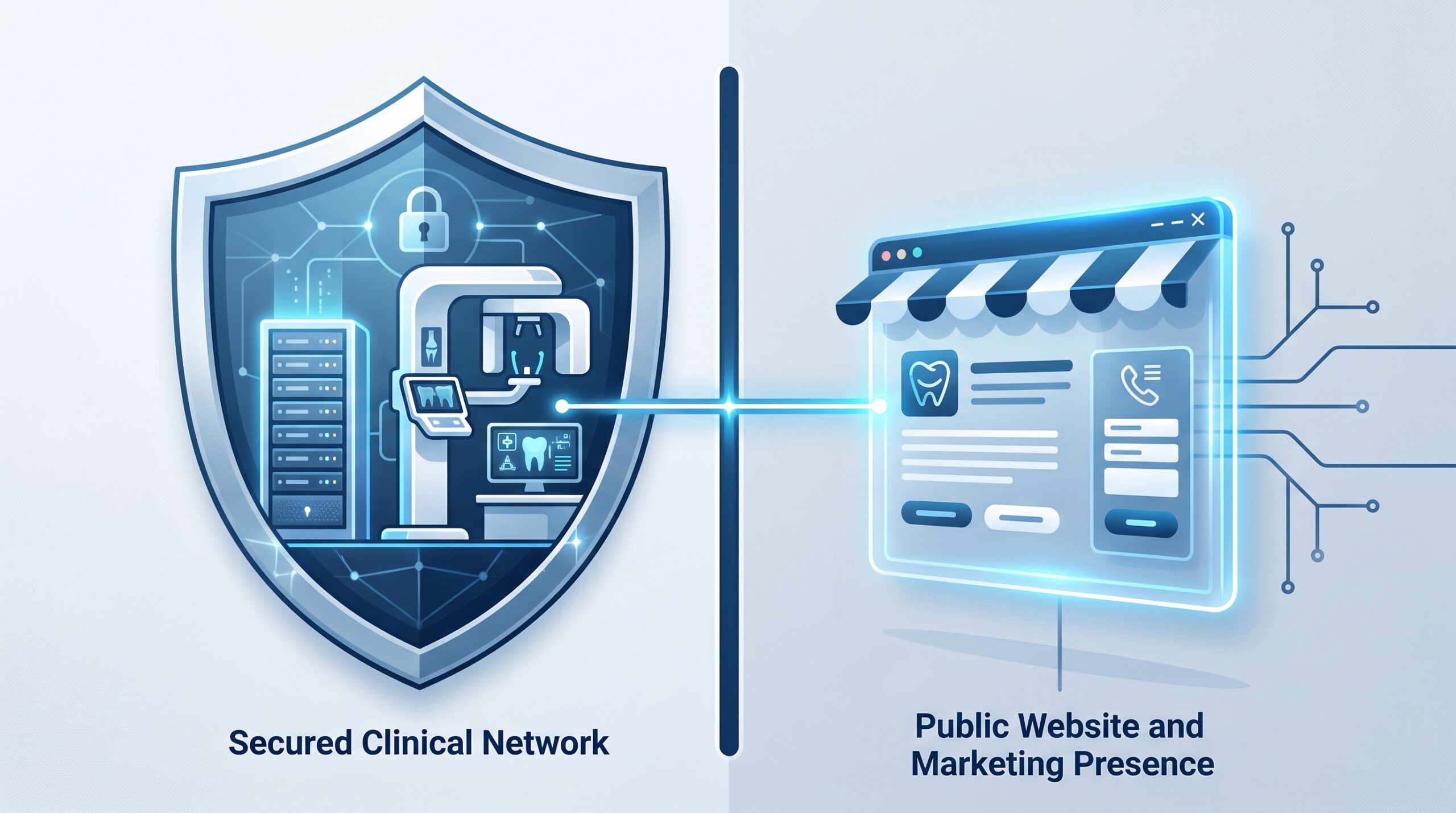
August 25, 2026 Your Practice Website Is Part of Your Attack Surface: Hackers Are Forging Logins Into WordPress Right Now
When a dental practice thinks about cybersecurity, it thinks about the server in the back room — the one running the practice-management software, the imaging archive, the schedule. That instinct is correct, but it is incomplete. Your practice has a second computer with your name on it, sitting out on the open internet where anyone can reach it: your website. This week it is squarely in the crosshairs. Security researchers are reporting active attacks against two critical authentication-bypass vulnerabilities in the miniOrange SAML 2.0 Single Sign-On plugin — a component installed on a large number of WordPress sites — and the payoff for a successful attacker is complete administrative control of the site.
What is actually being attacked
The two flaws, tracked as CVE-2026-61979 and CVE-2026-15981, live in a plugin whose entire job is to handle logins — the “sign in with your company account” style single sign-on that many organizations bolt onto WordPress. Chained together, the vulnerabilities let an unauthenticated attacker forge a SAML authentication response and be accepted by the site as a legitimate administrator. No stolen password, no brute-force guessing: the attacker fabricates the very message the site trusts to say “this person has already proven who they are.” Once WordPress believes that, the intruder owns the site.
According to reporting from BleepingComputer, attackers are already scanning the internet for vulnerable installations. That is the pattern with every widely deployed plugin flaw: disclosure is followed within days by automated, indiscriminate exploitation. Nobody is targeting your dental practice by name — the bots simply sweep the whole web looking for the vulnerable version, and a small clinic’s site is exactly as findable as anyone else’s.
Why a login plugin is such a prize
An authentication bypass is the most valuable class of web vulnerability there is, because it hands over the keys directly. This is the same category of weakness we recently saw exploited in Microsoft’s SharePoint — where a forged login walked straight past the front door. The plugin ecosystem makes WordPress powerful, but every plugin is third-party code you have chosen to trust, and a flaw in one that handles logins is a flaw in your site’s front lock. It is not the first time this year a WordPress component has become an open door; we have covered a critical WordPress core flaw and even a plugin poisoned through its own update channel. The website is not a low-stakes brochure; it is a live application, and it needs to be treated like one.
What actually happens when a practice website is hijacked
It is tempting to shrug this off — the marketing site does not hold patient charts, so what is the harm? The harm is real, and it is rarely the harm people expect. Attackers who take over a legitimate, reputable website almost never simply deface it. They monetize it quietly:
SEO spam and malware distribution. The most common outcome is that your site is stuffed with hidden spam links or made to silently redirect visitors to scam and malware pages. Your domain’s hard-earned reputation becomes the delivery vehicle. When Google detects it, your site can be flagged with a “this site may be hacked” or “deceptive site” warning — the single most damaging thing that can happen to a local practice’s search presence, and something that takes weeks to undo.
Harvesting prospective-patient information. This is the one that should worry a dental office most. Your website almost certainly has a contact or appointment-request form. An administrator-level attacker can alter that form to secretly copy every submission — names, phone numbers, email addresses, and the free-text “reason for visit” people type in — to their own server. That is real personal information about prospective patients, collected under your name, quietly exfiltrated. Even though it is not the clinical record, it carries the same privacy weight and the same duty of care you apply to any patient communication under PHIPA and HIPAA.

Why the website is the blind spot
The clinical network usually gets attention: someone patches the server, someone runs the backups, someone worries about ransomware. The website, by contrast, tends to fall into a gap. It was often built once by a marketing agency or a web designer who has since moved on. It runs on hosting the practice barely thinks about. It accumulates plugins — a booking widget, a gallery, a reviews feed, an SSO add-on someone enabled years ago — and nobody owns the job of keeping them updated. The result is a public-facing application that is exactly the kind of thing attackers love: internet-reachable, widely deployed software, running unpatched.
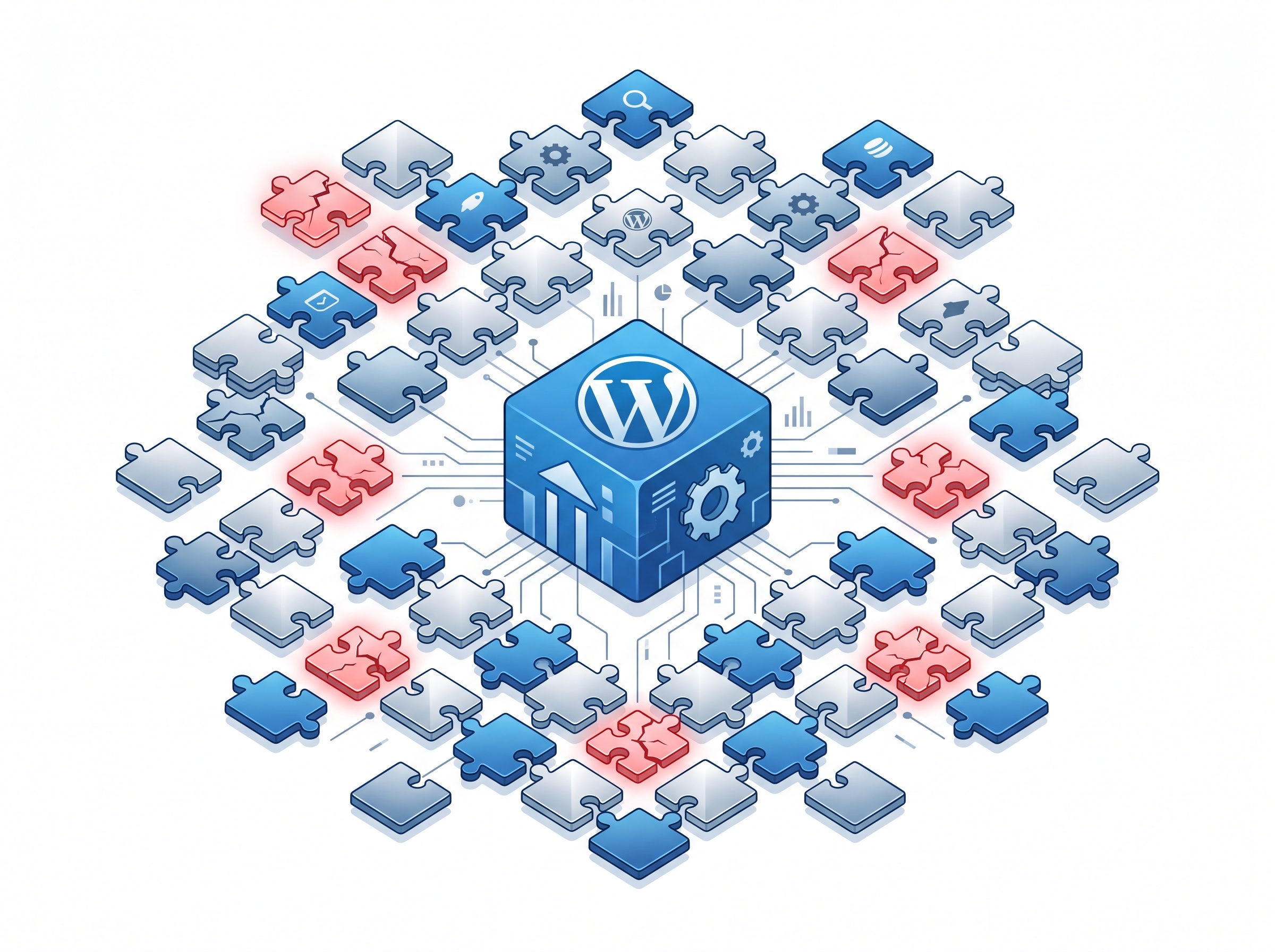
The plugin at the center of this week’s attacks is a perfect example. Many practices that have it installed do not know it is there, could not say who installed it, and have no process that would ever apply its security update. That is the real vulnerability — not just the code flaw, but the absence of anyone watching.
What to do now
The immediate response is specific; the lasting fix is organizational.
Find out who owns and hosts your site, today. If you cannot immediately name the person responsible for updates and the hosting account, that is finding number one. You cannot secure what you cannot see.
Patch or remove the vulnerable plugin immediately. If your site runs the miniOrange SAML SSO plugin, update it to the fixed version at once. If you are not actively using SSO, remove the plugin entirely — the safest plugin is one that is not installed.
Trim the plugin footprint. Audit everything installed and delete what you do not use. Every plugin you remove is one fewer piece of third-party code that can go wrong. Keep what remains updated automatically where possible.
Lock down the admin accounts. Enforce strong, unique passwords and multi-factor authentication on every WordPress administrator, remove stale accounts belonging to former vendors, and give each remaining user only the role they need.
Keep the website away from clinical systems. The public site should never share a network, credentials, or a server with your practice-management and imaging systems. Isolation ensures that a hijacked website stays a website problem — the same containment logic your cyber-insurer increasingly expects you to demonstrate.
Watch for the warning signs. Unexpected new admin users, content or redirects you did not create, a sudden search-ranking drop, or a browser warning on your own site are all symptoms of compromise. Someone should be positioned to notice.

The bottom line for your practice
The miniOrange attacks are this week’s reminder of a permanent truth: your website is a computer on the internet with your practice’s name on it, and it deserves the same discipline as the server in the back room. Right now that means checking a specific plugin. In the long run it means deciding, once and for all, who is responsible for keeping your public-facing technology patched, minimal, and watched.
If you are not certain what your practice website is running, who maintains it, or whether it is quietly exposing prospective-patient information, contact Compudent Systems. We help dental practices across Ontario bring the whole attack surface — clinical network and public website alike — under one clear, accountable, and up-to-date security plan.
Sources & further reading:
- Hackers target WordPress sites in miniOrange auth bypass attacks — BleepingComputer
- Attackers Target miniOrange SAML Flaws That Can Grant WordPress Admin Access — The Hacker News
Related Reading
- A Forged Login Walks Straight Into SharePoint: What the Actively Exploited CVE-2026-55040 Auth Bypass Means for Dental Practices
- They’re Calling Your Front Desk: How Voice Phishing Cracked a Healthcare Giant’s Microsoft Login
- When the Tool That Manages Your Network Gets Hacked: The N-able N-central Breach and What It Means for Dental Practices