



September 16, 2026 Is Google Meet Safe for a Patient Video Visit? Teledentistry, HIPAA/PHIPA, and the Free-Account Trap
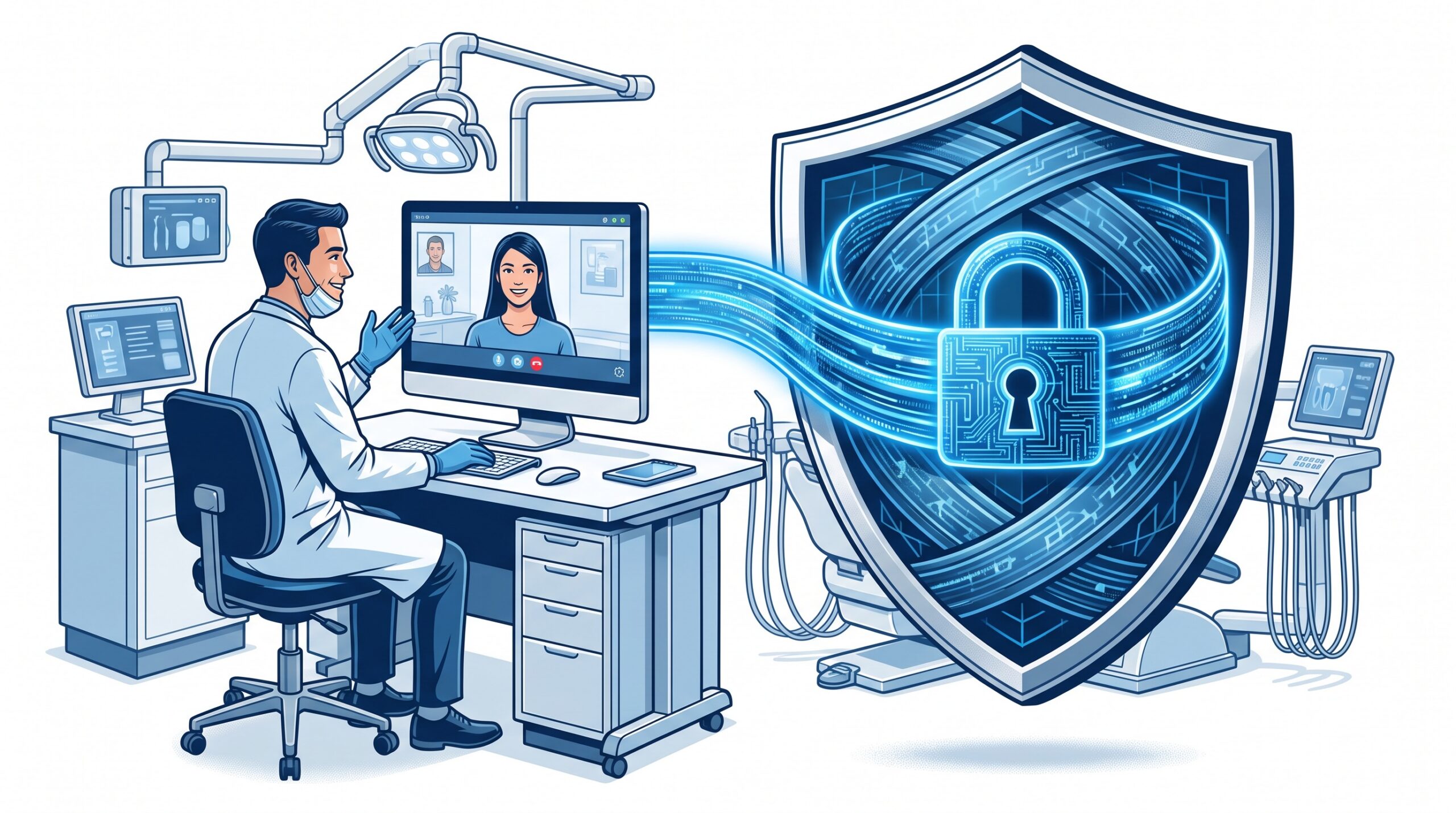
It has never been easier to see a patient by video. Someone types meet.google.com, clicks “new meeting,” sends the link, and a consult that used to require a room now happens in seconds. That convenience is exactly the problem. A dental practice that runs a virtual visit on a free, personal Google account has just handled protected patient information on a service it has no agreement with – and no amount of “but the call is encrypted” fixes that. With teledentistry now a normal part of triage, follow-ups, and second opinions, it’s worth answering the question straight: is Google Meet safe – and lawful – for a patient video visit?
The short answer: yes, but only under specific conditions
Google Meet can support a compliant patient video visit. The industry consensus, reflected in the HIPAA Journal’s 2026 update on the question, is that it is compliant only when three things are all true at once: it’s used as part of a paid Google Workspace plan (Business or Enterprise) whose covered services include Meet; the practice has a signed Business Associate Agreement (BAA) with Google; and it’s configured and used correctly, with sound administrative practices around it. Miss any one of those and you don’t have a compliant setup – you have a video call that happens to look the same on screen.
The version most people actually reach for – a free consumer Google Meet run off a personal Gmail address – meets none of those conditions. There is no BAA available for free consumer accounts, which means Google isn’t contractually bound to protect the information that passes through, and the practice has no agreement to point to if something goes wrong. That’s the free-account trap: the tool works identically, so nothing warns you that you’ve stepped outside the rules.
Why the agreement matters more than the encryption
It’s tempting to assume that because a video call is encrypted, it must be safe to use. Encryption is necessary, but it isn’t sufficient. Under HIPAA, any outside company that creates, receives, stores, or transmits protected health information (PHI) on your behalf is a business associate, and you’re required to have a BAA with them. The BAA is the legal hinge: it’s the document in which the vendor commits to specific safeguards, to breach notification, and to using the data only for permitted purposes. Without it signed, the vendor handling your patients’ information simply isn’t bound to protect it – and your practice, not the vendor, carries the exposure. This is the same principle we’ve walked through for other everyday tools, from texting and emailing patients to whether a practice can use ChatGPT without breaking HIPAA and PHIPA. The tool is rarely the deciding factor; the agreement and the configuration behind it are.
PHIPA: the same duty, worded for Ontario
For a practice here in Ontario, HIPAA is only half the picture – the Personal Health Information Protection Act (PHIPA) is the law that actually governs you. PHIPA doesn’t publish a list of “approved” apps, but it places a parallel, unambiguous duty on health information custodians: take reasonable steps to safeguard personal health information, and put a written agreement in place with any service provider who handles that information on your behalf. In practice that means the same test as HIPAA – a paid plan, a signed agreement, real configuration – plus a few PHIPA-specific habits: obtain and document a patient’s informed consent for a virtual visit, be able to say where the data is stored, and make sure your workflow doesn’t quietly route patient information through a personal account. A free video link fails on all counts.
This isn’t just a Google question
Google Meet gets singled out because it’s so easy to launch, but the exact same logic applies to every mainstream platform. Zoom can be compliant – but through its healthcare offering with a signed BAA, not a free personal Zoom account. Microsoft Teams can be compliant – under a business/enterprise plan with the Microsoft BAA in place. The pattern never changes: a paid business tier, a signed agreement, correct settings, trained staff. We covered the practical security side of this when we looked at safety and security while video conferencing; the compliance layer sits on top of those same good habits. Choosing a platform is the easy part – operating it correctly is the work.
What a compliant teledentistry setup actually looks like
Turning “we do video visits” into “we do compliant video visits” is a short, concrete checklist:
- Stop using personal accounts. No teledentistry consult should ever run on a free, personal Gmail or a free meet.google.com link. This is the single most common gap.
- Move to a paid Workspace plan (Business or Enterprise) that includes Meet as a covered service, then sign the BAA with Google and keep a copy on file.
- Turn on the compliance-supporting settings in the admin console – the controls that restrict access, manage recordings, and limit external sharing – rather than assuming the defaults are enough.
- Treat the extras as PHI too. Meeting recordings, in-call chat, and even calendar invites that name a patient and their reason for visiting all count. Decide where they’re stored and who can see them.
- Document consent for virtual care, and train every staff member who books or hosts a visit so nobody defaults to the convenient-but-non-compliant link under time pressure.
None of this is exotic – it’s the same disciplined vendor-and-data governance we outlined in our guide to PHIPA, HIPAA, and vendor risk, applied to the camera instead of the software.
What this means for your practice
Google Meet is not “unsafe” and it’s not automatically “compliant” – it’s a tool that becomes one or the other depending on how you buy it, agree to it, and configure it. The danger for a dental practice isn’t the technology; it’s the frictionless free version that anyone can start in seconds, with no signed agreement and no record of where a patient’s information just went. Compudent Systems sets up virtual-care stacks for Ontario dental practices the right way: the correct paid plan, the signed business associate agreements, the admin settings actually switched on, and the staff workflows that keep patient information from leaking into personal accounts. If your team is doing video visits and you can’t say for certain that there’s a signed BAA and a properly configured platform behind them, contact Compudent for a teledentistry and PHIPA-compliance review. We’ll make sure the convenient way and the compliant way are the same way.
Sources & further reading:
- The HIPAA Journal – Is Google Meet HIPAA Compliant? (2026 Update)
- Information and Privacy Commissioner of Ontario – Privacy and virtual health care (PHIPA)