




August 14, 2026 Is Texting or Emailing Your Patients a PHIPA and HIPAA Violation? Secure Patient Communication for Dental Practices
A patient asks you to text them their next appointment time. A specialist wants the panoramic X-ray emailed over before a referral. A parent messages the practice on WhatsApp to ask whether their child’s filling can wait a week. None of this feels risky – it is just how modern practices talk to people. Yet each of these ordinary messages can carry personal health information across networks you do not control, and under both Ontario’s PHIPA and US HIPAA, a single misdirected or intercepted message can become a reportable privacy breach.
So is texting or emailing your patients actually against the rules? The short answer is reassuring: no law bans it. The longer answer is where practices get into trouble – because “allowed” is not the same as “done safely.”
What the rules actually say
Neither PHIPA nor HIPAA prohibits electronic communication with patients. Both are technology-neutral: they require a custodian of health information to protect it with reasonable safeguards and to respect the patient’s wishes. Ontario’s Information and Privacy Commissioner has been explicit that email is permitted, provided you assess the risk and put appropriate protections in place. HIPAA takes the same posture – email and texting are allowed, but the practice remains responsible for the confidentiality, integrity, and availability of any protected health information (PHI) it transmits.
In practice, that responsibility comes down to three questions for every channel you use: is the message protected in transit, does it reach only the intended person, and did the patient agree to be contacted this way? Ordinary SMS and standard consumer email struggle with all three.
Why plain texts and ordinary email are the weak link
A text message or a normal email does not travel in a straight, private line from your front desk to your patient. It hops through carrier and provider servers, gets stored along the way, and lands on a personal phone or inbox that may be shared, unlocked, or backed up to someone else’s cloud. Standard SMS is not encrypted end to end. Consumer email is frequently unencrypted in transit and sits on servers outside your control.

Then there is the most common breach of all: misdirection. A wrong digit in a phone number, an autocomplete that fills in the wrong “John,” a reply-all that copies the whole family – these are how most everyday privacy incidents happen, and they have nothing to do with hackers. The convenience that makes texting fast is exactly what makes a slip irreversible.
The appointment-reminder rule: minimum necessary
The good news is that the most common message a practice sends – the appointment reminder – is also the easiest to do safely. Both frameworks lean on a minimum-necessary principle: share only what the purpose requires. A reminder can safely contain the date, the time, and the practice name. It should not contain the procedure, a diagnosis, a treatment detail, or anything that reveals why the patient is coming in.

“Reminder: your appointment with our office is Tuesday at 2:00 PM” is fine. “Reminder: your root canal and crown prep is Tuesday” is a disclosure of clinical information to whoever happens to see that screen. Keep reminders bland on purpose.
The patient-requested exception – and its limits
HIPAA includes a sensible provision that trips practices up when they over-read it. If a patient specifically asks to be communicated with by ordinary email or text, and you have made them reasonably aware of the risks, you may honor that request. The key is to document it – note that the patient requested unencrypted communication and was informed of the risk.
But that permission is narrow. It covers communicating with that patient, at their request. It does not license routine, practice-initiated disclosures by insecure channels, and it does not cover sending PHI to other providers, insurers, or labs over plain email. Do not stretch a single patient’s convenience preference into a general practice policy.
Sending records and X-rays: use a real channel
Emailing a patient their X-rays or a treatment plan as an attachment on a free consumer mail account is where practices take on the most risk for the least reason. Imaging and records are exactly the high-value, high-sensitivity data an attacker or a nosy recipient wants.
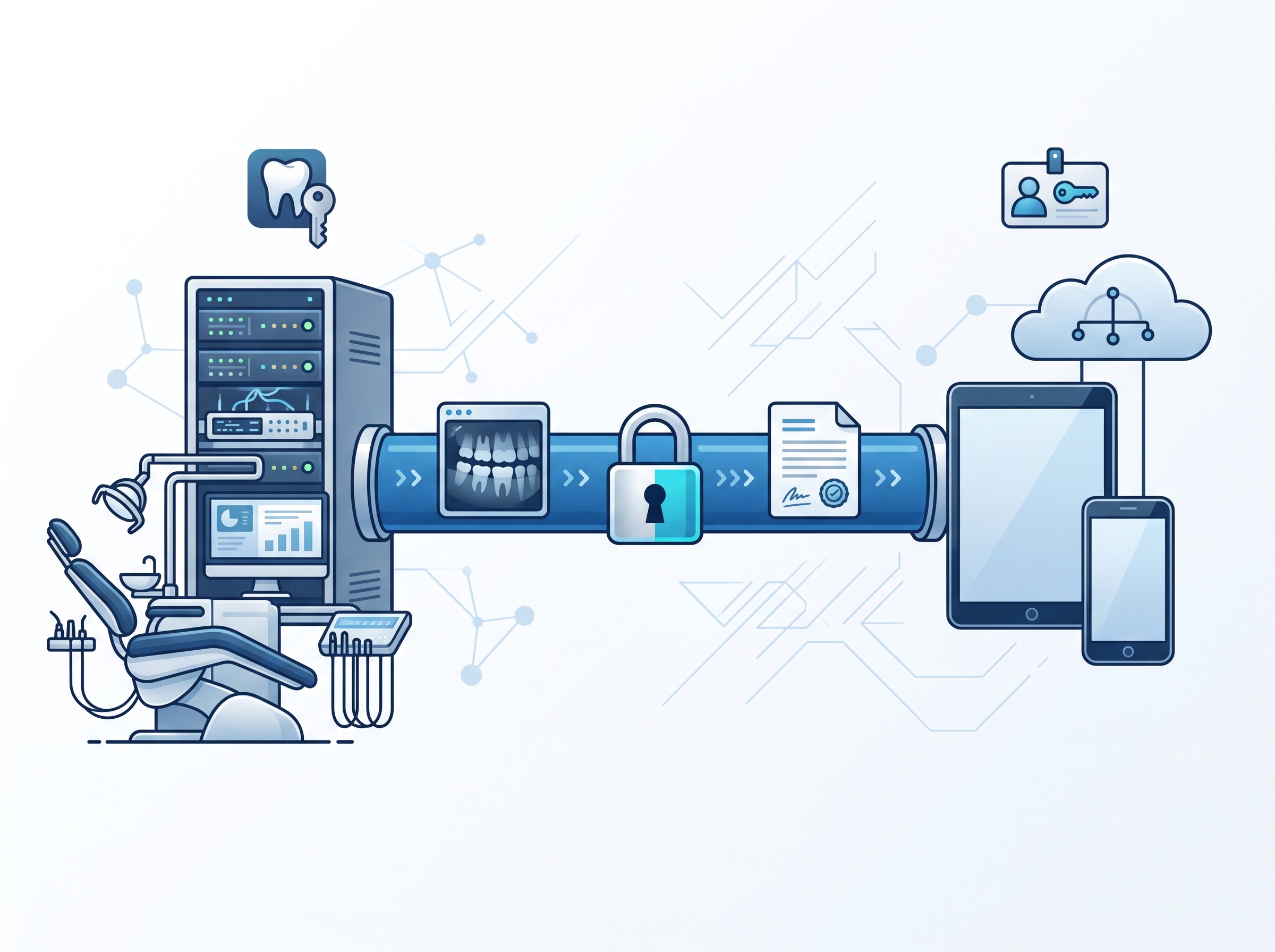
The right tools already exist: a secure patient portal where the patient signs in to retrieve documents, encrypted email, or a secure file-transfer link that expires. Each keeps the data inside an authenticated, protected channel instead of scattering copies across inboxes. If you are weighing which new tools are safe to bring into the practice at all, the same compliance logic we walked through for whether a dental practice can use ChatGPT without breaking HIPAA and PHIPA applies here: assess where the data goes before you send it.
Your texting and email vendors are part of your compliance
Here is the piece practices most often miss. The moment a third-party service – an appointment-reminder platform, a texting service, a hosted email provider – handles PHI on your behalf, it becomes a business associate under HIPAA and an agent under PHIPA. That relationship must be governed by a Business Associate Agreement (or an equivalent written contract in Canada) that binds the vendor to protect the data.
Free consumer Gmail and consumer messaging apps like WhatsApp, iMessage, or Facebook Messenger generally will not sign such an agreement for a standard account, and they route data through their own systems for their own purposes. That does not make Google or Apple insecure companies – it makes their free consumer products the wrong tool for transmitting patient health information. Use a business-tier service that will contractually stand behind PHI, and get the paperwork signed before you send the first message.
A practical checklist for the front desk

Pick approved channels and stick to them. Decide, as a practice, which tools are allowed for patient communication – a secure portal, an encrypted email service, a compliant reminder platform – and train staff to use nothing else for anything involving a patient.
Keep reminders content-light. Date, time, practice name. No clinical detail. Ever.
Capture consent and preferences. Record how each patient has agreed to be contacted, honor opt-outs, and note any patient-requested use of unencrypted channels.
Double-check the recipient. Most breaches are fat-finger misdirection. Confirm the number or address before sending anything with PHI, and disable reply-all by default for patient mail.
Lock down the mail system itself. Multi-factor authentication and encryption on your email accounts, and current, supported software on every machine that touches patient data – the same front-desk hygiene that makes running an unsupported operating system a HIPAA problem applies to the inbox those messages come from.
Sign the vendor contracts. Every service that handles PHI needs a business associate agreement or equivalent on file. If a vendor will not sign one, it is not the right vendor.
These habits also keep you aligned with the direction regulators are already moving, from the tightened expectations in the recent HIPAA Privacy Rule updates to Ontario’s steady guidance on electronic PHI.
The takeaway
Texting and emailing patients is not forbidden – it is expected. What PHIPA and HIPAA ask is that you do it deliberately: protect the message in transit, make sure it reaches only the right person, keep reminders free of clinical detail, and put the paperwork in place with any vendor that touches patient data. Get those right and modern, convenient communication becomes a strength rather than a liability.
Compudent Systems helps dental practices across the GTA and Ontario set up communication the compliant way – deploying secure patient portals and encrypted email, hardening mail systems with MFA, reviewing reminder and texting platforms and their business associate agreements, and training front-desk staff to avoid the misdirection mistakes behind most privacy breaches. If you are not sure whether the way your practice texts and emails patients would survive a privacy audit, contact Compudent Systems for a patient-communication and compliance review. The safest message is the one that only your patient ever sees.
Sources & further reading:
- Is Texting in Violation of HIPAA? 2026 Update – The HIPAA Journal
- Is Gmail HIPAA Compliant? Updated for 2026 – The HIPAA Journal
- Communicating Personal Health Information by Email – Information and Privacy Commissioner of Ontario (IPC)