



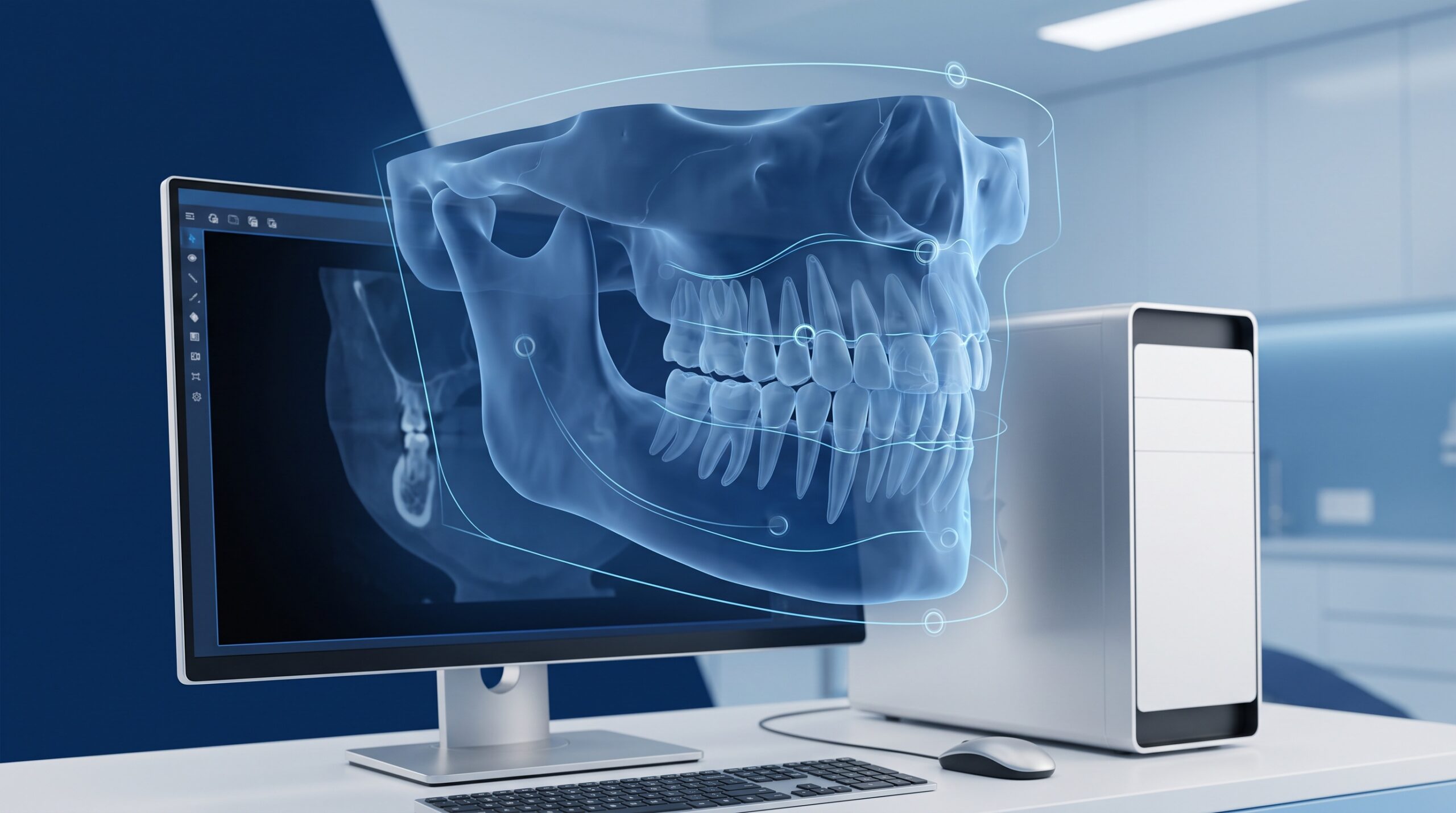
September 25, 2026 AI That Reads Your CBCT Scans Just Arrived for General Dentists: What Pearl’s Second Opinion 3D Means for Your Practice
For years, the AI that reads dental radiographs was a two-dimensional affair – clever software that scanned a bitewing or a periapical and flagged a suspected caries or bit of bone loss for the dentist to confirm. The three-dimensional world of the cone-beam CT stayed the province of specialists and their reading software. That line just moved. Pearl has taken its FDA-cleared 3D imaging AI, Second Opinion 3D, and launched it as a commercial product aimed squarely at general dentists in the United States and Canada – software that reviews a CBCT volume and surfaces findings for the clinician to verify.
This is not a breach alert, and there is nothing to patch this morning. It is a shift in what an ordinary general practice can buy – and every time a new class of tool becomes mainstream, it quietly becomes an IT and data question long before anyone in the operatory notices. Here is what the launch actually means, and the handful of things worth settling before your scans start leaving the building.
What actually changed
Pearl is not new to this. Its two-dimensional analysis tool has been reading intraoral X-rays chairside for some time. What is new is that the company has extended that FDA 510(k)-cleared imaging AI into cone-beam scans and packaged it for general dentistry rather than only for radiologists and large groups. In the same window, industry watchers counted five separate FDA clearances for 3D dental AI – a sign that regulators and vendors alike now treat AI review of a CBCT as a normal clinical tool, not an experiment.
The practical effect is that the wait-list of practices thinking about AI is being converted into buyers. The ADA Health Policy Institute’s Q2 2026 read on the profession found that 43.3% of dentists reported using AI for at least one task, with another 26.4% saying they do not yet but plan to – and imaging and diagnostics sat near the top of both lists. Cone-beam review moving within reach of the general dentist is exactly the kind of step that turns a “planning to” into a purchase order.
Why a clinical tool lands on the IT desk
Because AI does not read a scan by magic. Modern diagnostic-assist tools are overwhelmingly cloud services: the imaging system hands the volume off across your network to the vendor’s servers, the model does its work there, and a result comes back. That is a sensible architecture – the compute is heavy and centralising the model keeps it current – but it means a full patient CBCT, one of the richest pieces of personal health information you hold, now travels off your premises as a matter of routine. The clinical question is what the AI finds. The IT question is where the scan goes to be read, and whether that path keeps the data under your control.
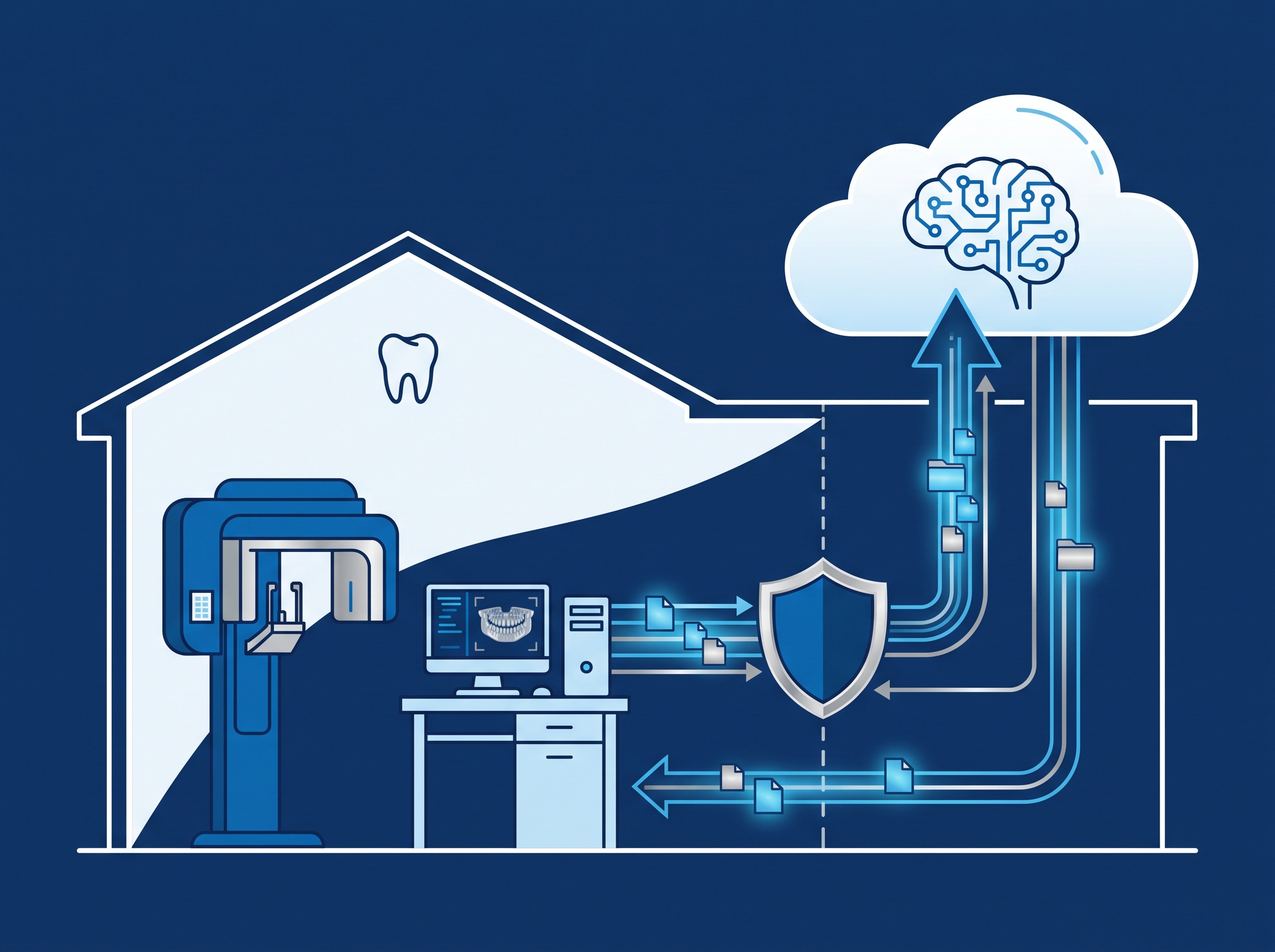
This is the same due diligence we applied when Medit’s AuraVue put Overjet’s AI onto one screen with your scans and X-rays, and it rests on the same foundation as keeping your imaging server and PACS off the open internet. A tool that reaches into your imaging pipeline is only as safe as the pipeline it joins.
The PHIPA question you have to answer first
For an Ontario practice, sending patient imaging to a third party for processing is not a grey area – it is a health-information custodian handing personal health information to a service provider, and PHIPA holds you responsible for what happens to it. That is workable and common, but it is conditional. Before the first scan is uploaded, you want three things pinned down in writing: where the data is stored and processed (a Canadian or U.S. data-residency answer matters to some patients and some contracts), whether your scans are used to train the vendor’s models and your ability to opt out, and a signed agreement – a written data-processing or business-associate arrangement that names the vendor’s obligations. These are the same instincts that apply whenever a free or consumer-grade cloud service creeps into clinical use, a trap we walked through with teledentistry over general-purpose video tools. “It just works in the browser” is not a compliance posture.

Four questions to ask before you switch it on
You do not need to become an AI expert to adopt one responsibly. Make these part of the evaluation and treat a vague answer as the answer:
- “Where is our data processed and stored, and for how long?” Get data residency and a retention period in writing, not a shrug about “the cloud.”
- “Are our patient scans used to train your models, and can we opt out?” Both answers are defensible – but you must know which one you are agreeing to.
- “What is the FDA clearance, and what is the tool cleared to do?” A 510(k)-cleared diagnostic-assist is a second reader, not an autonomous diagnostician. Know the boundary so your team uses it inside its lane.
- “How does this connect to our imaging system and network?” Cloud round-trip, on-prem appliance or a plug-in to your existing software – each has a different security and reliability profile, and your IT partner should size it up before go-live.
A second opinion, not a replacement
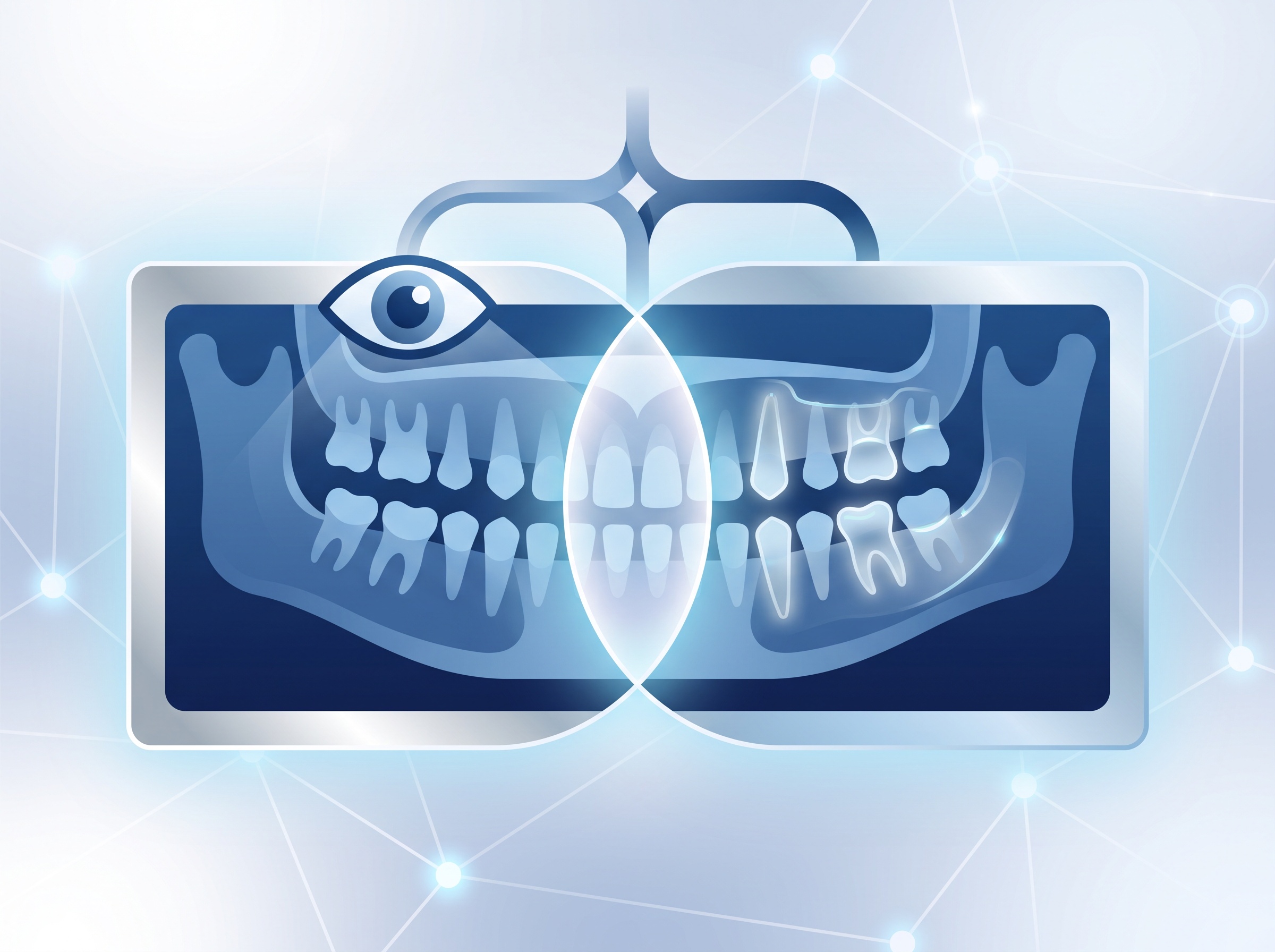
The name is honest about the role. A tool like this earns its keep by catching the thing a tired clinician glances past at the end of a long day, and by giving a general dentist more confidence in reading a volume that used to be shipped out for interpretation. But the clinician still owns the diagnosis. The most important workflow decision is a documentation one: when the AI flags something and the dentist agrees or overrides, the chart should reflect that a human made the call. That habit protects the patient, protects the practice, and keeps the tool firmly in the assist role the FDA cleared it for.
It also pairs with the buying discipline we have argued for all along – the same posture behind treating imaging-device cybersecurity as a purchasing checklist. New capability is worth having; it is worth having on your terms.
What to do this week
Nothing here is urgent, and that is the point – it is far cheaper to decide how AI enters your practice than to discover after the fact that patient scans have been leaving it under terms nobody read. If a diagnostic-assist tool is on your radar, add the four questions above to the evaluation. If one is already in use somewhere in the practice, take ten minutes to confirm the data path and the agreement behind it.
At Compudent Systems we help dental practices across the GTA and Ontario vet imaging and AI software before it is adopted, map how patient data moves on and off the network, and put the segmentation, agreements and safeguards in place to keep it compliant and secure. If you are weighing an AI imaging tool – or want to know exactly where your scans already go – contact Compudent Systems for an assessment. The best time to set the terms is before the first scan leaves the building.
Sources & further reading:
- Next Dental Lab – 2026 Dental Software News: AI Integration Trends
- Oral Health Group – Five FDA clearances for 3D dental AI as Pearl launches CBCT software for general dentists
- ADA Health Policy Institute – The State of the U.S. Dental Economy, Q2 2026