



September 13, 2026 A Poisoned Image Can Crash Your Imaging Server: The Orthanc DICOM Flaw (CVE-2026-87020) and Why Your PACS Shouldn’t Face the Internet
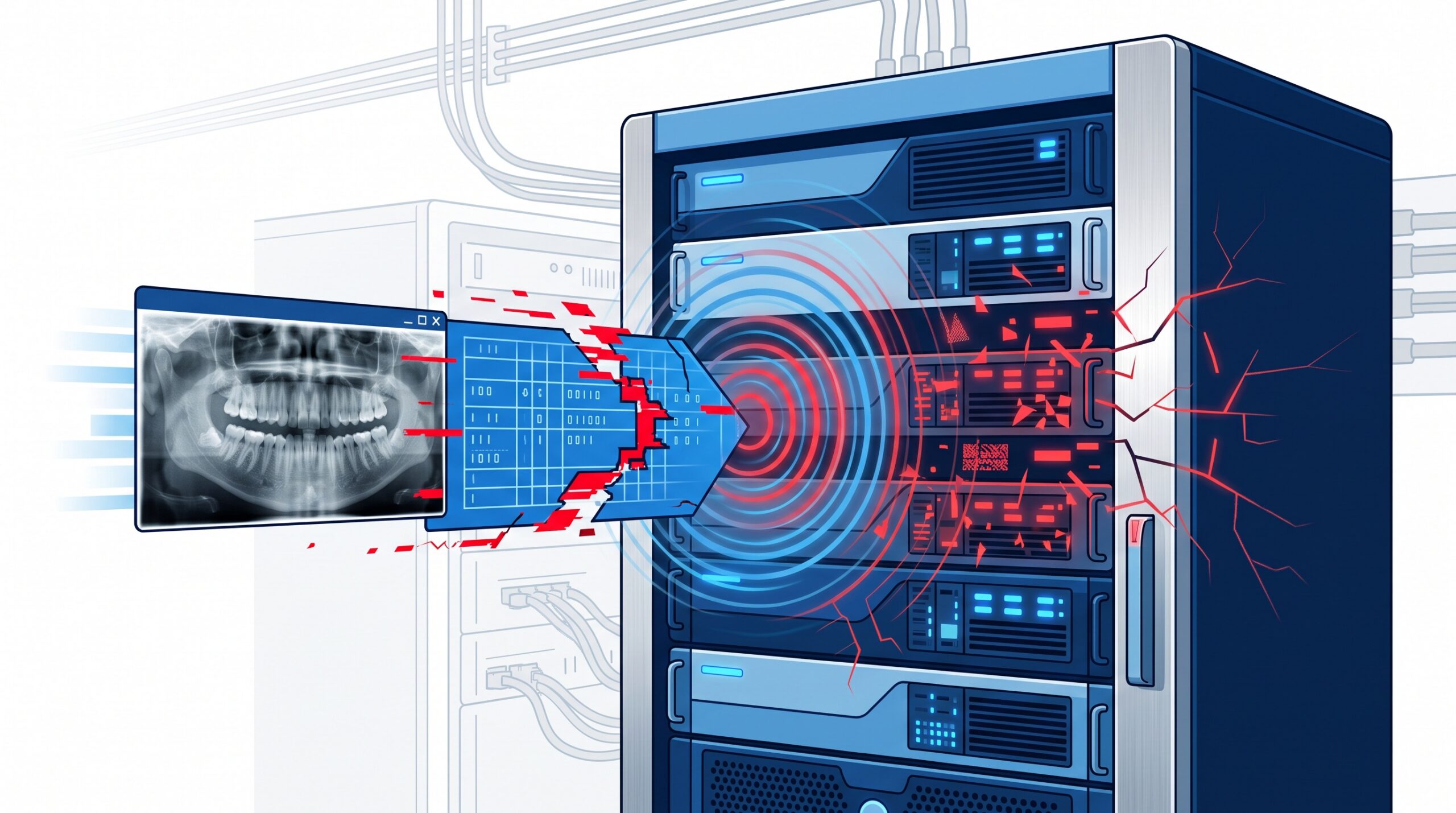
On September 10, the U.S. Cybersecurity and Infrastructure Security Agency (CISA) issued a medical-device advisory, ICSMA-26-253-02, for a flaw in the Orthanc DICOM server – a widely used, free, open-source imaging server that many clinics and imaging setups rely on to store and serve medical and dental radiographs. The bug, tracked as CVE-2026-87020, lets an attacker crash the server by feeding it a single malformed image. It carries a CVSS score of 8.1 (high), and every version before 1.13.0 is affected. This is not a data-theft bug – but for a practice whose imaging lives on that server, “the archive keeps falling over” is its own kind of emergency.
What Orthanc is – and why a practice might be running it
Orthanc is a lightweight DICOM server: think of it as the box that accepts images from your X-ray sensors, CBCT and pan units, stores them in a standard medical format, and hands them back to whatever software your clinicians use to look at them. It’s popular precisely because it’s free, capable and easy to stand up, so it turns up in home-grown archives, imaging bridges, research setups and small vendor products – sometimes without the practice owner even knowing it’s under the hood. Even if you’ve never heard the name, the shape of the risk is familiar: it’s the same central imaging hub we described when we walked through how dental AI and imaging software talk to each other over TWAIN, DICOM and APIs. Whatever software plays that role in your office, this advisory is a prompt to go find out what it is and whether it’s current.
What the flaw actually does
The technical mechanism is an integer overflow in the math Orthanc uses to size an image buffer. When the server decodes an attacker-supplied PNG or JPEG, that miscalculation lets the code write past the end of the memory it allocated – a “heap out-of-bounds write” – and the Orthanc process crashes. The result is a denial of service: the imaging server goes down and stops answering. Two things are worth being precise about. First, this is remote but authenticated – the attacker needs valid credentials to upload the poisoned image, so it isn’t an anonymous internet drive-by. Second, it is a crash, not remote code execution and not data exfiltration; nobody is stealing patient records through this particular hole. That’s meaningfully less severe than the viewer-side flaw we covered a few weeks ago in the RadiAnt DICOM advisory, where a malicious file targeted the workstation opening it. This one targets the server that holds everything.
Why ‘just a crash’ still matters in a clinic
It’s tempting to shrug at a denial-of-service bug – no data lost, just restart the service. In a dental practice, availability is the point. The imaging server is the diagnostic record: if it’s down, the hygienist can’t pull last year’s bitewings, the dentist can’t compare a lesion over time, and a chairside CBCT you just captured may have nowhere to land. A server an attacker can crash on demand is a server that can be held down through an entire clinic day – appointment after appointment running blind – until someone traces the cause. And a repeatable crash is a gift to anyone probing your network: it’s a reliable way to disrupt operations, or a smokescreen run alongside something worse. Downtime in a health setting isn’t an inconvenience; it’s care delayed.
The real lesson: your imaging server should not face the internet
Here’s the part that outlives this specific CVE. The attack requires two things: a login, and a network path to reach the server. CISA’s own guidance leads with the fix that neutralizes both – minimize network exposure, keep imaging servers off the internet, and isolate the medical-device network from the business network with firewalls, allowing remote access only through a VPN. In other words, patch the bug, yes – but the durable defense is making sure a stranger could never reach the login page to begin with. “Authenticated” sounds reassuring until you remember how credentials actually leak: a phished password, a shared login taped to a monitor, a vendor account that never got disabled. Segmentation is what turns “an attacker with a stolen password” back into “an attacker who still can’t get to the imaging server.” It’s the same principle that stops ransomware crews at the edge, which is why we keep hammering on patched, properly configured perimeter gear – from firewalls that ransomware groups actively exploit to the practice router as a backdoor. An imaging server exposed to the open internet is a standing invitation; one sitting on a segmented internal network is a much smaller target.
What to do now
The response here is short and concrete. Inventory your imaging stack: find out whether Orthanc – or any DICOM server – is running in your practice, and which version. Patch it: if it’s Orthanc below 1.13.0, update to 1.13.0, the version that fixes CVE-2026-87020. Take it off the internet: confirm the imaging server is not reachable from outside, and if remote access is genuinely needed, put it behind a VPN, not a port forward. Segment the network: imaging and medical devices belong on their own isolated VLAN, separated from the front-office PCs and guest Wi-Fi. Tighten accounts: unique logins, least privilege, MFA where the software supports it, and prompt removal of old vendor and staff accounts. Watch it: monitoring that flags a service crashing repeatedly turns a silent, all-day outage into a same-minute alert.
What this means for your practice
CVE-2026-87020 is a modest bug with an outsized lesson. The immediate task – update Orthanc to 1.13.0 – takes minutes. The real question it raises is bigger: do you actually know where your images live, who can reach that server, and whether it’s exposed to the internet? Most practices have never mapped this, and “authenticated only” is a thin comfort when passwords are the weakest link in every office. Compudent Systems designs and manages exactly this for dental practices across Ontario: we inventory your imaging and device stack, keep DICOM servers and PACS patched, segment your network so imaging and medical devices sit safely behind the perimeter, lock down remote access, and monitor for the crashes and anomalies that signal trouble. If you’re not certain your imaging server is patched – or whether it’s quietly reachable from the internet right now – contact Compudent for an imaging and network security assessment. We’ll find out where your images live and make sure only the right people can reach them.
Sources & further reading:
- CISA – Orthanc DICOM Server (ICSMA-26-253-02)
- The HIPAA Journal – Orthanc DICOM Server Vulnerability Can Lead to Denial of Service
Related Reading
- A Booby-Trapped X-ray File: What the RadiAnt DICOM Advisory (CVE-2026-17264) Means for Dental Practices
- One Vendor Runs Your Network, Cameras, and Phones: Three Max-Severity Ubiquiti Flaws and What Your Practice Must Patch
- Where Was Your Imaging Sensor Made, and What Is It Talking To? Device Provenance Is Now a Dental Practice Security Question