



October 6, 2026 A Spreadsheet That Runs Code the Moment You Open It: The LibreOffice and OpenOffice Flaws Dental Offices Should Patch Now
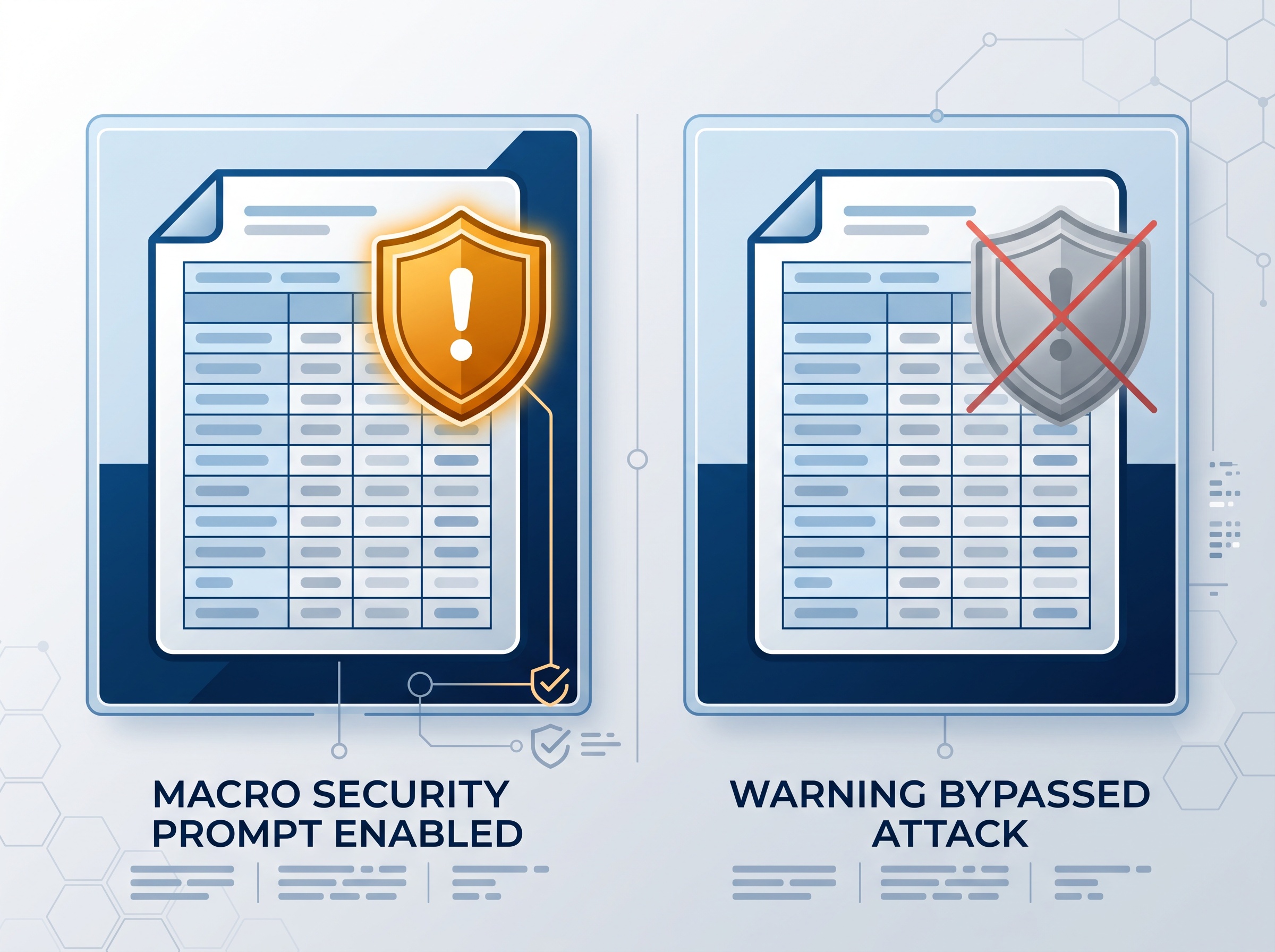
Most dental teams have been trained to fear one thing when a document lands in their inbox: the macro warning. Open an attachment, see the yellow bar asking whether to enable macros, and you know to stop and think. A disclosure published on October 6, 2026 by The Hacker News describes something more unsettling — a booby-trapped spreadsheet that makes LibreOffice or Apache OpenOffice run an attacker’s code the instant the file is opened, with no macro warning at all. The safeguard your staff rely on never appears.
If your practice uses either of these free office suites — and a great many do, on reception machines and back-office PCs, precisely because they are free — this is worth ten minutes of attention today.
What researchers actually found
Security researchers demonstrated that a specially crafted spreadsheet can achieve remote code execution: opening the file is enough to run commands of the attacker’s choosing on the computer, at the privilege level of whoever opened it. There is no “enable content” prompt, no macro bar, no second chance to say no. The flaw is tracked as CVE-2026-63277 in LibreOffice and as the matching CVE-2026-59265 in Apache OpenOffice.
One important qualifier: as reported, the attack has only been shown as a proof of concept, and there are no reports yet of it being used in real-world attacks. That is the good news — and the reason to patch now, before a working exploit circulates, rather than after.
Why there is no warning — the clever part
What makes this flaw instructive is that it does not rely on a single broken feature. It chains together capabilities that each work exactly as designed. A Calc spreadsheet can contain a database range: a block of cells that pulls in data from an outside source and refreshes itself automatically. That external source can be made to deliver far more than numbers. Combined with the program’s Java support, the refreshing data range can be steered into executing code rather than simply importing it.
Because each ingredient is a legitimate feature, none of them trips the macro-security prompt. The attack lives in the gap between two trusted behaviours — which is exactly the kind of blind spot that bypasses user training. A critical detail for mitigation: the attack only works when the program’s Java support is enabled.
What is fixed and what is not
The two projects are in very different places, and this is the part practice owners need to get right:
- LibreOffice has already fixed it. The patch shipped in updates released on October 5, 2026. LibreOffice recommends moving to version 26.2.5 or 26.8.0; every version before those is affected.
- Apache OpenOffice has not fixed it yet. Every version up to and including the current release, 4.1.16, is affected. The project says a fix is expected in version 4.1.17, which is still being tested. Until that arrives, OpenOffice users are exposed unless they take a manual step.

Why this matters more in a dental office than you might think
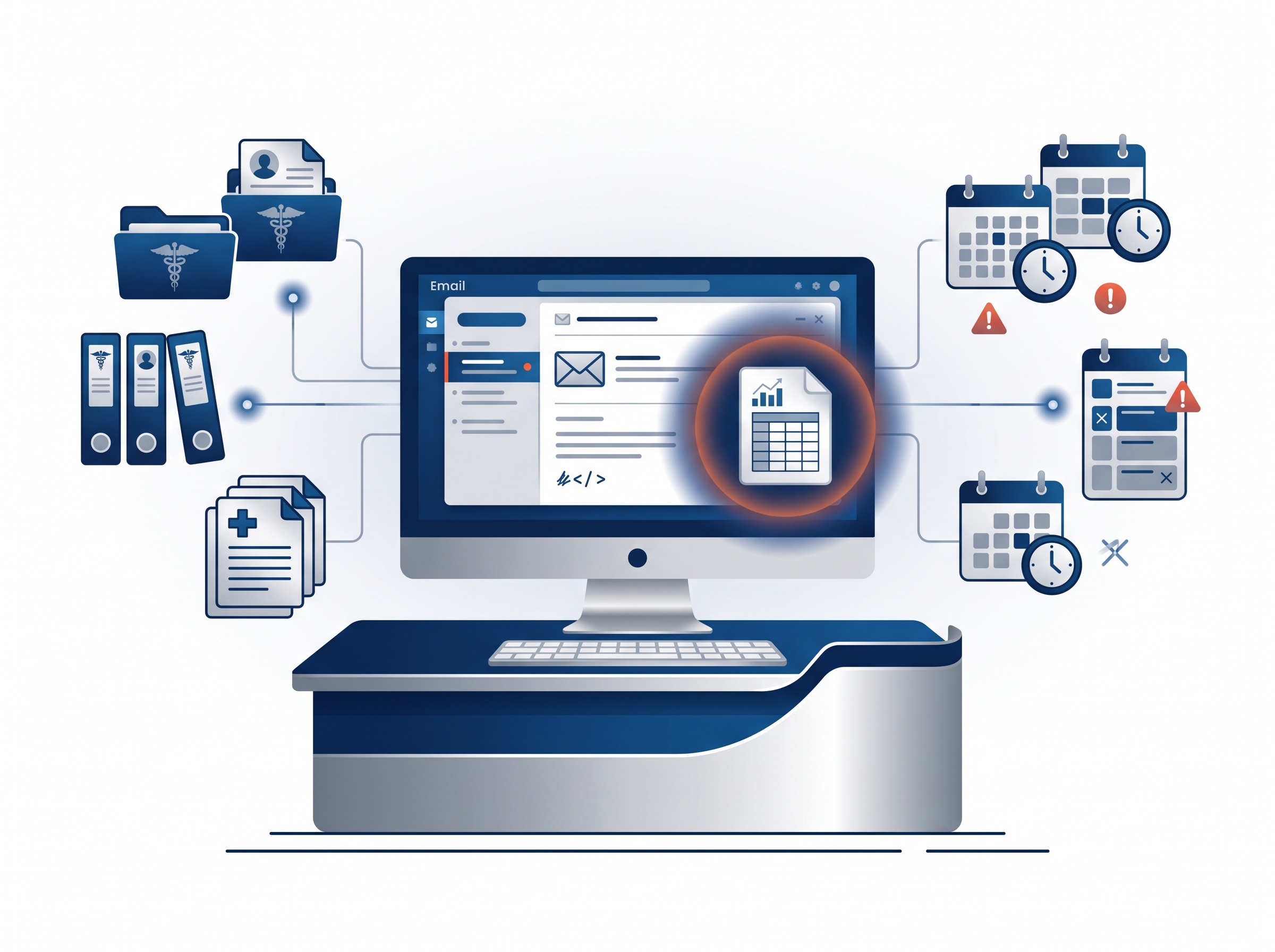
A dental practice is a near-perfect target for a document-borne attack, for reasons that have nothing to do with how careful your team is. The front desk opens unfamiliar attachments all day: insurance remittances, patient intake forms, supplier invoices, referral letters from other offices. A malicious spreadsheet does not need to look exotic — it needs to look like a Tuesday.
And the machine that opens it is rarely isolated. On a typical practice network it can see the practice-management database, the imaging share, and whatever cloud sessions are logged in. Code running as the front-desk user is code running with the front desk’s reach into patient data — which, under PHIPA and HIPAA, turns a “someone opened a bad file” moment into a potential reportable breach. The same uncomfortable logic applies to any workstation flaw that executes with the user’s own permissions, which is why we treat seemingly minor desktop CVEs as practice-wide events, not just one person’s problem.
What to do this week
None of the fixes here are difficult. They just have to actually happen on every machine, not only the one you remember.
- Inventory first. Find every computer in the practice running LibreOffice or Apache OpenOffice — including the quiet back-office PC nobody logs into much. You cannot patch what you have forgotten about.
- Update LibreOffice now to 26.2.5 or 26.8.0. If your office is on a much older release, this is also a good moment to get current rather than inch forward.
- On Apache OpenOffice, disable Java until 4.1.17 ships. Because the attack requires Java support, turning it off in the program’s settings blocks this flaw outright. Most practices never use OpenOffice’s Java features anyway. When 4.1.17 is released, update to it.
- Reinforce the oldest rule: do not open spreadsheets you do not trust. A referral or invoice you were not expecting deserves a phone call to confirm before it is opened, especially while OpenOffice remains unpatched.
- Consider consolidating. If free office suites are scattered across the practice without anyone tracking versions, that sprawl is the real vulnerability. Knowing what software runs where, and keeping it current, is the whole game.
The pattern behind the headline
It is tempting to file this under “another CVE” and move on. The more useful takeaway is the mechanism: attackers increasingly string together ordinary, approved features to slip past the warnings users are trained to heed. You cannot train your way out of a threat that shows no prompt. What protects a practice is the unglamorous discipline underneath — knowing every piece of software on every machine, keeping it patched, and removing features (like unused Java support) that only widen the attack surface.

How Compudent Systems can help
At Compudent Systems, we manage the desktops and networks behind dental practices across the GTA and Ontario, which means keeping an inventory of what runs where and patching flaws like CVE-2026-63277 before they become incidents. We can audit your practice for vulnerable LibreOffice and OpenOffice installs, apply the fixes, disable unnecessary high-risk features, and put a patch-management routine in place so the next document-borne flaw is handled quietly in the background. Contact Compudent Systems for a security assessment and proactive patch management — and turn “someone opened a bad file” from a crisis into a non-event.
Sources & further reading:
Related Reading
- Windows Notepad Remote Code Execution Vulnerability (CVE-2026-20841) — Why Dental Offices Should Patch Immediately
- Chrome Browser Vulnerabilities: Critical Security Updates Every Dental Office Must Install
- The Breach Vector Hiding in Your Practice Management Software: SQL Injection Explained for Dental Offices