



September 14, 2026 The Gateway That Lets Your Team In Can Let Attackers In Too: Critical Check Point VPN Flaws (CVE-2026-85102 / 85103) and Your Practice
On September 9, Check Point disclosed two critical vulnerabilities in its VPN products, and within days the Dutch National Cyber Security Centre (NCSC) issued an unusually blunt warning: assume large-scale exploitation is coming, and patch now. The flaws, tracked as CVE-2026-85102 and CVE-2026-85103, both carry a CVSS score of 9.8 out of 10 – about as high as these ratings go – and both allow an attacker to run code on the device with no password and no VPN account. For any dental practice that offers remote access, this is the kind of alert that belongs at the top of the day’s list, not the bottom.
What Check Point VPN is – and why your practice may depend on it
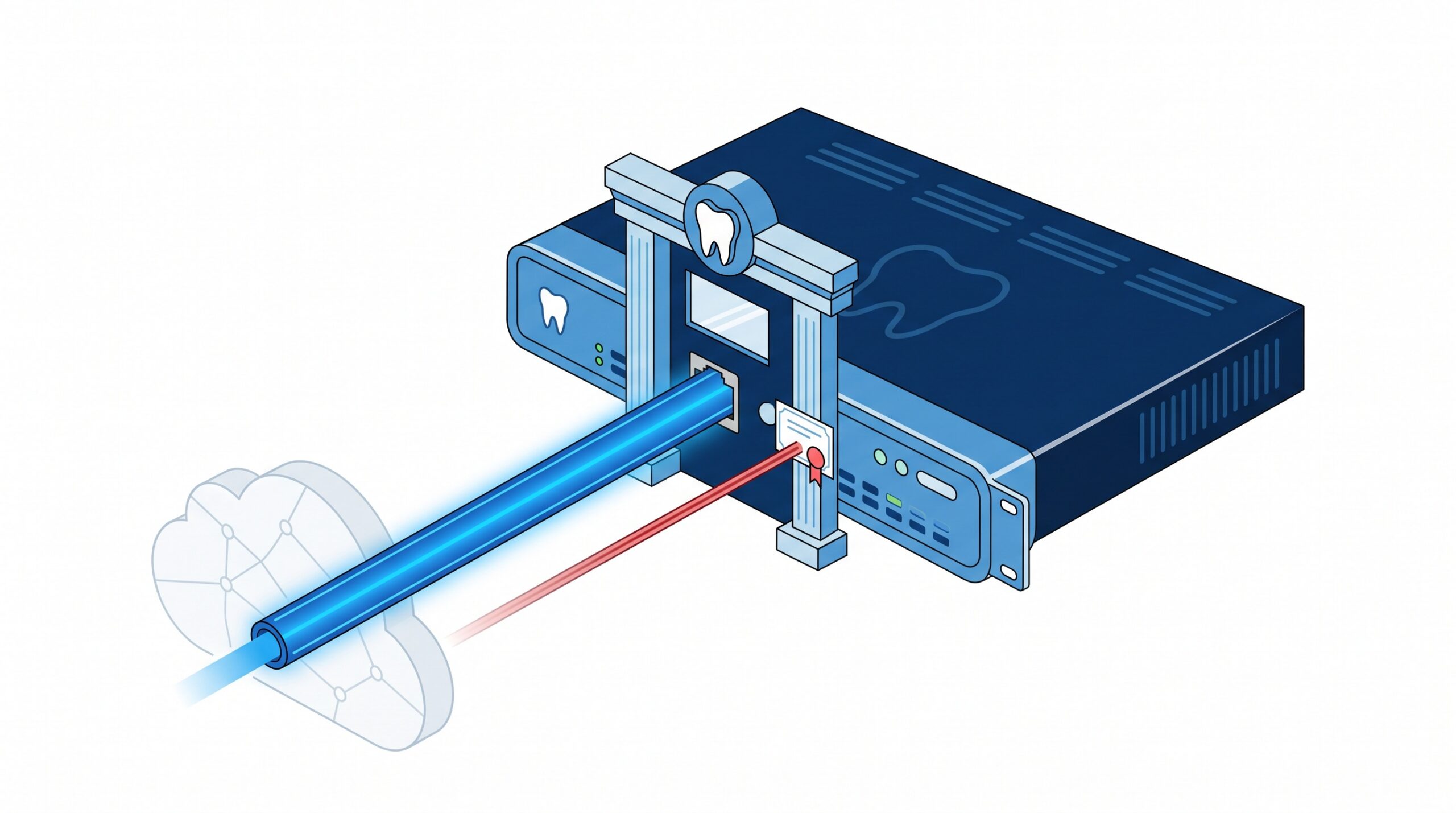
Check Point is a widely deployed enterprise firewall and VPN platform. In a dental office, a device like this typically plays two roles at once: it’s the firewall that separates your internal network from the internet, and it’s the VPN gateway that lets a doctor review images from home, a bookkeeper connect from another location, or your IT provider reach the network to support it. That dual role is exactly what makes it valuable – and exactly what makes a flaw in it so serious. You may not even know the brand of the box in your server closet; many practices simply have “the firewall the IT company installed.” This advisory is a good reason to find out what it is.
What the flaws actually do
Both bugs live in the way the gateway handles digital certificates while it’s setting up a VPN connection – the handshake that happens before anyone logs in. CVE-2026-85102 is an improper validation of certificate data during VPN negotiation that lets a remote attacker execute arbitrary code on a Security Gateway. CVE-2026-85103 is a heap overflow in the certificate decoder that can allow remote code execution on Security Gateways and Security Management Servers. The critical detail for both: they are pre-authentication. An attacker doesn’t need a stolen password, a valid VPN account, or any authorized access – only the ability to reach the gateway’s VPN service over the internet, which is precisely what a VPN gateway is designed to allow. That’s what earns the 9.8 rating, and it’s why the NCSC assessed both the likelihood and the impact as high. As of this writing there’s no public proof-of-concept exploit, but the agency’s message is that this is a matter of when, not if.
Why ‘the firewall’ is the worst possible thing to lose
When the compromised device is a workstation, you have a problem. When it’s the gateway itself, you have a catastrophe. Successful exploitation here means an attacker can, in the NCSC’s words, take full control of the system, view or modify confidential data, and disrupt operations. Translate that into a dental practice: the box that was supposed to keep intruders out is now the intruder’s foothold – sitting at the boundary of your network, with a clear line to your practice-management server, your imaging archive, and every patient record behind it. It’s the ideal launch point for ransomware, for quietly exfiltrating PHI, or for simply shutting the practice down. This is the same reason we keep sounding the alarm on internet-facing perimeter gear, from firewall flaws that ransomware groups actively exploit to the practice router as a hidden backdoor. The device guarding the door is always the highest-value target in the building.
Which versions are affected, and the fix
The affected releases include R81.20, R82, R82.10, R81.10.x and R82.00.x, along with the end-of-support versions R80 through R80.40, R81 and R81.10. Notably, R82.20 is not affected. Check Point has published fixes and rated the response as straightforward for supported versions:
- Live Patch: Take 24 for R81.20, R82 and R82.10 – and for practices using Check Point Live Patch, these protections have applied automatically since September 9, without even a reboot. Confirm you’re actually covered, because the automatic mitigation only supports those three versions and not every configuration.
- Jumbo Hotfix Accumulators: R82.10 Take 44 or later, R82 Take 126 or later, R81.20 Take 166 or later.
- Spark firewalls: R82.00.10 Build 2325 or later, or R81.10.17 Build 4968 or later.
If you’re running one of the end-of-support versions (R80 through R81.10), there is no clean fix path – that gear needs to be upgraded or replaced, not merely patched. Running EoS security appliances on the edge of a network holding patient data is a risk that predates this specific CVE and outlives it. As an interim hardening step for anyone using the Site-to-Site VPN component, Check Point advises modifying VPN rules to limit access to specific, trusted IP addresses.
What to do now
The response is short and time-sensitive. Identify your gear: confirm whether your practice – or the MSP that manages your network – runs Check Point, and which version. If you use an outside IT provider, this is a completely fair thing to email them today and ask for a straight answer. Patch immediately: apply the Live Patch, Jumbo Hotfix or Spark build for your version, and verify the automatic Live Patch protection is actually in place rather than assuming it. Retire end-of-support devices: if you’re on R80-R81.10, plan the replacement now, not next quarter. Reduce exposure: restrict VPN and management access to trusted sources where you can, and never leave a management interface open to the whole internet. Layer your defenses: multi-factor authentication on all remote access, and monitoring that would flag anomalous activity at the gateway. And treat this as a standing habit, not a one-off – the same patch discipline applies to your servers and endpoints, which is why we walked through how a practice should read this month’s Patch Tuesday just last week.
What this means for your practice
CVE-2026-85102 and CVE-2026-85103 are a textbook example of the risk that comes with convenience: the very gateway that lets your team work remotely is a single, internet-facing box that, if it falls, takes the whole network with it. The fix for supported versions is fast and low-drama; the danger is a practice that simply doesn’t know what’s in its server closet, or assumes “the IT company handles it” without ever confirming. Compudent Systems manages exactly this for dental practices across Ontario: we inventory and patch your firewall and VPN gateways, retire the end-of-support gear that quietly accumulates risk, lock down and monitor remote access, and make sure a critical advisory like this one is acted on the day it lands – not discovered after an incident. If you’re not certain your VPN gateway is patched, supported, and properly restricted right now, contact Compudent for a perimeter and remote-access security assessment. We’ll find out what’s guarding your network and make sure it’s actually doing the job.
Sources & further reading:
- BleepingComputer – Dutch NCSC: Critical Check Point VPN flaws exploitation is imminent
- Check Point Advisory sk1000118
Related Reading
- Ransomware Gangs Are Now Through the Front Door: What the SonicWall SMA1000 VPN Attacks Mean for Dental Practices
- A Perfect 10, No Password Required: The N-central Zero-Day (CVE-2026-86218) Your IT Provider Must Have Patched
- A Single Packet, No Password Required: The Actively Exploited Windows IKE Flaw (CVE-2026-33824) and Your Practice