



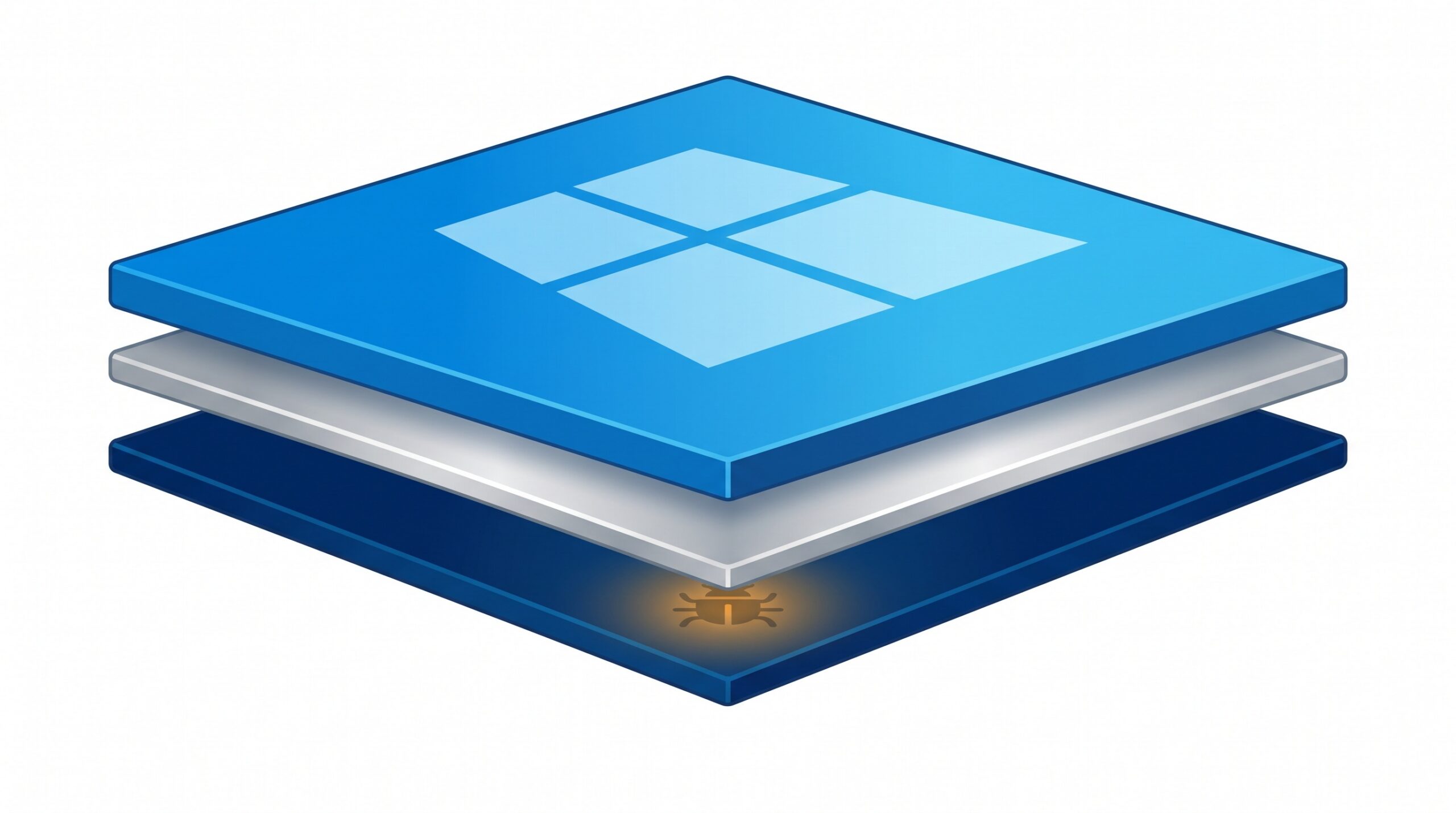
October 24, 2026 Malware That Survives a Reinstall: What UEFI Bootkits and the Secure Boot Bypass Mean for Your Practice Computers
Most of the malware a dental practice worries about lives inside Windows — a malicious email attachment, a booby-trapped download, a ransomware program that encrypts files once it is running. The reassuring part of that picture has always been the escape hatch: if a machine gets badly infected, you can wipe the disk, reinstall Windows, and start clean. A newly reported UEFI bootkit — the latest in a line of firmware-level threats able to slip past Secure Boot on fully patched Windows systems — is a reminder that the escape hatch does not always work. This kind of infection can survive a reinstall, because it does not live in Windows at all.
For a practice, that is not a reason to panic. It is a reason to understand what firmware malware actually is, why the usual “just reformat it” instinct can fail, and the handful of practical controls that keep these threats from ever getting a foothold on the computers your schedule, your images, and your patient records depend on.
What a UEFI bootkit is, in plain terms
Every modern computer runs a small layer of software before Windows loads. It used to be called the BIOS; today it is UEFI firmware, and its job is to wake up the hardware and hand control to the operating system. A bootkit is malware that buries itself in that firmware layer, so it runs first — before Windows, before your antivirus, before anything that could notice it. From down there it can quietly disable protections, hide itself, and reassert control every time the machine turns on.
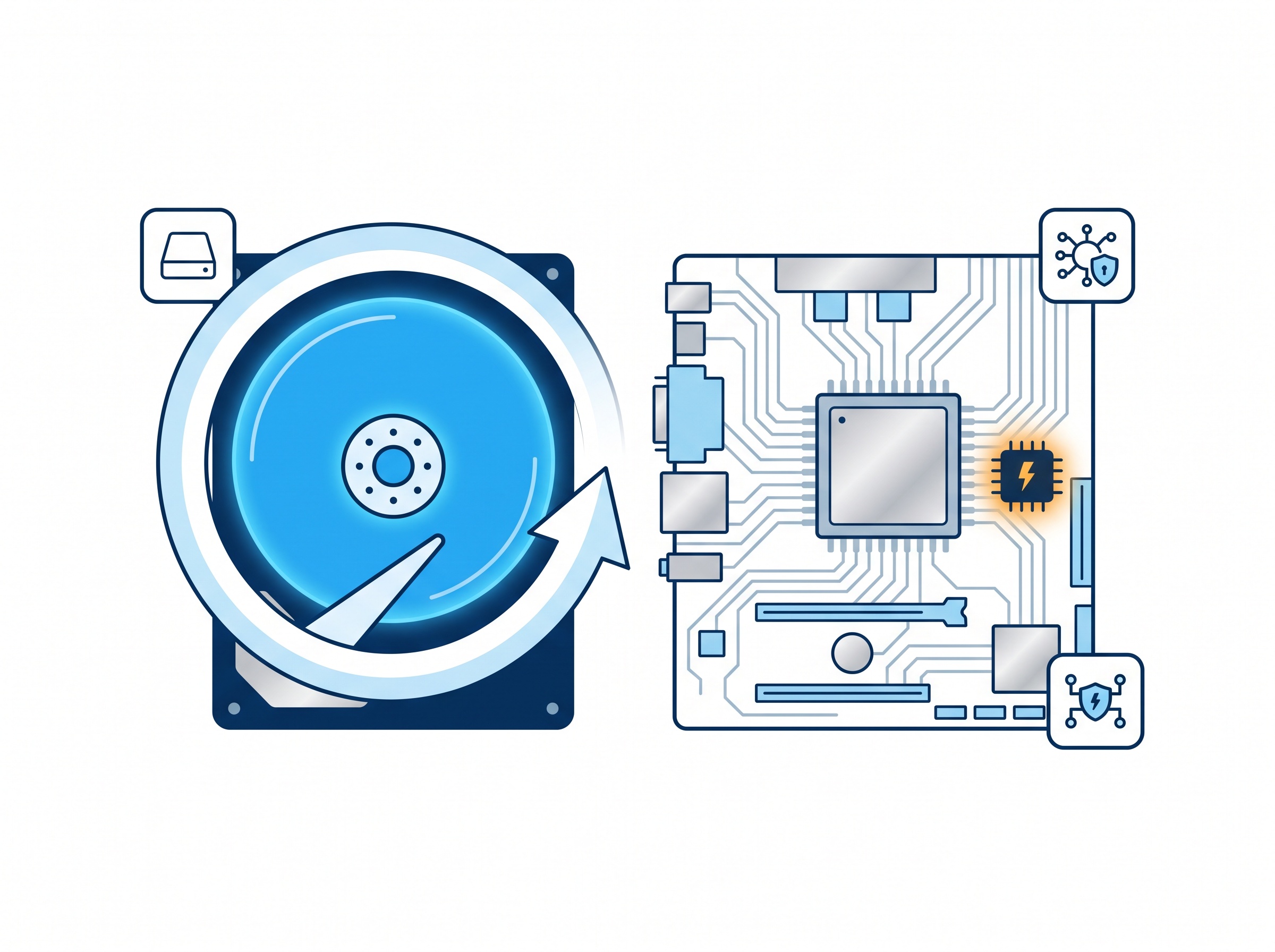
Because it sits below the operating system, the cleanup most of us rely on simply misses it. You can reformat the hard drive and reinstall a pristine copy of Windows, and the firmware infection is still there waiting, ready to reinfect the fresh system. This is the single most important thing to grasp: a firmware bootkit breaks the assumption that a wipe-and-reinstall gives you a trustworthy machine again.
Why Secure Boot being “on” is not the whole story
Windows has a defense built precisely to stop this: Secure Boot, which checks that only trusted, signed code is allowed to run during startup. The uncomfortable detail in the latest reports — and in the well-documented bootkits before it, such as the BlackLotus family tracked as CVE-2023-24932 — is that these bootkits can bypass Secure Boot even on machines that are fully up to date.
How? The fix for this class of flaw is not a normal update that installs itself quietly in the background. It requires revoking the old, vulnerable boot components so they can no longer be trusted, and Microsoft deliberately does not turn those revocations on automatically. They can break a machine’s ability to boot if applied carelessly, and once applied they are effectively irreversible. The result is a quiet gap: a practice can have every Windows update installed, see Secure Boot reported as “enabled,” and still be exposed, because the specific protection against this attack has to be switched on by hand. The U.S. National Security Agency made the same point bluntly when it warned against a false sense of security from assuming a patched system is automatically a protected one.
The saving grace: it needs hands or admin rights
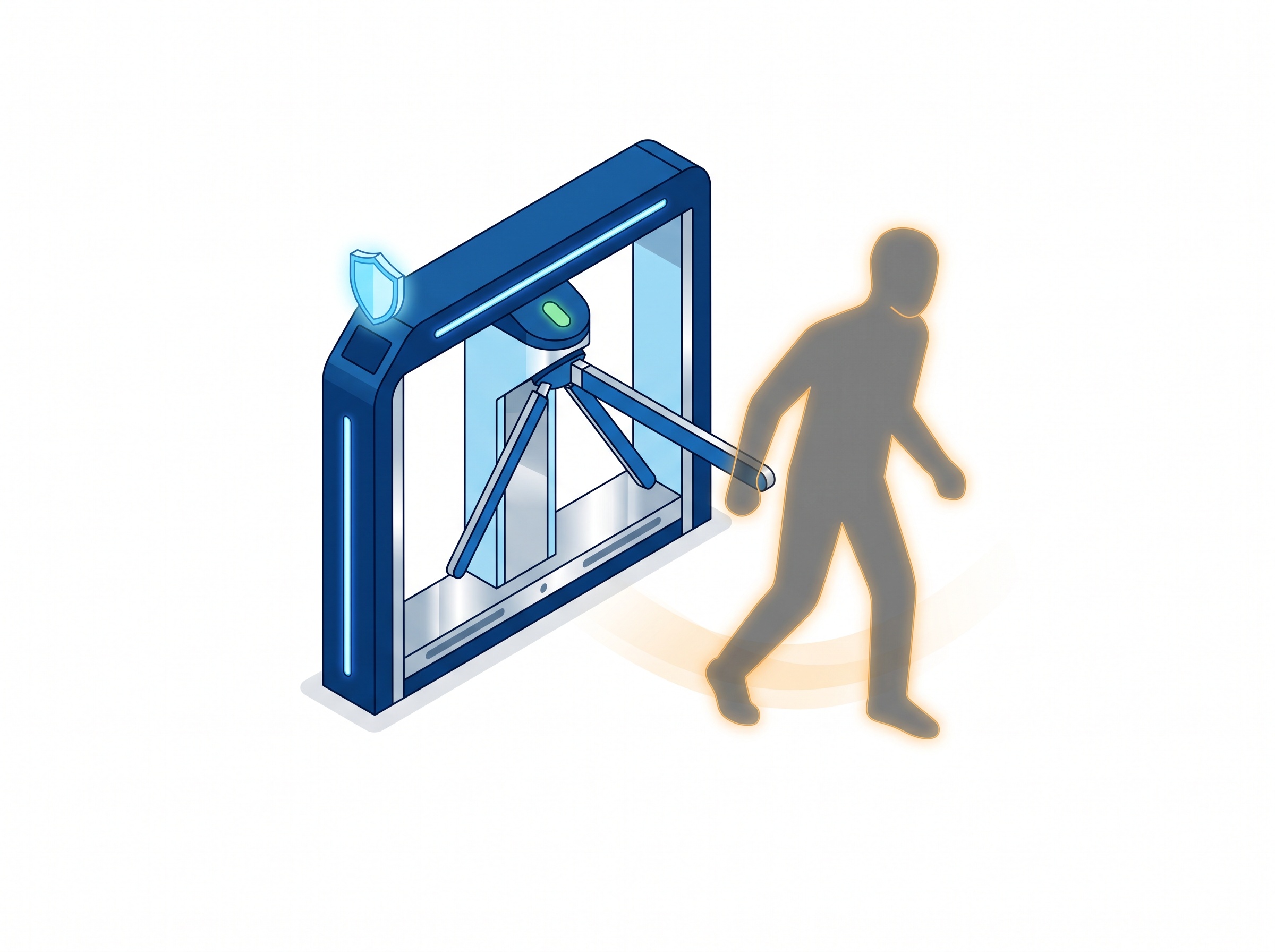
Here is the part that keeps this in perspective. A UEFI bootkit is not a drive-by that lands on your reception computer because someone opened the wrong email. Installing one generally requires physical access to the machine or administrator-level rights on it — someone has to be at the keyboard, or have already gained deep control of the system, to write to the firmware in the first place.
That changes the threat from “anyone on the internet” to “someone who can get their hands on, or deep into, a specific computer.” For a dental office that is a much more manageable problem — and it points straight at the controls that matter. The same thinking applies to the risk of a malicious USB device plugged into a practice computer: the defense is as much about who can physically reach a machine as it is about software.
Where the real risk lives in a dental practice
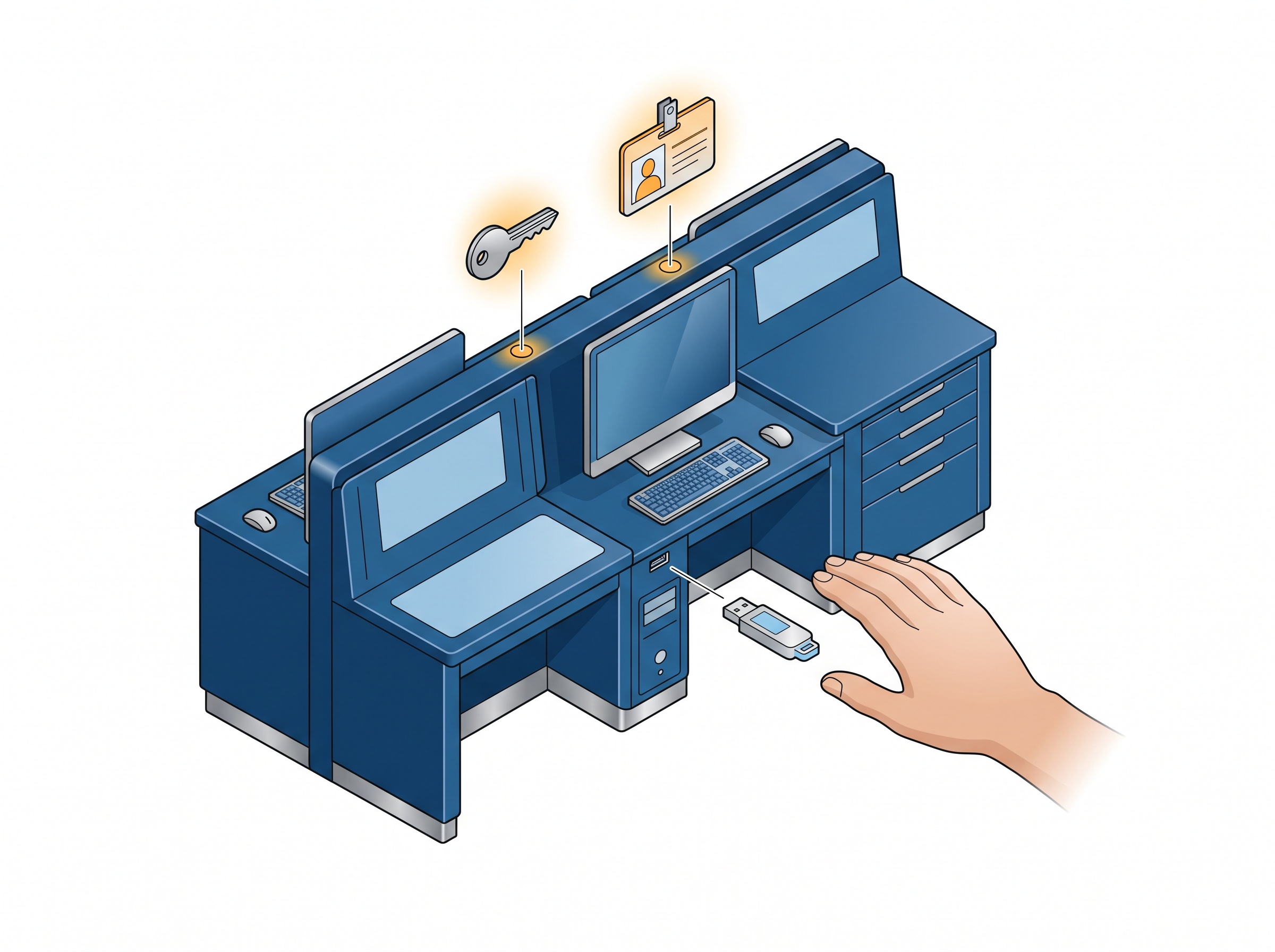
Translate the “physical or admin access” requirement into a working day and the exposure becomes concrete. The front-desk computer sits in a semi-public area where patients, delivery people, and after-hours cleaners pass through. Operatory workstations are rarely locked down the way a server is. Many practices still let day-to-day staff accounts run with local administrator rights, which hands any malware that does get in the elevated access it would need to reach the firmware. And aging computers kept well past their prime often run outdated UEFI firmware that the manufacturer stopped updating years ago.
None of those are exotic weaknesses — they are the ordinary state of a busy office that has never had a reason to think about the layer beneath Windows. That is exactly why a threat like this is worth a few minutes of attention now, before it is a cleanup later.
The controls that actually keep firmware malware out
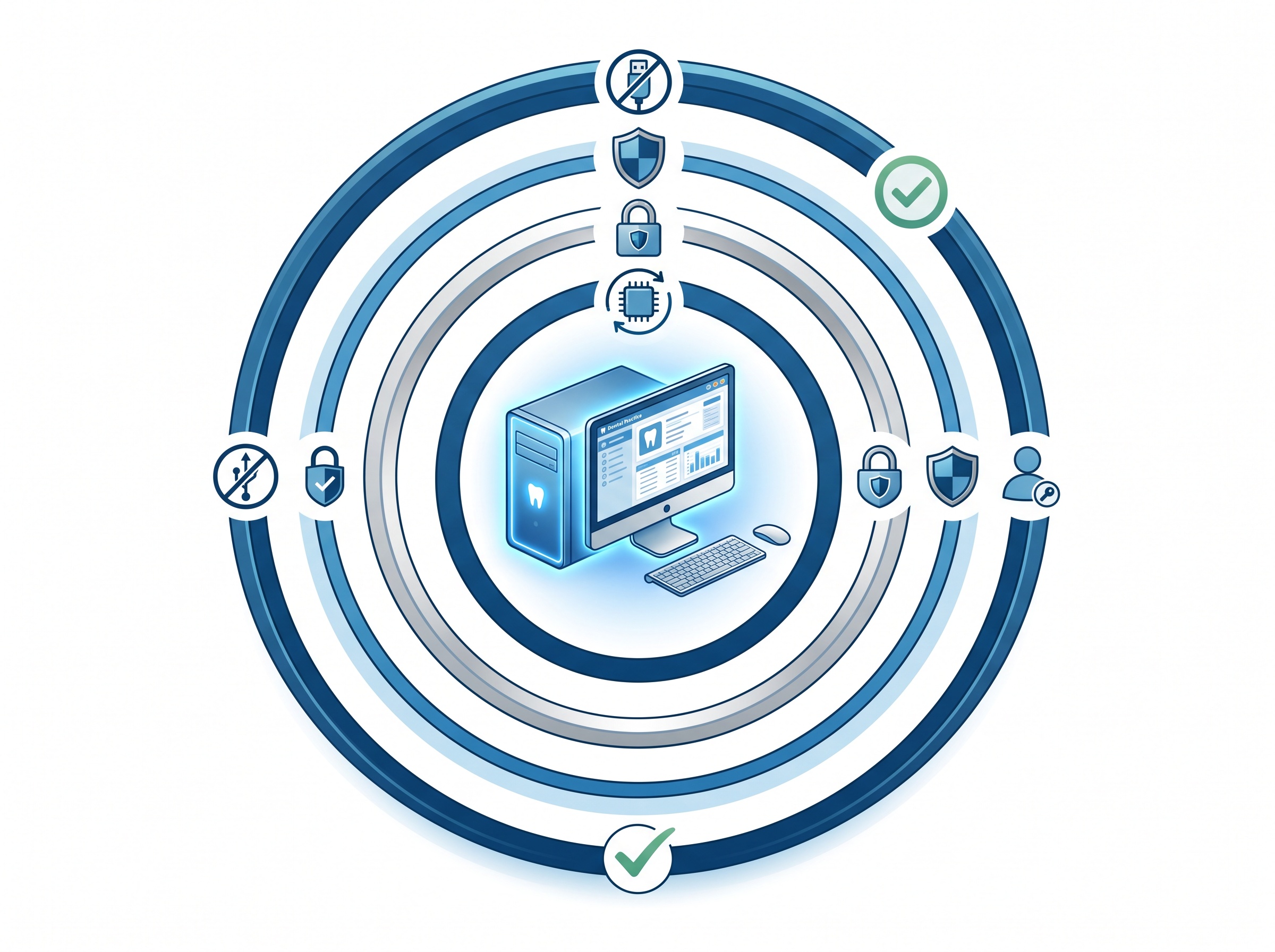
The good news is that defending against bootkits does not require anything exotic. It is the same layered discipline that blunts the rest of today’s threats, with a couple of firmware-specific additions:
- Keep UEFI/BIOS firmware updated. Firmware is software too, and manufacturers ship security fixes for it. A machine whose firmware has not been touched in five years is the ideal host for this kind of malware. Managed firmware updates belong on the same schedule as your regular Windows patching.
- Apply the Secure Boot revocations deliberately. Because the fix for this flaw is not automatic, it has to be rolled out on purpose — carefully, machine by machine, by someone who understands the irreversible nature of the change. This is precisely the kind of step that should not be improvised on a live practice server.
- Enforce least privilege. Day-to-day staff accounts should not run as administrators. Removing standing admin rights closes the main path malware uses to reach the firmware in the first place.
- Control physical access. Lock or sign out unattended workstations, keep server hardware in a locked room, and treat unknown USB devices as the risk they are. If someone cannot get to the machine, they cannot write to its firmware.
- Full-disk encryption with the TPM. BitLocker tied to the machine’s TPM both protects the data and makes certain tampering obvious, since unexpected firmware changes can trigger a recovery prompt rather than a silent boot.
- Modern endpoint detection and a real network boundary. Behaviour-based endpoint protection catches the activity that typically precedes a firmware attack, and keeping clinical systems behind a proper business-grade firewall limits how far an intruder can get before they ever reach a position to tamper with a boot process.
- Retire hardware that has aged out. When a manufacturer stops issuing firmware updates for a model, that machine can no longer be fully protected. Planning the replacement is cheaper than discovering the gap the hard way.
What this means for your practice
A UEFI bootkit is a vivid demonstration of a quieter truth: the trust you place in a computer depends on layers most people never see. You do not need to become a firmware expert to be safe from this — you need the handful of controls above applied consistently, and you need to know that “we reinstalled Windows” is not always the clean slate it sounds like.
How Compudent Systems can help
At Compudent Systems, we help dental practices across the GTA and Ontario harden the machines their day runs on — managed firmware and Windows updating, correctly applied Secure Boot protections, least-privilege accounts, disk encryption, modern endpoint detection, and a sensible hardware-refresh plan so no computer quietly ages out of being protectable. If headlines about malware that “survives a reinstall” have you wondering whether your front desk, operatories, and server are actually trustworthy, contact Compudent Systems for a security assessment — and let us make sure the layer beneath Windows is working for you, not against you.
Sources & further reading:
- BlackLotus UEFI Bootkit Can Bypass Secure Boot on Windows (HackRead)
- KB5025885: How to manage the Windows Boot Manager revocations for Secure Boot changes associated with CVE-2023-24932 (Microsoft)
- NSA Issues Remediation Guidance for BlackLotus Malware (GovInfoSecurity)
Related Reading
- A Fake Job Offer, a Windows Kernel Rootkit: The Lazarus Zero-Day (CVE-2026-68820) and What It Means for Your Dental Practice
- Plug and Pwn: How a Fake USB Device Can Seize a Dental Practice Computer in Minutes
- Ransomware Gangs Are Now Through the Front Door: What the SonicWall SMA1000 VPN Attacks Mean for Dental Practices