




September 5, 2026 Your Spam Filter Can’t See This: Invisible-Text Phishing Is Slipping Past Email Security
Your team has been trained to read a suspicious email. The odd sender address, the urgent tone, the link that does not point where it claims: staff learn the tells, hover, hesitate, and delete. That training assumes the words on the screen are the words the security filter also saw. A phishing campaign documented by Microsoft’s security researchers breaks exactly that assumption, and it did so at industrial scale, pushing up to 2.37 million emails on a single weekday.
The technique is called ASCII smuggling, and it does not rely on a new virus or a clever attachment. It relies on characters your screen refuses to draw. For a dental practice, where the front desk lives in its inbox and every message could plausibly be a patient, an insurer, or a supplier, that is a problem worth understanding before it lands.
What ASCII smuggling actually does
Unicode, the standard that lets your computer display every alphabet and emoji, contains a little-used range called the Tags block, running from U+E0000 to U+E007F. These are shadow copies of ordinary keyboard characters that are not meant to be shown to a reader. They take up space in the underlying data of a message, but they render as nothing at all.
Attackers exploit that gap between what is stored and what is seen. Take a word a filter might flag, such as “funding.” Insert one invisible tag character between “fun” and “ding,” and a human still reads “funding” without a flicker of difference. A security filter scanning for the literal string “funding,” however, no longer finds it. The word has been split by a character that exists in the data but not on the screen. The lure sails through, looking clean to the machine and normal to the person.
In the campaign researchers tracked, the hidden splits targeted financial keywords tied to business loans, credit lines, and advance funding, with the operation impersonating lenders and chasing small-business loan applicants. The volume was enormous and oddly corporate in its rhythm: it ran on weekdays, went quiet on weekends, and resumed on Mondays, peaking in late February before tapering off. The point is not the specific lure. The point is the delivery method, which works for any theme an attacker chooses next, including a fake insurance notice or a spoofed supplier invoice aimed squarely at a dental office.
Why the dental front desk is the target
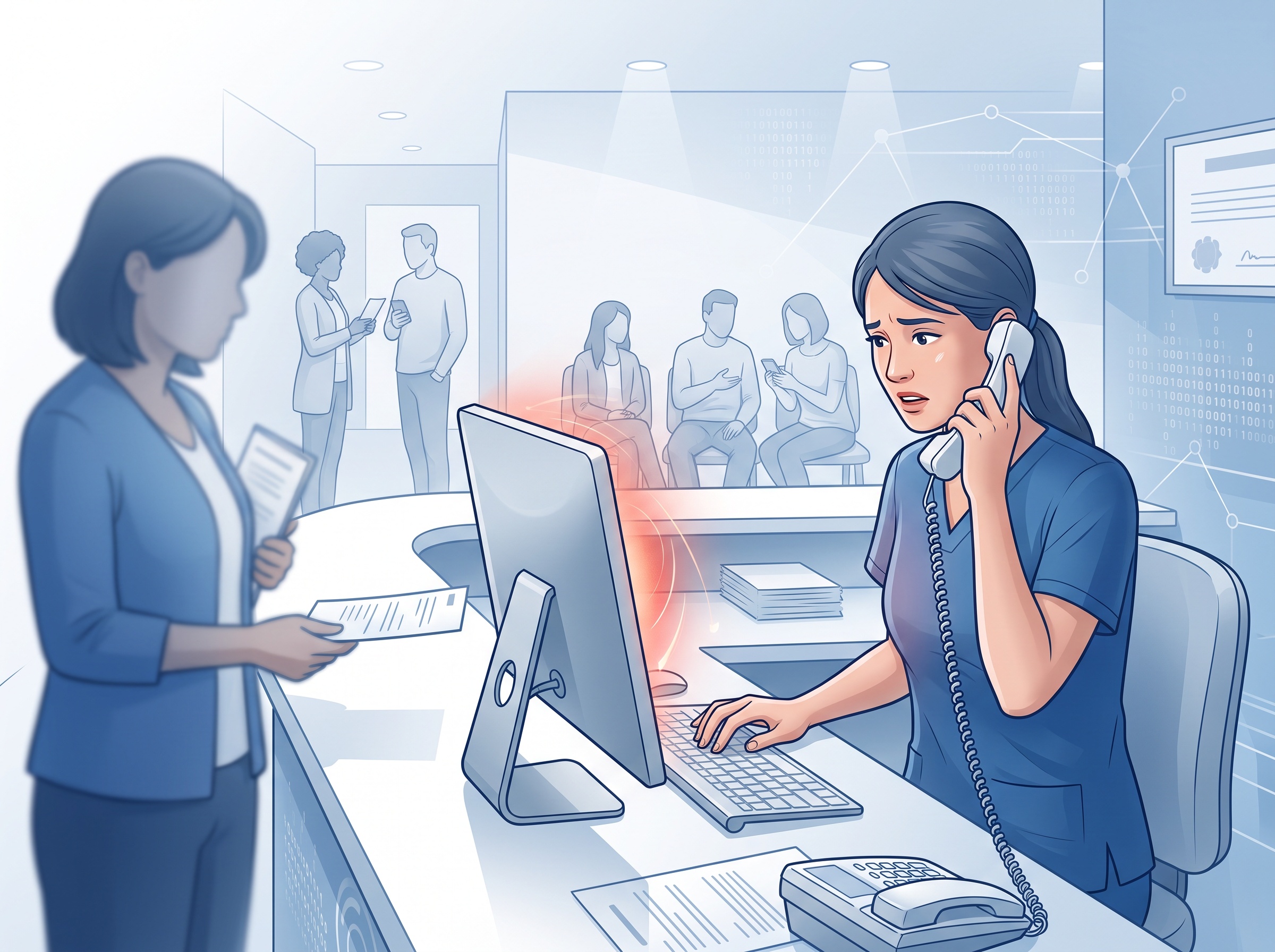
Phishing follows the path of least resistance, and the front desk is a wide one. It is high-volume, so a receptionist processes dozens of messages an hour without time to scrutinize each. It is high-trust, because the job is to be helpful and responsive to patients and outside parties. And it is often high-turnover, so security habits reset with each new hire. Add a filter-evasion trick that makes a malicious email look ordinary to your defenses, and the last line of protection becomes a distracted human under time pressure.
The stakes are not abstract. A phished credential is rarely the end of an attack; it is the beginning. It is the doorway to your practice management system, your imaging archive, and the protected health information that PHIPA obliges you to safeguard. We have written before about how attackers turn a stolen login into session theft that quietly sidesteps multi-factor authentication, and about how a single breach translates into real dollars, downtime, and liability for a practice. ASCII smuggling simply makes the first step, getting the bait into the inbox unflagged, more reliable.
Why your existing filter may miss it
Most email security gateways were built to read text the way a person does and then match it against lists of known-bad words, domains, and patterns. That model is fast and effective against ordinary phishing. It is also precisely what invisible characters defeat, because the attacker is not hiding the malicious intent from a human; they are hiding the searchable text from the scanner.
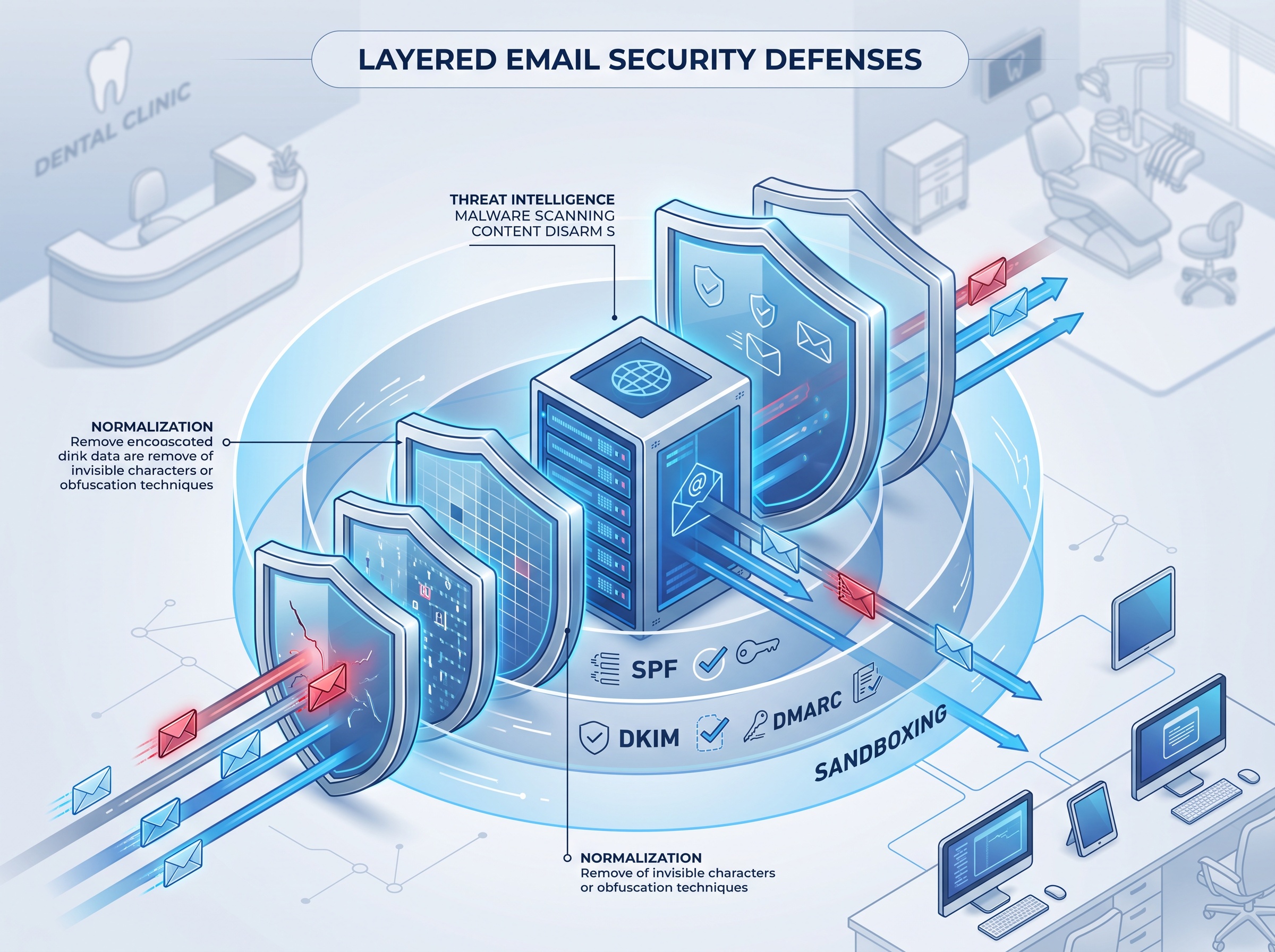
The fix is a defense that normalizes a message before it judges it, stripping or accounting for non-printing Unicode so that “fun” plus an invisible tag plus “ding” is evaluated as “funding.” Heavy or unusual use of Unicode is itself a suspicious signal that mature filters can weigh. The question for your practice is not whether such defenses exist, but whether the specific configuration protecting your mailboxes today does this. That is a concrete thing to check rather than assume.
What a dental practice should do now
No single control stops this cleanly, so the answer is layers, each one catching what the others miss.
Confirm your email security normalizes Unicode. Ask whoever manages your mail platform, whether that is Microsoft 365, Google Workspace, or a third-party gateway, whether it strips or scores invisible and non-printing characters. If nobody can answer, that is the first gap to close.
Make stolen passwords less useful. Phishing exists to harvest credentials, so assume some will eventually leak. Phishing-resistant multi-factor authentication, ideally passkeys rather than SMS codes, limits the damage a captured password can do. Your practice website and portals are part of this too; treat them as the exposed surface they are, as we covered in how attackers forge logins into practice websites.
Give the front desk a verification habit, not just a warning. The most durable defense against a message that looks perfect is a rule that does not depend on how it looks: any request to change payment details, release records, or move money is confirmed through a known phone number, never by replying to the email. That habit neutralizes a flawless lure.
Test your response, not just your prevention. Know in advance who is called when a staff member clicks something, how a compromised account is locked, and how you would tell whether patient data was reached. A rehearsed response turns a scare into a contained incident.
The takeaway
ASCII smuggling is a reminder that attacker tradecraft keeps moving, and that a defense which only reads what a human reads will always be one trick behind. The reassuring part is that the countermeasures are not exotic. Well-configured email filtering, authentication that survives a stolen password, a front desk with a verification reflex, and a practiced response plan defeat this campaign and the next one built on the same idea. What matters is that these controls are actually in place and correctly tuned, not merely assumed.
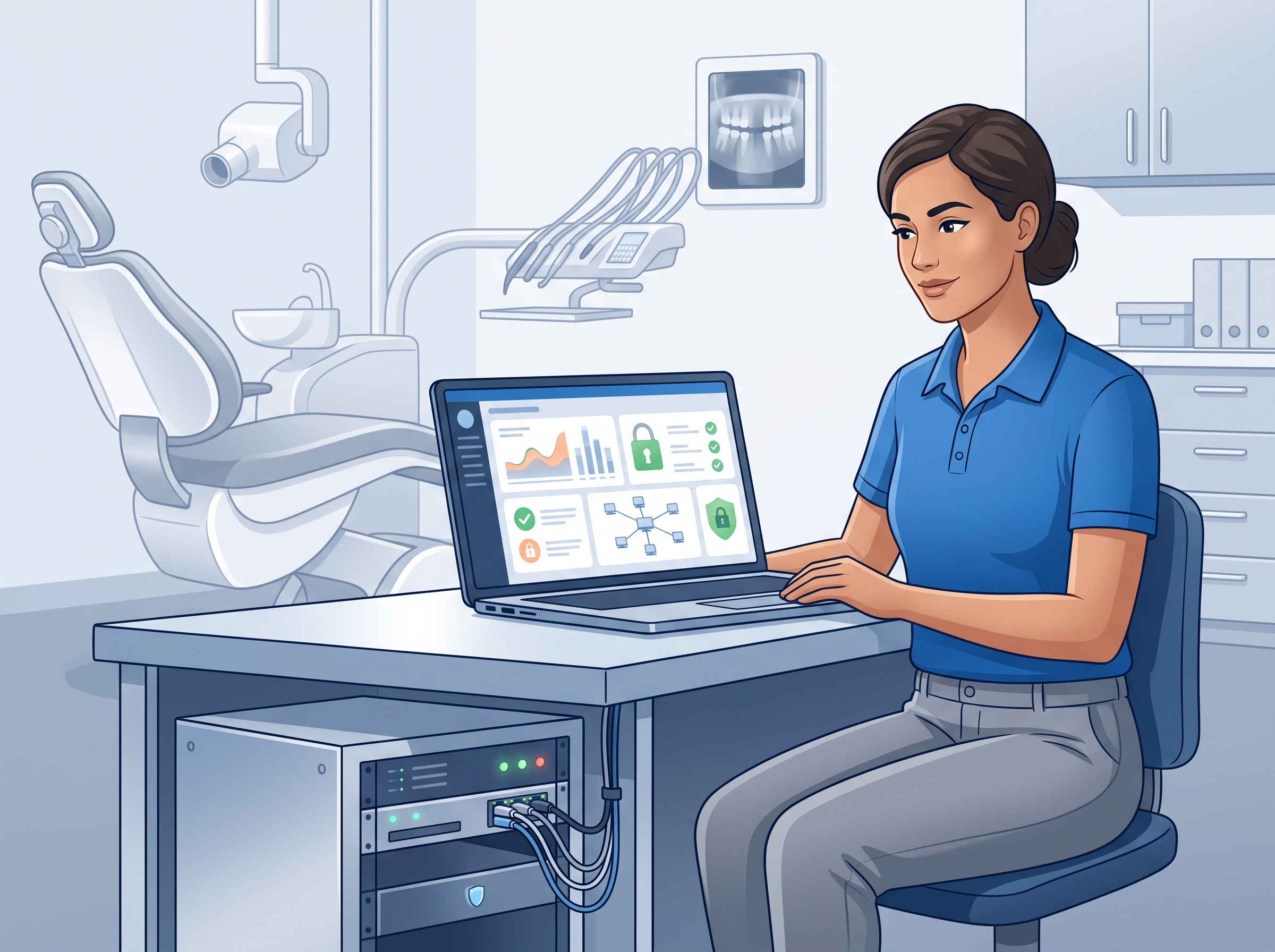
If you are not certain whether your practice’s email security accounts for tricks like invisible-character evasion, or whether your authentication and response plans would hold up, that uncertainty is worth resolving before an attacker resolves it for you. Compudent Systems helps dental practices across the GTA and Ontario assess and harden their email security, authentication, and incident response. Contact us for a practical review of where your inbox defenses stand today.
Sources & further reading:
Related Reading
- A ‘Half-Click’ Email Zero-Day Is Hitting Outlook Web Access. Here’s Why Dental Practices Should Care.
- They’re Calling Your Front Desk: How Voice Phishing Cracked a Healthcare Giant’s Microsoft Login
- One Logged-In Account Could Read the Whole Office’s Email: The Exchange Server Emergency Patch (CVE-2026-96940) Dental Practices Must Apply