



August 17, 2026 Your Staff Passed MFA, and the Attacker Was Already In: Infostealers, Stolen Session Cookies, and Your Dental Practice
For years the security advice given to dental practices has ended in the same reassuring place: turn on multi-factor authentication. And it is good advice. MFA stops the overwhelming majority of password-based attacks cold. But a fast-growing class of malware has found the gap around it, and it is worth understanding, because the attack does not break MFA at all. It simply waits until after your staff member has passed it.
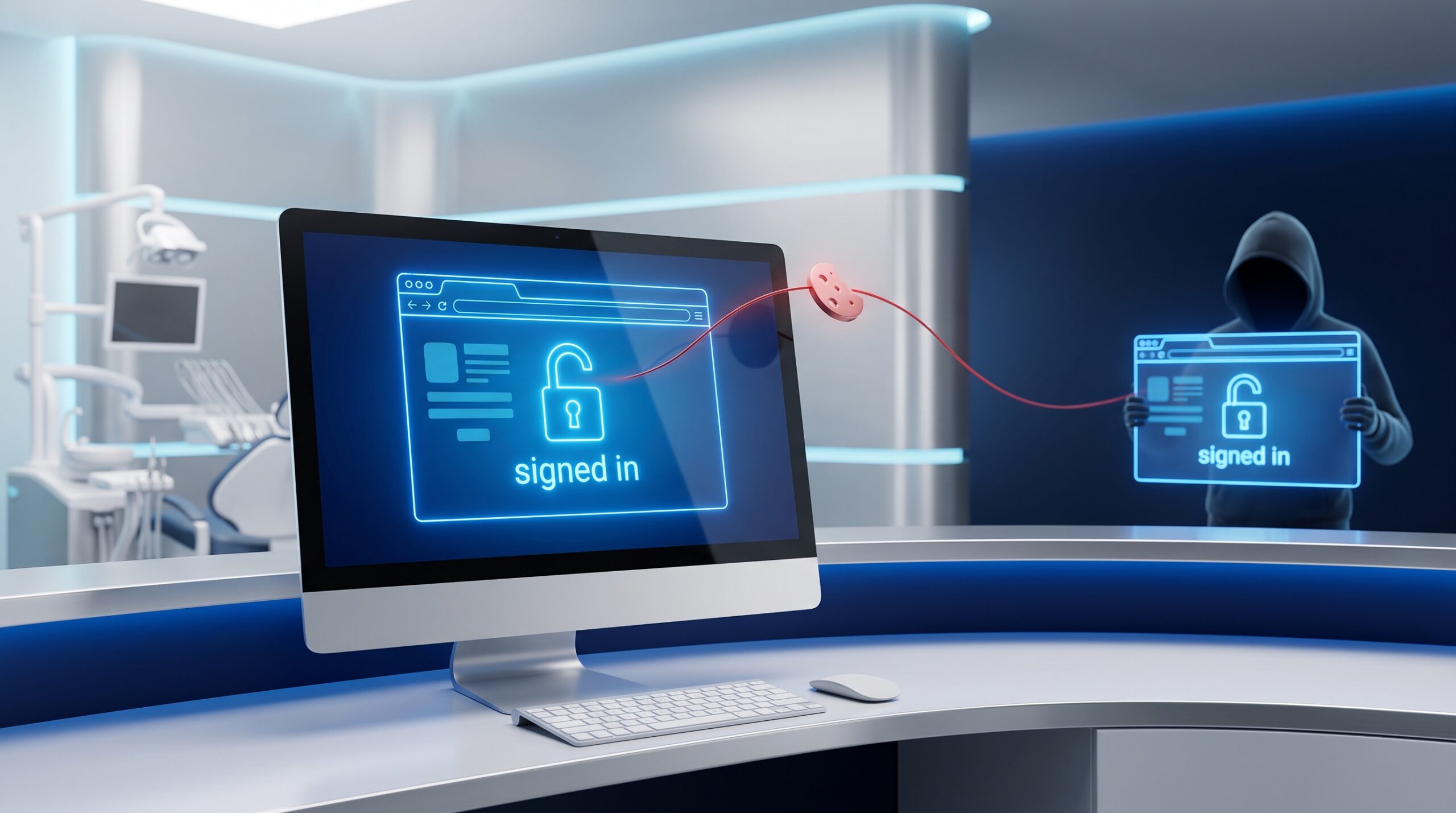
On August 16, 2026, researchers detailed a new macOS information-stealer called AmnesiaStealer. What makes it notable is not that it grabs saved passwords and crypto wallets, plenty of malware does that. It is that AmnesiaStealer copies the victim’s browser profile, including its live authentication state, into a hidden browser the attacker controls, and then lets that attacker drive the already-logged-in session in real time, watching a low-frame-rate screencast and typing and clicking as if they were sitting at the victim’s desk. Because they are riding the victim’s authenticated session, there is no password to guess and no MFA prompt to satisfy. The login already happened.
Why MFA does not stop this
To see why, it helps to understand what MFA actually protects. Multi-factor authentication is a control on the authentication event, the single moment when a user proves who they are with a password plus a code, an app approval, or a fingerprint. Once that check succeeds, the service issues a session token, a small credential (usually stored as a browser cookie) that says “this browser is already logged in, do not ask again.” That token is what lets you move between your email, your calendar, and your files without re-entering a code every few minutes.

The problem is simple and unforgiving: whoever holds that token is the logged-in user, as far as the service is concerned. If an attacker copies the token and loads it into their own browser, they inherit the authenticated state completely. No password. No new MFA challenge, because the authentication event they would need to trigger already came and went. This is session hijacking, and infostealer malware is the engine driving it. In 2025, infostealers are estimated to have harvested more than 94 billion browser cookies, and research found that a majority of ransomware victims had their credentials or session tokens circulating on criminal markets before the attack landed. As one security firm put it, hackers increasingly do not need your password anymore, a lesson we also drew out when we covered the Kratos kit that industrialized Microsoft 365 session theft.
Why a dental practice is squarely in scope
It is tempting to file “macOS malware” under someone else’s problem, since most practice front desks run Windows. That would be a mistake. AmnesiaStealer happens to target Macs, but the technique is not Mac-specific, and Windows infostealers have been stealing session cookies the same way for years. The valuable thing, the authenticated browser session, exists on every platform.
Think about what your front-desk and operatory computers are logged into on any given day: Microsoft 365 email and files, your practice-management portal, insurance and electronic-claims sites, imaging or backup dashboards in the cloud. Every one of those is a browser session an attacker would love to inherit, and several of them touch protected health information directly. A single compromised workstation with a stealer on it can hand over all of those sessions at once, quietly, without ever tripping a failed-login alert.
How the malware gets in
The delivery method matters, because it is where the practice has the most leverage to stop the whole chain. AmnesiaStealer spreads through ClickFix-style campaigns: a fake download or a bogus “verify you are human” or “fix this error” page instructs the user to copy and paste a command, or to download and open a password-protected archive. The victim, trying to be helpful or to get software they wanted, runs the attacker’s code themselves, neatly sidestepping many automated defences.
We have seen this pattern before and flagged it for practices when we wrote about ClickFix and browser-built malware slipping past antivirus. The through-line is that modern attacks increasingly recruit the user as the delivery mechanism, whether that is a paste-this-command trick or a convincing phone call to your front desk. Staff awareness is not a soft add-on here; it is a frontline control.
What actually defends against session theft
Because no single setting closes this gap, the defence is layered, and the good news is that most of these layers are practical and within reach of a well-supported practice.

Stop the delivery. The cheapest win is preventing the stealer from ever running. Train staff never to paste commands they were told to copy from a website, and to be suspicious of any “download to fix this” prompt. Pair that with modern endpoint protection (EDR) and, where possible, application allowlisting so unapproved programs cannot execute on clinical machines.
Move to phishing-resistant sign-in. Passkeys and hardware-backed authentication are far harder to relay or replay than a code sent to a phone, and they pair naturally with device-bound sessions. We covered the shift in our piece on passkeys becoming the default; this attack is a strong reason to accelerate it.
Bind sessions to trusted devices and shorten their life. Conditional-access and device-compliance policies can require that a session only work from a managed, healthy practice computer, so a cookie lifted onto an attacker’s unknown machine is dead on arrival. Shorter session lifetimes and periodic re-authentication shrink the window in which a stolen token is useful.
Be ready to revoke, not just reset. This is the one most people get wrong. If you suspect a session was stolen, resetting the password is not enough, an active session can survive it. You must explicitly revoke the sessions (“sign out everywhere” / revoke refresh tokens) to kill the attacker’s copy along with the legitimate one.
Watch for the tell-tales. A session suddenly active from an implausible location, at an odd hour, or from an unrecognized device is exactly the signal that a token has been lifted. Make sure someone, your IT provider, is positioned to see and act on those alerts.
The compliance angle
Under PHIPA and HIPAA, an account that can reach patient information is part of your risk surface, and a credible session-theft incident affecting such an account is a security event you must be able to assess, contain, and, where warranted, report. “We had MFA on” is not, by itself, a defence if a session was hijacked around it. Your risk assessment and incident-response plan should name session theft explicitly, and your revocation procedure should be written down before you need it, not improvised at 4 p.m. on a Friday.
The takeaway
MFA is still essential, keep it on, and keep improving it. But it is a lock on the front door, and infostealers have learned to copy the key after you have already turned it. The practices that stay safe are the ones that add the next layers: stopping the malware from running, binding sessions to trusted devices, shortening how long a stolen token lasts, and knowing how to revoke every session the moment something looks wrong.
Compudent Systems helps dental practices across the GTA and Ontario build exactly that defence in depth: hardening endpoints against ClickFix-style delivery, deploying phishing-resistant passkeys and conditional-access policies that tie sessions to trusted practice devices, tuning session lifetimes, and putting a tested session-revocation and incident-response procedure in place so a stolen cookie does not become a breach. If you are relying on multi-factor authentication alone to protect the accounts that touch patient data, that is the gap to close, contact Compudent Systems for a session-security and endpoint review.
Sources & further reading:
- New AmnesiaStealer macOS malware hijacks browser sessions via remote control – BleepingComputer
- From Cookies to Keys: The Threat of Session Hijacking – Huntress
- Session Hijacking in 2026: How Stolen Cookies Bypass MFA – Whiteintel
Related Reading
- Your Practice Website Is Part of Your Attack Surface: Hackers Are Forging Logins Into WordPress Right Now
- A Forged Login Walks Straight Into SharePoint: What the Actively Exploited CVE-2026-55040 Auth Bypass Means for Dental Practices
- A Fake Job Offer, a Windows Kernel Rootkit: The Lazarus Zero-Day (CVE-2026-68820) and What It Means for Your Dental Practice