




July 26, 2026 Security Alert: ‘ClickFix’ and Browser-Built Malware Are Slipping Past Antivirus – What Dental Offices Need to Know
Security alert for dental practices: two attack techniques dominating this week’s threat headlines have one dangerous thing in common – they are both engineered to walk straight past the antivirus software most dental offices still rely on. Security researchers are reporting malvertising campaigns that make a victim’s own web browser assemble malware in memory, piece by piece, and a surging social-engineering trick called “ClickFix” that convinces ordinary users to infect themselves by pasting a single line of text. Neither one needs a suspicious email attachment. Neither one drops an obvious file for your scanner to catch. And both are exactly the kind of threat a busy front desk is built to fall for.
Malware that the browser builds for itself
The first story broke through outlets like BleepingComputer, in a report titled “Malicious sites use JavaScript to build malware in browser memory,” and The Hacker News, which covered the same campaign under the headline “Malvertising Sends Malware in Pieces, Then Makes the Browser Build the Executable.” The mechanics are as clever as they are unsettling. Attackers buy online advertising and stand up convincing fake pages impersonating popular apps and financial platforms. When a victim lands on one, the page does not hand over a single ready-made malicious program. Instead, its JavaScript delivers the payload in scattered fragments and instructs the browser to stitch those fragments together into a working Windows executable directly in the computer’s memory.
Because no complete malicious file is ever downloaded from a fixed web address, there is nothing tidy for a traditional scanner to fingerprint. Researchers noted the campaign even assembles a slightly different build per visitor, which defeats the old approach of blocking a known “bad file” by its hash. This is the essence of fileless malware: the attack lives in memory and in legitimate system processes rather than as a file sitting on the hard drive where antivirus expects to find it.
ClickFix: the trick that gets your staff to do the work
The second technique is even simpler, and arguably more dangerous, because it turns a helpful employee into the delivery mechanism. ClickFix attacks present a fake prompt – a bogus “verify you are human” captcha, a phony “your document failed to load, run this to fix it” error, or a fake update notice. The page then politely walks the user through a few steps: press the Windows key and R, paste this text, hit Enter. What the user just pasted is a hidden command that quietly downloads and runs malware, usually an information-stealer built to harvest saved passwords and session tokens.
This is not a fringe technique used only against careless home users. Ars Technica reported this month, in a piece headlined “Now, even Russia’s most elite hackers are using ClickFix to infect devices,” that state-sponsored groups – including units tied to Russian military intelligence – have adopted the exact same paste-to-run playbook. When the most sophisticated attackers on the planet are using a trick this cheap, it is because the trick works. It works because it sidesteps technology entirely and targets the human at the keyboard.
Why your antivirus keeps missing it
Legacy antivirus is fundamentally a matching game. It compares files on your computer against a database of known malicious signatures, and it quarantines the ones it recognizes. That model was designed for a world where malware arrived as a discrete, downloadable file. Both of this week’s techniques are built specifically to break that assumption.
The browser-built campaign never presents a single, recognizable file to scan – it is assembled in memory from harmless-looking parts. ClickFix goes a step further: the malicious action is launched by the user themselves through trusted, built-in Windows tools, which the antivirus has every reason to treat as normal activity. In both cases the practice’s scanner does exactly what it was told to do and still sees nothing wrong. That gap between “my antivirus is running” and “my practice is protected” is precisely where these attacks live.

What this means for a dental practice specifically
It is tempting to file this under “crypto scams” or “someone else’s problem,” because several of these lures impersonate trading platforms. That would be a mistake. The infection does not care what page delivered it. The moment it runs, it runs on a real computer inside your office – and in most dental practices, that computer is the front-desk reception PC.
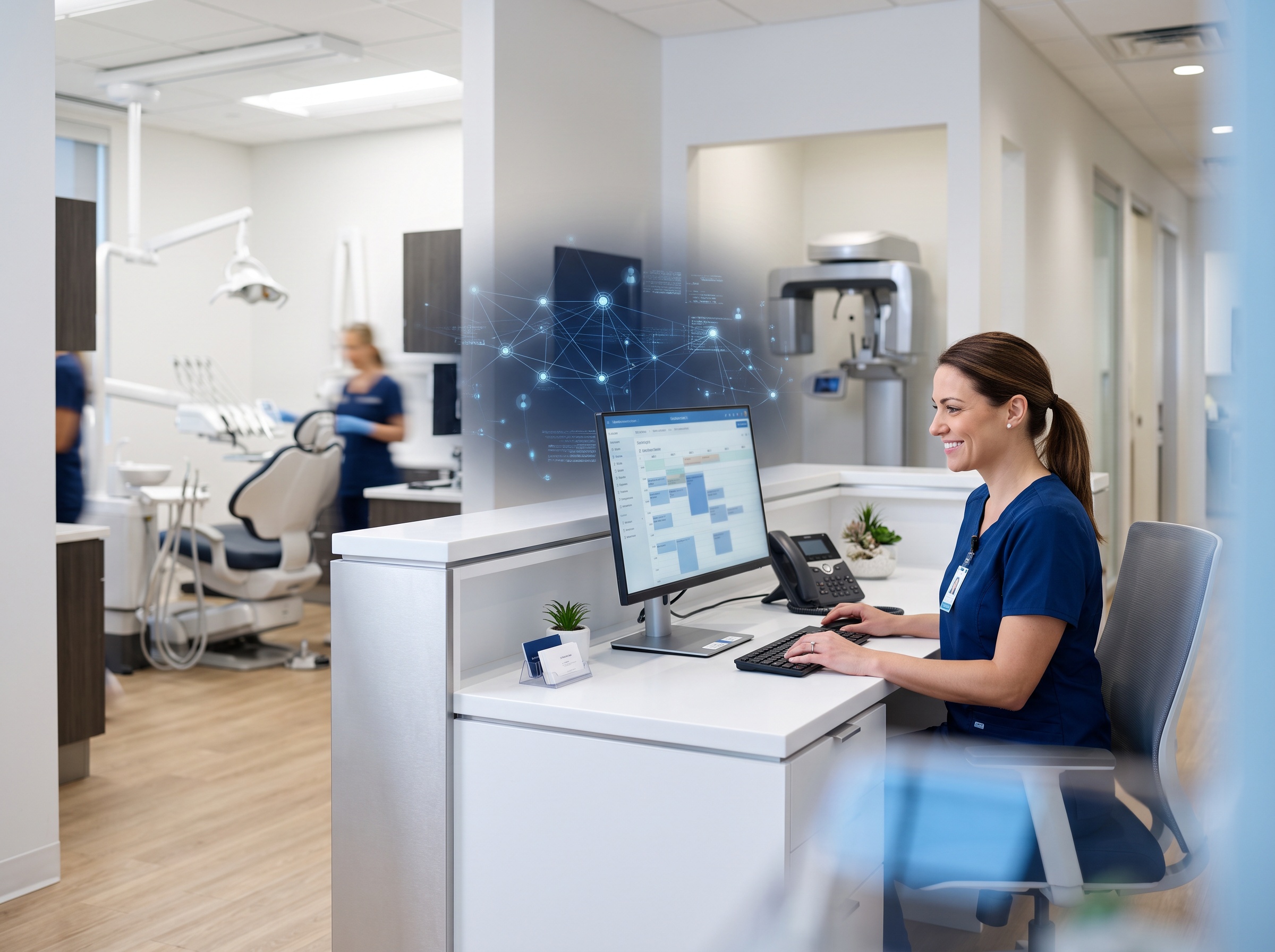
Consider what that machine touches. It is used all day for general web browsing, insurance portals, and email. It very often sits on the same flat network as your practice-management software, your imaging and X-ray systems, and the patient records that constitute protected health information. A single info-stealer on that workstation can quietly lift the saved credentials your team uses to log into the practice-management system and cloud services, capture active login sessions, and give an attacker a foothold from which to move deeper – toward the clinical systems and the PHI that make a dental office such a valuable ransomware target in the first place. A twenty-second lapse by a distracted receptionist between patients can hand an attacker the keys to the whole practice.

A practical defense checklist for your office
The good news is that defending against these techniques does not require exotic tools – it requires the right layers in the right order. Here is where a dental practice should focus.
Train the front desk on the paste-to-run red flag. This is the single highest-value defense. Make sure every staff member knows one ironclad rule: a legitimate website will never ask you to open the Run box, PowerShell, or a terminal and paste a command to “prove you are human,” fix an error, or complete an update. If a page asks you to do that, close it and report it. Teach the team to recognize fake captchas and fake error prompts the same way they were taught to spot phishing emails.
Move from legacy antivirus to EDR. Endpoint Detection and Response watches process behavior – a browser suddenly spawning a scripting engine, an unexpected command reaching out to the internet – rather than just matching known files. That behavioral lens is what catches fileless and paste-to-run attacks that signature-based antivirus waves through.
Harden the browser. Use a reputable ad and script blocker to cut off the malvertising that seeds these campaigns, keep browsers automatically updated, and remove unnecessary extensions. Blocking the malicious ad is blocking the attack at step one.
Run staff on least-privilege accounts. Front-desk and clinical users should operate as standard users, not local administrators. If malware executes in a limited account, it is far harder for it to install itself deeply or spread.
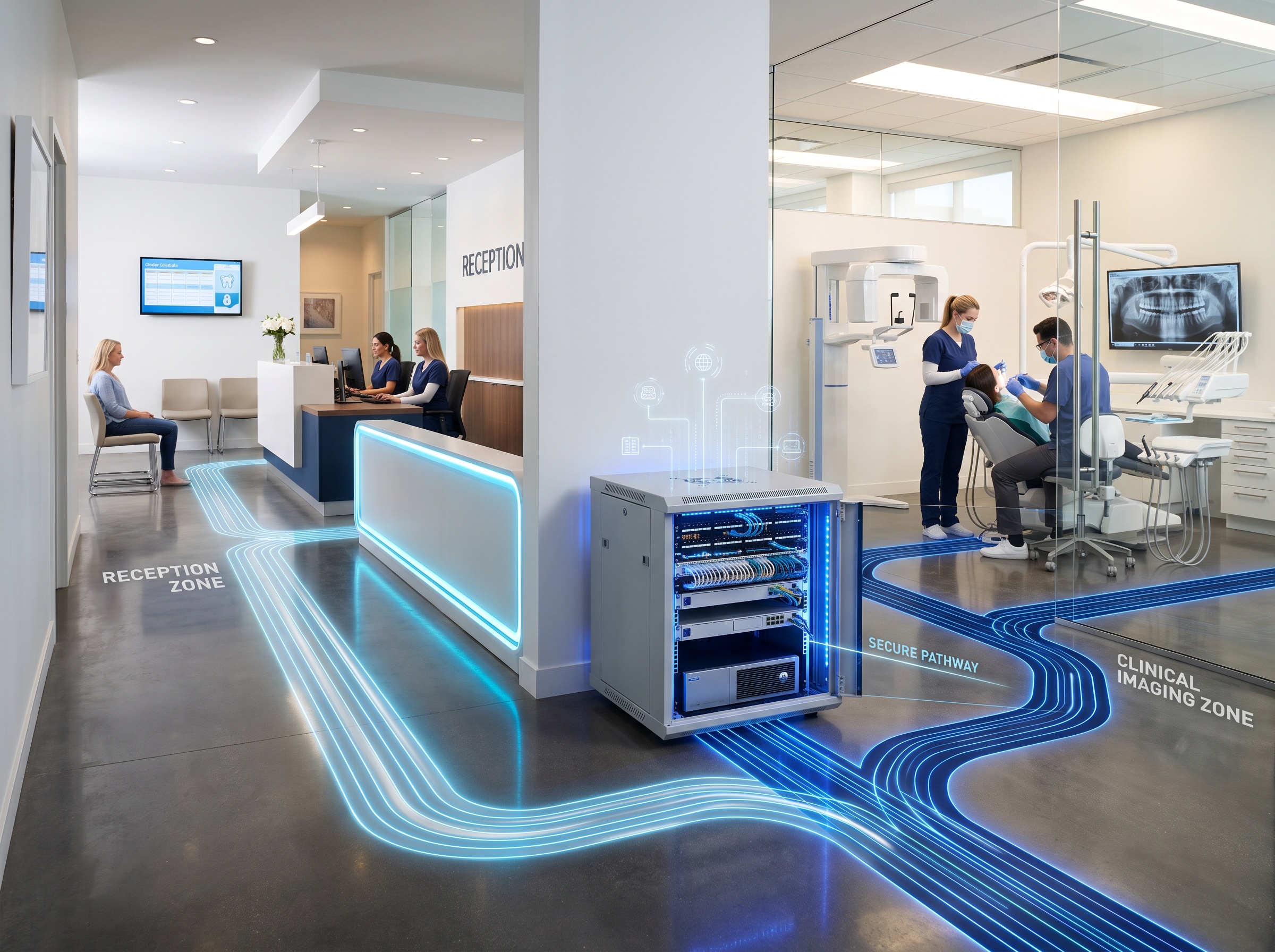
Segment your clinical systems. Reception web browsing does not belong on the same open network as imaging hardware and your practice-management server. Proper network segmentation means that even a compromised front-desk PC hits a wall instead of a highway to your PHI.
Patch relentlessly. Keep Windows, browsers, practice-management software, and imaging systems current. Timely patching closes the doors that malware uses to escalate and spread once it lands.
Where Compudent comes in
The uncomfortable reality is that the antivirus sticker on your reception PC is no longer the finish line – it is barely the starting line. The attacks making news this week are designed by professionals, and increasingly by nation-states, to defeat exactly the tools most small dental offices assume are keeping them safe. Closing that gap takes layered, actively managed security, and that is not a reasonable thing to ask a practice manager to run between patients.
Compudent provides managed IT security built for dental practices across the GTA, Ontario, and beyond – behavior-based endpoint protection that goes well past legacy antivirus, network segmentation to wall off your clinical systems and PHI, patch and update management, and staff security-awareness training that teaches your team to shut down ClickFix and fake-prompt lures on sight. If you are not certain your front desk could recognize a paste-to-run trap, or that an infection there could not reach your patient records, that uncertainty is the finding. Contact Compudent for a security assessment and let us turn your practice’s weakest click into a defended one.
Sources & further reading:
- Malicious sites use JavaScript to build malware in browser memory – BleepingComputer
- Malvertising Sends Malware in Pieces, Then Makes the Browser Build the Executable – The Hacker News
- Now, even Russia’s most elite hackers are using ClickFix to infect devices – Ars Technica