



November 3, 2026 Ransomware Is Now Hunting Your Backup NAS: The Synology Attacks and What Dental Practices Must Do
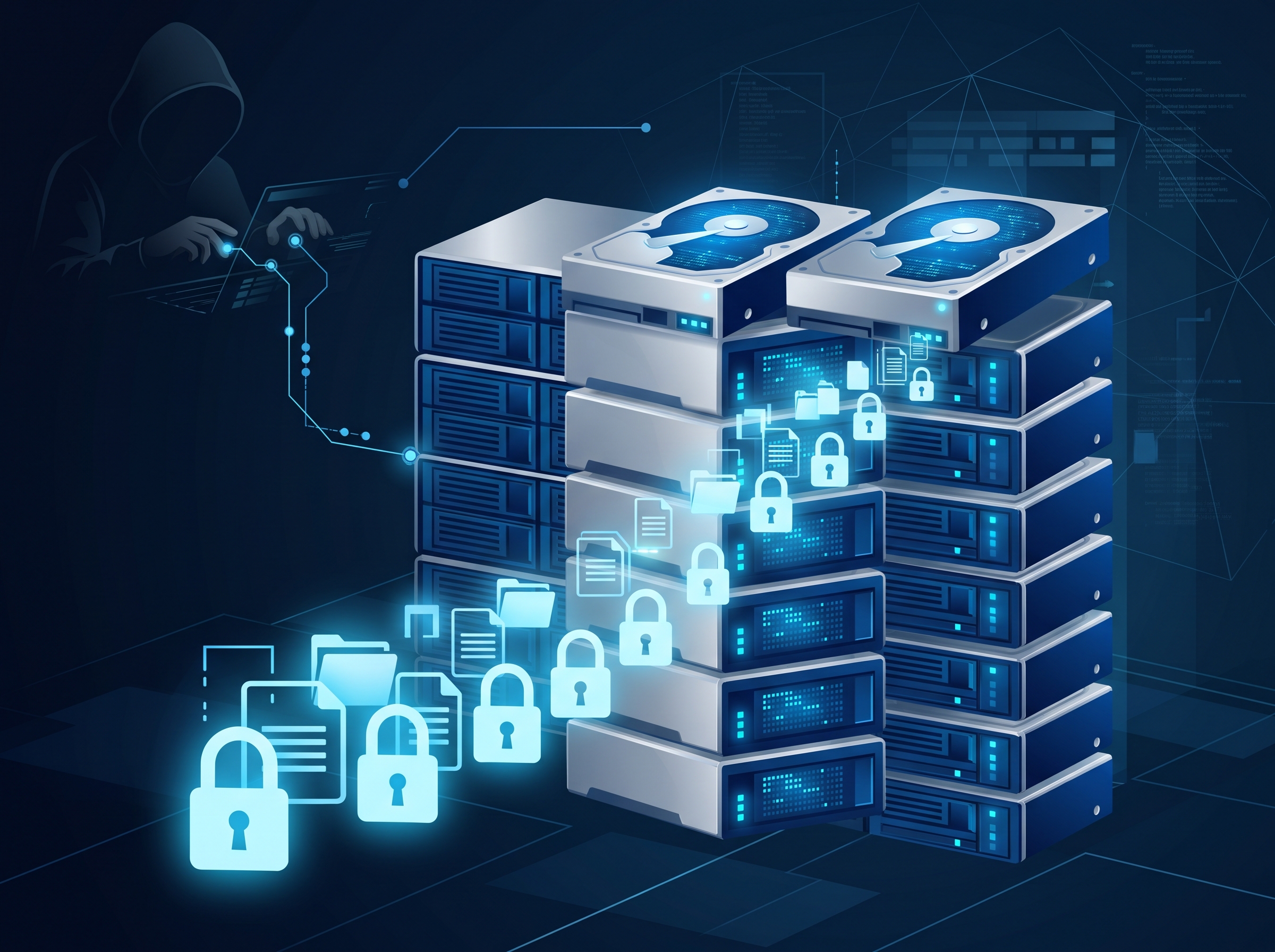
Synology has warned that a ransomware campaign is actively encrypting data on its network-attached storage (NAS) devices, and the detail that should stop every dental practice in its tracks is which devices are being hit: internet-exposed units still running outdated DiskStation Manager (DSM) software. The attackers are not tricking a receptionist into opening an attachment. They are reaching the storage box directly, over the network, and locking what is on it.
For a lot of practices, that storage box is not an afterthought. It is the backup. It may also hold imaging archives, scanned documents and a shared drive full of patient files. When the device that was supposed to be your way out of a ransomware incident becomes the device that gets encrypted, the whole recovery plan quietly inverts.
What is actually happening
Security researchers and Synology itself have been tracking a ransomware strain — reported under names including C3RB3R, a variant in the long-running Cerber family — that targets Synology NAS appliances reachable from the internet. The common thread in the compromised devices is unpatched, out-of-date DSM firmware. Sources disagree on the exact entry point: Synology has pointed to a weakness it patched some time ago on devices that were never updated, while other researchers tie the intrusions to more recent critical DiskStation Manager flaws (tracked as CVE-2026-13639 and CVE-2026-13684) that Synology fixed in a 2026 advisory. Some analyses also note add-on packages, containers and stolen credentials as possible paths in.
The disagreement over the precise vulnerability matters less than the pattern, which is consistent across every account: the devices getting hit are exposed to the open internet and behind on updates. That is a configuration a surprising number of small offices fall into without realising it.
Why this lands so hard on a dental practice
Dental offices adopted NAS boxes for good reasons. They are an affordable way to store large imaging files, run a shared drive, and — crucially — hold backups of the practice management server. The problem is that a single NAS often ends up doing all three jobs at once: it is the live file store and the backup target, sitting on the same network, powered on and reachable twenty-four hours a day.
Ransomware authors know this. The modern playbook is explicitly to find and destroy backups first, because a practice that can restore cleanly never has to pay. When your backup lives on an always-connected NAS that is also exposed to the internet, you have handed the attacker both targets in one device. That is the same hard lesson behind the sharp rise in healthcare ransomware we tracked through 2026: the groups hitting medical and dental data are methodical, and they go after recovery capability on purpose.
The two changes that close the door fastest
If you run a Synology — or any — NAS, two actions address the immediate risk, and you should treat them as this week’s priority, not next quarter’s project.
1. Update the firmware now. Log in to DSM and install the latest DiskStation Manager update and any security patches. The practices being encrypted in this campaign are overwhelmingly the ones running old firmware; applying the current update removes the specific flaws the attackers are using. If you are not sure how to check your DSM version or do not have a maintenance login, that is exactly the kind of gap worth closing with help rather than guesswork.
2. Get the NAS off the open internet. Ask one blunt question: can this device be reached from outside the office? If staff or a vendor set up remote access — a forwarded port, Synology QuickConnect, or a login page you can open from home — the NAS is exposed, and that exposure is what turns a patchable flaw into an active breach. Remote access to internal storage should run through a VPN or a properly secured gateway, never a port pointed straight at the storage box. Open remote-access doors are a recurring theme in real incidents; we have written before about how exposed remote access keeps being the way into dental networks, and an internet-facing NAS is the same mistake wearing different clothes.
Why patching the NAS is still not a backup strategy
Here is the uncomfortable part. Even a fully patched NAS is not, by itself, a safe backup. If ransomware gets onto a workstation through some other route — a phished credential, a compromised laptop — and your NAS is a mapped, always-connected drive, the malware can encrypt everything on it exactly as it encrypts the local disk. Patching stops this campaign’s entry point; it does not change the fact that an online, reachable backup is a backup within the blast radius.
The fix is an old rule that keeps proving itself: the 3-2-1 approach — at least three copies of your data, on two different types of media, with one copy kept offline or immutable and out of the network’s reach. An offline copy is one that is physically disconnected or stored on media that cannot be altered or deleted for a set retention window. That is the copy ransomware cannot touch, because there is nothing for it to connect to. We walk through what sound backup and access controls look like on the practice management side in our Dentrix server backup, patch and access checklist, and the same principle applies to every device that holds patient data.


A short checklist for this week
- Patch DSM (or any NAS firmware) to the current release today, and turn on automatic security updates.
- Confirm the NAS is not reachable from the internet — check for forwarded ports, QuickConnect and any remote-login feature, and disable them in favour of VPN access.
- Verify you have an offline or immutable backup copy that is not a permanently connected drive or share.
- Actually test a restore. A backup you have never restored from is a hope, not a plan.
- Prioritise using a trusted list. If you are unsure what to fix first across all your devices, the CISA Known Exploited Vulnerabilities catalogue is a free way to rank what attackers are using right now.
The Synology campaign will eventually fade from the headlines, as these always do. What it exposes is permanent: the storage device holding your patient images and your backups is a networked computer that attackers will target precisely because it is where recovery lives. Treat it like the critical asset it is — patched, off the open internet, and backed by a copy nothing on your network can reach.
How Compudent can help
Compudent Systems helps dental practices across the GTA and Ontario make sure the devices holding patient data are not the weak point in a ransomware incident. We review how your NAS and backup appliances are configured, close off internet exposure, keep firmware patched, and design a 3-2-1 backup with a genuinely offline or immutable copy that survives an attack — all tuned to PHIPA obligations and the realities of a dental office rather than a hospital IT department. If you are not certain whether your backup could be encrypted along with everything else, contact us for a backup and storage assessment before an attacker tests it for you.
Sources & further reading:
- Synology Security Advisory and C3RB3R ransomware guidance
- Synology warns ransomware is exploiting outdated DSM installations
- CVE-2026-13639 – Synology DiskStation Manager (DSM) vulnerability
Related Reading
- The "Recovery" Firm Was Secretly Paying the Ransom: Why an Immutable, Air-Gapped Backup Is the Only Exit Your Dental Practice Controls
- Dental Practices Under Siege: The Rising Threat of Ransomware Targeting Healthcare Data
- Your Backups Are Only as Good as Your Last Test Restore: A Dental Practice Reality Check