



August 28, 2026 The Server No One Calls IT About: An Actively Exploited PaperCut Zero-Day and Your Print Room
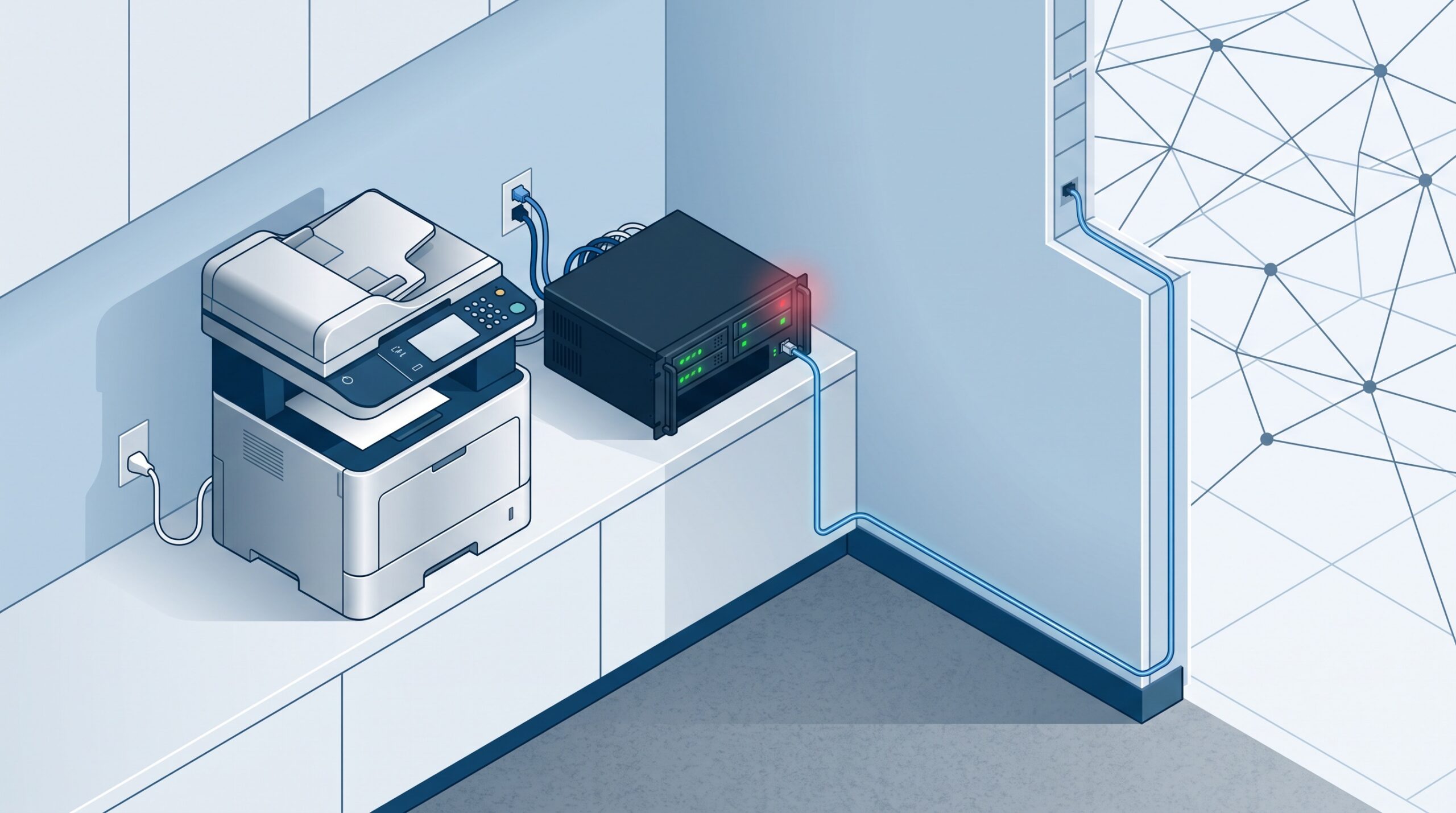
Every dental practice has a machine like this: a small server humming in a closet or under a desk that quietly runs something everyone depends on and nobody thinks about. For many larger and multi-location practices, dental service organizations, and dental schools, one of those machines runs PaperCut – the print- and scan-management software that tracks who printed what, controls costs, and shepherds documents, including patient paperwork, through the office. This week that forgotten server became an emergency. On August 27, 2026, PaperCut published an urgent security advisory warning that attackers are actively exploiting a previously unknown vulnerability in every version of PaperCut NG and PaperCut MF – and that it has already confirmed real customer incidents.
What PaperCut actually disclosed
The wording in the advisory is unusually direct. “PaperCut Software security response team is investigating active exploitation of a vulnerability affecting PaperCut NG and PaperCut MF,” it reads, adding: “We are aware of confirmed customer incidents and are treating this matter with the highest priority.” The company says its team reproduced the flaw using information supplied by a University customer, and it has rushed out an emergency patch for organizations running public-facing PaperCut Application Servers.
Several things are missing from that disclosure, and their absence is the story. As of the advisory there was no CVE identifier, no technical detail on the flaw, and no explanation of what attackers do after they break in – whether they steal data, deploy ransomware, or simply establish a foothold. When a vendor confirms live attacks before it can even describe the bug, you are looking at a genuine zero-day: exploited in the wild before a fix and before the wider defensive community has details. You do not wait for the full picture; you reduce your exposure now.
The one thing to do today
PaperCut’s most important instruction is blunt and does not require you to understand the vulnerability: if your PaperCut Application Server is reachable from the public internet, immediately restrict its web interface to trusted IP addresses using firewall rules or network access controls, and apply the emergency patch. An Application Server that is only reachable from inside the office is dramatically harder to attack from the outside than one whose login page is sitting on the open web so an administrator can manage it from home.
This is the same lesson we keep coming back to, because practices keep running into it. It is exactly what went wrong with the max-severity UniFi flaws in networks, cameras, and phones, where the danger was never the device on the wall but its management interface left reachable from the internet. And it is why an actively exploited flaw that needs only a single packet and no password is so dangerous the moment a vulnerable service faces the web. A back-office server is a computer, and any computer exposed to the internet is a computer under attack.

Why a print server is a serious target
It is tempting to shrug this off – it is just printing. That instinct is precisely the problem. A print-management server is a full application server with a database, credentials, and privileged reach into the network so it can talk to every printer, workstation, and often the directory that lists your staff. It is also, in a document-management role, a server that handles paperwork which can include protected health information. Compromise it and an attacker has a quiet, trusted machine deep inside the practice from which to move laterally – the ideal beachhead.
PaperCut’s own history makes this concrete. In 2023, the critical flaw CVE-2023-27350 was seized on by the Clop and LockBit ransomware operations as an initial-access route into corporate networks; Microsoft later observed Iranian state-backed groups exploiting it too, and CISA and the FBI warned that the Bl00dy ransomware gang was using vulnerable PaperCut servers to hit the education sector. The pattern is unambiguous: when PaperCut has a serious bug, ransomware crews use it as a front door. Treat this one the same way.
How to check whether you were already hit
PaperCut published indicators of compromise, and any practice running the software should have someone look for them now rather than assume the best. They include suspicious activity tied to the legitimate pc-app.exe process, and server.log files that have been modified, deleted, or gone missing. Administrators are also told to search the logs for specific error strings the attacks leave behind – among them a database error referencing a cardID lookup and a spurious JDBC driver error. Crucially, PaperCut warns that a lack of these indicators does not prove a server is clean. If the machine was internet-exposed and unpatched during the exploitation window, treat a quiet log as unproven, not as an all-clear.

What a dental practice should do this week
You do not need to run the print server yourself to make sure this gets handled. Make sure someone does these five things:
- Find out if you run it. Ask your team or IT provider directly: do we have a PaperCut NG or MF server anywhere – main office, a satellite location, or a shared DSO system? You cannot protect a server you have forgotten you own.
- Get it off the public internet. If the server’s web interface is reachable from outside the office, restrict it to trusted IP addresses today, or move remote administration behind a VPN. This single step blunts the attack.
- Apply the emergency patch. Update to PaperCut’s latest patched release, and confirm the update actually applied rather than assuming it did.
- Hunt for the indicators of compromise. Have someone check pc-app.exe activity and the server.log files against PaperCut’s published IoCs. If anything looks off, treat it as an incident and get expert help before the attacker acts.
- Fold it into your patch inventory. The reason this server was at risk is that it lived outside anyone’s patching routine. Every server the practice depends on belongs on one list, checked on a schedule – the same discipline that keeps a single patching policy from quietly missing the systems it was never told about.
The uncomfortable through-line in this advisory is that the machine attackers are exploiting is one most practices do not picture when they think about “the network.” It does not hold charts, it is not the imaging workstation, and it never generates a support ticket – right up until it becomes the way ransomware gets in. The servers that put a practice at risk are usually the ones nobody was watching.

If you are not sure whether your practice or any of your locations runs a PaperCut server, whether its web interface is exposed to the internet, or whether this week’s emergency patch has actually landed, contact Compudent Systems. We help dental practices across Ontario find every server on their network – including the forgotten ones – close off internet-exposed interfaces, apply urgent patches, and check for signs of compromise, so an actively exploited zero-day is a same-day fix instead of the start of a breach.
Sources & further reading:
- PaperCut warns of NG, MF flaw exploited in zero-day attacks – BleepingComputer
- Unknown PaperCut NG/MF vulnerability is under active attack – Help Net Security
- PaperCut Urgent Security Advisory (27 Aug 2026)
Related Reading
- Ransomware Gangs Are Now Through the Front Door: What the SonicWall SMA1000 VPN Attacks Mean for Dental Practices
- 974 Patches, Two Being Exploited Right Now: How a Dental Practice Should Read September’s Patch Tuesday
- The Phone System Is a Computer Too: An Actively Exploited Switchvox Flaw and What Your Practice Must Patch