



September 3, 2026 You Can’t Patch That Old Sensor or CBCT: How to Safely Keep Legacy Imaging Devices on Your Dental Network
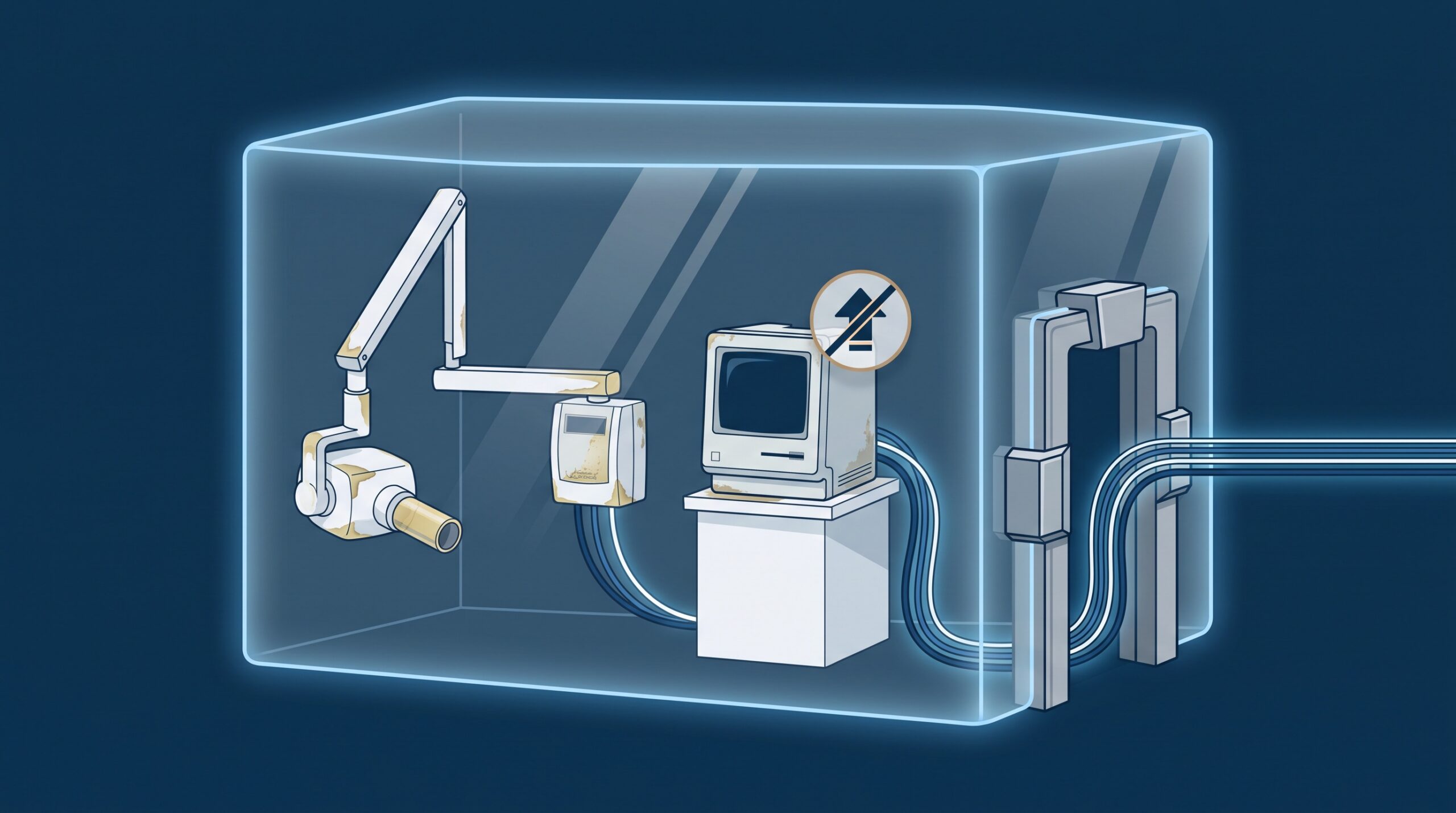
Somewhere in most dental practices there is a computer that cannot be updated. It might be the workstation attached to your intraoral sensor, still running an end-of-life version of Windows because the sensor’s driver was never certified for anything newer. It might be the locked controller inside your panoramic or CBCT unit, a sealed appliance the manufacturer will not let anyone touch. Either way, the security updates stopped arriving a long time ago – and you cannot simply throw the device out, because it is expensive, clinically essential, and wired to software your team depends on every day. That is a real dilemma, and the two obvious answers are both wrong. Leaving the device on the flat office network and hoping is a gamble; unplugging it and losing your digital imaging workflow is a self-inflicted wound. There is a third path, and it is the one hospital security teams and medical-device regulators actually recommend.
Why imaging devices go unpatchable – and why that isn’t negligence
It is tempting to treat an out-of-support imaging device as evidence someone dropped the ball. Usually it isn’t. Medical and dental imaging hardware is regulated, validated as a unit, and built to last a decade or more – far longer than the operating system or software it shipped with. Manufacturers certify a device against a specific Windows version and a specific driver, and once that version reaches end of life, updating the underlying OS can technically break the device or void its clinical validation. So the capture PC stays frozen in time on purpose, and the embedded controller inside a CBCT is often a black box no one is permitted to modify. The result is a device that is simultaneously essential and unpatchable – a structural feature of long-lived medical equipment, not a mistake. What is a mistake is pretending the problem doesn’t exist. The FBI and medical-device security researchers have been blunt that unsupported devices left on clinical networks are a favourite target, precisely because everyone knows they cannot be fixed the normal way.
The core move: put it in its own zone
If you cannot change the device, change what the device can reach. The single most effective control for an unpatchable imaging system is network segmentation: placing it in its own isolated network segment – a dedicated VLAN or zone – so it no longer shares a flat network with your practice-management server, your Microsoft 365 credentials, your backups, and every front-desk PC. The logic is containment. A vulnerability on an isolated device is a contained problem; the same vulnerability on a flat network is a doorway into everything. This is the same lesson we keep arriving at from different directions – it is why the phone system in the closet turned out to be a full computer too, and why so many connected medical devices carry critical flaws that will never be patched. Segmentation does not fix any of those devices. It makes sure that when one of them is compromised, the damage stops at the segment boundary instead of spreading to patient records.

Segmentation that’s real, not cosmetic
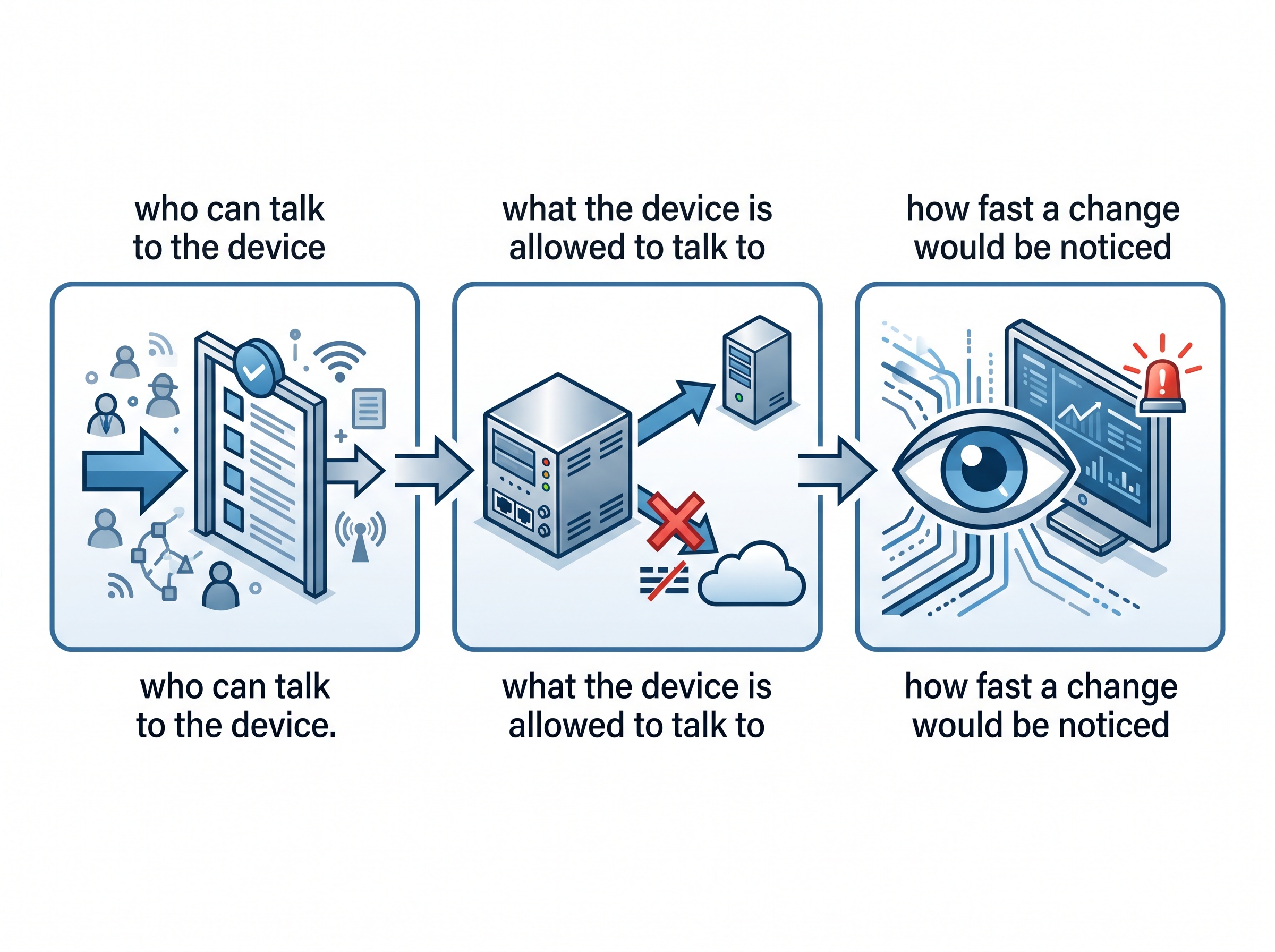
Dropping a device onto a separate VLAN and calling it done is where a lot of well-intentioned segmentation quietly fails. To be worth anything, the design has to answer three questions about the legacy device. Who can talk to it? Only the specific workstations and users that clinically need to – enforced with permit-only rules, not “anyone on the network.” What is it allowed to talk to? Ideally a short allowlist: the one server it must reach, and nothing else – and crucially, no direct path to the internet, since a frozen device has no business browsing the web and every reason not to. Any remote servicing the vendor needs should come through a controlled gateway – a jump host with multi-factor authentication – never a permanent open door. And how fast would you notice if either of those changed? A legacy device has a boringly predictable traffic pattern; monitoring tuned to that known-good behaviour turns any deviation into an early alarm. Get those three answers right and the segment is a real boundary. Get them wrong and it is a line on a diagram.
Compensating controls: securing the space around the device
When you cannot patch the device itself, you apply what security professionals call compensating controls – protections placed around the device that stand in for the fix it will never get. Several are worth putting in place for every unpatchable imaging system:
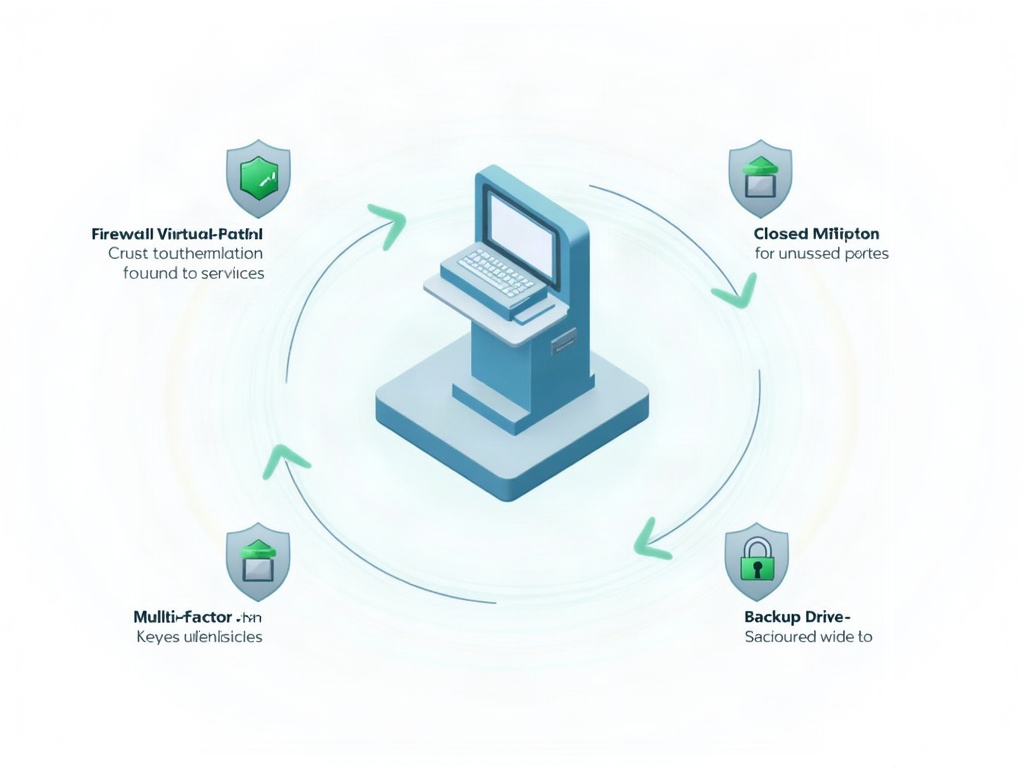
- Virtual patching. A firewall or intrusion-prevention system in front of the segment can block the specific attacks a known vulnerability enables, even though the device itself remains unchanged. It is not a true patch, but it closes the road to the pothole.
- Strict access control and MFA. Every human or system that reaches the imaging segment should authenticate, with multi-factor authentication on any remote access. Shared logins and standing vendor access are exactly how a contained device becomes an entry point again.
- Disable what you’re not using. Old devices ship with services and ports enabled that your practice never touches. Every one that is closed is one fewer thing an attacker can reach.
- Back up what the device produces. The images are the asset. Rigorous, tested backups of the radiographs and scans mean a compromised or failed legacy device is a replaceable box, not a loss of patient records.
The inventory and lifecycle discipline underneath it all
None of this works if you do not know what you have. You cannot isolate, monitor, or plan around a device you have never catalogued, and the uncomfortable truth in many offices is that no one can list, from memory, every networked imaging device and what operating system it runs. So the foundation is an honest inventory: every sensor, phosphor-plate scanner, panoramic and CBCT unit, and capture workstation, with its software version, its support status, and who is responsible for it. That inventory is also where you separate the devices you genuinely cannot patch from the ones you simply haven’t – your practice-management software and its servers, for instance, usually can be kept current, and that is a patching discipline worth getting right on its own terms. And because segmentation buys time rather than granting immunity, every truly unpatchable device needs a documented end-of-life plan: a replacement target date, so the frozen box on your network is a managed risk with an expiry, not a permanent resident everyone has stopped seeing.
What this does – and what it doesn’t
It is worth being honest about the limits. Segmentation and compensating controls contain the blast radius and buy you time; they do not make an unsupported device safe in any absolute sense, and they are not an excuse to run a decade-old sensor forever. Think of them as the responsible way to bridge the gap between “we cannot replace this today” and “we have replaced it.” That framing matters for compliance as much as for security. Under PHIPA and HIPAA, an unsupported device that stores or transmits patient images is a live exposure – and if an incident ever occurs, the question a regulator will ask is not whether you had a perfect device, but whether you took reasonable steps to protect the information on an imperfect one. A documented segment, a set of compensating controls, a monitoring alert, and a replacement plan are exactly what “reasonable steps” looks like. Choosing the right imaging equipment in the first place, and knowing which modality your practice actually needs, is the front end of the same lifecycle – security and clinical planning are not separate conversations.

The old sensor and the aging CBCT are not going away tomorrow, and they should not be sitting naked on your network in the meantime. If you are not certain which of your imaging devices are still supported, whether any of them are exposed to the wider office network or the internet, or how you would even begin to isolate them, contact Compudent Systems. We help dental practices across Ontario inventory every imaging device, design and build the segmentation that keeps an unpatchable box from becoming the way in, put practical compensating controls around the equipment you cannot yet replace, and plan the replacements so today’s necessary risk has a documented end date.
Sources & further reading:
- Beyond Patching: Secure Medical Devices and Meet FDA Compliance – RunSafe Security
- Closing the Cybersecurity Gap in Legacy Medical Devices – Medical Product Outsourcing
- FBI Warnings on Unpatched Medical Devices – Censinet
Related Reading
- Where Was Your Imaging Sensor Made, and What Is It Talking To? Device Provenance Is Now a Dental Practice Security Question
- Half Your Connected Devices Carry a Critical Flaw. Can Agentic AI Finally Clear the Patching Backlog?
- The Other Computers in Your Operatory: Why Connected Dental Devices Are the Attack Surface Nobody Audits