



September 30, 2026 When Remote Support Turns Hostile: How Attackers Abuse Legitimate RMM Tools Against Dental Practices
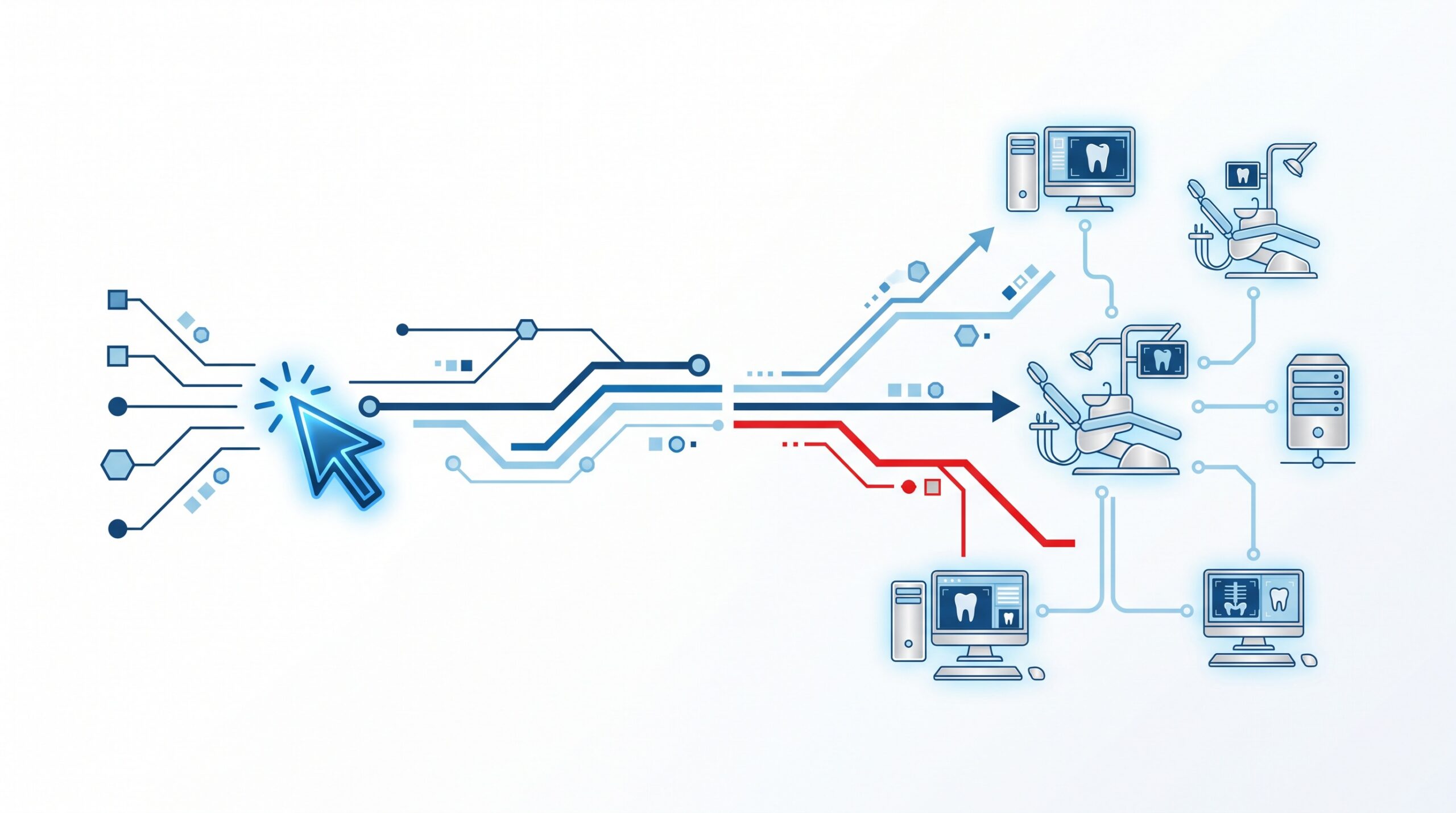
For years the mental picture of a cyberattack was exotic malware — some custom-built virus smuggled onto a computer. That picture is now dangerously out of date. Some of the most effective intrusions hitting healthcare offices right now use no malware at all. Instead, attackers phish their way in and then install the exact same remote monitoring and management (RMM) software that legitimate IT departments use every day.
A fresh wave of campaigns illustrates the shift: criminals send convincing phishing lures aimed at executives, steal an active Microsoft 365 session, and then quietly deploy a commercial remote-access tool to take hands-on control of the network. For a dental practice, where a single workstation can reach the entire patient database, understanding this “living off the land” approach is now essential.
What RMM software is, and why attackers love it
Remote monitoring and management tools — names like AnyDesk, ScreenConnect, TeamViewer, and Atera — let a technician see and control a computer from anywhere. They are the backbone of modern IT support, and your own provider almost certainly uses one to patch your servers and fix issues without driving to the office.
That legitimacy is precisely what makes them a weapon. An attacker who installs a mainstream RMM tool gets a full remote desktop that most security software will not flag, because the program is signed, trusted, and used by millions of businesses. There is no suspicious virus to detect — just a commercial application doing exactly what it was designed to do, for the wrong person. Attackers get reliable remote control, file transfer, and command execution without writing a single line of custom code.
How the attack reaches a dental practice
The intrusion rarely begins with the remote tool. It begins with a login. The current campaigns lean on well-crafted phishing that harvests credentials or, more dangerously, hijacks a live authenticated session so that even multi-factor authentication is bypassed — the attacker inherits a session that has already passed the MFA check.
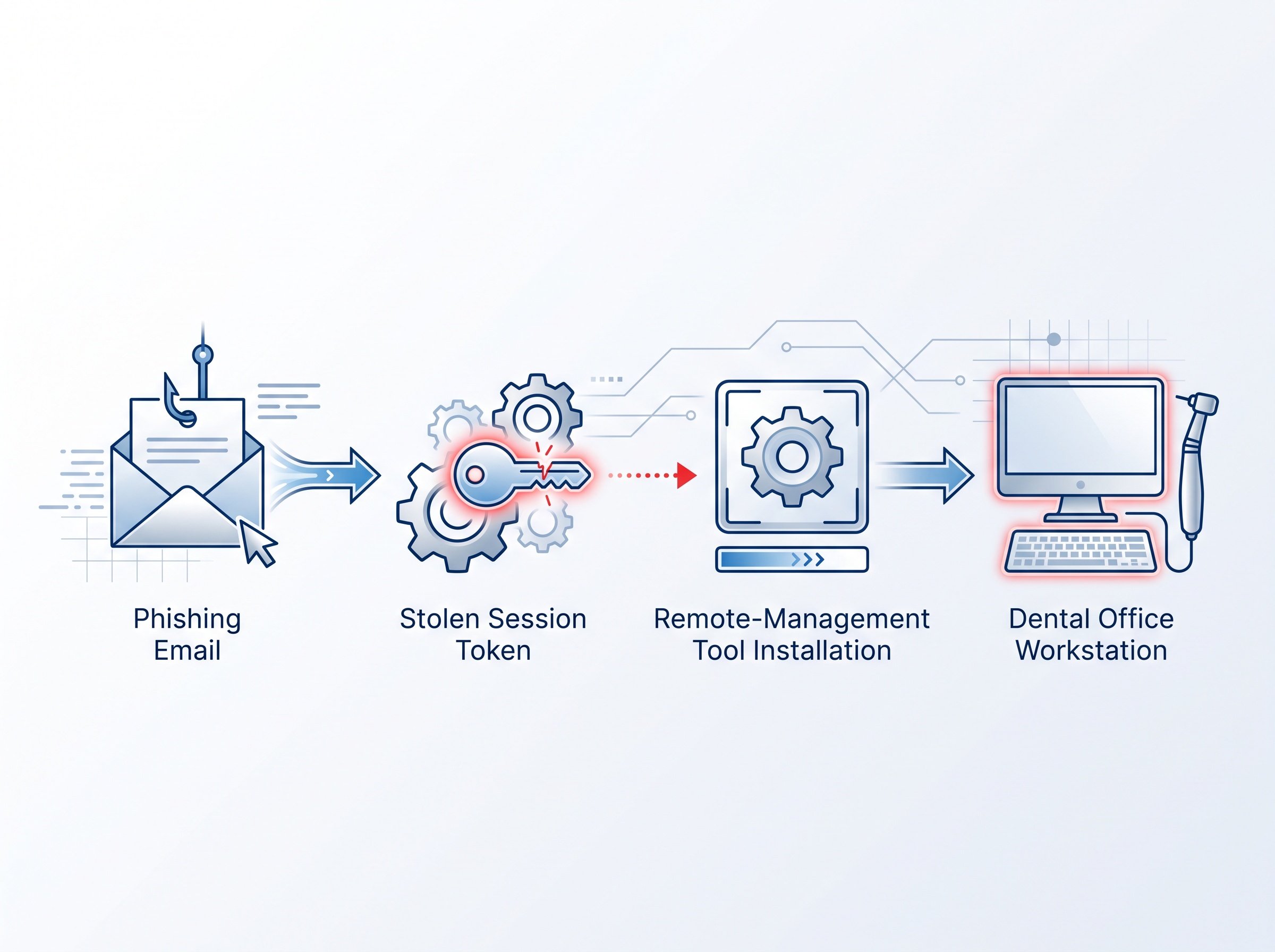
Once inside, the playbook is consistent:
- Establish footing. The attacker uses the stolen session to reach a workstation or the Microsoft 365 tenant.
- Install the RMM tool. A trusted remote-access agent is deployed, giving durable, malware-free control that survives a password reset.
- Expand quietly. From that beachhead they map the network, hunt for the patient database and backups, and position for data theft or ransomware.
This is the same pattern that turns a single compromised login into a full breach. We saw exactly how far one stolen account can travel in the case of the Hawaii dental breach that exposed tens of thousands of patient records through one account — the initial door was small, but what waited behind it was everything.
Why dental offices are an easy fit for this tactic
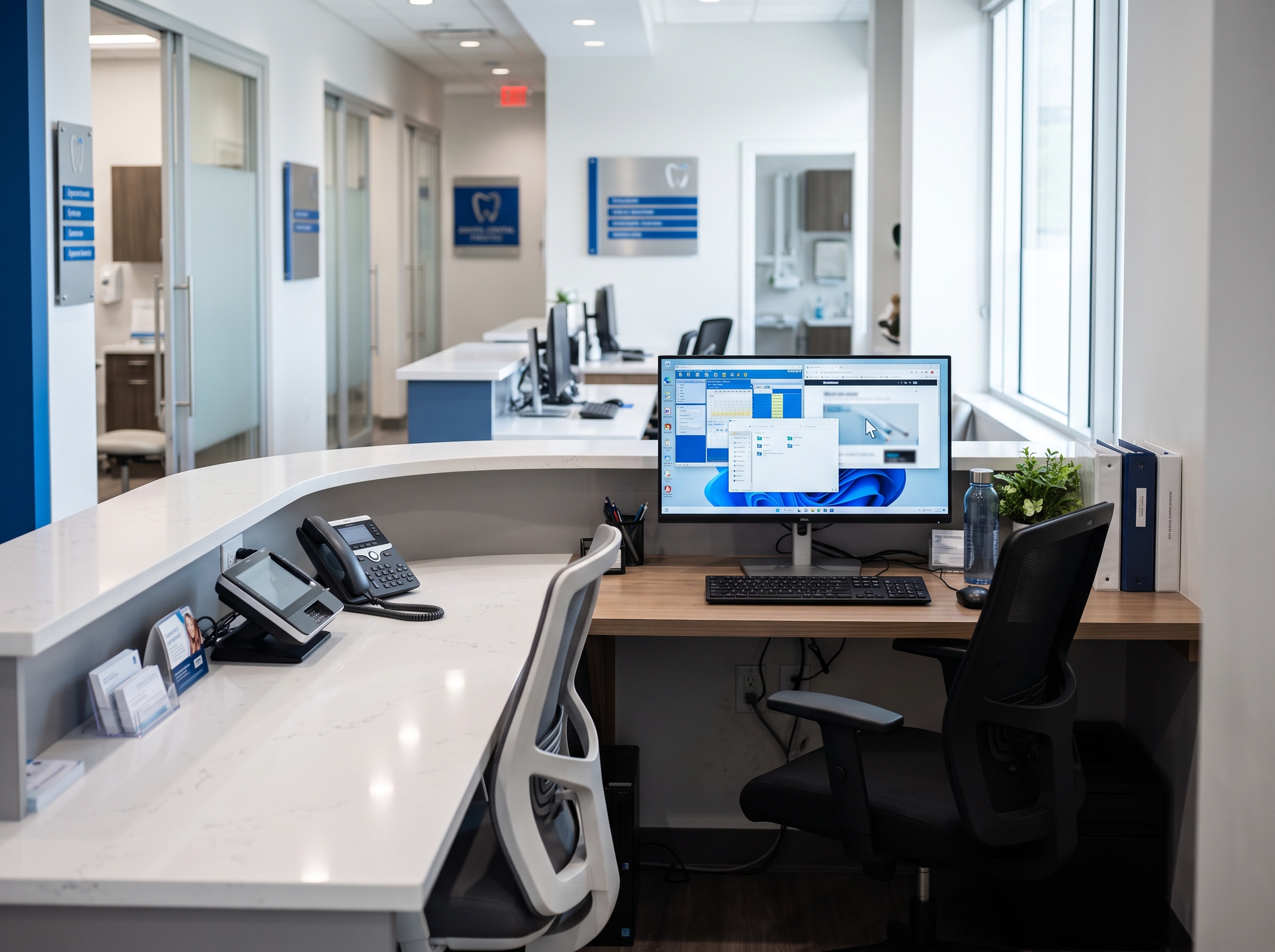
Dental practices are unusually well-suited to RMM abuse for a few structural reasons. Most already rely on remote support, so a remote session in progress does not automatically look wrong to staff. Front-desk and operatory workstations are often shared and left logged in between patients. And the network typically connects everything — imaging, practice management, email, and backups — so one controlled endpoint can see far more than it should.
The remote-access surface has also been widening on its own. When routine Windows updates disrupted Always On VPN for practices with remote workers, some offices reached for quick remote-access workarounds to keep running — exactly the kind of unmanaged tool that blurs the line between sanctioned and rogue access.
Telling legitimate remote support from an attack
Because the software itself is trustworthy, the difference between your IT provider and an intruder is context, not the tool. A few habits let a practice spot abuse quickly:
- Know your one tool. Your practice should sanction a single, named remote-access product. If a session appears in anything else — a program no one recognizes — treat it as hostile until proven otherwise.
- Expect a heads-up. Legitimate support connects by arrangement. An unannounced session, especially after hours, is a red flag.
- Watch the cursor. A mouse moving on its own on an unattended workstation, or windows opening without a person present, is a session you did not authorize.
- Verify out of band. If a “technician” calls or emails asking you to install a remote tool, hang up and call your IT provider on a number you already have. Attackers impersonate support to get invited in.
The controls that actually stop RMM abuse
Defending against trusted-tool attacks is less about detecting malware and more about controlling what is allowed to run and connect. Several measures work together:

- Application allowlisting. Permit only your one sanctioned remote-access tool to execute, and block every other RMM program by default. This single control neutralizes most of the attack, because the intruder’s preferred tool simply will not launch.
- Phishing-resistant MFA. Session-stealing beats old-style codes, so move toward hardware keys or passkeys that cannot be relayed, and shorten session lifetimes so a stolen token expires fast.
- Least privilege and segmentation. Front-desk accounts should not be administrators, and a compromised reception workstation should not be able to reach the imaging server or backups unimpeded.
- Monitoring for remote-access installs. Alert whenever a remote-management agent is installed or first runs. The abuse of a signed RMM vendor is a live threat, as the critical N-central remote-management zero-day that IT providers scrambled to patch made clear — the tools that manage your network are themselves a target.
- Patch the tools you do keep. When a vendor such as TeamViewer urges immediate patching of severe flaws, that is not optional housekeeping; an unpatched remote-access tool is an open door with your name on it.
Build the assumption in
The uncomfortable takeaway is that you can no longer trust a program simply because it is legitimate. The question a modern practice has to answer is not “is this software malicious?” but “did we authorize this specific use, right now, by this person?” Practices that write down which remote-access tool they use, lock everything else out, and watch for sessions no one started are the ones that turn a silent takeover into a caught-in-minutes alert.
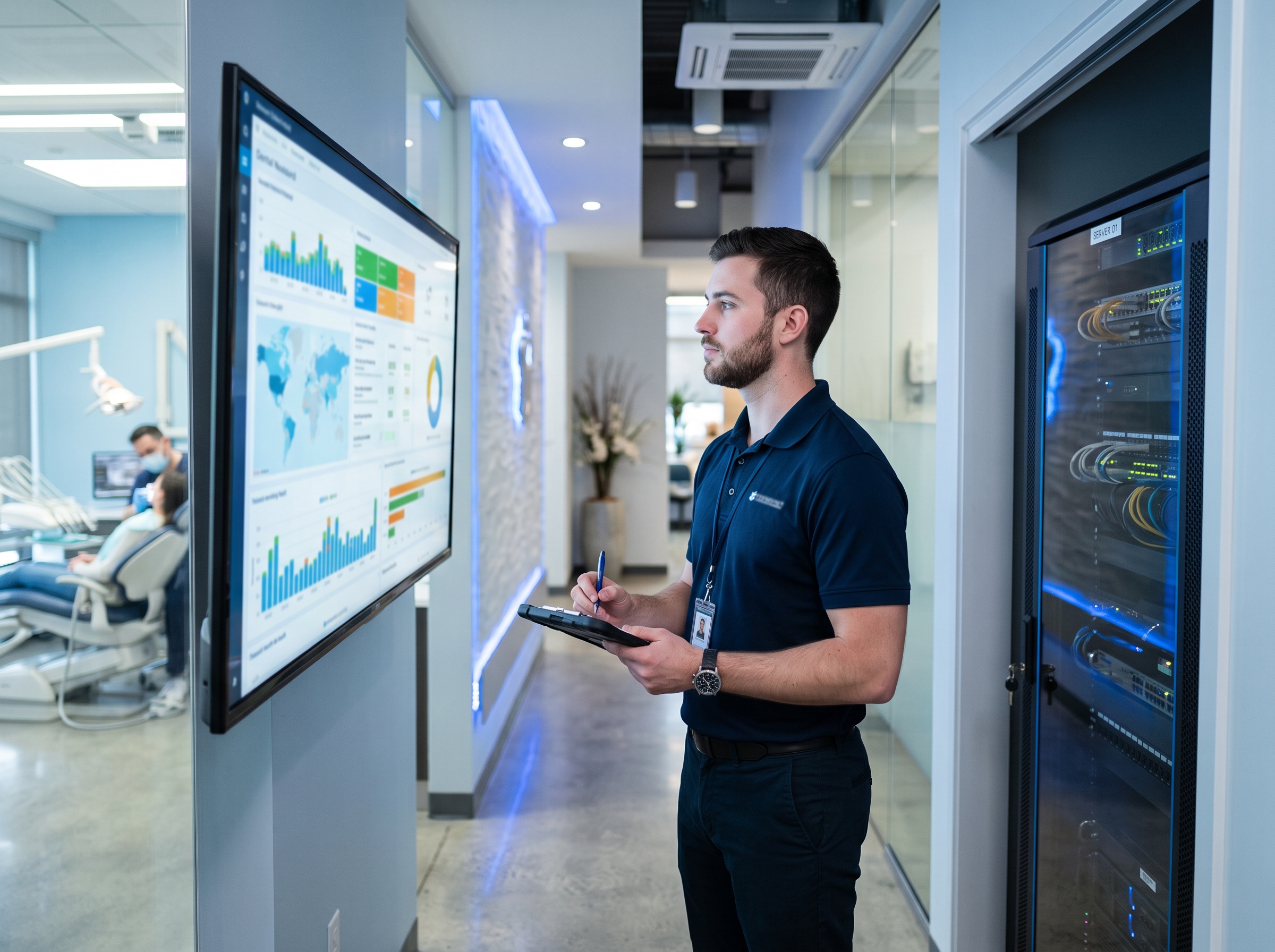
Remote support is not the enemy — it is how good IT gets done. The goal is to make sure that channel answers only to you.
How Compudent Systems can help
At Compudent Systems, we help dental practices across the GTA and Ontario put exactly these guardrails in place — standardizing on one monitored remote-access tool, deploying application allowlisting and phishing-resistant MFA, segmenting the network so a single workstation cannot reach everything, and alerting the moment an unsanctioned remote-management tool appears. If you are not certain what could connect to your workstations right now, that uncertainty is the risk. Contact Compudent Systems for a remote-access security assessment and let us confirm that the only hands on your practice’s systems are the ones you trust.
Sources & further reading:
- US-focused C-suite phishing steals Microsoft 365 sessions and deploys RMM tools for remote access
- TeamViewer urges users to patch severe flaws as soon as possible
- CISA: Protecting Against Malicious Use of Remote Monitoring and Management Software
Related Reading
- When the Tool That Manages Your Network Gets Hacked: The N-able N-central Breach and What It Means for Dental Practices
- Security Alert: Malicious npm Packages Hid a Cross-Platform RAT — The Supply-Chain Risk Hiding in Your Dental Practice’s Software
- Your Practice Website Is Part of Your Attack Surface: Hackers Are Forging Logins Into WordPress Right Now