




November 6, 2026 A Botnet Just Conscripted Hundreds of Thousands of Devices: Is Your Practice Router or Camera One of Them?
When a security company announces that a botnet has absorbed hundreds of thousands of devices worldwide, most dental teams read the headline as someone else’s problem — the stuff of data centres and nation-states, not a reception desk in the Greater Toronto Area. That instinct is exactly backwards. The devices these campaigns recruit are not powerful servers. They are the cheap, always-on, rarely-touched boxes that sit in the corner of every small office: the router, the network video recorder behind the security cameras, the VoIP phone controller, the networked printer. A dental practice is full of them.
The latest example making the rounds, a botnet that researchers have named Dysphoria, is a useful illustration precisely because there is nothing exotic about how it works. It does not need a zero-day or a clever phishing lure. It walks in through doors that were left open years ago and never closed. Understanding how it spreads is the fastest way to see whether something in your own practice is already enlisted.
What the Dysphoria botnet actually is
A botnet is simply a large collection of internet-connected devices that have been quietly compromised and are now controlled by someone else, usually without the owner having any idea. According to reporting on the Dysphoria campaign, researchers at XLab have tracked it since early 2026 and put its size above 200,000 devices, with later scans by Shadowserver suggesting the real figure has grown closer to 300,000. The operators rent it out: their public site advertises distributed denial-of-service — DDoS — firepower, and a later variant of the malware repurposed infected devices as anonymising proxies to relay other people’s traffic.
The important detail for a practice owner is how it recruits. Dysphoria spreads through weak or default Telnet and SSH credentials and through known, already-patched vulnerabilities in routers, cameras and other internet-of-things hardware. In plain terms: it targets devices that still have the factory password and devices whose firmware has not been updated in a long time. Neither of those is a sophisticated failure. Both are extremely common in small clinical offices.
Why a dental practice is a target — and why you would not notice
Attackers running botnets are not hunting for interesting victims. They are hunting for numbers. Every device they conscript adds a little more bandwidth to a DDoS cannon or one more address to hide behind, so the game is volume, and small businesses are the easiest volume to find. A practice network is attractive for the dullest possible reasons: the equipment runs twenty-four hours a day, it is connected to a decent internet link, and nobody is watching it closely.
The unnerving part is the absence of symptoms. A conscripted router keeps routing. A camera keeps recording. Phones keep ringing. The device is simply doing a little extra work for a stranger in the background, and that work is invisible from the operatory. There is no pop-up, no ransom note, no locked screen — the business model depends on you not noticing, because an unnoticed device keeps working for the attacker for months. This silence is what separates a botnet infection from the ransomware events that dominate the headlines, and it is why these compromises persist for so long.
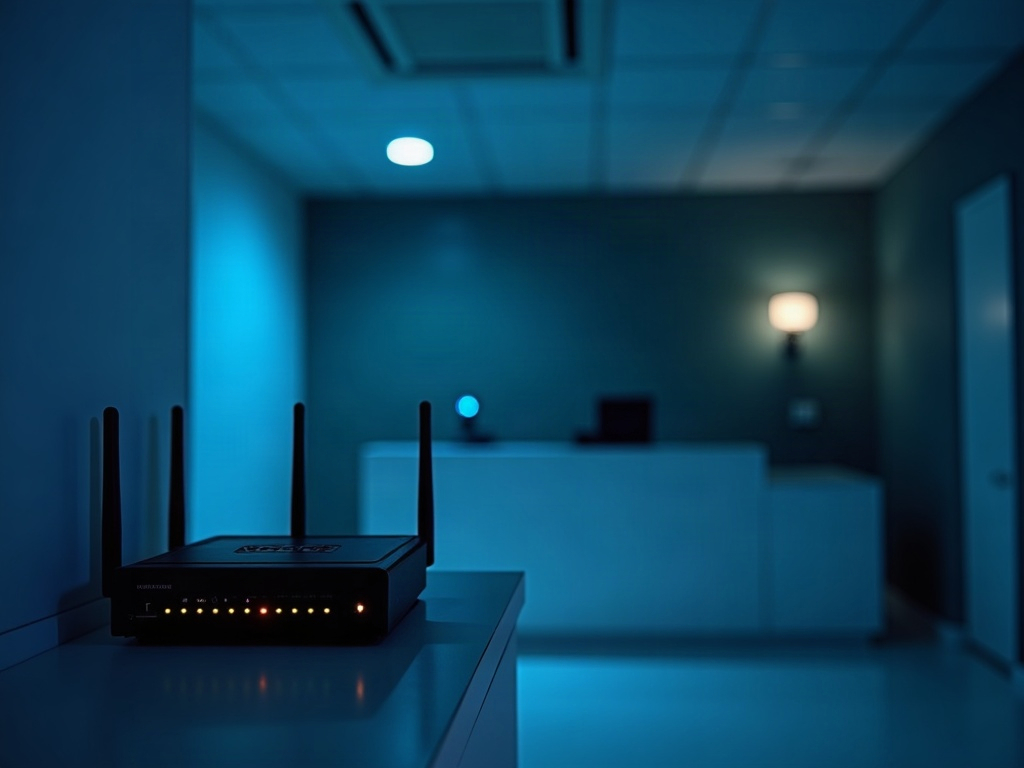
The devices in your office that are actually at risk
When people hear “internet of things” they picture smart fridges, and dismiss it. The reality in a dental office is more mundane and more exposed. The at-risk inventory usually includes:
- The internet router or gateway — the single most-targeted device, because it sits at the edge facing the internet.
- IP security cameras and their network video recorder — notorious for shipping with default passwords and for never receiving a firmware update after install.
- VoIP phone systems and their controllers — always on, often internet-exposed for remote features.
- Networked printers and multifunction devices — small computers in their own right, frequently overlooked entirely.
- Smart thermostats, door controllers, TVs and other “convenience” gadgets — added over the years, rarely inventoried, almost never patched.
What these share is that they are treated as appliances rather than computers. Nobody schedules maintenance for the camera recorder the way they would for the practice management server. That blind spot is the whole opportunity, and it is the same category of exposure we described when attackers began targeting the very hardware meant to protect the network in our look at why the devices guarding your practice network have become the target.
How these devices get conscripted
There are really only two doors, and both are ones you can close. The first is credentials. A huge number of routers, cameras and recorders are still running with the username and password they came in the box with, or with something a technician set once and everyone forgot. Automated scanners spray the internet with these common logins constantly; a device still using one is found within hours of being exposed.
The second door is stale firmware. Manufacturers release updates that fix security holes, but on appliance-style devices those updates almost never install themselves and almost never get installed by hand. A camera running three-year-old firmware is carrying three years of publicly documented vulnerabilities, each one a known, scripted way in. Dysphoria and botnets like it do not discover new flaws; they exploit old ones that practices never got around to patching. The lesson is the same one we keep returning to about the value of simply keeping current — the maintenance discipline we laid out for the practice server in the backup, patch and access checklist most practices skip applies just as much to the quiet box behind the front desk.

Why it matters even if you are “just a relay”
It is tempting to shrug at a compromise that does not lock up your files. That would be a mistake, for several concrete reasons. A device being used in attacks consumes your bandwidth and can degrade the performance of the imaging uploads and cloud software the practice depends on. Your internet address can end up on spam and abuse blocklists, which quietly breaks outgoing email and patient communication. If your connection is used to relay attacks or illegal traffic, that activity traces back to your practice first.
Most importantly, a compromised device is a foothold inside your network. A camera an attacker controls is not just a camera anymore; it is a vantage point from which to probe the systems that hold patient records. The distance between “harmless relay” and “breach of protected health information” is one lateral move, and under PHIPA the practice carries the accountability regardless of which box was the entry point. A device you treated as an appliance becomes a privacy liability.
A practical hardening checklist for your practice network
None of the defence here is exotic. It is a short list of unglamorous habits that, done once and maintained, take these devices out of the target pool:
- Change every default password on routers, cameras, recorders, phones and printers to something strong and unique, and record them somewhere controlled.
- Disable remote management, Telnet and unnecessary internet exposure on every device that does not genuinely need it — most do not.
- Update firmware on network devices on a schedule, not just when something breaks, and retire gear the manufacturer no longer supports.
- Inventory what is actually connected. You cannot secure a device you have forgotten is on the network; a current list is the foundation of everything else.
- Segment the network so cameras, smart devices and guests sit on a separate zone that cannot reach the clinical systems and patient data.
- Put a real firewall at the edge and watch for unusual outbound traffic — the signature of a conscripted device is connections leaving the network that nobody initiated.

Segmentation and a business-grade firewall deserve particular emphasis, because together they turn a compromised gadget from a network-wide crisis into a contained nuisance. We made the full case for that architecture in our guide to why a dental practice needs a business-grade firewall rather than a consumer box, and the same reasoning protects the network-attached storage and recorders that these campaigns love — the devices we warned about when ransomware began hunting practice backup appliances directly.
How Compudent can help
Compudent Systems helps dental practices across the GTA and Ontario treat the quiet hardware on their networks as what it really is: small computers that need the same care as the ones on the desks. We inventory every connected device, replace default credentials, close off needless internet exposure, bring firmware current and retire what can no longer be secured, and we design the segmented, firewalled network that keeps a compromised camera or printer from ever reaching your patient data. If you cannot say with confidence that nothing on your network is working for someone else right now, contact us for a practice network and device security review — it is far cheaper to check than to discover the answer the hard way.
Sources & further reading: