




July 25, 2026 Security Alert: Hijacked Hotel Wi-Fi Is Stealing Microsoft 365 Logins — What Traveling Dental Teams Need to Know
Imagine a hygienist or associate dentist at a continuing-education weekend, catching up on email from the hotel lobby between sessions. They open the laptop, join the hotel Wi-Fi, and sign in to Microsoft 365 exactly as they do every day. Nothing looks wrong. Yet in a campaign uncovered by security researchers at ReliaQuest and reported by BleepingComputer, that single routine action can quietly surrender the entire practice account — email, files, Teams and SharePoint — to an attacker who never sent a phishing message at all.
What’s Actually Happening
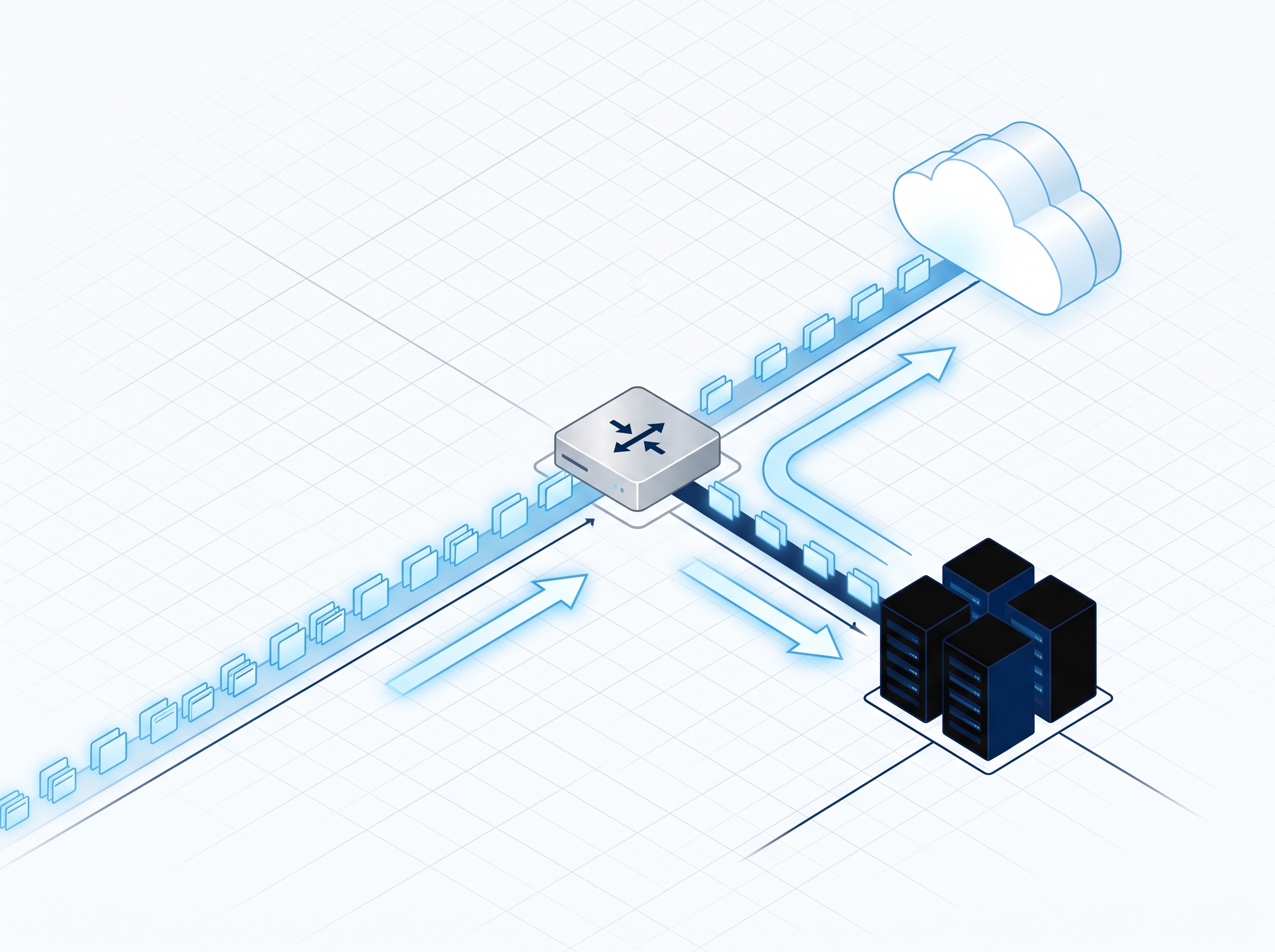
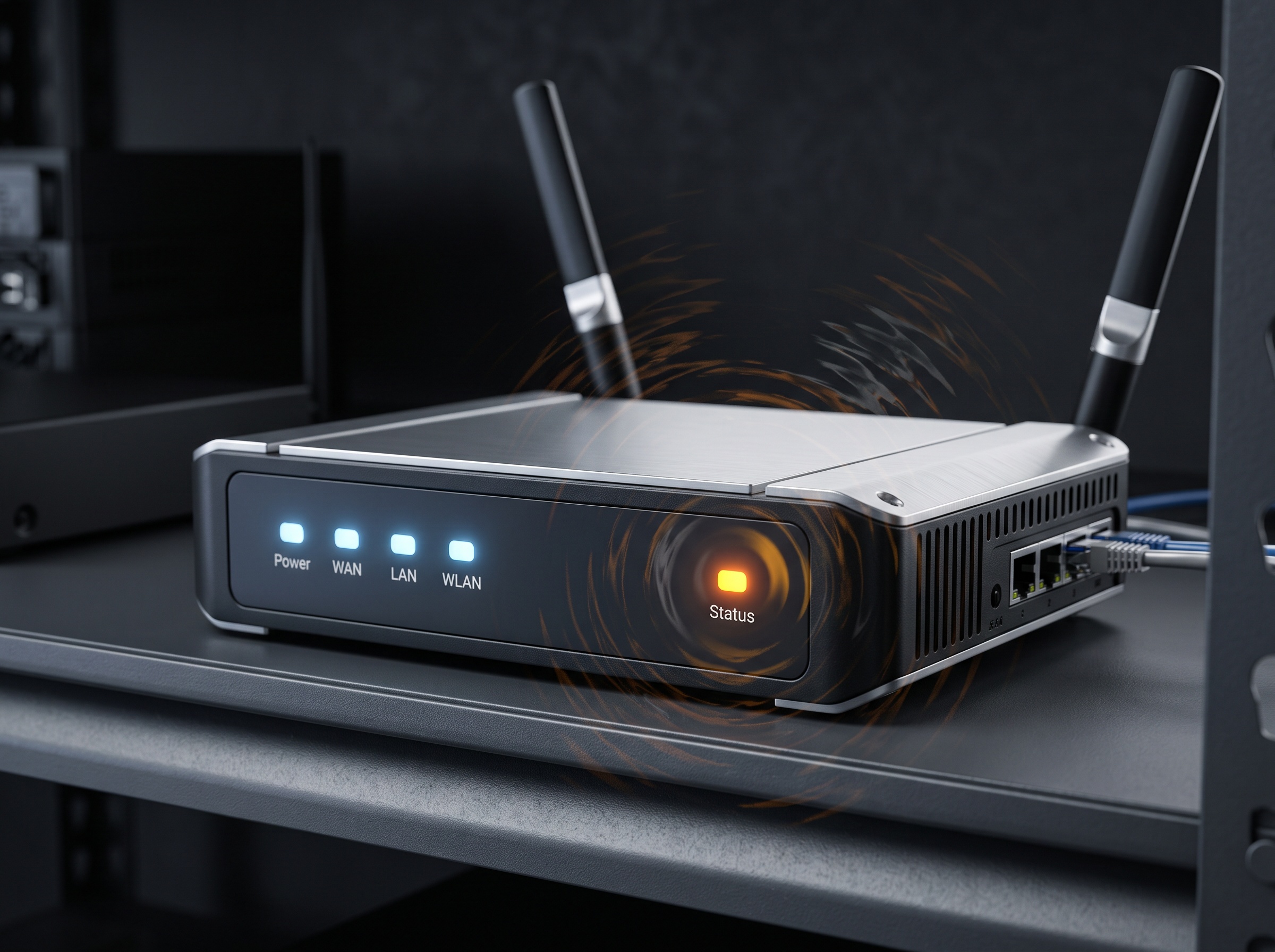
Researchers are tracking a campaign, active since at least June 2026, in which threat actors compromise the captive-portal Wi-Fi gateway appliances used at hotels, conference centers and other public venues. Investigators found poisoned gateways across multiple U.S. cities as well as India and Saudi Arabia, and have tied the activity to techniques resembling those of the Russian espionage group APT28 (Fancy Bear). Once inside the gateway, the attackers change its DNS settings — the internet’s address book — so that every device on that network is silently pointed at attacker-controlled infrastructure.
From there, when a guest tries to reach a legitimate Microsoft 365 sign-in page, they are invisibly rerouted to a convincing fake instead. Type in a username and password, and those credentials are captured and replayed against the real corporate account. There is no suspicious email, no malicious attachment, no link to hover over. Simply connecting to the poisoned network and logging in as normal is enough.
Why This Attack Is So Dangerous
Most of the security training dental teams receive focuses on spotting bad emails: don’t click strange links, don’t open unexpected attachments. This campaign sidesteps all of it. It also bypasses endpoint malware protection, because nothing is installed on the device — the theft happens at the network level, upstream of the laptop entirely.
Worse, one variant researchers observed does not even need your password. Victims are funneled into a fake “device-code” sign-in prompt and asked to approve it. What the user cannot see is that approving that prompt authorizes a session the attacker started — handing over a legitimate access token and quietly stepping around multi-factor authentication without ever capturing a credential. The victim believes they are on a trusted network looking at the real Microsoft login; the only differences are subtle, like the exact domain in the address bar or a certificate warning a rushed traveler is all too likely to dismiss.
What a Stolen Microsoft 365 Account Exposes
For a dental practice, a compromised M365 account is not a minor inconvenience — it is a direct line into the information you are legally obligated to protect. A single stolen login can expose:
- Email threads containing patient names, appointment details and referral correspondence
- SharePoint and OneDrive files, potentially including treatment documentation and administrative records
- Teams chats and shared channels used by clinical and front-desk staff
- A trusted identity the attacker can use to send convincing internal messages to colleagues, vendors or patients
Under PHIPA in Ontario — and HIPAA for practices with cross-border obligations — unauthorized access to patient information can trigger mandatory breach reporting, regulatory scrutiny and a serious loss of patient trust. The account that felt like a convenience is also the account that touches your most sensitive data.
Why Dentists Are Squarely in the Crosshairs
ReliaQuest reports that the campaign is not sector-specific but instead targets traveling employees wherever they connect — and health care is explicitly among the industries seen in the compromised traffic. Dental professionals travel more than most people realize. CE courses, provincial and national dental conventions, study clubs, vendor training and hardware demonstrations all put staff in hotels and conference centers — precisely the venues being compromised. A practice owner reviewing charts from a conference hotel, or an office manager approving invoices over breakfast Wi-Fi, is exactly the kind of high-value, on-the-road target these attackers are counting on.
Stolen credentials are only one route in. Attackers are equally focused on the vendors and connected medical devices a practice relies on, where a single supplier compromise can spill patient and practice data with no mistake made at the front desk. The ShinyHunters breach of Medtronic is a recent case in point.
How to Protect Your Practice on the Road
The good news is that this attack, for all its cleverness, is defeated by a handful of disciplined habits and modern account controls. Recommend the following to everyone on your team before their next trip:
- Avoid open hotel Wi-Fi for anything sensitive. A cellular hotspot or a known, trusted network is far safer than a shared captive portal.
- Use a reputable VPN. An encrypted, full-tunnel connection prevents the local network from tampering with or redirecting your traffic.
- Adopt phishing-resistant MFA and passkeys. A fake login page cannot replay a passkey or a hardware security key, even if the password is captured.
- Block or tightly restrict device-code sign-in in Microsoft 365. This closes the variant that tricks users into approving an attacker’s session and slips past ordinary MFA.
- Enable Conditional Access and impossible-travel rules. These can automatically block or challenge logins that appear from unexpected locations or unmanaged devices.
- Never dismiss a certificate or security warning — treat it as a stop sign — and check the exact login domain before entering credentials.

Lock Down What a Single Account Can Reach
Individual vigilance matters, but resilient practices assume that one account will eventually be compromised and limit the blast radius in advance. That means enforcing multi-factor authentication across every M365 account, applying least-privilege access so no single login can reach everything, segmenting patient data from general file storage, and monitoring for the anomalous sign-ins that signal a stolen credential or hijacked session in use. Configured correctly, these controls turn a potential breach into a contained, recoverable event.
The Bottom Line for Dental Practices
Attackers no longer need to trick your team into clicking anything — they only need your staff to connect to the wrong network at the wrong time. As dental professionals head to summer and fall CE events and conventions, the risk to Microsoft 365 accounts and the patient data behind them is real and active right now.
Compudent Systems helps dental practices across Ontario secure their Microsoft 365 environments, deploy phishing-resistant MFA and Conditional Access, and build imaging and IT infrastructure that keeps patient data protected on-site and on the road. If you are unsure how your practice would hold up against an attack like this, contact Compudent Systems for a security assessment — we will help you close the gaps before they are found for you.
Sources & further reading:
- Hackers hijack hotel Wi-Fi DNS to steal Microsoft 365 accounts
- Hackers use DNS poisoning on hotel Wi-Fi to steal Microsoft 365 accounts