



September 11, 2026 The Patch That Locks Out the Front Desk: September’s Windows Server Update Is Breaking Remote Desktop
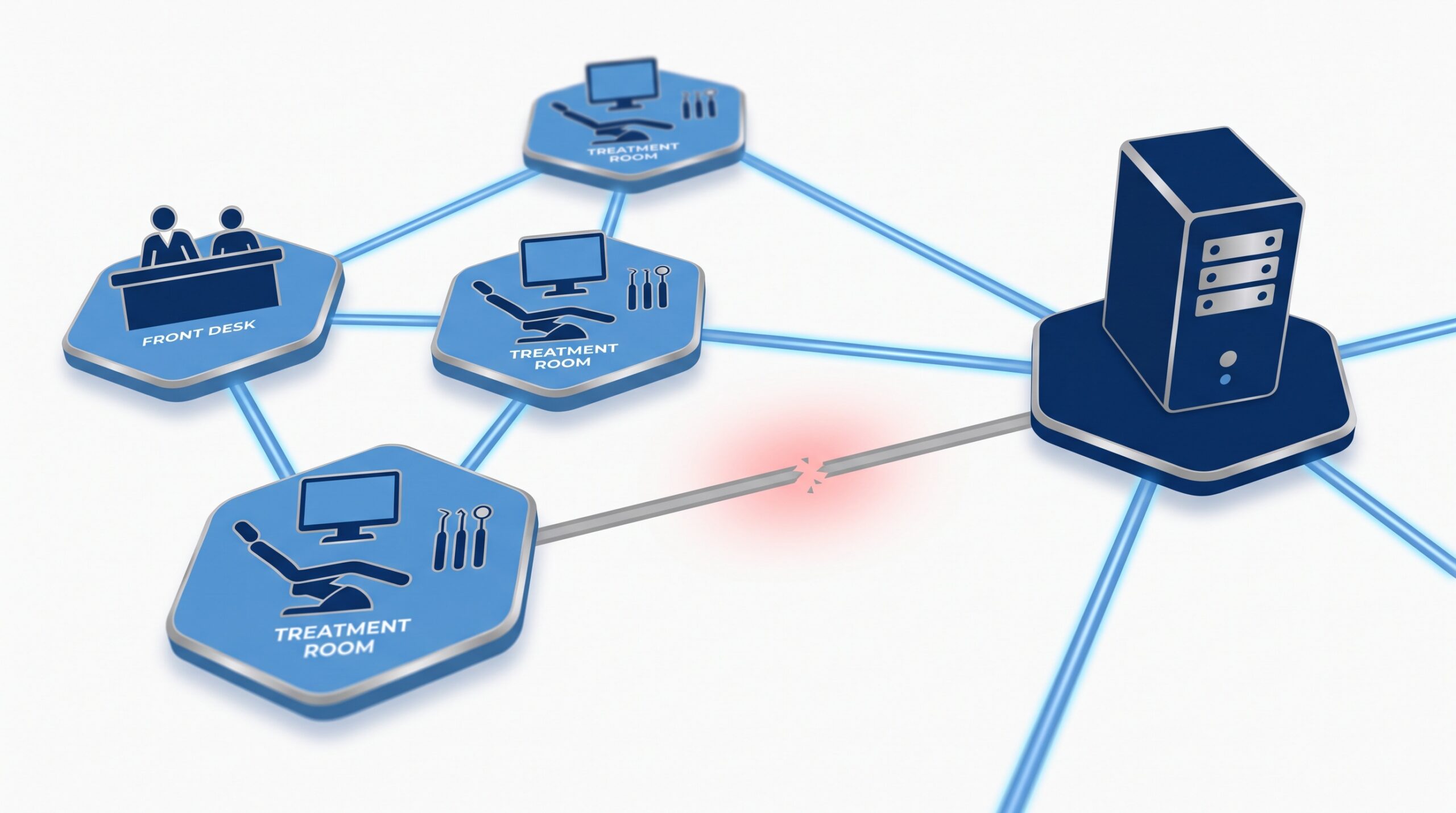
Two days ago the advice was simple: install September’s Windows updates, because Microsoft’s Patch Tuesday closed two vulnerabilities attackers were already exploiting. Now the same round of updates has a sting in the tail. Windows administrators are reporting that this month’s Windows Server cumulative updates are breaking Remote Desktop Services (RDS) – the very mechanism many dental practices rely on to reach their practice-management server (BleepingComputer, September Windows Server updates break Remote Desktop Services). Servers run normally for a few hours, then remote sessions start hanging, new logins fail, and in some cases only a hard reset brings the machine back. If your office logs into a server to see the schedule and the charts, this is the rare kind of update problem that can stop a practice mid-morning.
What is actually breaking
The pattern administrators describe is consistent and unsettling. After the September update installs, a server keeps working for a while – often until the first user logs off. Then things fall apart: existing Remote Desktop sessions can no longer disconnect or log off cleanly, new connection attempts hang partway through and eventually fail, and the pool of usable sessions dwindles until nobody can get in. Restarting the server does not reliably fix it; several admins report that only a full hard reset – or removing the update – restores service. One administrator debugging a Server 2022 box found what looked like a deadlock between Remote Desktop and the Local Session Manager, with the service jamming when users log out. Microsoft has not confirmed that as the cause and says it is investigating. The important point for a practice is not the internal mechanics – it is that the failure builds up over the day and can strike after everything looked fine at 8 a.m.
Which servers are affected
The reports span every current Windows Server release: Server 2019 (update KB5122876), Server 2022 (KB5122882), and Server 2025 (KB5122871). Classic Terminal Server setups are affected too – the underlying Remote Desktop role is the common thread, not any one edition. Ordinary Windows 10 and 11 workstations are not the subject of these particular reports; this is a server problem. That distinction matters, because it means the danger is concentrated exactly where a practice can least afford it: on the one central machine the whole office depends on.
Why this hits a dental practice harder than most offices
A great many dental practices run their practice-management software – Dentrix, Eaglesoft, Open Dental, Tracker/PowerPractice and similar – on a single Windows Server, with front-desk PCs, operatory workstations and remote clinicians all connecting to it. When that connection is Remote Desktop or a terminal/session host, this bug is not a nuisance on one machine; it is a switch that can turn off charting, scheduling, imaging access and billing for everyone at once. And in a dental office, downtime is not an inconvenience measured in lost email – it is patients in the chair with no chart, a front desk that cannot see the day’s schedule, and hygienists who cannot pull up last year’s radiographs. The blast radius of a server that everyone remotes into is the entire practice. This is the same reason we keep stressing that infrastructure – the pieces everyone depends on and nobody thinks about – deserves careful change control, whether it is the server, the firewall, or the practice router that runs on its own patch calendar.
The uncomfortable part: you were just told to patch
Here is the genuine bind. This month’s record-setting September Patch Tuesday fixed roughly 970 vulnerabilities, two of which are being actively exploited right now. That is not a set of fixes to shrug off – the whole reason we urge practices to patch promptly is that attackers move fast, as the ransomware crews now hunting unpatched firewall appliances keep proving. So “just don’t install September’s updates” is bad advice: it leaves two exploited holes open on your network. But blindly installing the server update on a Remote Desktop host risks taking the office offline. The right answer is not one or the other – it is sequencing and testing, so you get the security fixes without gambling the practice’s uptime.
What your practice should do now
The path through this is deliberate rather than dramatic. 1. Know your setup. Determine whether your practice server has the Remote Desktop Services or Terminal Server role, or whether staff and remote clinicians connect to it by Remote Desktop. If they do, treat this month’s server update with extra caution. 2. Don’t patch the server blind. Apply the September cumulative update to one test or lower-risk server first and let it run through a full day – including users logging off – before rolling it out to the production practice server. 3. If you’re already broken, roll back. Where a server has already started failing, uninstalling the specific September cumulative update (KB5122876 / KB5122882 / KB5122871) is the fix administrators report works. Treat that as a temporary measure, not a permanent choice – it removes this month’s security fixes too. 4. Watch for Microsoft’s fix. Microsoft is investigating and typically ships either a Known Issue Rollback or an out-of-band update for regressions like this; re-apply the security fixes as soon as a corrected update is available. 5. Have a real rollback plan and verified backups. The practices that ride out an update like this calmly are the ones that can restore or revert quickly – which is exactly why server backups and a documented recovery process are not optional infrastructure.
What this means for your practice
This episode is a clean illustration of why patching is a managed discipline, not a checkbox. A practice needs to install security updates promptly – the exploited zero-days in this same release are proof of that – and it needs to do so without betting the whole office on an update that Microsoft is still troubleshooting. Squaring those two demands is exactly the job of professional patch management: a test ring before production, staged rollout of server updates, verified backups and a rehearsed rollback, and someone watching the vendor advisories so a known-bad update gets held and a fixed one gets applied fast. Compudent manages exactly this for dental practices across Ontario – patch scheduling and testing for your practice server, Remote Desktop and terminal-server environments, backup and recovery you can actually rely on, and monitoring so a regression like this month’s is caught before it empties your waiting room. If you run a server-based practice and you’re not certain how – or whether – your September server updates are being handled, contact Compudent for a patch-management and continuity assessment. We’ll make sure you stay both patched and open.
Sources & further reading:
- BleepingComputer – September Windows Server updates break Remote Desktop Services
- BleepingComputer – Microsoft September 2026 Patch Tuesday fixes 966 flaws, 2 zero-days
Related Reading
- 974 Patches, Two Being Exploited Right Now: How a Dental Practice Should Read September’s Patch Tuesday
- October 2026 Patch Tuesday: Microsoft Fixes a Record 1,400+ Flaws and an Exploited Windows Zero-Day — What Dental Practices Must Patch Now
- Dentrix, Eaglesoft, Open Dental: Why One Patching Policy Cannot Cover All Three