



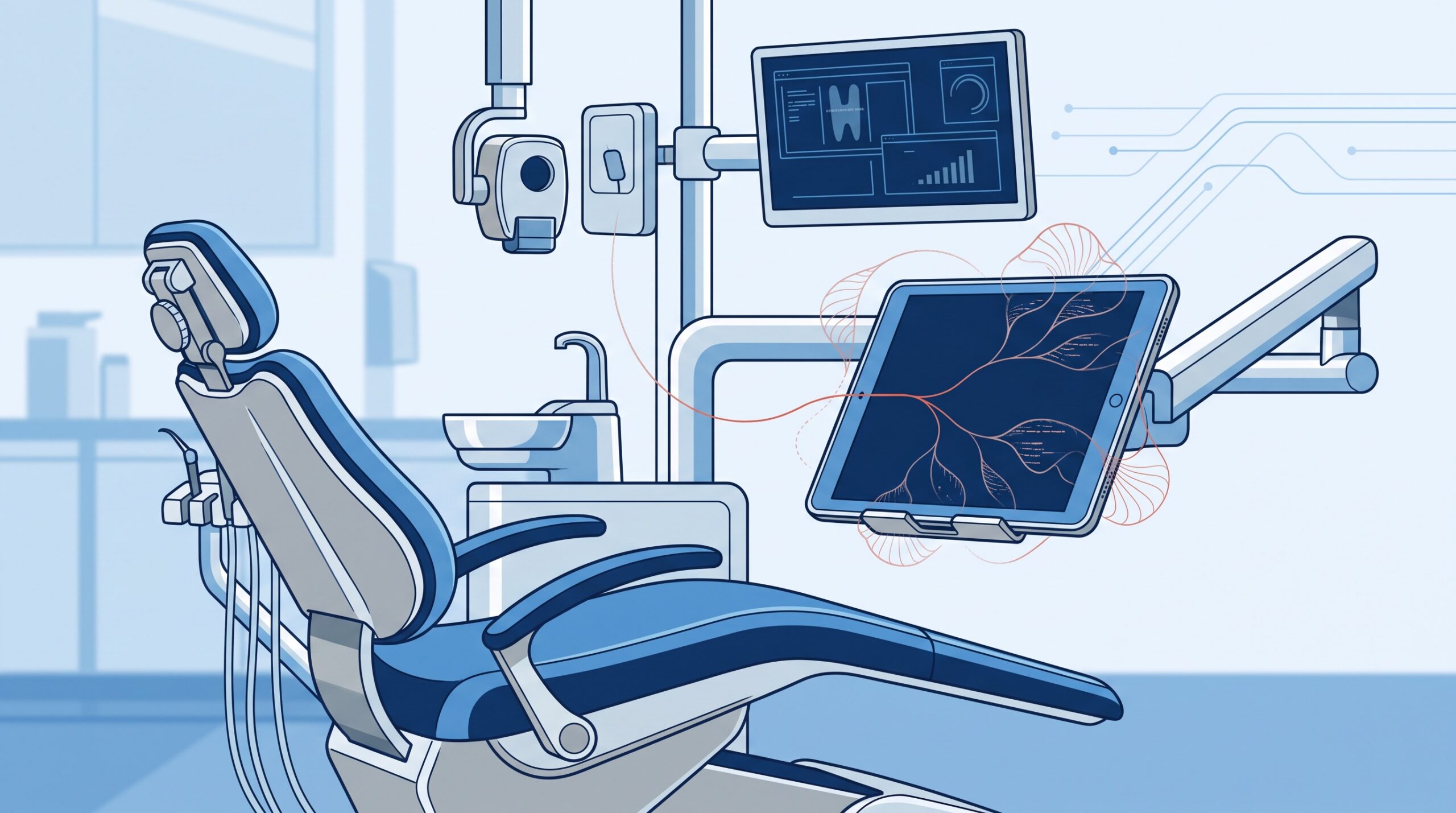
September 18, 2026 The Tablet in Operatory 3 Is Now a Target: What AI-Powered ‘RatHat’ Android Malware Means for Your Practice
For years, the security conversation in a dental practice has revolved around the server, the workstations, and the firewall. Meanwhile, quietly, a second fleet of computers moved into the office: the Android tablets on the operatory arms running the intraoral-camera and imaging apps, the phone at the front desk that texts appointment reminders, the tablet patients tap to sign a medical history. A newly disclosed piece of malware called RatHat is a blunt reminder that those devices are not accessories – they are full computers holding real access to patient information and practice money, and attackers now treat them accordingly.
What RatHat actually does
Security researchers (among them Zimperium) have flagged RatHat as a new Android malware family assessed to be operated by China-based threat actors. It does not arrive from the official app store. Instead it spreads the way most modern mobile threats do – through smishing (scam text messages) and malicious ads that push a user to a fake site and a sideloaded app. The moment of compromise is almost always the same: the app asks for Android’s Accessibility permission – the powerful setting meant to help people with disabilities operate their phone – and the user, expecting the app to work, taps “allow.”
From there RatHat abuses that permission to do something genuinely clever and genuinely nasty. It silently switches on Developer Options and Wireless Debugging, then uses a built-in copy of Android’s Debug Bridge (ADB) to pair with the device’s own debugging service – granting the attacker shell-level control without any computer plugged in by USB. That is the level of access engineers use to rebuild a phone from the command line. Worse, this ADB backdoor is designed to persist even after the visible malicious app is uninstalled. Deleting the dodgy app you were tricked into installing does not evict the intruder – the shell is still there.
The part that is new: an AI at the wheel
What sets RatHat apart from the last decade of Android trojans is how it navigates a device. Older malware was scripted and brittle – it only knew how to tap the exact buttons its authors had hard-coded. RatHat instead uses an AI-powered automation engine: it serializes the live Accessibility tree – essentially a machine-readable map of everything on the screen right now – and sends it to an AI model, which identifies the on-screen elements and generates the taps and swipes needed to accomplish a goal. In effect, the malware can operate the phone by itself, adapting to whatever app or layout it finds instead of breaking the moment a screen changes.
This is the same trend we described when AI began accelerating and rewriting attacks on the desktop side – automation that used to require a human is now handled by a model, at machine speed and scale. RatHat is that idea landing on the phone in your pocket.
Why a dental practice should care about a banking trojan
RatHat’s ultimate purpose is financial: it is built to steal banking credentials and intercept one-time passcodes (OTPs). At first glance that sounds like a consumer problem. It is not, for three reasons that land squarely on a clinic.
First, your practice devices are attractive targets, not neutral ones. A tablet used for patient check-in and imaging, or a front-desk phone tied to your payment and messaging systems, is a device an attacker would very much like shell-level control of. Anything that device can see or reach – patient details, appointment data, saved logins – is exposed the moment it is compromised, and patient information carries PHIPA and HIPAA obligations that a personal phone infection never does.
Second, RatHat specifically defeats SMS-based security. Because it can read the screen and intercept messages, an SMS one-time code is no longer a secret between you and your bank or your software vendor. Any multi-factor authentication that relies on a texted code is weakened against a device like this – a point worth remembering the next time you set up MFA on a practice account.
Third, the line between work and personal has blurred. If a hygienist checks a personal banking app on the same phone they use to text patients, or a manager installs practice software on a personal tablet, one careless “allow” can put a foot in both worlds at once.
The controls that actually shut it out
The good news is that RatHat, for all its cleverness, is stopped by ordinary, well-understood mobile-device hygiene. None of this is exotic; most practices simply have never applied it to their tablets and phones the way they do to their PCs.
- Manage the devices centrally. Enrol every practice tablet and phone in a mobile device management (MDM) platform. MDM lets you enforce policy, block risky settings, push updates, and – crucially – remotely wipe a device that is lost or suspected compromised. An unmanaged fleet is a blind spot.
- Block sideloading. Practice devices should install apps only from vetted, approved sources. RatHat depends on getting a user to install an app from outside the store; a device that cannot sideload cannot be infected this way.
- Guard the Accessibility permission. This is the single hinge of the whole attack. No app should be granted Accessibility access unless it genuinely needs it, and someone should periodically audit which apps hold it. Train the team that an unexpected request to “allow” accessibility or device control is a stop-and-ask moment, not a tap-through.
- Turn off developer and debugging modes. On a clinical device, Developer Options, USB debugging, and wireless debugging should be off and, under MDM, locked off. That removes the exact door RatHat pries open.
- Separate work from personal. Keep patient-facing and payment functions on managed, work-only devices, or at minimum a managed work profile – not on a staff member’s personal phone alongside their banking apps and family messages.
- Move off SMS codes. Prefer phishing-resistant MFA – an authenticator app or passkeys – over texted one-time codes for practice logins, since malware like this is built to intercept SMS. This is the same reasoning behind keeping remote access to the practice properly hardened: the way people log in is exactly where attackers concentrate.
- Keep protection on and patch. Leave Google Play Protect and any endpoint protection enabled, and keep devices updated. Train staff to recognise smishing – the scam text is the first domino.
The same discipline applies to how patient data travels off these devices, too – which is why we keep returning to the theme of using the right, compliant tools rather than convenient consumer apps for anything that touches patient information.
What this means for your practice
RatHat is not a reason to rip the tablets out of your operatories – they are too useful for that, and the threat is manageable. It is a reason to treat those tablets and phones with the same seriousness as the server they connect to. A modern practice’s mobile devices are a real part of its attack surface, and until now most clinics have secured the desktops and left the mobile fleet to chance. Compudent Systems helps dental practices across the GTA and Ontario inventory every device that touches patient data, deploy mobile device management, lock down debugging and sideloading, separate work from personal use, and move accounts onto phishing-resistant MFA. If you are not sure how many tablets and phones can currently reach your patient information – or what any one of them is allowed to do – contact Compudent for a mobile-device security assessment. The tablet in operatory 3 is a computer on your network. It deserves to be defended like one.
Sources & further reading:
- BleepingComputer – New RatHat Android malware uses AI to automate device control
- Infosecurity Magazine – New ‘RatHat’ Android Malware Leverages AI to Steal Financial Data
Related Reading
- When the Malware Rewrites Itself: AI-Accelerated Attacks and What They Mean for Your Practice
- The Other Computers in Your Operatory: Why Connected Dental Devices Are the Attack Surface Nobody Audits
- A Fake Job Offer, a Windows Kernel Rootkit: The Lazarus Zero-Day (CVE-2026-68820) and What It Means for Your Dental Practice