



October 26, 2026 The Way In Was Remote Desktop: What 2026’s Dental Ransomware Breaches Keep Showing Us
Read through the dental data breaches disclosed in 2026 and a pattern emerges that is almost monotonous. The ransomware group changes. The practice name changes. The number of affected patients changes. But the way the attackers got in keeps rhyming — and more often than not, it rhymes with remote access left open to the internet.
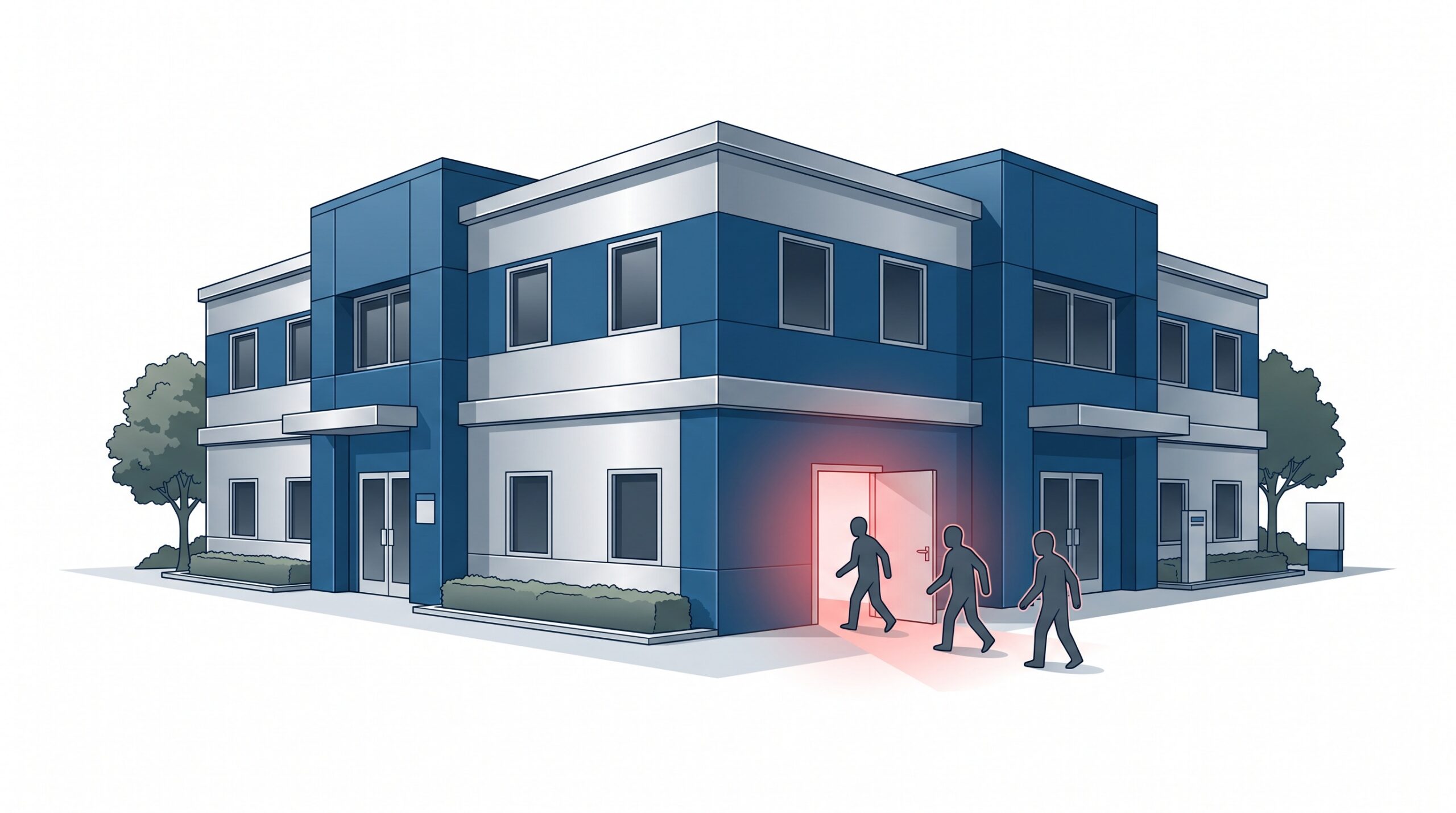
When Soniva Dental Care, a multi-location Texas group, was hit this spring, the intrusion was traced to its remote desktop infrastructure. A group calling itself The Gentlemen claimed the attack, and by late summer had published a full dataset that reportedly included Social Security numbers, driver’s licence numbers and protected health information for roughly 30,000 people. It was not an exotic zero-day or a nation-state operation. It was a door that faced the internet.
That is the uncomfortable lesson of this year’s breaches: the most common way into a dental practice is not a brilliant exploit. It is a login box the whole world can reach. This article explains why Remote Desktop keeps being the entry point, and — more usefully — exactly what closes it.
Why remote access exists in the first place
Almost every practice has a legitimate reason to reach its systems from outside the building. The dentist wants to review a chart from home. A practice-management consultant logs in to reconcile the ledger. The imaging vendor needs to troubleshoot a bridge. The billing company works your accounts remotely. All of that is normal, and none of it is the problem.
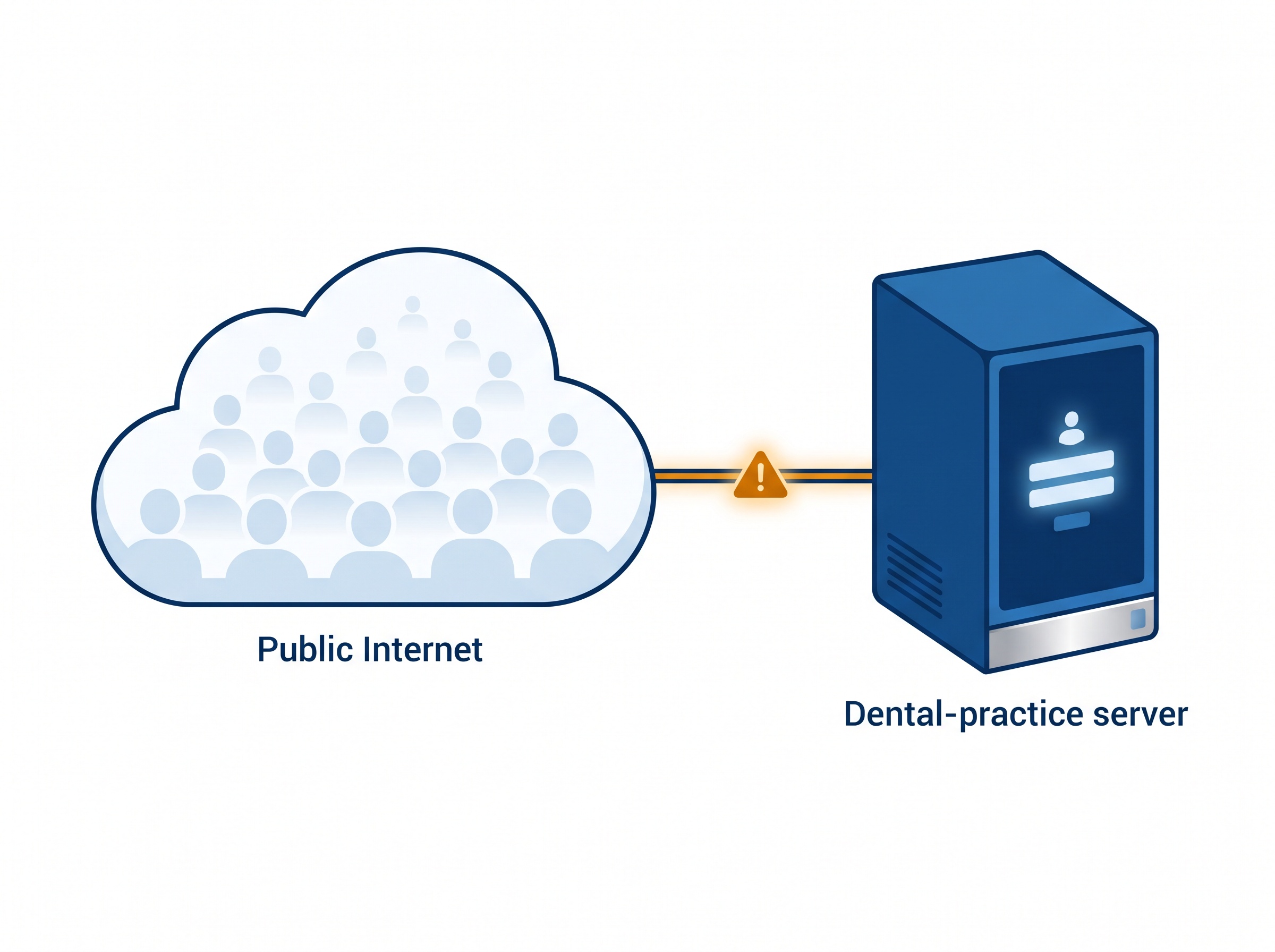
The problem is how that access is usually set up. The fastest way to make a server reachable from outside is to publish Microsoft’s Remote Desktop Protocol (RDP) straight to the internet — open port 3389 on the router, point it at the server, and hand out the password. It works immediately. It also means anyone, anywhere, can now see your login prompt.
An exposed login box never sleeps
Here is what practices rarely picture. The moment a Remote Desktop service is exposed to the internet, automated scanners find it — usually within hours. From that point, it is under a constant, grinding stream of login attempts: lists of common passwords, credentials leaked from unrelated breaches, and the practice’s own email-style usernames guessed from the website.
None of this requires a human sitting at a keyboard. It is cheap, automated and relentless. If a single account has a weak or reused password — the kind a busy office sets up “temporarily” and never changes — the attacker eventually walks straight in with valid credentials. No alarm sounds, because from the server’s point of view, someone simply logged in.
The two settings that turn a guess into a breach
Two missing controls are what separate a loud, harmless knocking from an actual compromise.
The first is account lockout. Without a limit on failed attempts, an attacker can try tens of thousands of passwords a day against the same account, indefinitely. With a sensible lockout policy, that automated guessing stalls almost immediately.
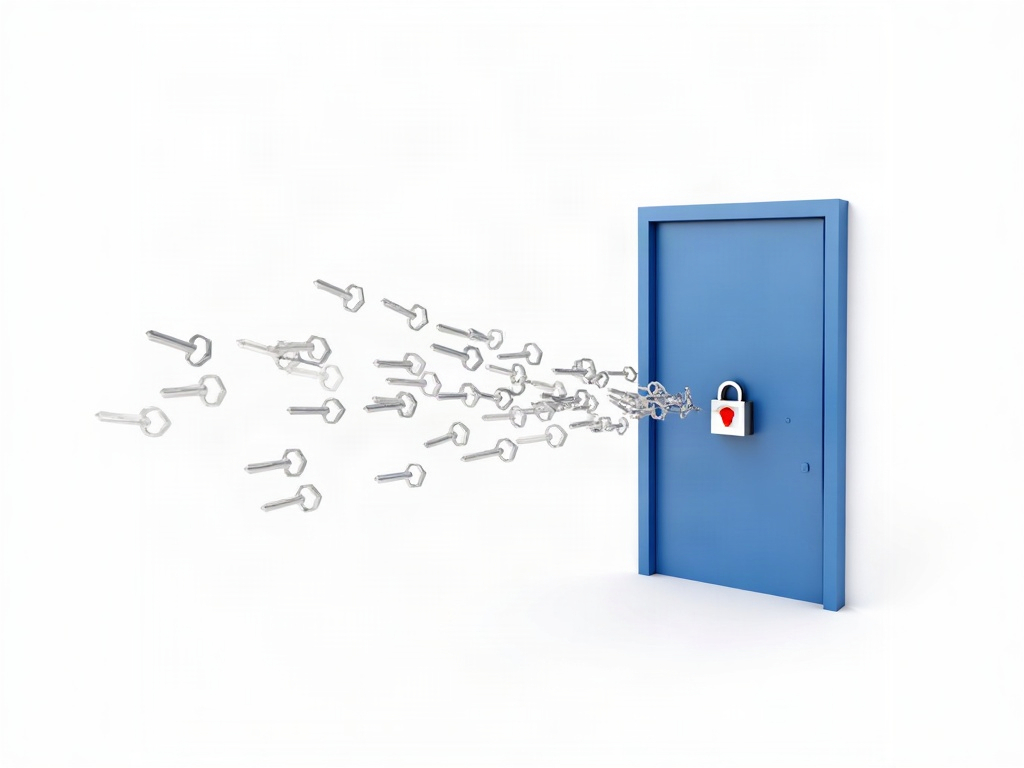
The second, and the more important, is multi-factor authentication (MFA). If reaching the server requires a second factor — a code or an approval on the dentist’s phone — then a stolen or guessed password is no longer enough on its own. The overwhelming majority of remote-access intrusions we see would have been stopped cold by MFA alone. It is the single highest-value control a practice can add, and on most setups it is simply switched off.
The fix is a gateway, not an open door
The goal is not to kill remote access. It is to stop publishing the login box to the entire internet. The modern pattern is straightforward:
- No direct RDP to the internet. Port 3389 should not be open on your router. If it is today, that is the first thing to close.
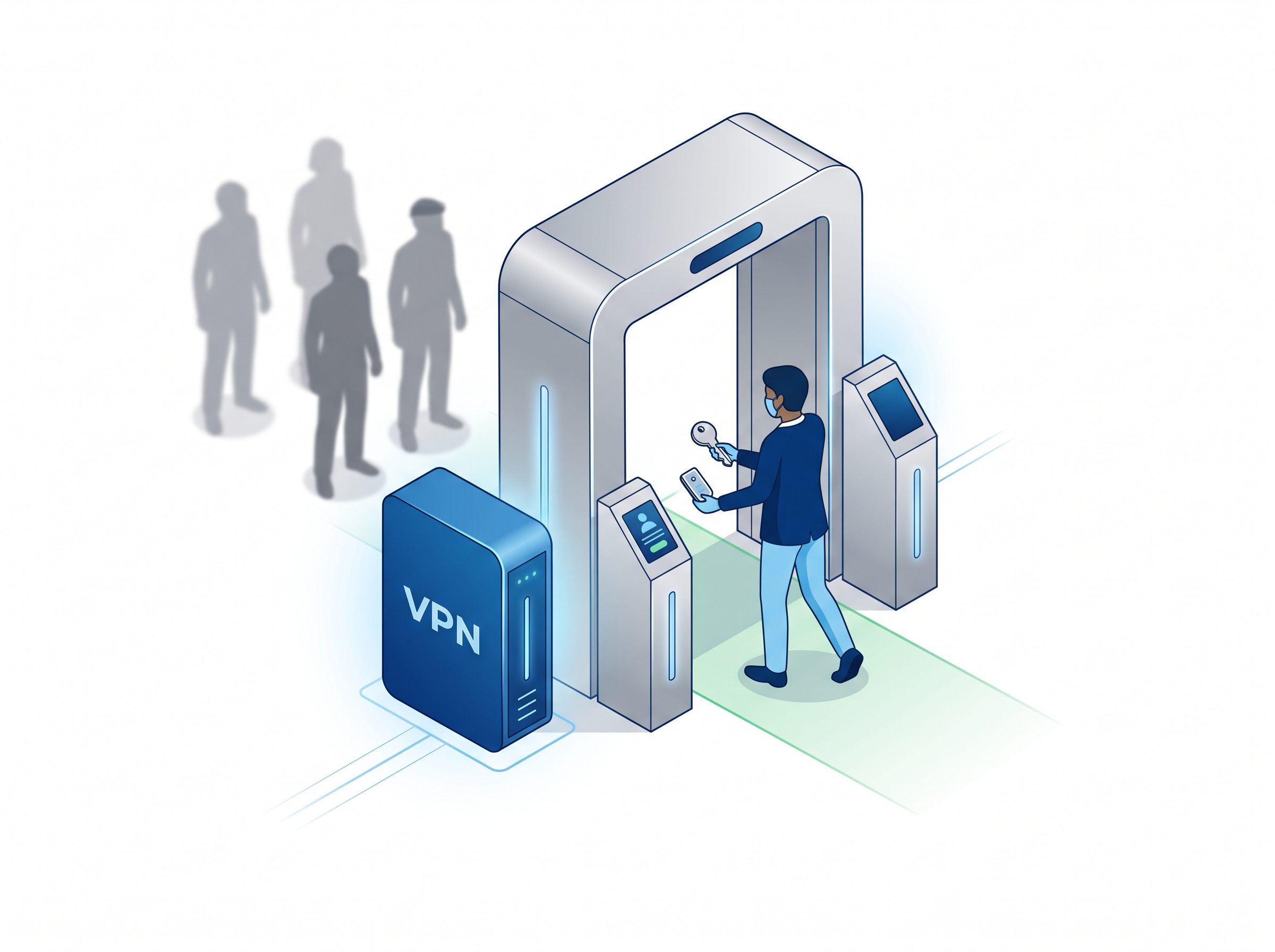
- Reach the practice through a VPN or a dedicated remote-access gateway. Authorised users connect to a secure tunnel first, and only then can they reach internal systems. The server itself is invisible to the outside world.
- Require MFA on that gateway for every remote user, without exception — including vendors and consultants.
- Give each person their own account, with only the access their job needs. Shared logins and standing administrator rights are exactly what let a single compromised credential become a practice-wide disaster.
This is the same principle behind treating your network edge seriously in the first place. A consumer router handing out an open port is not a security device; as we covered in why a dental practice needs a business-grade firewall rather than a consumer router, the boundary between your practice and the internet deserves equipment built for the job.
Assume one machine will fall — and contain it
Even with remote access locked down, the discipline does not end at the perimeter. Phishing still tricks staff into handing over credentials, which is why the breach so often starts with a single click. Assume that, sooner or later, one device inside the practice will be compromised — and design so that it does not take everything with it.
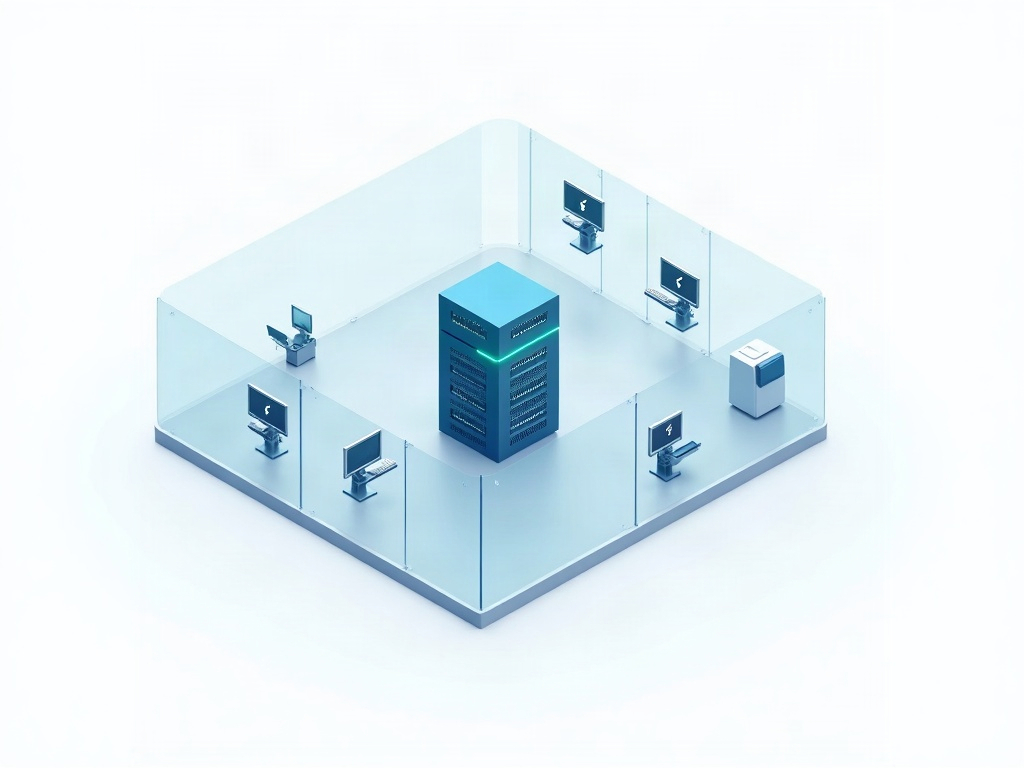
Network segmentation is how. The server, the front-desk computers and the imaging devices should sit in separate zones, so a foothold on one does not grant a free run of all of them. The practice-management server in particular belongs behind its own wall, reachable only by the people and services that genuinely need it.
And because no prevention is perfect, the other half of containment is noticing. The Soniva case and others like it played out over weeks, not minutes. Attackers who get in tend to linger — looking around, escalating access, staging data to steal — well before they trigger the ransomware. That gap is your opportunity, but only if someone is watching. We wrote about why the time an intruder spends undetected inside your network is the metric most practices ignore; logging and monitoring on remote access turn that dwell time from the attacker’s advantage into yours.
What this means for your practice
If you take one thing from this year’s dental breaches, make it this: find out, today, whether anything in your office is reachable from the internet by Remote Desktop. If the answer is yes — or if you are not sure — that is the open door, and it is almost certainly being knocked on right now.
The reassuring part is that this is a solved problem. Closing RDP, putting remote access behind a VPN with MFA, giving people their own least-privilege accounts, segmenting the network and watching the logs are all well-understood, affordable steps. They are not the stuff of a security overhaul; they are basic hygiene for a practice that keeps protected health information on a server. The broader trend is not reassuring — healthcare ransomware has surged sharply through 2026 — but the specific thing that lets it in is squarely within your control.
How Compudent Systems can help
Compudent Systems works with dental practices across the GTA and Ontario to close exactly these gaps. We will audit how your practice is reached from outside, retire any exposed Remote Desktop, stand up secure remote access with multi-factor authentication, segment your network so the practice-management server is properly walled off, and put monitoring in place so an intrusion is caught early rather than discovered on a leak site. If you are not certain whether your remote access is an open door, contact Compudent Systems for a remote-access security assessment — it is a short conversation that can prevent a very long bad day.
Sources & further reading:
- Soniva Dental Care ransomware breach (remote desktop infrastructure; ~30,000 affected)
- Becker’s Dental — running tally of 2026 dental data breaches
- HIPAA Journal — cybersecurity incidents at multiple dental practices
Related Reading
- When Remote Support Turns Hostile: How Attackers Abuse Legitimate RMM Tools Against Dental Practices
- 9 Dental Data Breaches Already in 2026: What the DentaQuest and Absolute Dental Attacks Teach Every Practice
- The FBI Just Refreshed Its Medusa Ransomware Warning for Healthcare: The Real Lesson for Your Dental Practice