




July 29, 2026 CISA Says Isolate Your Critical Systems. Here’s How That Looks in a Dental Practice.
This week the U.S. Cybersecurity and Infrastructure Security Agency (CISA) published fresh guidance urging organizations to be ready to isolate their most vital systems the moment a cyberattack is detected. The advice is aimed at critical infrastructure, but the underlying principle is universal: when an intruder gets in, your ability to contain the damage depends on whether your important systems can be walled off from everything else. For a dental practice, that is not an abstract federal concern. It is the difference between a bad afternoon and a closed office. This piece turns CISA’s advice into something a practice can actually build.
The problem with a flat network
Most dental offices run on what IT people call a flat network. Everything connects to the same switch and the same Wi-Fi, and everything can talk to everything else. The front-desk computer, the dentist’s laptop, the imaging server, the practice-management software (PMS), the intraoral sensors, the digital X-ray units, the smart thermostat, the guest Wi-Fi, and the receptionist’s phone all sit on one shared road with no fences between them.
That setup is convenient. It is also exactly what ransomware is built to exploit. A flat network gives an attacker one thing they prize above all else: freedom of movement. Get onto any single device, and the whole practice is within reach.
How one infected PC becomes a shut-down clinic
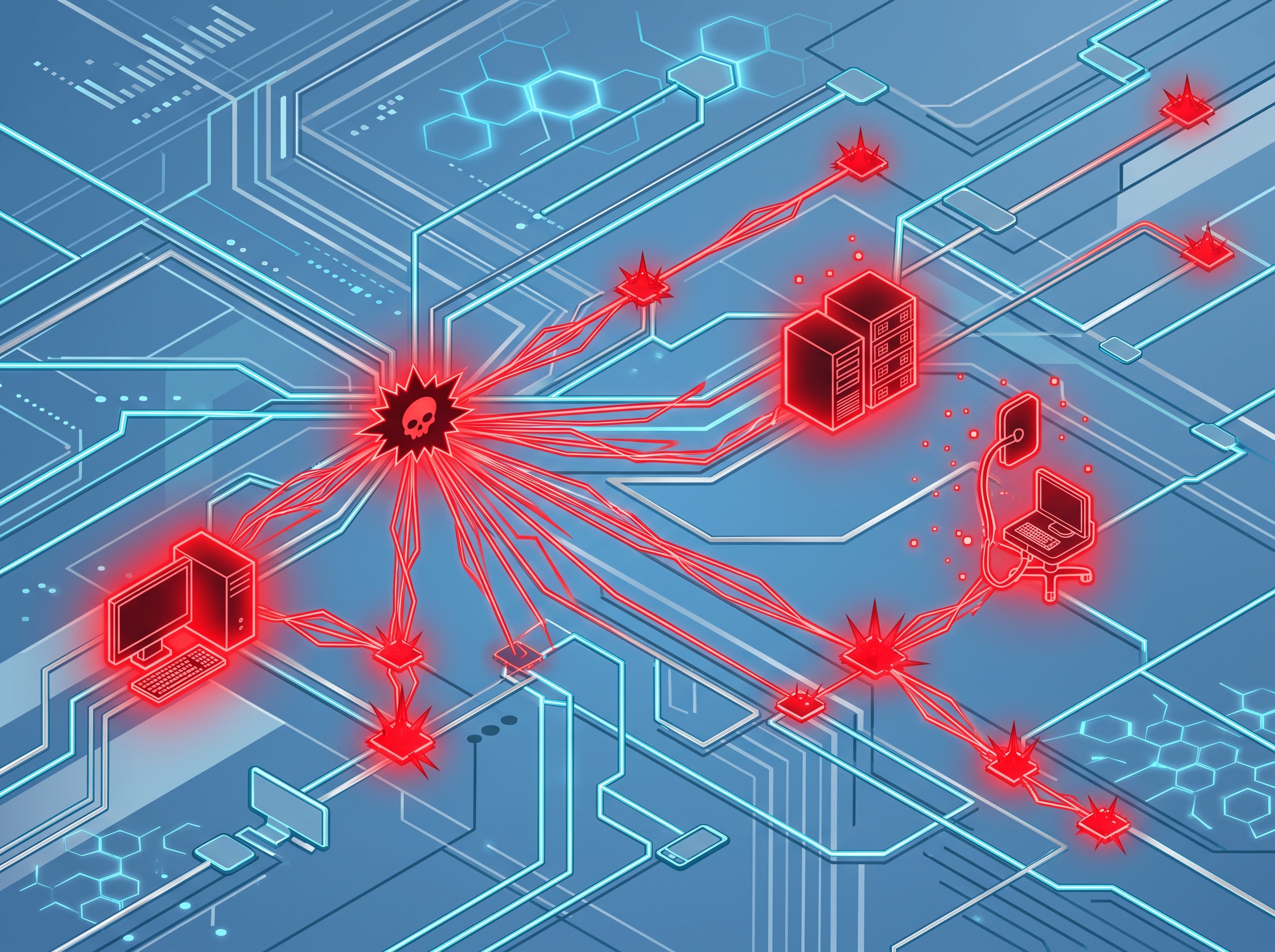
Picture a common scenario. A front-desk staff member opens an email attachment that looks like an insurance claim or a supplier invoice. It is malware. On a flat network, that malware does not stay put. It scans for other devices it can reach, and on a flat network it can reach all of them.
From that one front-desk PC it hops to the file server, then to the imaging server holding your CBCT scans and patient radiographs, then to the machine running your practice-management software. Within minutes it is encrypting the very systems you need to see patients: scheduling, charts, images, billing. The office grinds to a halt. This is not a hardware failure you can wait out. It is your entire clinical and administrative operation held hostage, along with the protected health information you are legally obligated to safeguard.
The painful part is that the initial mistake was small and human. Someone clicked one thing. What turned that small mistake into a practice-wide disaster was the absence of any internal barrier to slow the spread. That is precisely the gap CISA’s guidance is telling every organization to close.
Segmentation: building internal walls

Network segmentation is the practice of dividing one network into separate zones so that a problem in one zone cannot automatically become a problem everywhere. Instead of one open road, you build a set of gated neighborhoods. Traffic between them is only allowed where there is a genuine reason for it, and everything else is blocked by default.
In technical terms this is usually done with VLANs (virtual LANs) and separate subnets on a managed switch and a business-grade firewall. You do not need to rip out your infrastructure. You need equipment that can enforce boundaries and a thoughtful plan for where those boundaries go. For a typical dental practice, a sensible starting layout looks like this:
- Practice-management zone — the PMS, its database, and the workstations that run it. This is the operational heart of the office and deserves the tightest controls.
- Imaging zone — the imaging server, CBCT unit, intraoral sensors, and digital X-ray hardware. These devices often run older embedded software that cannot be easily patched, which makes isolating them even more important.
- Back-office zone — general staff computers used for email, web browsing, and administration. This is where most infections begin, so it should be kept away from clinical systems.
- Guest Wi-Fi zone — internet access for patients in the waiting room, completely walled off from every internal system. A patient’s phone should never share a network with your imaging server.
- IoT and building zone — smart thermostats, security cameras, door controllers, and other connected devices. These are notoriously insecure and have no business touching clinical data.
The principle of least connectivity
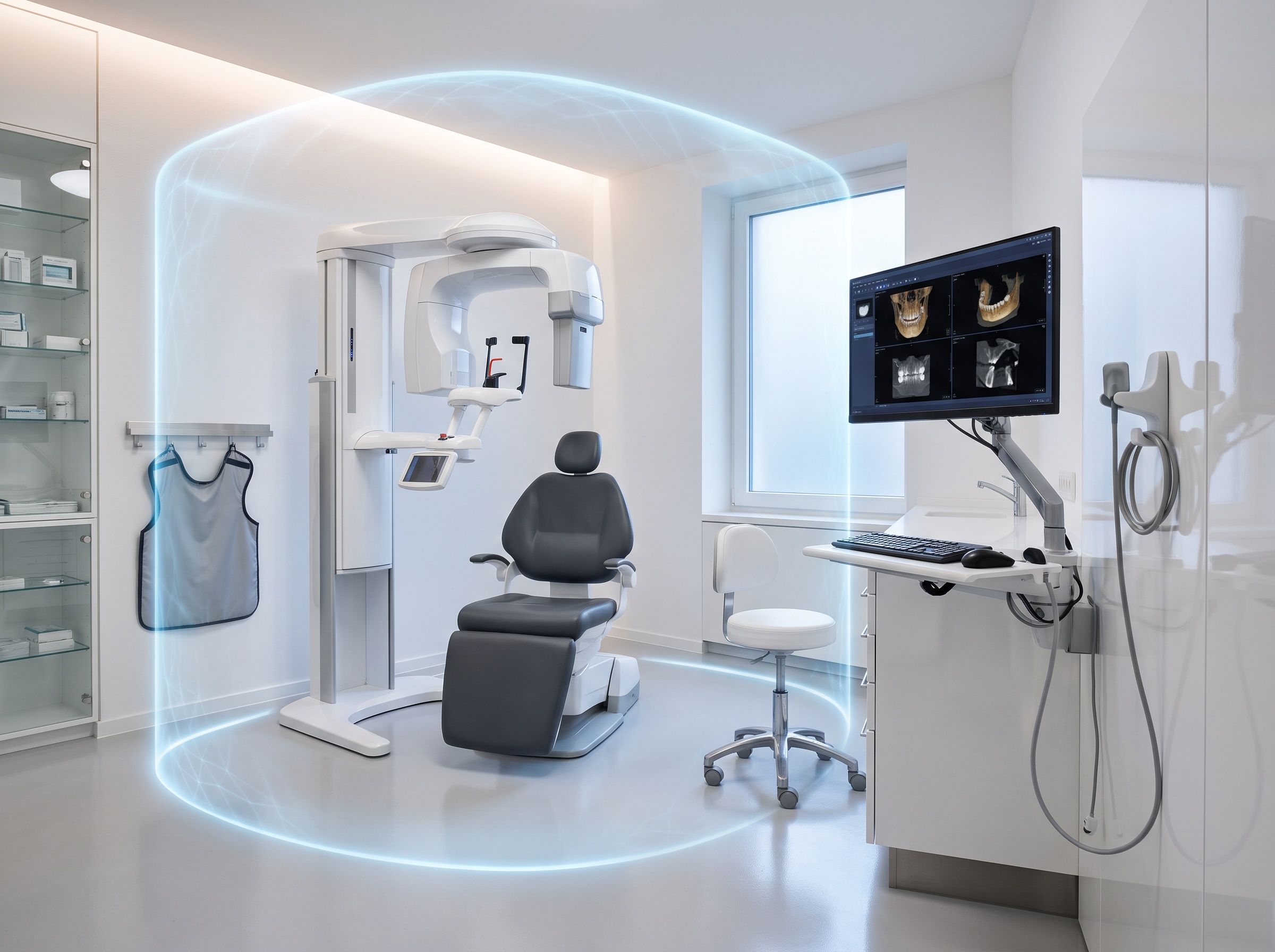
Segmentation only works if you pair it with a rule about what is allowed to cross between zones. That rule is the principle of least connectivity: a device or zone should be able to reach only the specific systems it genuinely needs, and nothing more. Everything not explicitly permitted is denied.
In practice, that means the back-office zone does not get an open line to the imaging server. The guest Wi-Fi cannot see the PMS at all. The imaging zone talks only to the specific workstations and software that need to pull up scans, on the specific ports that service uses, and nowhere else. Each allowed connection is a deliberate decision, not an accident of everything sitting on the same wire.
This is the same logic behind CISA’s advice to be ready to isolate vital systems. Least connectivity means your systems are already mostly isolated by design, so containment is not a scramble during an emergency. It is your everyday normal state.
How segmentation buys you time
When a network is properly segmented, an infection that lands in the back-office zone stays in the back-office zone. The malware scans for other devices to jump to and finds walls instead of open roads. It cannot reach the imaging server. It cannot reach the PMS database. The damage is confined to one area while the systems that matter most keep running or can be cleanly isolated.
That containment does two critical things. First, it dramatically limits the blast radius, often turning what would have been a full-practice shutdown into a single reimaged computer. Second, it buys time. Segmentation gives your IT team a fighting chance to detect the intrusion, cut off the affected zone, and respond before the attacker reaches anything irreplaceable. Time is the one resource you never have during a live attack, and internal walls are what create it. This is the heart of what CISA is asking organizations to prepare for.
A starter checklist your practice can act on

You do not have to solve everything at once. Segmentation can be built in stages. Here is a practical starting point:
- Separate guest Wi-Fi first. This is the easiest, highest-value win. Patient and visitor internet should be fully isolated from every internal system, today.
- Inventory your critical systems. Know exactly where your PMS, imaging server, and patient data actually live, and which devices need to reach them.
- Isolate imaging and clinical hardware. Put imaging and sensor equipment on their own zone, especially any device running old software that cannot be updated.
- Split back-office from clinical systems. Keep the email-and-browsing machines, where infections usually start, away from the systems that run the practice.
- Corral IoT and building devices. Move cameras, thermostats, and smart devices onto their own segment with no path to clinical data.
- Adopt least connectivity. Move to a default-deny posture where only necessary connections between zones are explicitly allowed.
- Have an isolation plan ready. Know in advance how to quickly cut off a zone if an attack is detected, so containment is a documented step rather than an improvisation.
Turning CISA’s advice into your reality
CISA’s message is a clear one: assume attackers will get in, and make sure your most vital systems can be isolated when they do. For a dental practice, translating that into reality means moving off a flat network and onto a segmented one, where a single click at the front desk can no longer take down your imaging server and your practice-management software along with it.
This is exactly the work Compudent does. We design and secure dental practice networks across the GTA and Ontario, building the VLANs, firewall rules, and least-connectivity boundaries that keep an intrusion in one corner from becoming a practice-wide crisis. If your office is still running on one flat network, let’s map out your critical systems and build the walls that protect them. Contact Compudent to schedule a network security assessment for your practice.
Sources & further reading:
- CISA shares advice on isolating vital systems during cyberattacks
- CISA — Advice for isolating vital systems (CI Fortify)
Related Reading
- CISA Issues Critical Infrastructure Alert: Seven New ICS Vulnerabilities Threaten Connected Dental Systems
- The Other Computers in Your Operatory: Why Connected Dental Devices Are the Attack Surface Nobody Audits
- Half Your Connected Devices Carry a Critical Flaw. Can Agentic AI Finally Clear the Patching Backlog?