



September 7, 2026 MikroTrick: Six Actively Exploited MikroTik RouterOS Flaws – Patch Your Practice Router Now
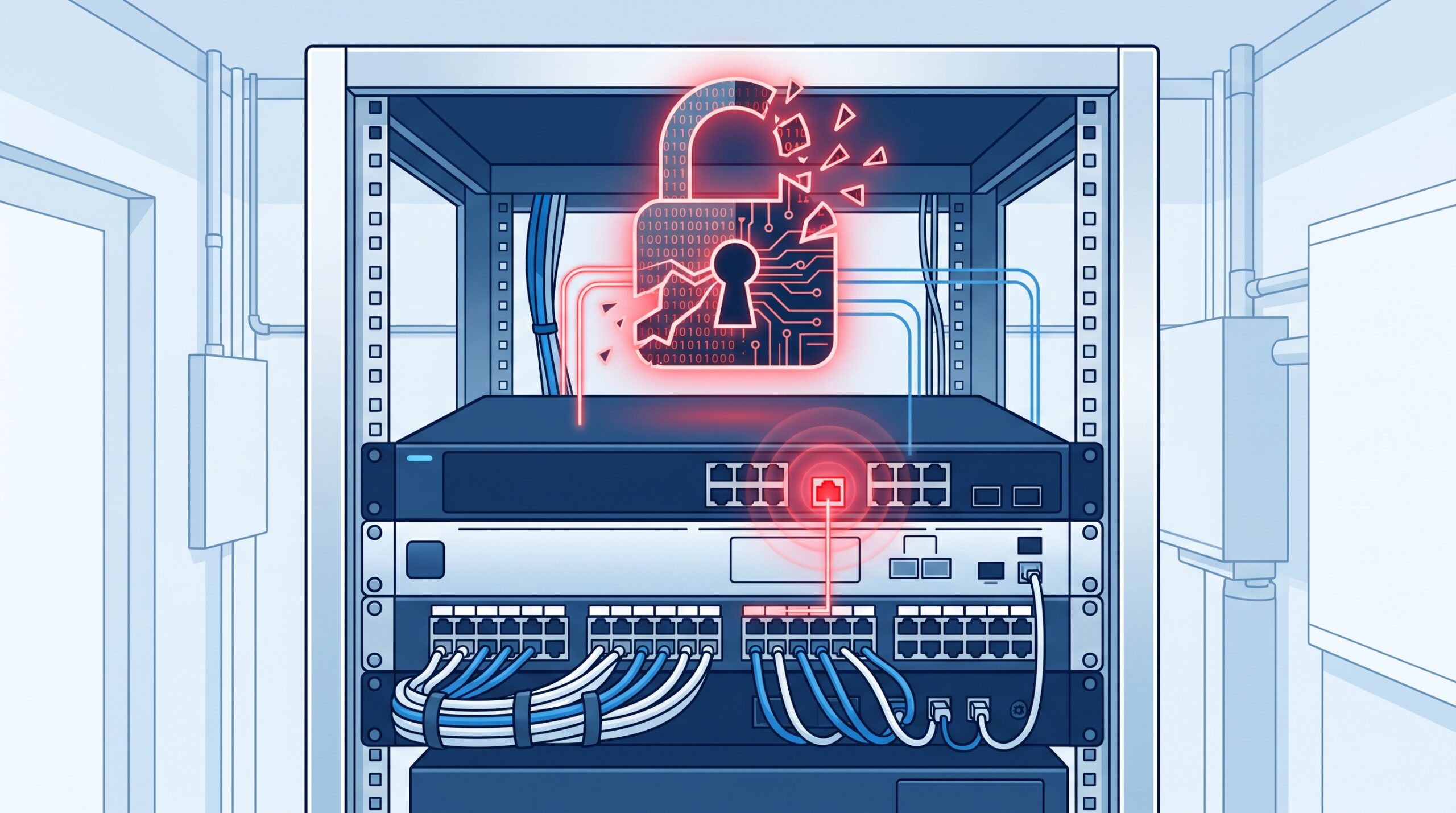
On September 5, 2026, MikroTik did something it had never done before: it pushed a security alert straight to the phones of everyone with its app installed. The reason is worth a dental practice owner’s attention. CERT Polska, Poland’s national cyber-response team, had identified six vulnerabilities in MikroTik RouterOS – and two of them, chained together into an attack the researchers nicknamed “MikroTrick,” let an attacker take full, unauthenticated control of a router whose SSH service is reachable from the internet. This is not a theoretical advisory. CERT Polska has confirmed the chain is being exploited in the wild, with successful takeovers observed since at least September 2. If your practice runs a MikroTik router – and a great many small-clinic networks quietly do – this is a patch-today item.
What was actually found
The six flaws span the SSH server and client, the bandwidth-test service, X.509 certificate handling, and the WebFig management interface. CERT Polska highlighted three as the ones that matter most:
CVE-2026-67276 – SSH authentication bypass (CVSS 9.2). RouterOS did not properly verify the public keys used for SSH login; it failed to compare the entire RSA public key assigned to a user. An attacker who knew a valid username and the public modulus of that user’s key could craft a different key and log in without ever possessing the private key, inheriting that account’s privileges.
CVE-2026-86060 – SSH privilege manipulation via a crafted username (CVSS 9.2). RouterOS mishandled usernames beginning with a disallowed character during SSH login. By supplying a specially crafted username, an attacker could elevate their session to full administrative privileges.
CVE-2026-67277 – bandwidth-test memory disclosure and crash (CVSS 8.8). The bandwidth-test service let an unauthenticated connection reach a state that should only follow a successful login. Combined with a buffer-disclosure bug and an integer underflow, it enabled kernel memory leakage or a remote denial-of-service that restarts the device.
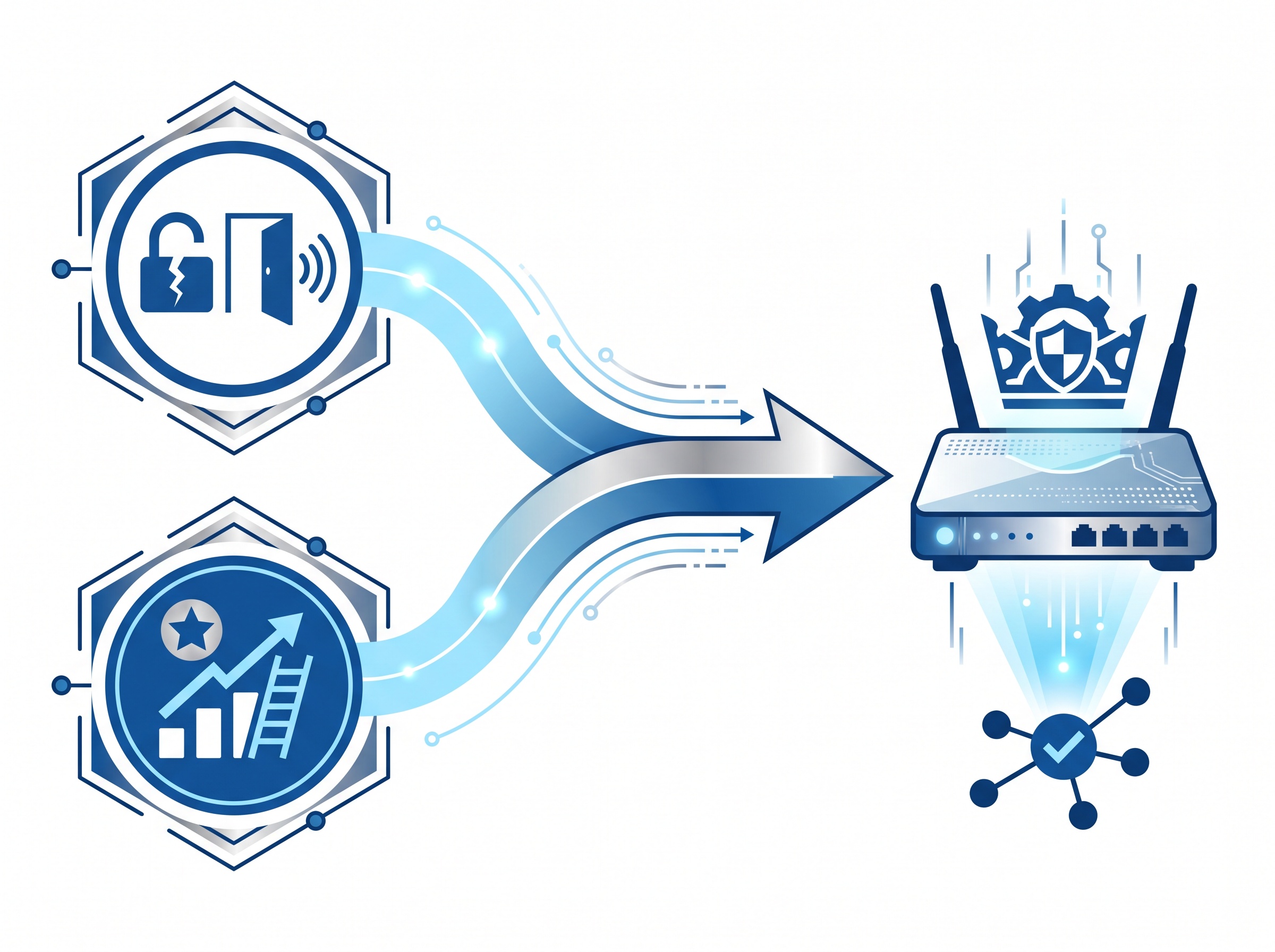
Combine the first two and you have MikroTrick: bypass authentication, then escalate to admin. Game over for that router – which, on a practice network, is the device that sees every packet between your operatory, your imaging server, and the internet.
Why a dental practice should care about a router bug
MikroTik hardware is popular in small and mid-size deployments precisely because it is capable and inexpensive – which is also why it turns up in dental offices, often installed years ago by a contractor and rarely touched since. That “set it and forget it” posture is the real exposure here. A router that owns your gateway can be used to sniff traffic, redirect DNS, pivot into your practice-management server, or sit quietly as a foothold for ransomware. This is the same lesson we walked through when the summer advisories landed – see our earlier breakdown, Is Your Practice Router a Backdoor? – except this time the flaws are being actively exploited, not just theoretically dangerous. The pattern of an internet-reachable management service becoming a live entry point is exactly what we described with the actively exploited flaw in practice phone systems: the edge device nobody thinks of as a computer is the one that gets taken.
The good news, and the catch
MikroTik’s default configuration blocks the SSH port from the internet, so a router left in its out-of-the-box state is not directly exposed to MikroTrick. The catch is how often that default gets changed. Someone opens SSH “temporarily” for remote support, adds a port-forward for a camera system, or loosens the firewall to get a stubborn service working – and the management plane ends up facing the public internet. If that describes any change ever made to your router, you are in scope. The confirmed attacks originated from a single IP address (82.192.72.4) and created a highly privileged user account named “ops” – a concrete sign to look for.
What to do right now
The fix exists and, per CERT Polska, patched devices are protected against the observed attacks. Take these steps in order:
1. Update RouterOS immediately. Fixes ship in 7.25 beta 3, 7.24.2, 7.23.4, and 6.49.21. Most devices will offer the upgrade under “Check for updates.” Do not defer this to next month’s maintenance window.
2. Get SSH off the internet. Confirm the SSH port is not reachable from untrusted networks. If you genuinely need remote management, restrict it to known trusted IPs, or – far better – close all management ports and reach the router only through a strong VPN such as WireGuard.
3. Check the ‘Flagged’ status. The patched releases add a mechanism that, at startup, scans the configuration for known signs of tampering, disables suspicious entries, and writes a critical log entry setting the device to “Flagged.” If your log shows a Flagged entry, follow MikroTik’s Flagged-status documentation and treat the device as compromised.
4. Hunt for the indicators of compromise. Even without a Flagged marker, inspect the router for anything you do not recognise. Watch for log lines like login failure for user -2 from <ip> via ssh and user <name> added by ssh:-2@<ip>, and for that rogue “ops” account. Also review users, scripts, scheduler tasks, proxy settings, and tunnels. Importantly, the absence of a Flagged marker is not proof of safety – the mechanism catches only selected traces.
If the device was compromised, patching is not enough
This is the step practices most often get wrong. If your router shows Flagged status, an unknown “ops” user, or any of the log indicators, assume the attacker had full control – which means credentials, VPN keys, and configuration secrets that passed through or lived on that device should be considered exposed. Simply upgrading the firmware does not evict an attacker who has already planted persistence. A compromised gateway calls for a full rebuild: reset to a known-good configuration, rotate every credential and key associated with the network, and review what else on the practice LAN that router could reach. Because MikroTrick hands over an administrative session, the blast radius is your whole network, not just one box. The same containment discipline we apply to segmenting legacy imaging devices applies here in reverse: a flat network with a compromised router means nothing downstream can be trusted until it is checked.
The takeaway for practice IT
MikroTrick is a textbook reminder that the network’s plumbing is a computer too, and it needs the same patch cadence and the same “no management ports on the public internet” rule as any server. The immediate actions are simple – update RouterOS, close SSH to the outside world, check for the Flagged marker and the “ops” user – but they only help if someone actually does them, and does them now while exploitation is ongoing. If you are not certain who last looked at your practice router, what version it runs, or whether any management port is exposed, that uncertainty is the finding.
Compudent Systems handles exactly this for dental practices across the GTA and Ontario: confirming your router’s firmware and exposure, closing off remote-management ports, standing up a proper VPN for support access, and checking a device for signs of the MikroTrick indicators before they become a breach. If your network gear has been running untouched for a while, contact Compudent for a security assessment – the best time to find an exposed router is before an attacker does.
Sources & further reading:
- CERT Polska – Critical vulnerabilities in MikroTik RouterOS are being actively exploited
- MikroTik security bulletin – September 2026 vulnerability (MikroTrick)
- MikroTik ‘Flagged’ status documentation
Related Reading
- Is Your Practice Router a Backdoor? What the New MikroTik RouterOS Advisories Mean for Dental Networks
- Ransomware Gangs Are Now Through the Front Door: What the SonicWall SMA1000 VPN Attacks Mean for Dental Practices
- A Forged Login Walks Straight Into SharePoint: What the Actively Exploited CVE-2026-55040 Auth Bypass Means for Dental Practices