



February 11, 2026 February 2026 Patch Tuesday: Six Zero-Day Vulnerabilities Mean Your Dental Office Needs to Update Windows Now
Microsoft released its February 2026 security update yesterday, patching more than 50 vulnerabilities — including six “zero-day” flaws that attackers are already actively exploiting. If your dental office runs Windows (and it almost certainly does), this one can’t wait.
What’s a Zero-Day, and Why Should You Care?
A zero-day vulnerability is a security flaw that attackers discover and exploit before the software vendor has a chance to fix it. By the time a patch is available, the bad guys have had a head start. That’s why these patches are urgent: the attacks aren’t theoretical. They’re happening right now.
The Six Zero-Days
1. Windows Shell Bypass (CVE-2026-21510)
A single click on a malicious link can silently bypass Windows security protections and run attacker-controlled content — no warning dialogs, no consent prompts. This affects all supported versions of Windows.
2. MSHTML Security Bypass (CVE-2026-21513)
A flaw in MSHTML, the engine behind Internet Explorer’s rendering (still used by many Windows components), allows attackers to bypass security features.
3. Microsoft Word Bypass (CVE-2026-21514)
A related bypass vulnerability in Microsoft Word. Opening a crafted document could compromise your system.
4. Remote Desktop Privilege Escalation (CVE-2026-21533)
Attackers who gain local access can escalate their privileges to full SYSTEM-level control through Windows Remote Desktop Services — the same service many dental offices use for remote support.
5. Desktop Window Manager Escalation (CVE-2026-21519)
Another privilege escalation flaw, this time in a core Windows component. Microsoft patched a different zero-day in this same component just last month.
6. VPN Connection Denial of Service (CVE-2026-21525)
A vulnerability in the Windows Remote Access Connection Manager can disrupt VPN connections — potentially cutting off remote workers or cloud-based practice management systems.
AI Development Tools Also Affected
This month’s patches also address remote code execution vulnerabilities in GitHub Copilot, VS Code, Visual Studio, and JetBrains products. If your office or IT provider uses AI-assisted coding tools, these need attention too.
Security researcher Kev Breen at Immersive noted that these AI vulnerabilities stem from prompt injection flaws — where an AI agent can be tricked into executing malicious commands. As dental practices begin adopting AI tools, this is a reminder that AI brings new categories of risk alongside its benefits.

What You Need to Do
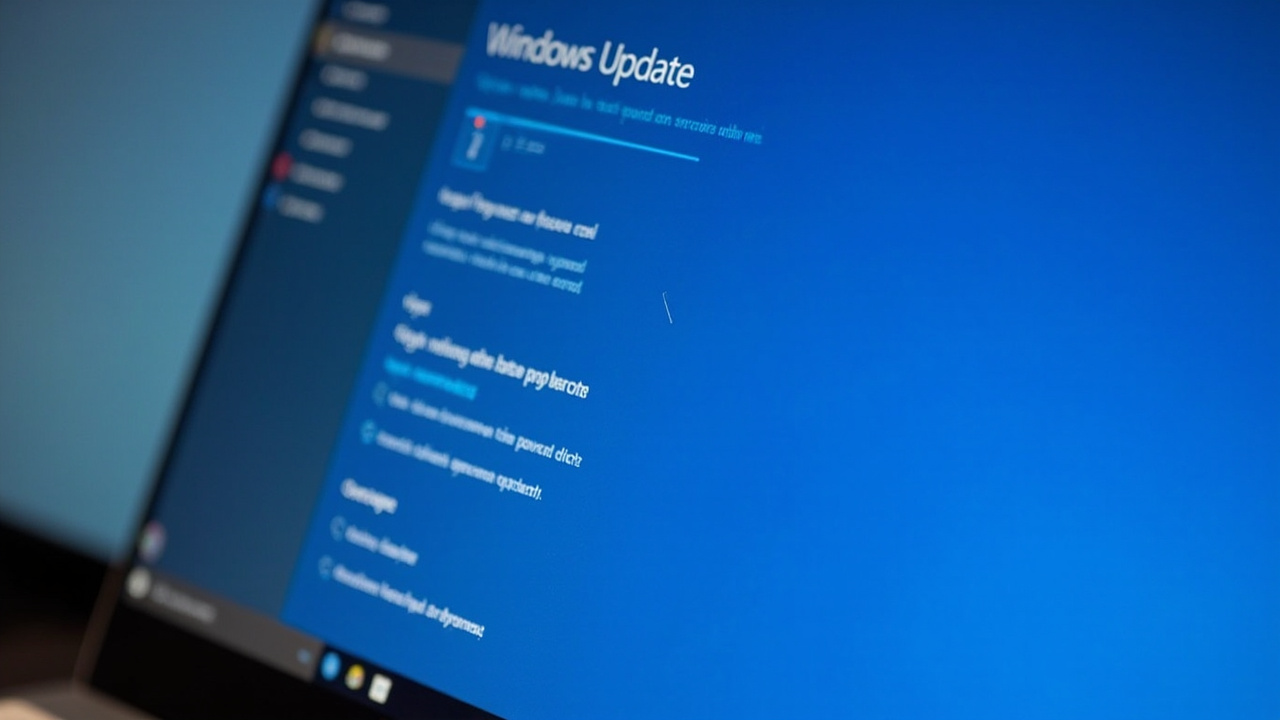
- Update Windows immediately. Go to Settings → Update & Security → Windows Update and install all available updates. Do this on every workstation and server in your office.
- Don’t postpone restarts. Updates often require a reboot to take effect. Schedule restarts during lunch or after hours, but don’t let them sit pending.
- Update Microsoft Office. Open any Office app, go to File → Account → Update Options → Update Now.
- Check your Remote Desktop configuration. If you use Remote Desktop for vendor support or remote access, ensure it’s properly secured with strong passwords, network-level authentication, and limited access.
- Back up your data. Before applying updates, make sure your backups are current. If something goes wrong, you’ll want a safety net.
- Talk to your IT provider. If you have managed IT services, confirm they’re deploying these patches across your network promptly.


The Bottom Line
Six actively exploited vulnerabilities in a single month is significant. Dental offices are attractive targets for ransomware and data theft because they hold sensitive patient health information (PHI) and often lack dedicated security staff. Keeping Windows updated is the single most impactful thing you can do to protect your practice.
Don’t wait for your next scheduled maintenance window. Patch today.
For the full technical breakdown, see Brian Krebs’ detailed analysis and the SANS Internet Storm Center summary.
Related Reading
- February 2026 Patch Tuesday: Microsoft Fixes 6 Actively Exploited Zero-Day Vulnerabilities — What Dental Practices Need to Do Now
- Microsoft Patch Tuesday March 2026: Critical Zero-Day Fix Essential for Dental Practices
- Microsoft March 2026 Patch Tuesday: Over 80 Critical Vulnerabilities Fixed – What Dental Practices Need to Know