




14 Feb The Evolution of X-ray Technology in Dentistry: What Dental IT Professionals Need to Know
X-ray technology has been a cornerstone of dental diagnostics for over 130 years. For dental IT professionals managing practice technology infrastructure, understanding the evolution of X-ray systems isn’t just academic trivia — it’s essential context for supporting the complex digital imaging ecosystems that modern dental practices depend on. From analog film to networked digital sensors and cloud-based AI diagnostics, every generation of X-ray technology has reshaped the IT requirements of the dental office.
1895–1920s: The Analog Origins
Wilhelm Conrad Röntgen’s discovery of X-rays in November 1895 sparked immediate interest in the medical and dental communities. Within weeks, pioneering dentists like Dr. Otto Walkhoff in Germany and Dr. C. Edmund Kells in the United States were making the first dental radiographs. These early systems were entirely analog — glass photographic plates, later replaced by cellulose film, captured the X-ray image through direct exposure.
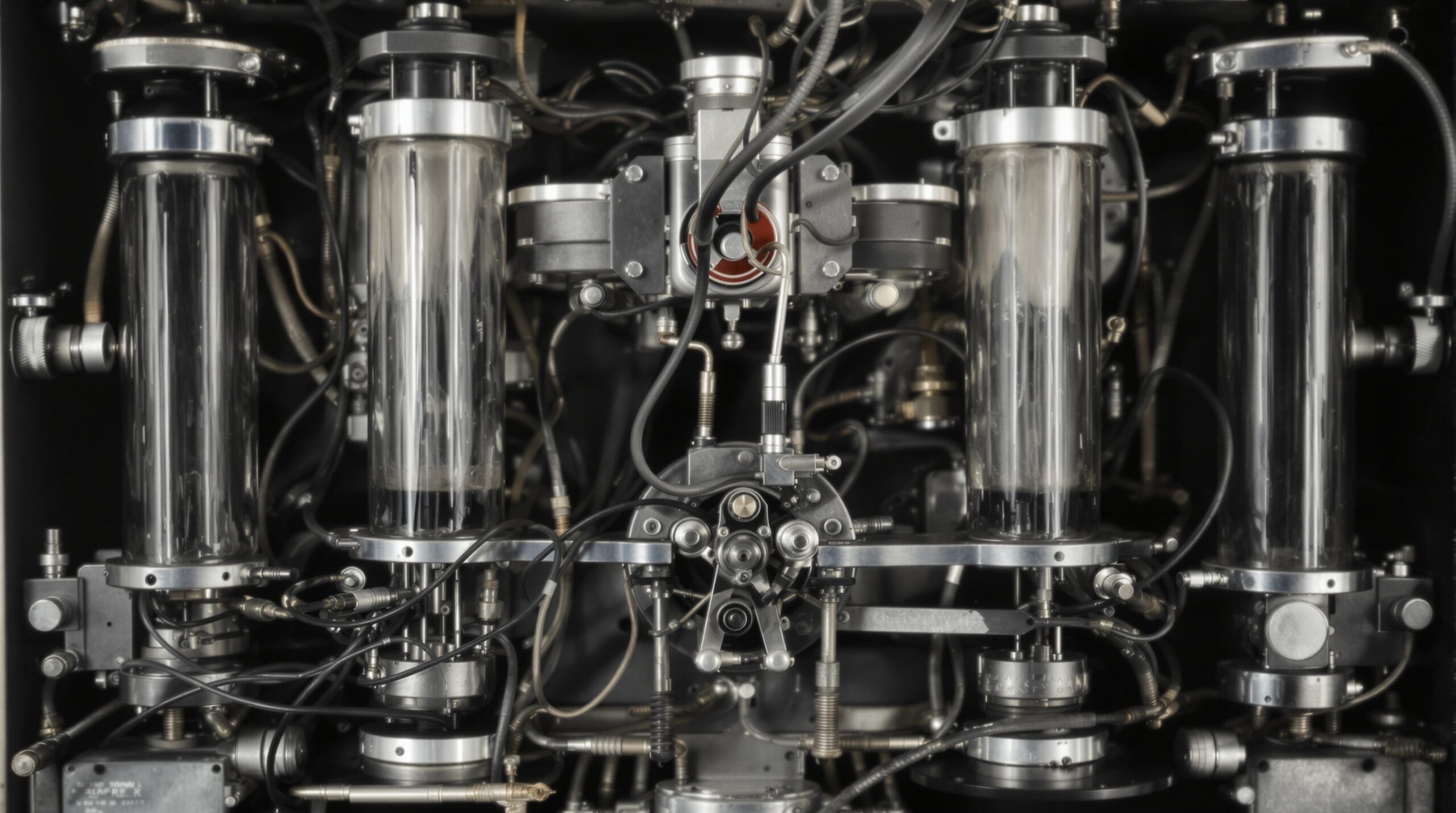
From an IT perspective, these early systems had zero technology infrastructure requirements. The X-ray tube was a standalone device, and images were processed in chemical darkrooms. Film was stored in physical envelopes within patient charts. There were no networks, no software, and no digital storage concerns. The “IT support” for a dental X-ray in 1920 was making sure the electrical supply could handle the generator.
However, the seeds of future complexity were already being planted. As practices grew and X-rays became routine, managing thousands of physical films became a logistical challenge — films got lost, misfiled, or degraded over time. These pain points would eventually drive the push toward digital solutions.
1950s–1980s: Standardization and the Pre-Digital Era
The mid-20th century brought significant advances in X-ray hardware. Panoramic radiography, developed in the 1950s and commercialized in the 1960s, allowed dentists to capture the entire jaw in a single image. Film speeds improved dramatically, reducing radiation exposure. Equipment became more reliable and standardized.
The key IT-relevant development of this era was the emergence of practice management software in the late 1970s and 1980s. Early dental software systems — running on platforms like CP/M and later DOS — began digitizing patient records, scheduling, and billing. However, X-ray images remained stubbornly analog. The practice computer might have a patient’s name and treatment history, but the radiographic images were still in a film mount in a filing cabinet somewhere.
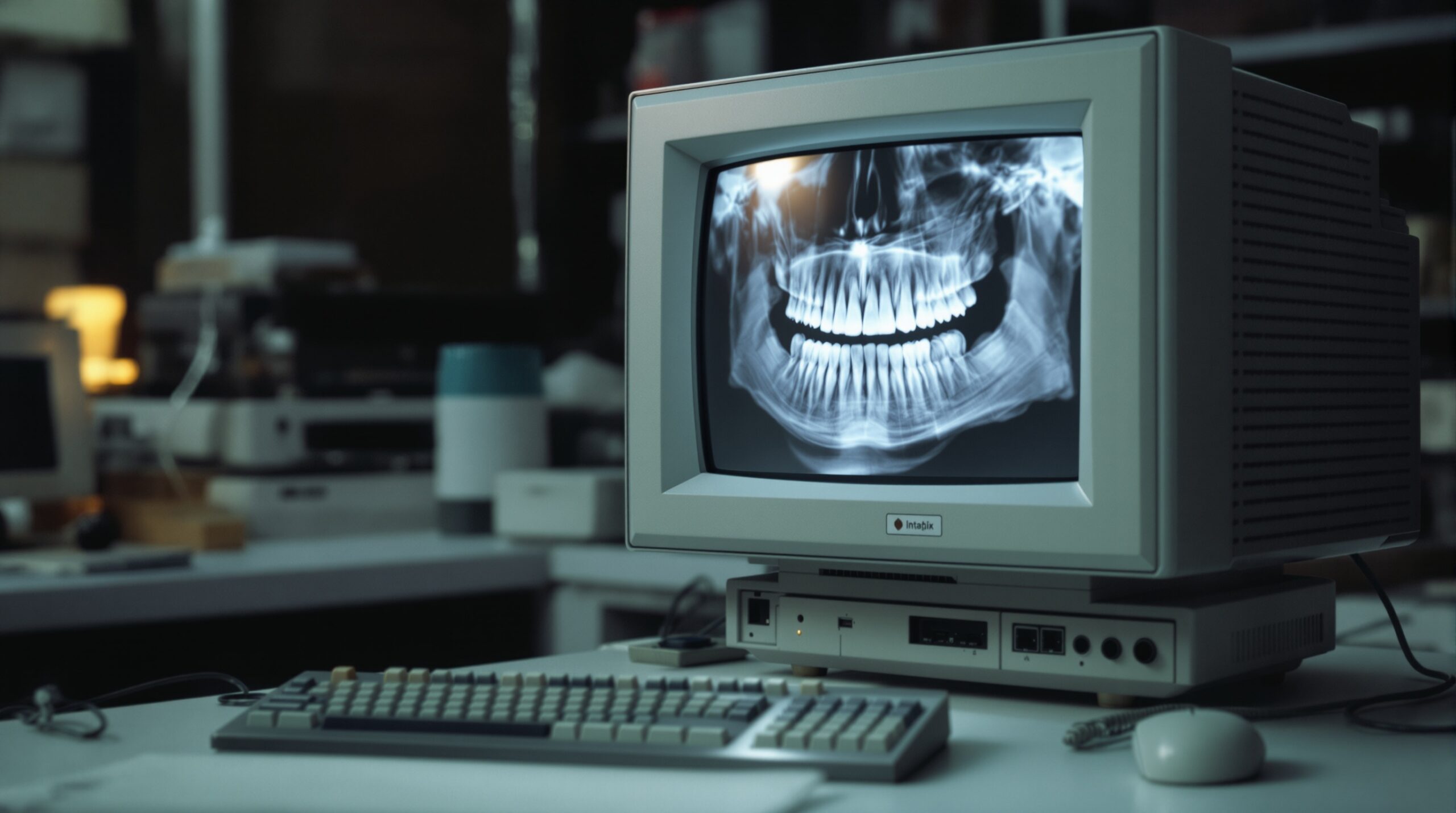
This disconnect between digital records and analog images created workflow inefficiencies that dental IT professionals of the era were all too familiar with. Bridging this gap became one of the driving motivations for digital radiography.
1987–2000s: The Digital Radiography Revolution
The launch of the RadioVisioGraphy (RVG) system by Trophy Radiologie in 1987 marked the beginning of digital dental radiography. For the first time, X-ray images could be captured by an electronic sensor and displayed on a computer monitor in real time. This was a watershed moment — not just for clinical dentistry, but for dental IT.
Suddenly, dental practices needed computers at every operatory. They needed networks to share images between workstations. They needed storage for image files that were orders of magnitude larger than text-based patient records. They needed backup systems to protect irreplaceable diagnostic data. And they needed software — image acquisition software, image viewing software, and integration bridges to connect imaging systems with practice management platforms.
Two competing digital sensor technologies emerged: CCD/CMOS direct sensors (wired, instant image) and PSP (photostimulable phosphor) plates (wireless, requiring a desktop scanner). Each had different IT implications. Direct sensors needed USB or proprietary connections at each operatory. PSP systems needed a centralized scanning station and network connectivity to distribute images to workstations.
The DICOM (Digital Imaging and Communications in Medicine) standard, originally developed for medical imaging, was adapted for dental use. DICOM provided a standardized format for storing and transmitting dental images, enabling interoperability between different vendors’ hardware and software. For dental IT professionals, DICOM compliance became a critical evaluation criterion when recommending imaging solutions.
The Modern Dental Imaging IT Stack
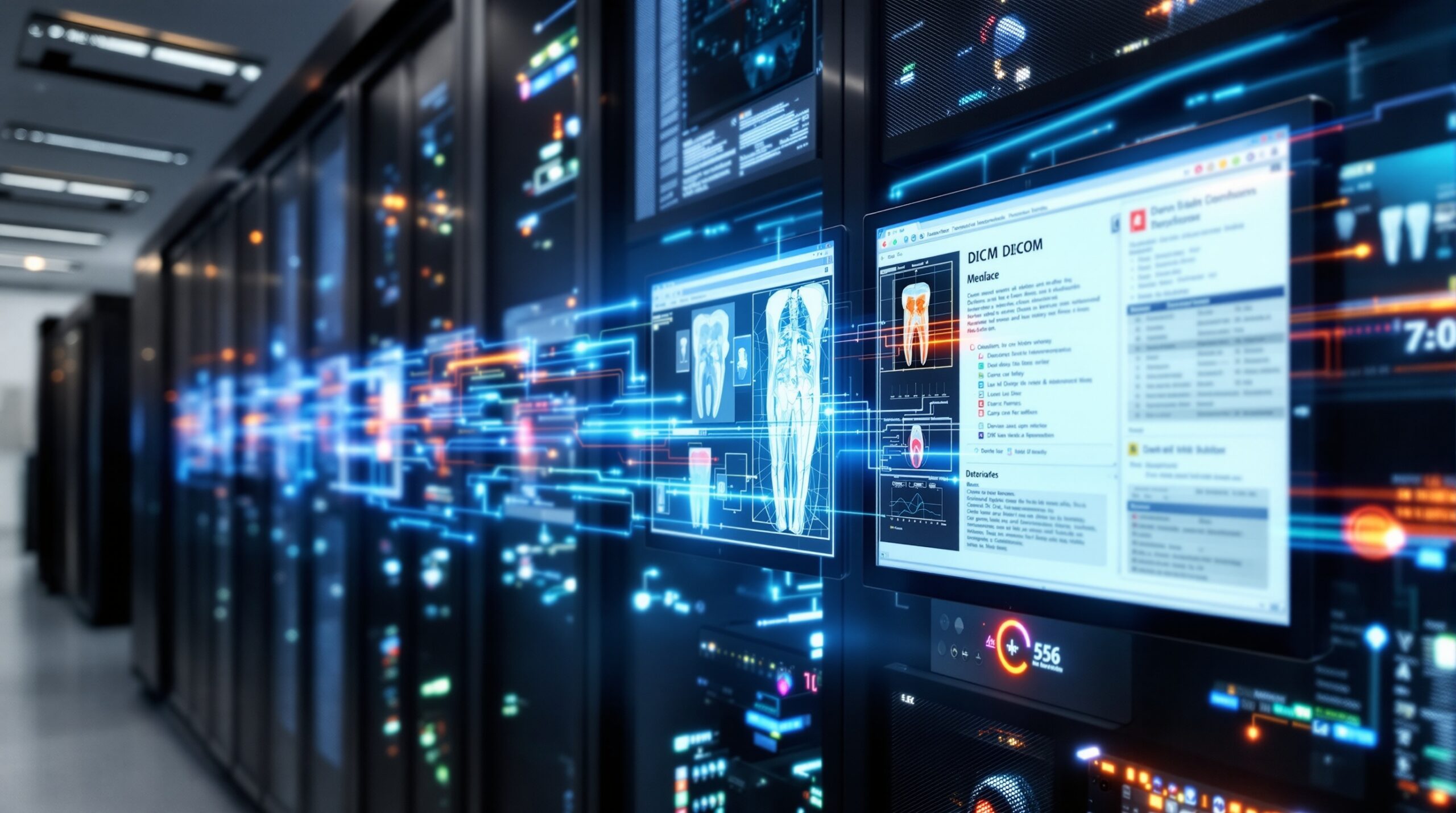
Today’s dental imaging infrastructure is remarkably complex compared to the standalone X-ray tubes of a century ago. A typical modern dental practice’s imaging stack includes:
- Digital intraoral sensors (USB or wireless) at each operatory
- Panoramic/cephalometric units with network connectivity
- Cone beam CT (CBCT) scanners generating large 3D datasets (100MB–1GB+ per scan)
- Intraoral cameras and scanners producing 3D surface models
- Image acquisition software (often vendor-specific drivers and applications)
- PACS (Picture Archiving and Communication System) for centralized image storage
- Practice management software integration via TWAIN, DICOM, or proprietary bridges
- Network infrastructure — gigabit Ethernet minimum, with increasing Wi-Fi demands
- Backup and disaster recovery systems for HIPAA-compliant data protection
Managing this stack requires dental IT professionals to understand not just networking and systems administration, but also the specific technical requirements and quirks of dental imaging hardware and software. Sensor drivers may conflict with Windows updates. CBCT data can saturate network bandwidth. Cloud-based imaging platforms introduce latency and bandwidth considerations. HIPAA compliance adds encryption, access control, and audit logging requirements to every component.
CBCT and the Storage Challenge
The proliferation of CBCT scanners in dental offices has created particular challenges for dental IT. A single CBCT scan can generate 500MB to over 1GB of data. A busy oral surgery or implant practice might acquire dozens of scans per week. Over a year, that’s hundreds of gigabytes of imaging data that must be stored, backed up, and made accessible for retrieval.
Many practices have moved to hybrid storage models — local NAS devices for fast access to recent images, with automated archiving to cloud storage for long-term retention. Dental IT professionals must carefully architect these systems to balance performance, cost, reliability, and regulatory compliance.
AI and the Next Frontier

Artificial intelligence is the latest transformative force in dental imaging technology. Companies like Overjet, Pearl, and VideaHealth have developed FDA-cleared AI algorithms that can automatically analyze dental radiographs, detecting caries, bone loss, calculus, and other pathology. These AI systems typically operate as cloud-based services — the dental practice’s imaging software sends radiographs to an AI processing endpoint and receives annotated images in return.
For dental IT professionals, AI integration introduces new infrastructure considerations: reliable internet connectivity with sufficient bandwidth, API integration between imaging software and AI services, data privacy implications of transmitting patient images to third-party cloud services, and the need to evaluate AI vendors’ security posture and HIPAA compliance.
Looking ahead, edge computing solutions may bring AI processing on-premise, reducing latency and addressing data privacy concerns. Integration with electronic health records will deepen, creating unified patient data ecosystems. And as imaging technology continues to advance — with photon-counting detectors, ultra-low-dose protocols, and real-time 3D imaging on the horizon — the dental IT professional’s role will only grow more critical.
Key Takeaways for Dental IT Professionals
The 130-year journey from Röntgen’s cathode ray tube to AI-powered cloud diagnostics has transformed dental X-ray technology from a standalone analog tool into a complex, networked digital ecosystem. For dental IT professionals, the lessons are clear:
- Stay current with imaging standards — DICOM, HL7, and emerging interoperability frameworks
- Plan for storage growth — especially with CBCT adoption accelerating
- Prioritize network infrastructure — modern imaging demands robust, low-latency networks
- Understand compliance requirements — HIPAA applies to every image in the system
- Prepare for AI integration — cloud-based AI services are becoming standard workflow components
The dental practices that thrive will be those whose technology infrastructure can seamlessly support the next generation of imaging innovation — and that starts with IT professionals who understand both where this technology came from and where it’s headed.